
Turn recordings into transcripts and summaries in minutes
Upload audio or video for multilingual transcription, AI notes, and action items
5 Free Vocal Aid Tools in 2026: A Complete Comparison
Two hours in meetings, two more organizing? You need a solution, not just a tool
Jotting notes during meetings, then re-listening to recordings to type up transcripts—this is a daily grind for many professionals. When meetings mix Chinese and English, or speakers have heavy accents or noisy backgrounds, the task becomes doubly painful.
Beyond meeting transcription, you might need to extract vocals from songs for karaoke, or clean up background noise from interview recordings. These needs fall under "Vocal Aid," but the market is crowded, and free plans come with various limitations.
This article rounds up 5 free Vocal Aid tools, from AI meeting transcription to vocal separation, comparing them side by side so you can spend your time on what really matters.
Before Choosing a Vocal Aid, Understand These 5 Key Points
1. Accuracy in Real-World Scenarios
Don't just trust the "98% accuracy" claims on official sites—those are usually measured in quiet recording studios. Real meetings have keyboard clicks, air conditioning hum, and people talking over each other, which significantly drops accuracy. Test the free version with your own recordings to see real performance.
2. Input Source Flexibility
Some tools only record online meetings, others only upload audio files, and some require extra hardware. If you handle offline interviews, online meetings, and historical recordings, a tool that supports multiple input types saves hassle. Tinrec (秒听录音) covers live recording, desktop recording of online meetings without bots, audio/video file import, and mobile recording.
3. Post-Processing Capabilities
Getting a transcript isn't enough; you need summaries, chapters, action items, and even the ability to ask questions about the meeting content. This drastically cuts post-meeting work. Tinrec excels here—after recording, you can ask it "What was the meeting conclusion?" instead of sifting through 30 minutes of transcript.
4. Free Tier Limits
Free versions often have minute caps or per-session length limits. Assess your weekly meeting volume: if you only occasionally transcribe a few recordings, the free tier might suffice; but heavy users should consider paid plans. Tinrec's free version offers basic credits to experience recording, import, summarization, and transcription—perfect for a trial run.
5. Cross-Platform and Team Collaboration
You might record on your phone, organize on your computer, and share with colleagues. Choose a tool that supports iOS, Android, web, and desktop for seamless workflow. If your team needs centralized meeting data, seat management, and usage tracking, opt for a plan with team spaces. Tinrec's team version stores meeting data in a shared team space for collaborative viewing and editing.
Tinrec (秒听录音) — Our Top Pick After Testing
Tinrec (秒听录音) is an AI meeting transcription and team collaboration tool, not just a voice-to-text app. It turns meetings into searchable, collaborative, actionable team assets. The free version lets you experience basic recording, import, summarization, and transcription.
Core Features in Action
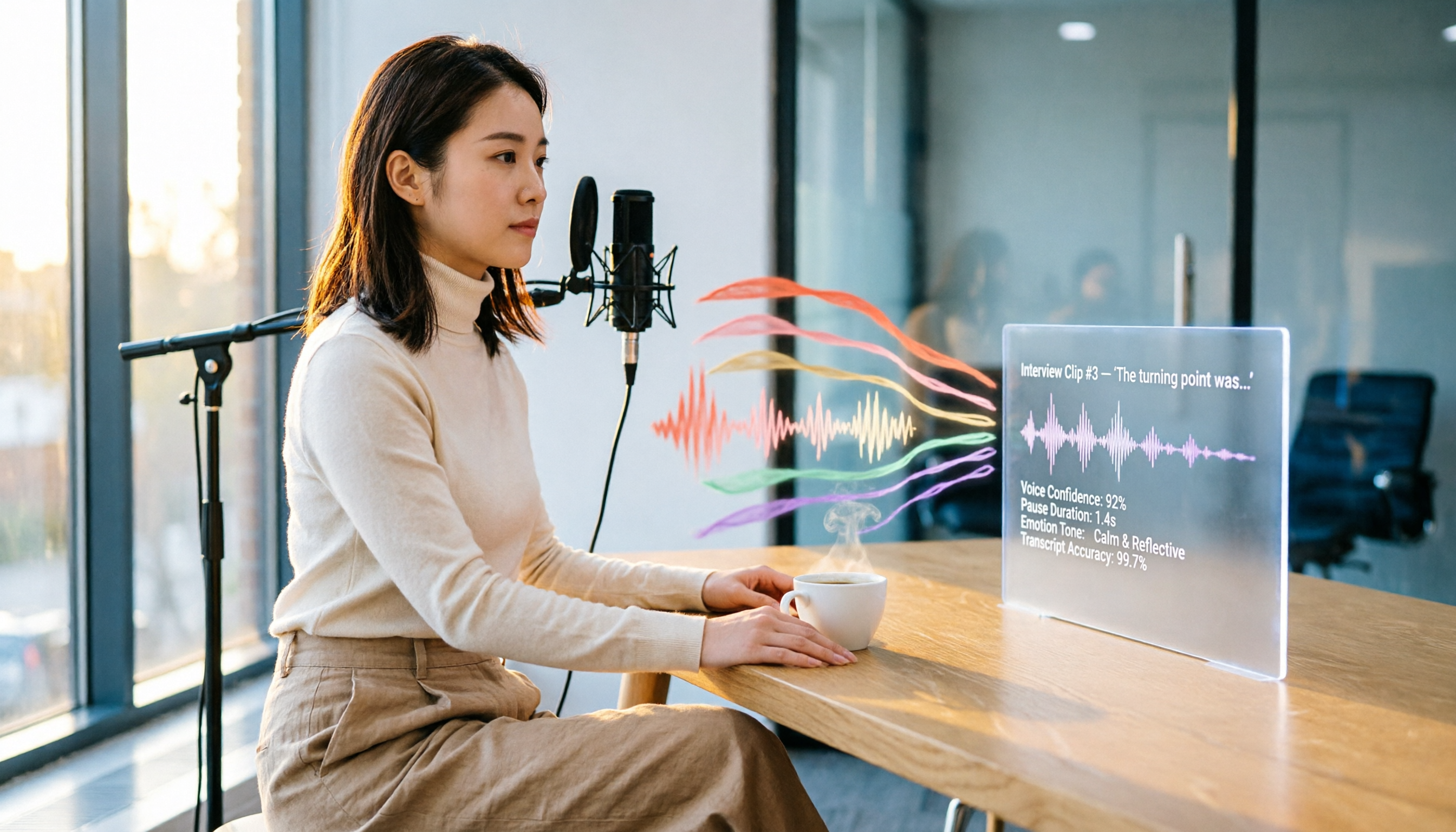
During meetings, open Tinrec's desktop app to capture system audio directly, transcribing Zoom, Google Meet, Microsoft Teams, and other online meetings in real time—no need to invite a meeting bot. For offline interviews or meetings, use the mobile app for live recording and transcription. After recording, AI automatically generates summaries, chapters, and action items, so you don't have to listen from start to finish.
Stop organizing recordings by hand
Upload audio or video and automatically get a transcript, summary, and action items
Even more useful is the AI Q&A feature: you can ask, "Who mentioned the budget in the last meeting?" Tinrec uses semantic understanding to give you the answer directly, not just keyword search results. Competitors in the same price range rarely offer this.
We tested a 5-minute Chinese meeting recording (with slight keyboard noise in the background). Tinrec's transcription quality was stable in real-world conditions, and it immediately generated meeting minutes and action items, saving significant organizing time.
Pros
- No Extra Hardware Needed: Use your phone or computer to record—no need for a separate recorder.
- Chinese and Multilingual Support: Handles Chinese, Traditional Chinese, and mixed Chinese-English content, ideal for Taiwan workplaces.
- Team Data Centralization: The team version keeps meeting data in a shared space, so data isn't lost when team members change.
Limitations
The free version has basic credits; heavy users may need to upgrade. Also, Tinrec doesn't offer vocal separation or audio quality repair—those are strengths of other tools. But if your primary need is meeting transcription and follow-up organization, this limitation is minor.
Who It's For
If you have more than 3 meetings a week, need quick meeting conclusions and action items, or want your team to share meeting data, Tinrec is the most suitable choice.
Beyond Tinrec: Other Vocal Aid Options
Vocalremover.org: A free online vocal separation tool, great for karaoke or isolating vocals. However, it only does separation—no meeting transcription, summaries, or team collaboration; Tinrec's meeting transcripts, AI Q&A, and team spaces are features it lacks.
VoiceAssist: An ARA plugin that cleans vocals and dialogue noise, suitable for post-production. But it requires installation in a digital audio workstation and is a paid tool; Tinrec is install-free, cross-platform, and converts meeting content into action items, making it more suitable for general office users.
Otter.ai: Mature English meeting transcription, with a free plan offering 300 minutes per month. However, its support for Chinese and Cantonese is relatively weak, and it focuses on online meetings; Tinrec is better for Chinese meetings, bot-free desktop recording, and team space management.
Pitfall Guide: 4 Common Mistakes When Choosing a Vocal Aid
Pitfall 1: Trusting Official Accuracy Claims. Many tools tout "98% accuracy," but that's measured in a quiet studio. Real environments have noise, accents, and overlapping speech, which lower accuracy. Test the free version with your own recordings.
Pitfall 2: Ignoring Free Tier Limits. Some free plans cap sessions at 3 minutes or 120 minutes per month, which isn't enough when you need it most. Check your usage frequency before choosing.
Pitfall 3: Treating Transcription Tools as All-in-One. Transcription tools can't clean audio quality or separate vocals. If you need vocal separation, choose vocalremover.org; for audio cleanup, choose VoiceAssist; for meeting transcription and organization, choose Tinrec.
Pitfall 4: Overlooking Team Collaboration and Data Ownership. Personal tools can't centralize team knowledge, and data may be lost when members leave. If your team needs shared meeting data, opt for a plan with team spaces, like Tinrec's team version.
Summary: Which One Should You Choose?
- Need meeting transcripts, summaries, action items → Tinrec (free version available)
- Need quick vocal and instrumental separation → vocalremover.org (free)
- Need post-production voice noise cleanup → VoiceAssist (paid plugin)
- English meetings primarily, zero budget → Otter.ai free plan
- Team collaboration and data centralization → Tinrec team version (trial available)
We recommend starting with Tinrec's free version—the monthly basic credits are enough to try a few meeting transcriptions and AI organization. If you find it useful, consider upgrading; there's no need to pay upfront.
References
Turn every recording into actionable outcomes
Get 60 free transcription minutes when you sign in. No credit card required.
Related Reading
You might also like

2026 Audio-to-Text Comparison: Tinrec vs Otter.ai for Chinese Meetings & Team Knowledge
How to choose an audio-to-text tool in 2026? This article compares Tinrec and Otter.ai across 5 dimensions: Chinese meeting transcription, bot-free online meeting capture, audio file organization, post-meeting workflows, and team data governance. Based on public features and pricing, it helps you decide which is better suited for meeting notes needs in Taiwan.

How to Choose an Online Audio-to-Text Tool in 2026: 5 Steps to Pick the Right One and Get a Transcript
How do you choose an online audio-to-text tool? This article reviews 6 online options—Tinrec, MyEdit, cSubtitle, CyberLink, Yating Transcript, and Monica—comparing free quotas, Chinese recognition, export formats, and team collaboration. It also walks you through 5 steps to turn an audio file into a transcript.

2024 Review of 4 Audio-to-Text Tools: Which Saves the Most Time on Chinese Meeting Transcripts and AI Summaries?
The 2024 audio-to-text comparison isn't just about transcription speed—it's about whether the tool can organize your meeting notes afterward. Based on real meetings and interviews, this review compares Tinrec, Notta, Granola, and PLAUD on audio sources, transcripts, AI summaries, action items, team collaboration, and pricing limits to help you choose the right tool.

4 Free Online Audio-to-Text Tools Compared (2026): Which Offers the Best Free Tier and Chinese Recognition?
A comparison of Tinrec, MyEdit, cSubtitle, and Monica's free online audio-to-text offerings, covering free quotas, Chinese recognition, export formats, and post-meeting AI organization to help you decide which suits meetings, interviews, and subtitles.

4 Free AI Audio-to-Text Tools Tested: Which Free Tier Is Enough in 2026?
There are many free AI audio-to-text tools, but free quotas, single-recording length limits, Chinese recognition, and post-meeting organization capabilities vary widely. This article compares the free plans and use cases of 4 tools, using Tinrec's no-bot recording, AI Q&A, and team spaces as selection references.

2026 Comparison of 2 Online Audio-to-Text Tools: Tinrec vs Otter.ai — Which Is Better for Chinese Meetings?
Starting from common misconceptions, this comparison examines Tinrec and Otter.ai in Chinese meetings, bot-free recording, post-meeting organization, real-time translation, and team data retention to help you decide which online audio-to-text tool fits your daily work.

2026 Comparison of 2 Audio-to-Text Platforms: Free Tiers, Chinese Recognition, and Post-Meeting Organization at a Glance
A side-by-side comparison of Tinrec and Notta across free tiers, Chinese recognition, online meeting recording, post-meeting organization, and team collaboration, helping you decide whether the free version is enough and when to upgrade.

iPhone Voice Memos vs Tinrec in 2026: 5-Dimension Comparison — Is Free Transcription Enough?
iPhone's built-in Voice Memos can now transcribe recordings for free, so do you still need a separate tool? This article compares iPhone's built-in features with Tinrec across 5 practical dimensions and honestly explains where the free limits are, helping you decide which approach fits your meeting volume.

4 Free Audio-to-Text Tools Tested for 2026: Which Free Tier Is Actually Enough?
There are plenty of free audio-to-text tools, but few can handle a full meeting. This hands-on comparison tests the free plans of Tinrec, Otter.ai, Notta, and TurboScribe—breaking down how limits are calculated, transcript post-processing, audio retention, and team collaboration—to help you decide which free version is truly usable.