
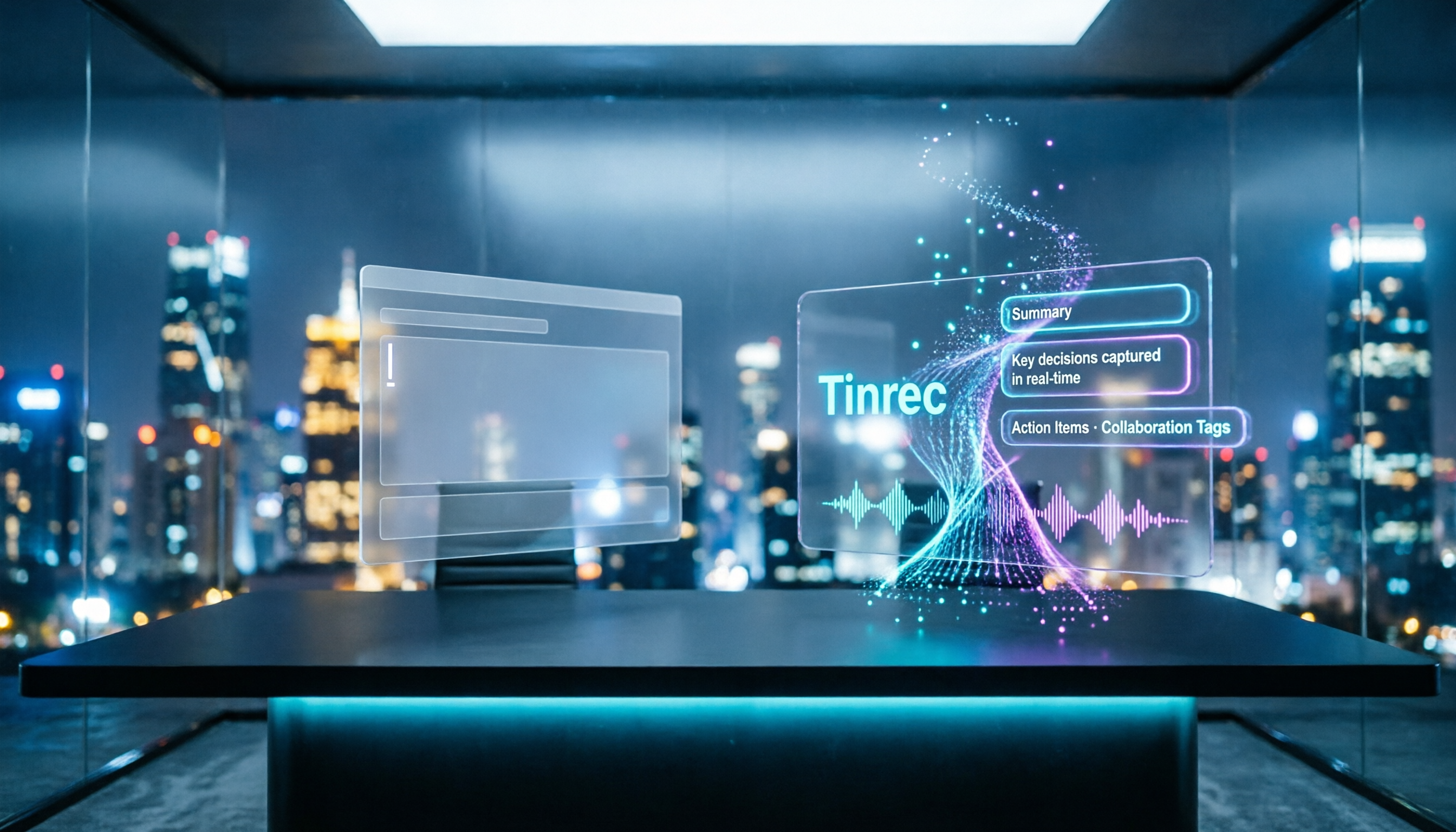
Turn recordings into transcripts and summaries in minutes
Upload audio or video for multilingual transcription, AI notes, and action items
Do you frantically take notes during meetings, then spend two hours after the meeting organizing them into Word, only to still miss decisions? That's not your fault; it's the wrong approach. A common misconception is that meeting minutes are just "typing what you hear," so people find a Word template and fill it in line by line. But after filling it out, searching, tracking, and sharing become cumbersome.
A better approach is to let tools handle the "recording" and leave the "judgment" to humans. AI meeting minutes tools like Tinrec can transcribe, summarize, and list action items in real time during the meeting, while Word templates require manual effort throughout. This article tests both methods to see which suits you better.
Tinrec vs Word Meeting Minutes Templates: Quick Overview
Tinrec is an AI meeting minutes and collaboration tool that supports real-time recording, bot-free online meeting transcription, file import, and automatically generates summaries, chapters, action items, and mind maps. Word meeting minutes templates are pre-designed blank documents that require you to type while listening and organize afterward.
| Item | Tinrec | Word Template |
|---|---|---|
| Price | Free tier, paid plans (Pro monthly/yearly) | Mostly free |
| Platform | Web, desktop, mobile | Word or compatible software |
| Key Difference | AI automatic transcription and organization | Manual input and formatting |
Below, we compare across 5 dimensions to see which truly saves you time.
Dimension 1: Recording Method – Manual Entry vs AI Real-Time Transcription
Word templates are straightforward: you type during the meeting, capturing every key point. But if you zone out or the discussion moves fast, you'll miss critical numbers and decisions. After the meeting, you have to go back and fill in the gaps.
Tinrec records and transcribes simultaneously during the meeting. Whether it's an in-person meeting or an online one on Zoom, Meet, or Teams, it generates a transcript in real time. You no longer need to look down and scribble; you can focus on participating in the discussion.
→ This dimension: Tinrec clearly wins.
Dimension 2: Time Cost – Template Filling vs Automatic Summarization
With Word templates, a 1-hour meeting typically requires an additional 1 to 2 hours to compile into complete meeting minutes. This doesn't include the time spent tracking action items afterward.
Tinrec automatically generates summaries, chapters, and key points after the meeting. You just quickly review, confirm accuracy, and share or export. The time saved can be used for actual decision-making.
→ This dimension: Tinrec clearly wins.
Dimension 3: Data Storage – Scattered Files vs Team Space
Word documents are usually stored on personal computers or cloud drives, with filenames like "MeetingMinutes_0712_final_v2.docx." Months later, finding conclusions from a specific meeting means digging through folders, and you might not even find it.
Tinrec's team plan provides a dedicated team space where meeting data belongs to the team. Members can uniformly view historical meetings, search content, and share recordings and transcripts. Even if a member leaves, the data doesn't disappear.
→ This dimension: Tinrec clearly wins.
Dimension 4: Follow-up Tracking – Manual Task Compilation vs AI Automatic Extraction
Word templates usually have an "Action Items" field to fill in. But action items discussed during the meeting are often scattered, and you have to manually extract them one by one, then assign owners and deadlines.
Stop organizing recordings by hand
Upload audio or video and automatically get a transcript, summary, and action items
Tinrec automatically extracts action items from the meeting content, clearly listing tasks, owners, and times. You don't need to search through the transcript; just confirm.
→ This dimension: Tinrec clearly wins.
Dimension 5: Historical Search – Keyword Search vs AI Q&A
Searching in Word files relies on keywords, and you must open the file to search. If you misremember the keyword or the content is in a different section, it's hard to find.
Tinrec supports AI Q&A. You can ask, "What was the budget conclusion from the last meeting?" and the system answers based on historical meeting content. You can also cross-reference multiple meeting documents, which Word cannot do.
→ This dimension: Tinrec clearly wins.
What Unique Advantages Does Each Have?
Tinrec's Unique Advantages
- Bot-free online meeting recording: No need to invite a bot to join the meeting; open the Tinrec desktop app to record system audio, protecting meeting privacy.
- More than just transcripts: Automatically generates summaries, chapters, action items, and mind maps, plus AI Q&A for deeper analysis.
- Multilingual and real-time translation: Supports mixed Chinese-English content, with options to view original text, translation, or bilingual side-by-side during recording.
- Team collaboration and governance: Member, role, and seat management, usage analytics, and audit logs, suitable for departments or project teams.
- Multi-format export: Export to Word, PDF, Notion, Google Docs, etc., to continue your existing workflow.
Word Template's Unique Advantages
- Completely free and offline: Editable without internet, suitable for simple, quick meeting notes.
- Fully customizable format: You can design any fields without tool limitations.
Summary: Which Should You Choose?
- If you want meeting minutes automated and save 80% of organization time → Tinrec (AI automatic transcription, summarization, action items)
- If you need team collaboration and centralized historical meeting storage → Tinrec (team space, member management)
- If you only meet occasionally, have simple content, and don't want to learn new tools → Word templates are sufficient
- If you need offline access and full control over formatting → Word templates
In a nutshell: For most people who have frequent meetings, track action items, and collaborate across teams, Tinrec is a more complete choice. We recommend trying Tinrec's free version and testing it with your own meeting recordings.
FAQ
Q1: Is Tinrec's free version sufficient? A1: The free version provides basic quotas, allowing you to experience recording, import, summarization, and transcription. If you only occasionally organize a recording, the free version is enough.
Q2: Are there recommended templates for meeting minutes in Word? A2: HiNoter offers 5 editable Word templates, including standard business, board meeting, and project stand-up; Pikbest also has many free designs. However, these require manual filling.
Q3: How accurate is Tinrec? A3: Tinrec provides high-quality transcription in clear audio and common scenarios, but actual results may be affected by noise, accents, overlapping speech, etc. We don't claim a fixed accuracy rate.
Q4: Can team members without seats still view meeting data? A4: Yes. Active members without seats can view, play, and read team data; only those with seats can record, upload, edit, and export.
Q5: Do I need consent from participants to record with Tinrec? A5: Yes. Recording and transcription involve personal data; we recommend informing participants and obtaining consent, and complying with local laws.
References
- Meeting Minutes Format Template: 4 Key Points + Complete Template
- [Meeting Minutes Writing 2026] Format Guide: Free Templates + Downloads - ProjectManager
- Free Meeting Minutes Templates (Word, Google Docs, PDF) | HiNoter Blog
- Meeting Minutes Word Templates: Free Download - Pikbest
- Meeting Minutes Example
Turn every recording into actionable outcomes
Get 60 free transcription minutes when you sign in. No credit card required.
Related Reading
You might also like

Tinrec vs Granola 2026: 5-Factor Comparison for Audio-to-Text Transcription
Already have a recording and want an editable text file? Should you use Tinrec or Granola? This article compares them across 5 practical dimensions: file import, audio retention, Chinese language handling, post-meeting output, and team governance. It also includes a 6-step guide to get started with audio-to-text transcription, helping you choose the right tool for your situation.

2026 Guide: Online Audio-to-Text Tools That Record Meetings Without Bots and Auto-Organize Transcripts
How do you choose and use an online audio-to-text tool? Based on my own workflow, this guide shows how Tinrec turns a recording into a searchable transcript, summary, action items, and meeting data you can query—plus 5 buying checkpoints and FAQs, so you're not just converting sound to text but making text actually usable for work.

3 Ways to Transcribe WhatsApp Voice Messages in 2026: Official Feature, AI Tool, and Manual—Which Is Worth It?
WhatsApp voice messages often arrive when you can't listen. This article compares three ways to transcribe WhatsApp voice messages in 2026: the official built-in "Voice Message Transcripts," the AI meeting tool Tinrec, and manual transcription. It also covers four key points to understand before choosing a solution and four common pitfalls, helping you decide which one truly saves time.

6 Best Speech-to-Text Apps of 2026: Free Tiers, AI Summaries, and Which One Saves You the Most Time
We tested six speech-to-text apps for 2026, comparing free tiers, Chinese and Taiwanese Hokkien recognition, AI summaries, action items, and team collaboration. Includes Tinrec, Yating, Notta, TurboScribe, Granola, and Google's built-in tools to help you pick the right one for your budget and use case.

Free Meeting Transcription Options in 2026: 5 Common Approaches Compared
Free meeting transcription options vary widely—some only transcribe without organizing, and some stop working once the free quota runs out. This article compares 5 common approaches in 2026, from built-in transcription in meeting platforms to free-tier tools and team-sharing AI meeting tools, and explains what Tinrec can actually do at each step and which limitations to know upfront.

2026 Audio-to-Text Comparison: Tinrec vs Otter.ai for Chinese Meetings & Team Knowledge
How to choose an audio-to-text tool in 2026? This article compares Tinrec and Otter.ai across 5 dimensions: Chinese meeting transcription, bot-free online meeting capture, audio file organization, post-meeting workflows, and team data governance. Based on public features and pricing, it helps you decide which is better suited for meeting notes needs in Taiwan.

How to Choose an Online Audio-to-Text Tool in 2026: 5 Steps to Pick the Right One and Get a Transcript
How do you choose an online audio-to-text tool? This article reviews 6 online options—Tinrec, MyEdit, cSubtitle, CyberLink, Yating Transcript, and Monica—comparing free quotas, Chinese recognition, export formats, and team collaboration. It also walks you through 5 steps to turn an audio file into a transcript.

2024 Review of 4 Audio-to-Text Tools: Which Saves the Most Time on Chinese Meeting Transcripts and AI Summaries?
The 2024 audio-to-text comparison isn't just about transcription speed—it's about whether the tool can organize your meeting notes afterward. Based on real meetings and interviews, this review compares Tinrec, Notta, Granola, and PLAUD on audio sources, transcripts, AI summaries, action items, team collaboration, and pricing limits to help you choose the right tool.

4 Free Online Audio-to-Text Tools Compared (2026): Which Offers the Best Free Tier and Chinese Recognition?
A comparison of Tinrec, MyEdit, cSubtitle, and Monica's free online audio-to-text offerings, covering free quotas, Chinese recognition, export formats, and post-meeting AI organization to help you decide which suits meetings, interviews, and subtitles.