

Turn recordings into transcripts and summaries in minutes
Upload audio or video for multilingual transcription, AI notes, and action items
After every meeting, do you find yourself hesitating: should you use a meeting bot, desktop recording, or upload a file? What you really should consider is not the recording method, but whether the AI can help you organize actionable meeting notes after transcription. In this article, I focus on Tinrec and test several tools in 2026 to help you determine which one truly generates usable meeting content automatically.
What Can Automatic Meeting Minutes Generation Do for You?
Scenario 1: Get meeting minutes within 5 minutes after the meeting In the past, after a two-hour meeting, you might spend another hour organizing notes. Now with AI meeting minutes—using Tinrec as an example—the moment the meeting ends, the AI has already generated a summary, conclusions, and action items.
Scenario 2: Organize interview and research recordings When conducting user interviews or expert interviews, you no longer need to manually transcribe. Tinrec allows you to upload audio files directly, convert them to text, and then use AI Q&A to quickly find key insights and quotes.
Scenario 3: Turn meeting content into a team asset If meeting minutes are only stored on your personal computer, they are essentially useless. Tinrec's team space allows you to centrally store transcripts, summaries, and action items, and new members can search past meetings, enabling continuous knowledge accumulation.
What Are Tinrec's Core Capabilities?
Real-time transcription: Generates text while recording, not after the recording ends. Tinrec's real-time transcription lets you confirm key points during the meeting without waiting for post-meeting processing.
Bot-free online meeting recording: No need to invite additional bots to Zoom, Google Meet, Teams, or other meetings. Tinrec's desktop version directly captures system audio; just open Tinrec and start recording, and it will transcribe and generate summaries in real time.
AI summaries and chapters: Instead of condensing the transcript into a single paragraph, it organizes content structurally—meeting topics, conclusions, and action items are listed separately for quick browsing.
Action item extraction: Automatically identifies follow-up actions from the meeting discussion, showing who is responsible and when it's due, so you don't have to dig through chat logs.
AI Q&A: After transcription, you can directly ask Tinrec: "Who mentioned the budget in the meeting?" "What are the client's main concerns?" It answers based on semantic understanding, not just keyword search.
Multilingual support and real-time translation: Supports meetings in Chinese, English, and other languages. During recording, you can view the original text, translation, or bilingual comparison, ideal for international meetings.
Practical Use Cases
Online meetings: Use Tinrec's desktop version to record Zoom, Google Meet, and other meetings, with real-time transcription. After the meeting, export the minutes to your team with one click—no manual organization needed.
In-person meetings: Open Tinrec's mobile or web version, record audio directly, and the AI summary is generated instantly, perfect for face-to-face discussions.
Stop organizing recordings by hand
Upload audio or video and automatically get a transcript, summary, and action items
Interview research: Upload interview audio files, Tinrec transcribes them, and you can use AI Q&A to quickly find key points, significantly reducing analysis time.
Team collaboration: Create a Tinrec team space, invite members, and all meeting materials are centrally managed. Members can view and search, while admins can allocate seats and monitor usage.
Key Points to Consider When Choosing a Meeting Recorder Tool
Post-transcription processing capability: Transcription is just the first step; the key is whether the AI can help you organize. Tinrec doesn't just provide transcripts; it also offers summaries, action items, and Q&A, which is the real time-saver.
Meeting recording method: Some tools require meeting bots, while others use desktop recording. Tinrec's desktop version captures system audio, which is less intrusive and more natural.
Language support and accuracy: For Chinese meetings, choose the right tool. Tinrec performs reliably in Chinese and multilingual scenarios, but actual results are affected by audio quality and accents. We recommend testing with your own recordings.
Team features: If you plan to use it for a team, pay attention to member management, permissions, and data ownership. Tinrec's team version offers roles, seats, usage analytics, and audit logs, making meeting data a true team asset.
Pricing and quotas: Is the free plan sufficient? Tinrec's free plan provides basic quotas for trial; heavy users may consider Pro or Team plans based on needs.
Frequently Asked Questions
Q1: What are the limitations of Tinrec's free plan? A1: The free plan provides basic recording, transcription, and summary quotas, suitable for occasional use. If you have multiple meetings per week, we recommend upgrading to Pro or Team.
Q2: Does Tinrec require installing a meeting bot? A2: No. Tinrec's desktop version directly captures system audio; no additional bot is needed. Just open Tinrec and start recording.
Q3: What accuracy can I expect? A3: We don't promise a fixed number. With clear audio and common scenarios, Tinrec's transcription quality is high, but overlapping speech, noise, or technical jargon may affect results. For important content, we recommend cross-checking with the recording.
Q4: What languages does Tinrec support? A4: It supports Chinese, English, and many other languages, and offers real-time translation and bilingual comparison, suitable for cross-language meetings.
Q5: Can team members view all meetings? A5: The team space is primarily shared at the team level; active members can read team data. Only those with seats can record, upload, and edit. Admins can manage roles and permissions.
Conclusion
AI-powered automatic meeting minutes are no longer futuristic technology; they are tools you can use today. If you have more than three meetings a week, we strongly recommend trying Tinrec. From recording to summaries, action items, and Q&A, it turns meeting content into searchable, collaborative, and actionable data—not just a transcript sitting in a folder.
Download Tinrec's free version and experience the feeling of AI organizing your meetings.
References
- Meeting Ink - 2026 AI Meeting Recorder Tool Test: 7 Speech-to-Text and Summary Speed Comparison | Meeting Ink - AI Meeting Minutes Assistant, Automatic Transcription and Summary
- Tired of Taking Meeting Minutes? ChatGPT+Whisper Does It All at Once! Automatic Transcription, Summary, and Sending | BusinessNext
- Using NotebookLM to Quickly Create Meeting Minutes - Part 1/2
- 2026's Top AI Meeting Recorder Tools: Time-Saving Essentials for Meetings!
- [AI Voice Notes] Top 5 AI Speech-to-Text Tools! Generate Transcripts and Meeting Highlights: Free vs. Subscription, Pros and Cons | 104 Career
Turn every recording into actionable outcomes
Get 60 free transcription minutes when you sign in. No credit card required.
Related Reading
You might also like

2026 Meeting Minutes Abbreviations: MoM vs. Minutes Explained + Tinrec AI Transcription & Auto-Summary Review
Confused by "MoM" in meetings? This guide breaks down common meeting minutes abbreviations like "minutes" and "MoM," and reviews top transcription tools, focusing on how Tinrec auto-generates meeting summaries to save you overtime.

5 Best Free Meeting Minutes Software Tested in 2026: Which Free Plan Is Enough?
This article tests 5 popular meeting minutes software, comparing free quotas, core features, and use cases to help you find the best free AI meeting minutes solution.

How to Write Meeting Minutes in English (2026 Guide) + Best AI Tools
Learn how to write meeting minutes in English with correct usage, common phrases, and formats. Compare AI meeting note tools like Tinrec, Otter, and Notta to quickly organize your English meeting records.
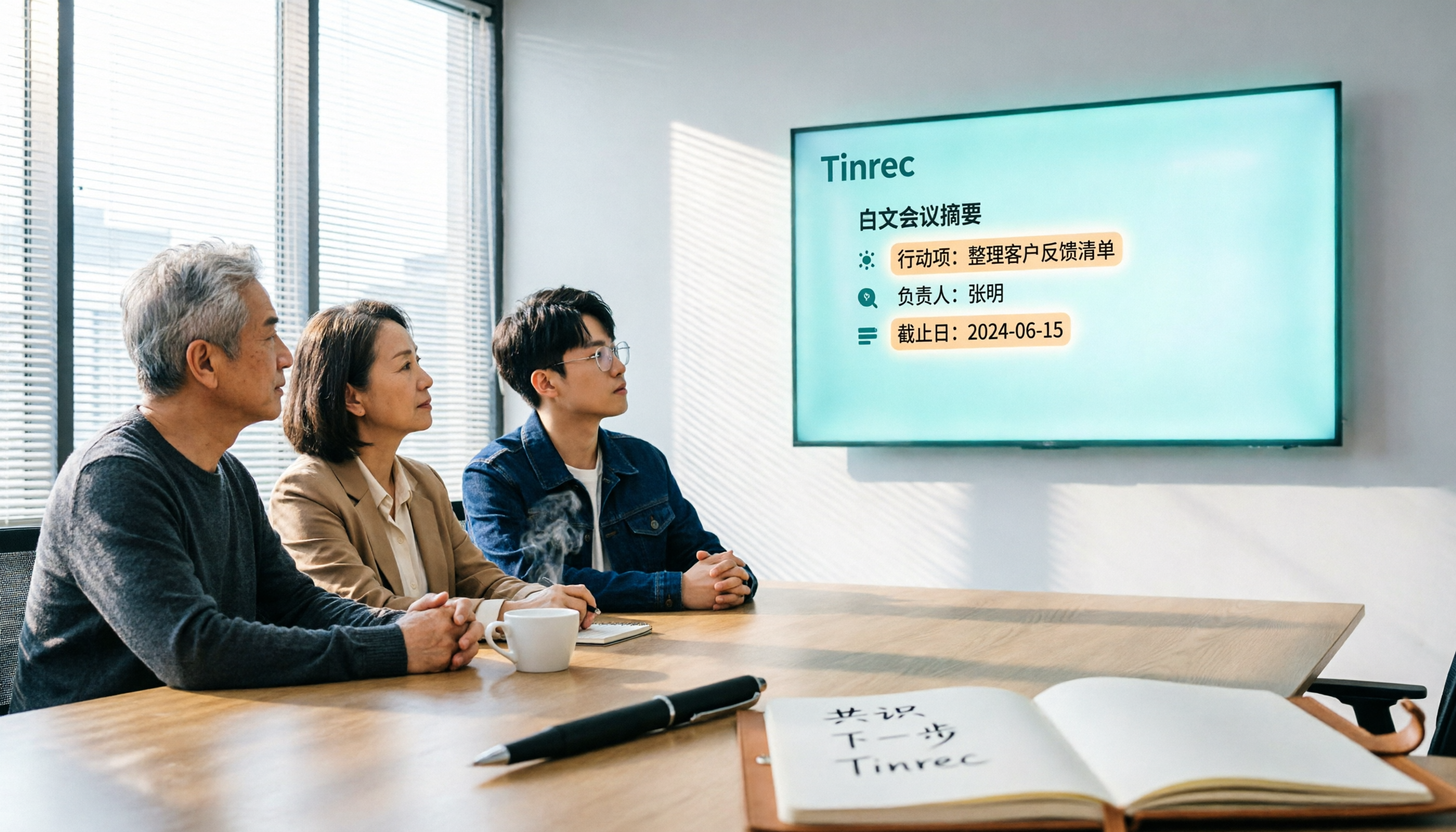
2026 Hands-On Comparison of 3 AI Meeting Recorders: How Tinrec Turns Meetings into Actionable Team Assets
Many people search for 'vocol 线上下看' when what they really need is a tool to view meeting notes online. This article tests three AI meeting recorders—Tinrec, Otter, and Notta—focusing on bot-free recording, Chinese language support, team collaboration, and post-meeting organization to help you pick the best one.

2026 Tested: 3 English Meeting Minutes Templates Compared — Tinrec Auto-Generation Saves the Most Time
Explore three common English meeting minutes templates (formal, project, and client meetings) and see how Tinrec can automatically generate English meeting minutes, saving you hours of manual work.

2026 Test: 3 Meeting Minutes Templates Compared — DOC Downloads vs AI Auto-Generation, Which Saves More Time?
Still searching for meeting minutes template DOC downloads? This article tests 3 ways to create meeting minutes, including traditional templates, built-in platform tools, and AI tool Tinrec, showing you how to auto-generate structured meeting notes with AI and export to DOC format, saving 60% of your time.

2026 Meeting Minutes Tool Buying Guide: 4 Tools Tested and Recommended
Looking for a 'meeting minutes template Word'? What you actually need is an AI meeting minutes tool. We tested 4 popular options, and Tinrec is the top choice for Chinese meetings, helping you save time and avoid overtime.
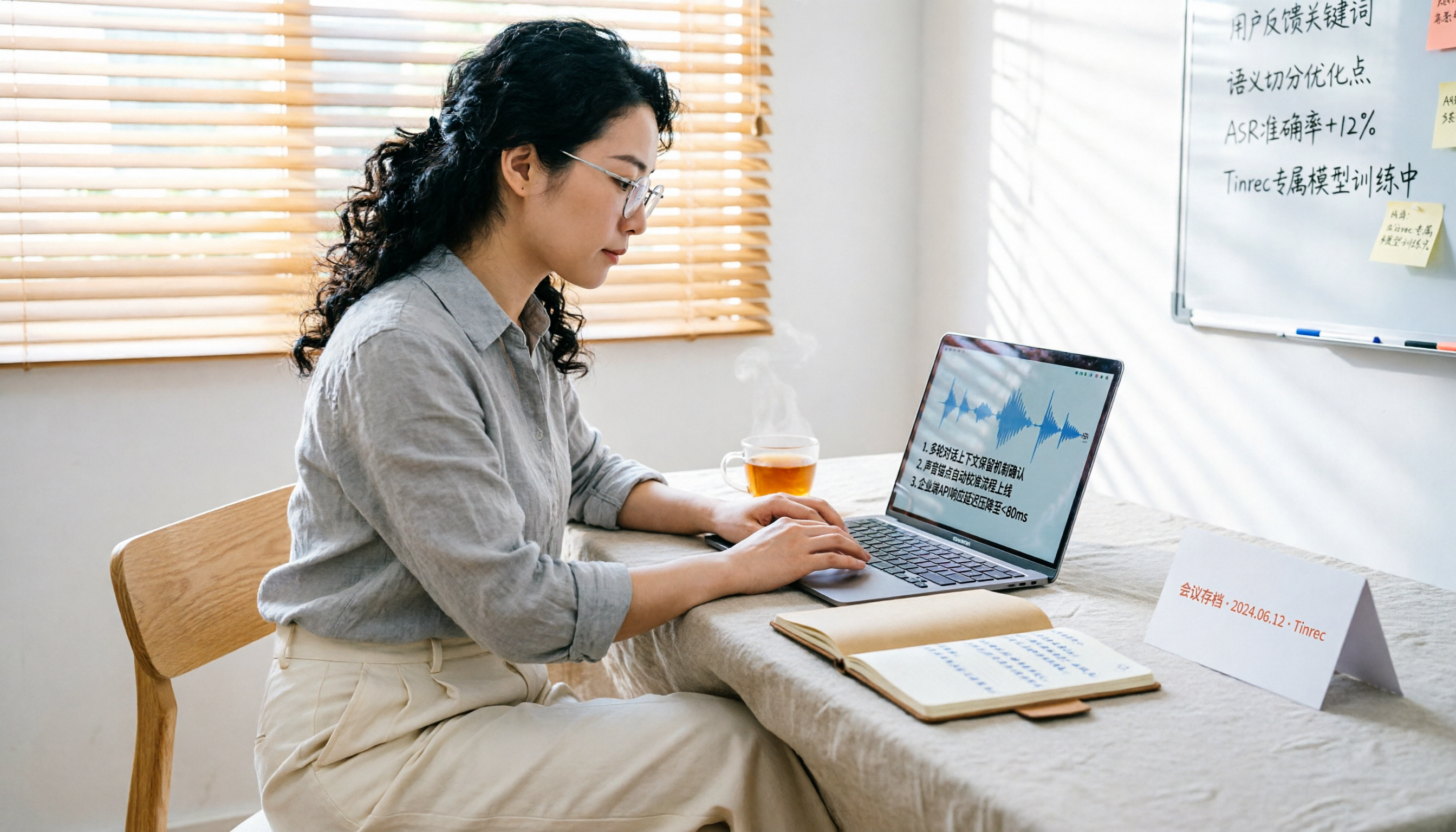
Tinrec vs Granola 2026: 5-Dimension Hands-On Comparison - Which Is Better for Chinese Meeting Notes?
Tinrec and Granola both offer bot-free meeting recording, but Tinrec supports file import, audio retention, Chinese optimization, and team collaboration, making it a better fit for Taiwanese users who need complete meeting data management.

2026 Hands-On Comparison of 3 AI Meeting Recorders: Which Free Version Is Most Useful?
We tested Tinrec, Otter.ai, and Notta—three AI meeting recorders—comparing free allowances, Cantonese transcription, AI summaries, and cross-platform support to help you pick the most time-saving option without spending a dime.