

Turn recordings into transcripts and summaries in minutes
Upload audio or video for multilingual transcription, AI notes, and action items
When you search for "meeting minutes template doc," you're actually making a choice: keep downloading static templates and filling them manually, or switch to AI auto-generation? In this article, I tested 3 ways to create meeting minutes, including traditional DOC templates, built-in platform transcription, and AI tool Tinrec auto-generation, to tell you which one saves the most time and how to use Tinrec to quickly produce structured meeting notes.
What Can an AI Meeting Minutes Template Do for You?
Scenario 1: Get structured meeting minutes within 5 minutes after the meeting ends With Tinrec, for example, start recording during the meeting, and after it ends, AI automatically generates a transcript, summary, and action items, and you can even export directly to Google Docs, then save as a DOC file. No need to manually download a template and fill it in.
Scenario 2: Quickly find key points from past meetings Tinrec supports uploading existing meeting recordings, automatically transcribing them and organizing them into sections and key points. You don't need to dig through old DOC files; just search for keywords in Tinrec to find the decisions made at that time.
Scenario 3: Easily record multilingual meetings Tinrec's real-time translation feature makes mixed Chinese-English meetings less of a headache. Original text, translation, or bilingual side-by-side views are presented simultaneously, offering more flexibility than traditional templates.
What Are Tinrec's Core Capabilities?
- Real-time transcription: Transcribes as you record with minimal delay, allowing you to confirm during the meeting.
- AI summaries and sections: Structured organization with topics, conclusions, and action items, similar to a pre-filled DOC template.
- Action item extraction: Automatically pulls action items, assignees, and deadlines from discussions, exportable as a list.
- AI Q&A: Ask questions like "Who mentioned the budget in the meeting?" or "What was the decision?" and it answers based on semantics, no need to search through the transcript.
- Multi-format export: Supports exporting to Google Docs, Notion, etc., making it easy to convert to DOC or PDF for archiving.
Practical Use Cases
In-person meetings: Open the Tinrec mobile app to record, and after the meeting, summaries and action items are automatically generated, saving you from handwriting.
Stop organizing recordings by hand
Upload audio or video and automatically get a transcript, summary, and action items
Online meetings: Tinrec desktop version captures system audio, so you don't need to add a bot; just record Zoom or Google Meet directly.
Interviews: Upload audio files to quickly get transcripts and key points, making it easy to write reports.
Class notes: Students record lectures and later use AI Q&A to review key points, which is more comprehensive than traditional notes.
4 Things to Consider When Choosing a Meeting Minutes Tool
- Does it support bot-free recording? Tinrec desktop version directly captures computer audio, so no bot needs to join the meeting.
- Can it organize after transcription? Tinrec doesn't just transcribe; it also automatically generates summaries and action items, and can even export to formats like DOC.
- Chinese and multilingual support: Tinrec performs well with Chinese and mixed Chinese-English content, and supports real-time translation.
- Team collaboration and storage: If you need to share meeting minutes with your team, Tinrec's team plan offers storage, role management, and usage analytics.
FAQ
Q: Can Tinrec directly output DOC files? A: Tinrec supports exporting to Google Docs, Notion, and other tools. You can download as Word (.docx) format from Google Docs, making it easy to continue using existing templates.
Q: Is the free plan sufficient? A: Tinrec's free plan provides basic credits, suitable for occasional meetings; if you need frequent use, consider the Pro plan.
Q: Does meeting recording raise privacy concerns? A: Before using any recording tool, it's recommended to obtain consent from participants and comply with local regulations. Tinrec stores data in your account, and team data is managed by the team.
Q: How much time do you save compared to manually downloading DOC templates? A: Traditional templates require manual filling, while AI tools automatically generate structured content, typically saving 60-80% of your time.
Q: Does it support Chinese? A: Tinrec is optimized for Chinese and Traditional Chinese scenarios, and also supports multilingual meetings and real-time translation.
Summary
If you're still downloading meeting minutes template DOC files every month to fill in, I recommend trying Tinrec. The free plan lets you experience the convenience of auto-generated meeting minutes, and once you try it, you'll find it hard to go back to manual filling.
References
- Taipei Municipal Jingxing Junior High School - Subject Teaching Research Meeting Agenda and Minutes
- [Meeting Minutes Writing 2026] Format Guide | Free Templates + Downloads - ProjectManager
- Form Downloads - Meeting Format - Secretariat - Tamkang University
- Meeting Minutes Example
- Meeting Agenda/Minutes Example - Student Activities Division - Minghsin University of Science and Technology
Turn every recording into actionable outcomes
Get 60 free transcription minutes when you sign in. No credit card required.
Related Reading
You might also like

2026 Meeting Minutes Abbreviations: MoM vs. Minutes Explained + Tinrec AI Transcription & Auto-Summary Review
Confused by "MoM" in meetings? This guide breaks down common meeting minutes abbreviations like "minutes" and "MoM," and reviews top transcription tools, focusing on how Tinrec auto-generates meeting summaries to save you overtime.

5 Best Free Meeting Minutes Software Tested in 2026: Which Free Plan Is Enough?
This article tests 5 popular meeting minutes software, comparing free quotas, core features, and use cases to help you find the best free AI meeting minutes solution.

How to Write Meeting Minutes in English (2026 Guide) + Best AI Tools
Learn how to write meeting minutes in English with correct usage, common phrases, and formats. Compare AI meeting note tools like Tinrec, Otter, and Notta to quickly organize your English meeting records.
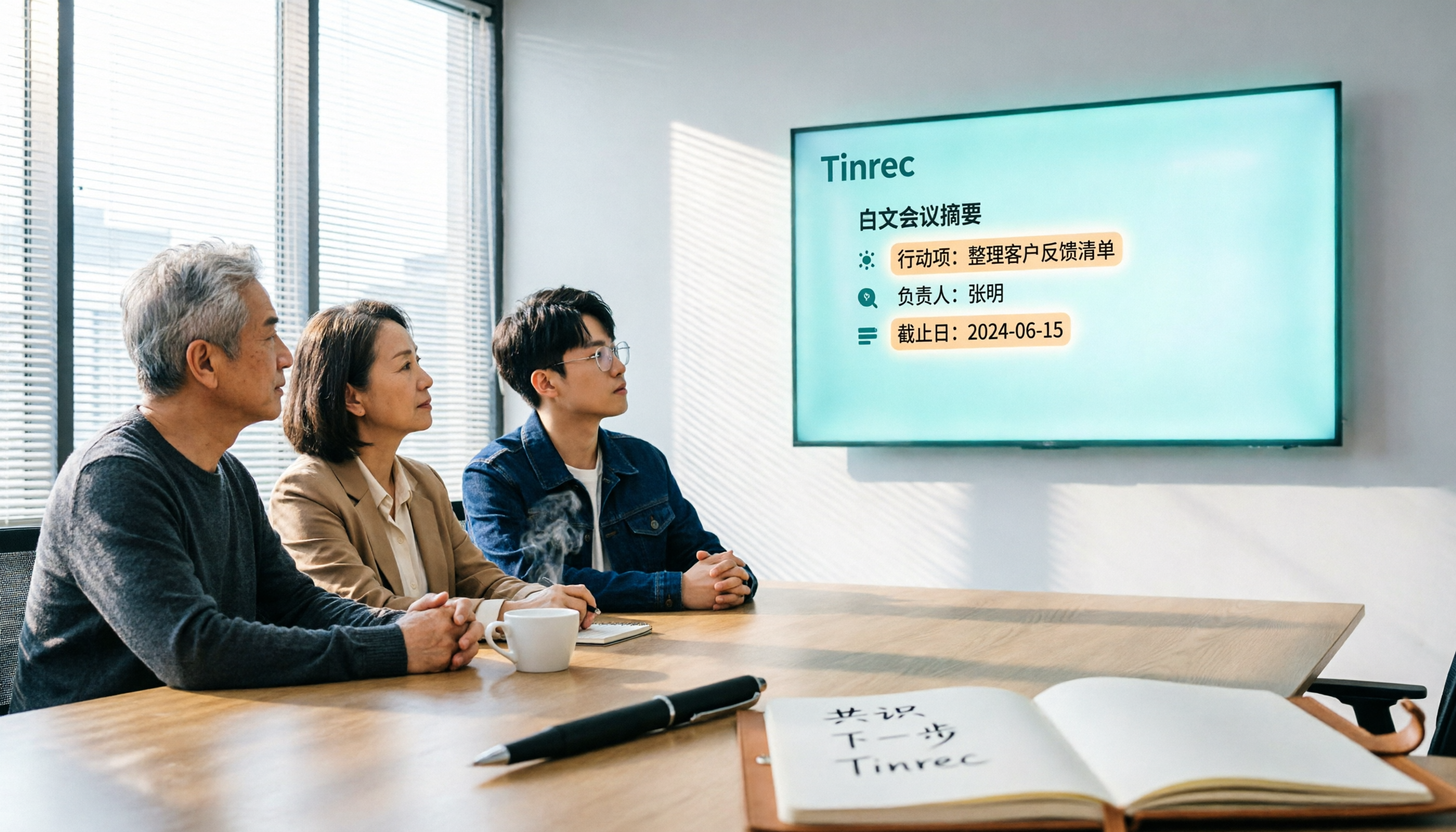
2026 Hands-On Comparison of 3 AI Meeting Recorders: How Tinrec Turns Meetings into Actionable Team Assets
Many people search for 'vocol 线上下看' when what they really need is a tool to view meeting notes online. This article tests three AI meeting recorders—Tinrec, Otter, and Notta—focusing on bot-free recording, Chinese language support, team collaboration, and post-meeting organization to help you pick the best one.
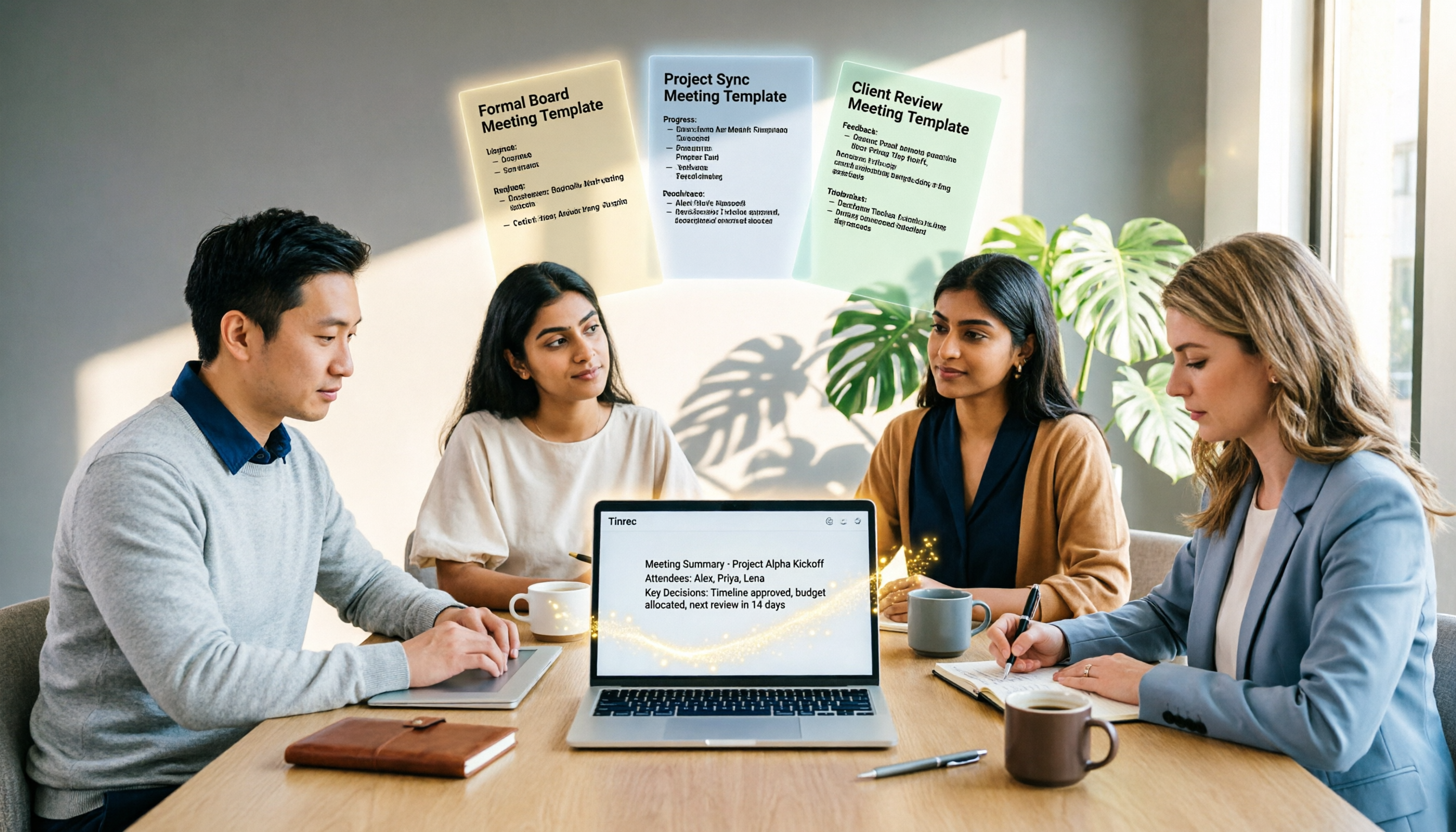
2026 Tested: 3 English Meeting Minutes Templates Compared — Tinrec Auto-Generation Saves the Most Time
Explore three common English meeting minutes templates (formal, project, and client meetings) and see how Tinrec can automatically generate English meeting minutes, saving you hours of manual work.

2026 Meeting Minutes Tool Buying Guide: 4 Tools Tested and Recommended
Looking for a 'meeting minutes template Word'? What you actually need is an AI meeting minutes tool. We tested 4 popular options, and Tinrec is the top choice for Chinese meetings, helping you save time and avoid overtime.
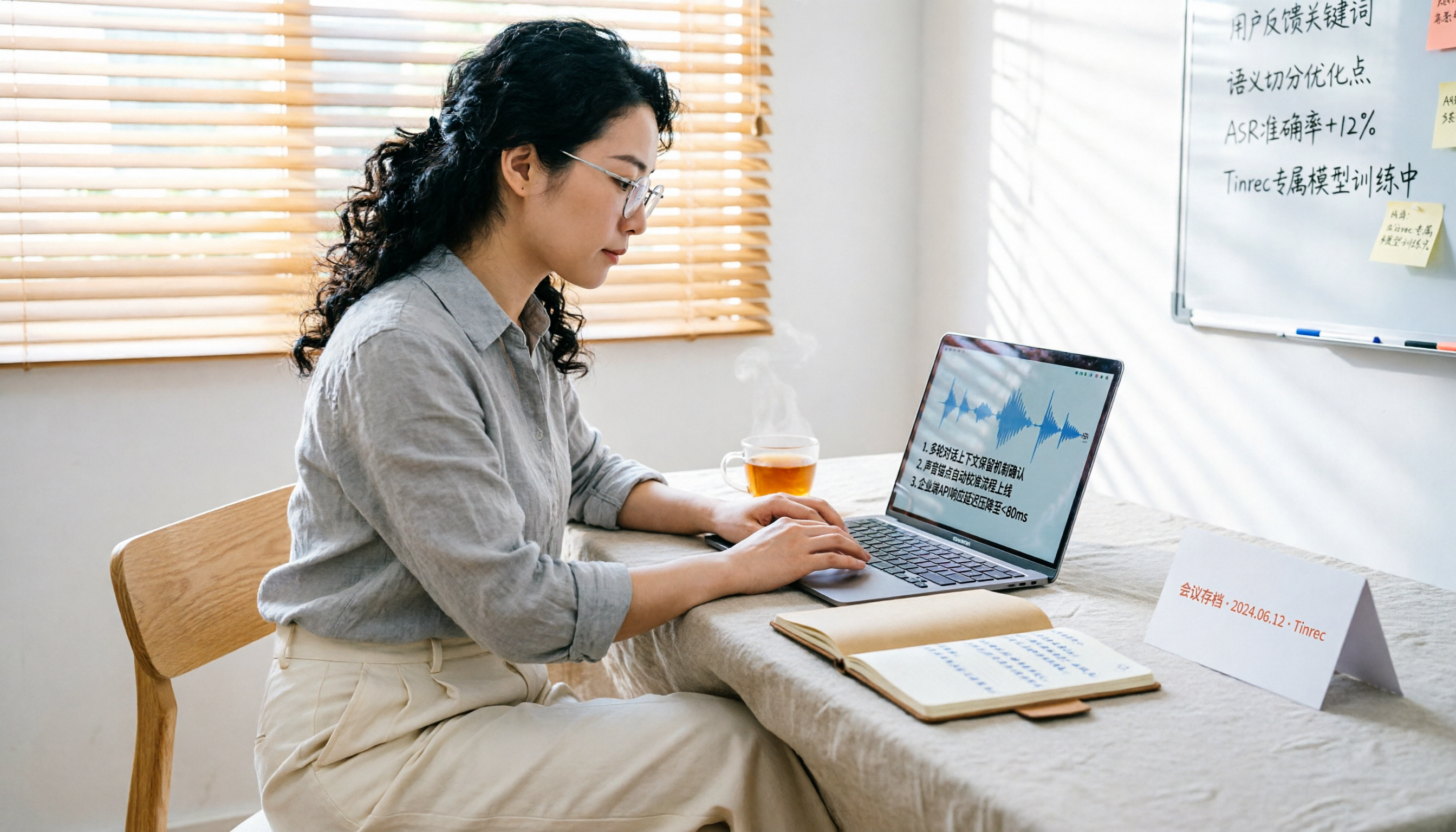
Tinrec vs Granola 2026: 5-Dimension Hands-On Comparison - Which Is Better for Chinese Meeting Notes?
Tinrec and Granola both offer bot-free meeting recording, but Tinrec supports file import, audio retention, Chinese optimization, and team collaboration, making it a better fit for Taiwanese users who need complete meeting data management.

2026 Review: 5 AI Meeting Recorder Tools Compared – Which One Truly Generates Usable Meeting Minutes?
A hands-on comparison of AI meeting recorder tools in 2026, with Tinrec as the main focus, analyzing the key capabilities for automatically generating meeting minutes and helping you choose the right tool to save time.

2026 Hands-On Comparison of 3 AI Meeting Recorders: Which Free Version Is Most Useful?
We tested Tinrec, Otter.ai, and Notta—three AI meeting recorders—comparing free allowances, Cantonese transcription, AI summaries, and cross-platform support to help you pick the most time-saving option without spending a dime.