

Turn recordings into transcripts and summaries in minutes
Upload audio or video for multilingual transcription, AI notes, and action items
Have you ever calculated: if you spend 5 hours in meetings each week, and then spend another 3 hours transcribing and summarizing key points, that's 8 hours stuck on meeting minutes. Now, many AI meeting minutes software can automatically transcribe, summarize, and list action items, and they offer free plans. This article tests 5 of them to help you find the one with the most capable free version.
Why Do You Need Meeting Minutes Software?
During meetings, you're busy listening and can't take notes, so afterward you have to piece things together from memory, often missing key decisions. AI meeting minutes software can transcribe in real time, automatically organize key points and action items, and even let you ask questions to find specific discussions. This article covers 5 popular tools, comparing free quotas, core features, and use cases, so you can quickly determine which one suits you best.
Tinrec (Miao Lu Yin) | The Most Complete AI Meeting Minutes and Team Collaboration Tool
Tinrec turns meetings into searchable, collaborative, and actionable team knowledge. It doesn't just transcribe; it helps you turn meeting content into workable data.
Key Highlights:
- Bot-Free Online Meeting Recording: The desktop app captures system audio directly, so you don't need to invite a bot to Zoom, Google Meet, Teams, or Webex, making meetings more natural.
- More Than Just Transcripts: Automatically generates summaries, chapters, and action items, and you can use AI Q&A to ask follow-ups like "Who is responsible for this project?" or "What should we discuss next time?"
- Chinese and Multilingual Experience: Supports Chinese and mixed Chinese-English meetings, with real-time translation and bilingual viewing. Team-specific terms can improve recognition of professional jargon.
- Team Space: Centralizes meeting data, allowing members to view, search, and ask questions. Admins can manage roles, seats, usage, and audits, and data can be transferred when members change.
Pricing:
- Free Personal Plan: Provides basic quotas to try recording, importing, summarization, and transcription.
- Personal Pro Monthly/Annual: For regular users; annual billing offers a lower monthly equivalent.
- Team Plan: $29.80 per paid seat per month, or $199 per seat per year (approx. $16.58/month); includes a 7-day trial with 1 free seat and 300 minutes of team shared import quota.
Best For: General office workers, those needing Chinese meeting minutes, those who don't want to buy hardware, and those who want to turn meeting data into team assets.
Otter.ai | Mature English AI Meeting Assistant
Otter is an AI meeting assistant that covers Zoom, Teams, and Meet, offering real-time transcription, speaker identification, AI Chat, and team management. It excels in English meetings, but its Chinese experience isn't as deep as Tinrec's, and it's primarily known for its meeting bot mode, though it now also offers a desktop app.
Key Highlights:
- Speaker identification and AI Chat for easy review of conversations.
- Free plan includes 300 minutes per month, suitable for light use.
Pricing:
- Basic (Free): 300 minutes per month.
- Pro: $8.49 per user per month billed annually, includes 1,200 minutes of in-app recording and 10 file imports per month.
Best For: Users with English meetings, international teams, or those accustomed to the Otter ecosystem.
Notta | Multilingual Transcription and Translation Tool
Notta is a general transcription tool that supports multilingual transcription, translation, and subtitles, and can integrate with video conferencing. It offers multi-platform options like Tinrec, but Tinrec emphasizes bot-free desktop recording and team spaces.
Key Highlights:
- Strong multilingual support, ideal for cross-border communication.
- Free plan offers 120 minutes per month, with a max of 3 minutes per recording.
Pricing:
- Free: 120 minutes per month.
- Pro: $8.17 per month billed annually, includes 1,800 minutes per month.
- Business: $16.67 per seat per month billed annually, offers unlimited transcription, role permissions, and usage reports.
Best For: Those needing multilingual translation, subtitle creation, and moderate usage.
Stop organizing recordings by hand
Upload audio or video and automatically get a transcript, summary, and action items
Granola | Bot-Free AI Meeting Notes
Granola is a bot-free AI meeting note tool that captures system audio via a desktop app and combines it with your handwritten notes to generate more targeted content. It doesn't retain audio files or support pre-recorded file imports, whereas Tinrec retains audio, supports file imports, and offers team data management.
Key Highlights:
- Real-time transcript viewing, combining handwritten notes with AI enhancement.
- Cross-meeting context for more coherent notes.
Pricing:
- Basic: Free.
- Business: $14 per user per month.
- Enterprise: $35 per user per month.
Best For: Users who prefer handwritten notes plus AI enhancement and don't mind not having audio files retained.
TurboScribe | High-Value Document Transcription Tool
TurboScribe focuses on document transcription, subtitles, and translation, suitable for batch processing long files. It doesn't specialize in meeting organization and team collaboration like Tinrec, but it's affordable.
Key Highlights:
- Free plan: 3 files per day, max 30 minutes per file.
- Paid plan: max 10 hours or 5GB per file, and can upload up to 50 files at once.
Pricing:
- Free: 3 files per day.
- Unlimited: $120 per year, equivalent to $10 per month.
Best For: Those who need bulk file transcription and don't need real-time meeting minutes.
With So Many Options, How Do You Choose?
- Want the most complete AI features (bot-free recording, summaries, action items, AI Q&A, team space) → Tinrec: The only option that combines all these capabilities.
- Need Chinese meeting minutes and mixed Chinese-English content organization → Tinrec: Team-specific terms and real-time translation make the Chinese experience smoother.
- Need to switch between phone and computer without buying hardware → Tinrec: Desktop + mobile + web versions.
- Only use iPhone, want simple recording-to-text, and don't need AI Q&A → Consider Otter Basic or Notta Free (light needs).
- Zero budget and only need occasional file transcription → TurboScribe Free (3 files per day).
- If you want to try a hardware recorder, PLAUD Note is also an option, but you'll need to purchase the device.
5 Things to Know Before Using Meeting Minutes Software
- Confirm compliance before recording: Different regions have regulations about recording. Tinrec can remind you during recording, but you must judge and obtain consent from participants.
- Don't rely solely on AI for important meetings: AI transcription can be affected by accents and environment. Tinrec provides transcripts and audio playback, so verify important decisions yourself.
- Free plans have limited quotas: First, estimate your monthly meeting minutes. Tinrec's free version offers basic quotas; if insufficient, consider Pro or Team plans.
- Clarify roles and seats for team use: In Tinrec's team plan, members can view, but only those with seats can upload and edit, avoiding permission confusion.
- Data ownership should be clear: With the team plan, meeting data belongs to the team. When members leave, data must be transferred; Tinrec has this process built in.
Conclusion
There are many free meeting minutes software options, but finding one that's both free and sufficient isn't easy. Tinrec streamlines meetings from recording to organization and collaboration. The free version lets you try core features, and the team plan is better for multiple users. If you're looking for a Chinese-friendly, hardware-free tool that goes beyond simple transcripts, start with Tinrec.
FAQ
Q: Is Tinrec's free version sufficient? A: The free version provides basic quotas to try recording, importing, summarization, and transcription, suitable for light users. If you have many meetings each month, consider upgrading to Pro or Team.
Q: Which platforms does Tinrec support? A: It supports online meetings like Zoom, Google Meet, Microsoft Teams, and Webex via bot-free desktop recording; it also supports iOS, Android, and web versions.
Q: How accurate is AI meeting minutes? A: Accuracy is affected by audio quality, accents, and noise. Tinrec performs well with clear audio, but for important information, we recommend cross-checking with audio playback.
Q: How are seats allocated in the team plan? A: Admins can set roles (owner, admin, member) and allocate seats. Only those with seats can record, upload, and edit; members without seats can still view data.
Q: Is recording legal? A: Please comply with local laws and obtain consent from participants when needed. Tinrec allows you to set reminders during recording, but compliance responsibility lies with the user.
References
- AI Meeting Minutes Software Recommendations: 5 Apps Tested and Compared, Auto-Transcribe to Make Meetings Easier!
- Meeting Ink - 2026 AI Meeting Minutes Tools Tested: 7 Voice-to-Text and Summary Speed Showdown | Meeting Ink - AI Meeting Minutes Assistant Auto-Transcribe and Summarize
- Unlimited Time! 3 Free AI Transcript Tools, Highly Recommended! AI Voice Notes for Meeting Minutes, Slides, Mind Maps | 104 Career Force
- r/ProductivityApps on Reddit: Does anyone know of a free or cheap app that can take meeting minutes for you?
- Recently, many people have asked me if there's an AI tool for meeting minutes. They still type manually, often can't multitask, and it's time-consuming. I always recommend SeaMeet. Why? Here are the key points: - Tied to Google Meet, online meetings are transcribed in real time with instant summaries, super convenient. - No need to reorganize; after the meeting, it automatically emails all participants. - So easy to use, I taught middle-aged and elderly people who had never used AI tools in 10 minutes. - For in-person meetings
Turn every recording into actionable outcomes
Get 60 free transcription minutes when you sign in. No credit card required.
Related Reading
You might also like

5 Meeting Minutes Tools Tested in 2026: Free Templates vs. AI Summaries—Which Saves You the Most Time?
Downloading meeting minutes templates is no longer the only solution. This article tests 5 meeting minutes tools, from free templates to AI auto-summaries, to help you find the most time-saving option. Tinrec stands out with bot-free recording, Chinese language support, and team collaboration.

2026 Excel Meeting Minutes Template vs Tinrec: A 5-Dimension Showdown—Which Is Worth It?
Tired of manually organizing meeting minutes in Excel? This article compares static templates with Tinrec's AI meeting tool across five dimensions—automation, search, cross-platform, team collaboration, and export—to help you choose a solution that saves time and builds your team's knowledge base.

Which AI Meeting Notes Software Is Best? 2026 Hands-On Test of 3 Tools—This One Handles Chinese Meetings Best
Meeting notes shouldn't rely on manual effort alone. This article starts with common pitfalls and guides you through a workflow of 'record → transcribe → organize → act' to help you choose the right AI meeting notes tool for Chinese meetings, with a hands-on comparison centered on Tinrec.

2026 Meeting Minutes Template Comparison: Manual vs Tinrec - Which Saves 3 Hours?
Still filling out meeting minutes templates by hand? This hands-on comparison pits traditional meeting minutes templates against Tinrec's AI tool, covering generation speed, content completeness, action item extraction, and team collaboration to show which method saves more post-meeting time.

2026 Free Meeting Transcription Tools: 4 Options Compared
Struggling with meeting notes? We tested Tinrec, Otter.ai, Notta, and Granola—four meeting transcription apps—comparing accuracy, AI features, cross-platform support, and free tiers to help you find the best fit.

2026 Meeting Minutes Abbreviations: MoM vs. Minutes Explained + Tinrec AI Transcription & Auto-Summary Review
Confused by "MoM" in meetings? This guide breaks down common meeting minutes abbreviations like "minutes" and "MoM," and reviews top transcription tools, focusing on how Tinrec auto-generates meeting summaries to save you overtime.

How to Write Meeting Minutes in English (2026 Guide) + Best AI Tools
Learn how to write meeting minutes in English with correct usage, common phrases, and formats. Compare AI meeting note tools like Tinrec, Otter, and Notta to quickly organize your English meeting records.
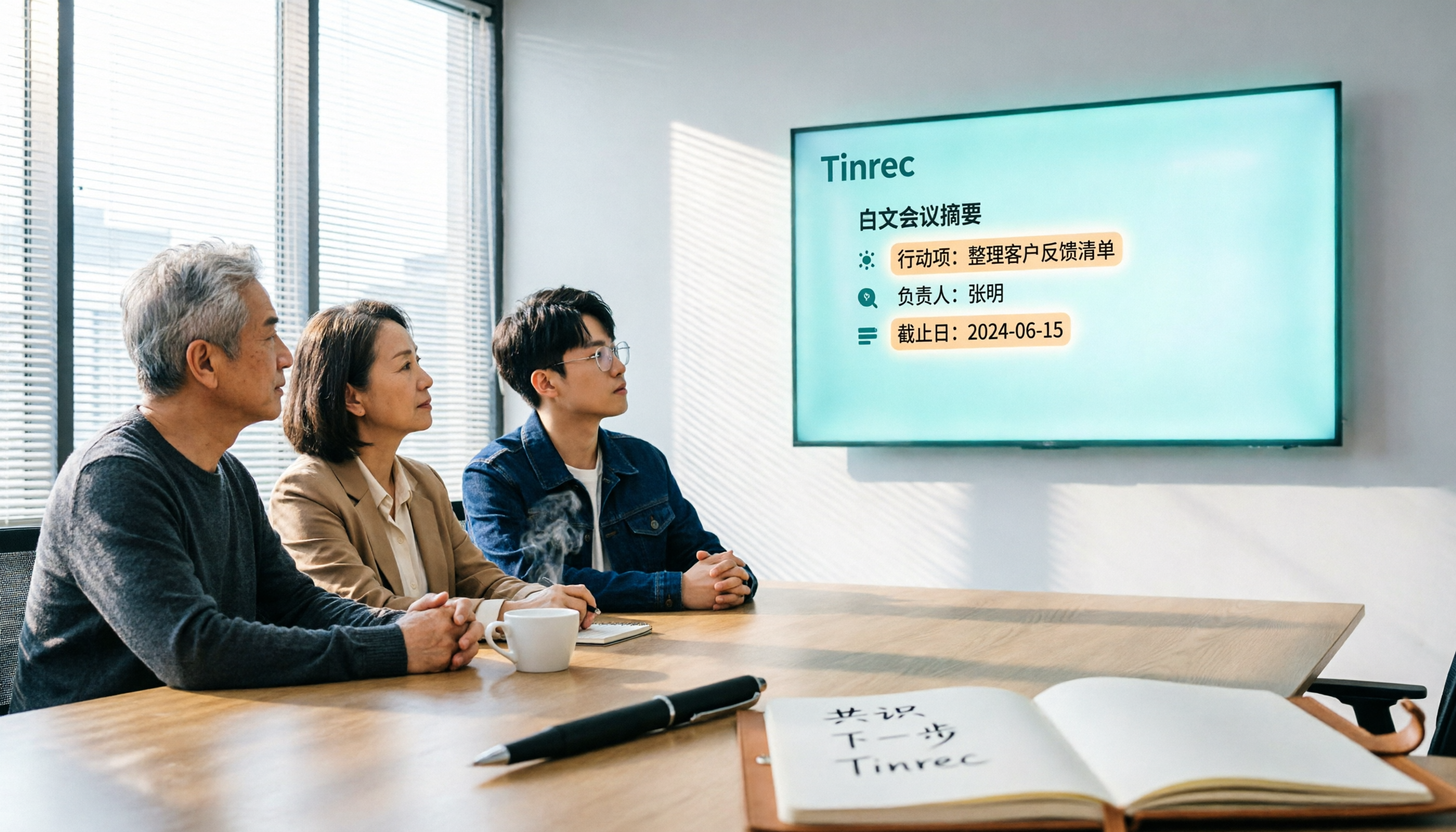
2026 Hands-On Comparison of 3 AI Meeting Recorders: How Tinrec Turns Meetings into Actionable Team Assets
Many people search for 'vocol 线上下看' when what they really need is a tool to view meeting notes online. This article tests three AI meeting recorders—Tinrec, Otter, and Notta—focusing on bot-free recording, Chinese language support, team collaboration, and post-meeting organization to help you pick the best one.

2026 Tested: 3 English Meeting Minutes Templates Compared — Tinrec Auto-Generation Saves the Most Time
Explore three common English meeting minutes templates (formal, project, and client meetings) and see how Tinrec can automatically generate English meeting minutes, saving you hours of manual work.