

Turn recordings into transcripts and summaries in minutes
Upload audio or video for multilingual transcription, AI notes, and action items
Why You Need the VOCOlinc App?
If you already own VOCOlinc smart bulbs, plugs, or other devices but haven't installed the dedicated app, you're only using half of the product's potential. Developed by Felion Technologies Company Limited, the VOCOlinc App is a free application designed for iPhone users, allowing you to control all your VOCOlinc products from a single interface.
I have several VOCOlinc smart lights in both my office and home. Initially, I only used Apple Home to control them, but later discovered that the VOCOlinc App offers more advanced features—especially scene settings and automation rules, which are more detailed than the Home App.
Key Features of the VOCOlinc App
1. Remote Control and Dashboard
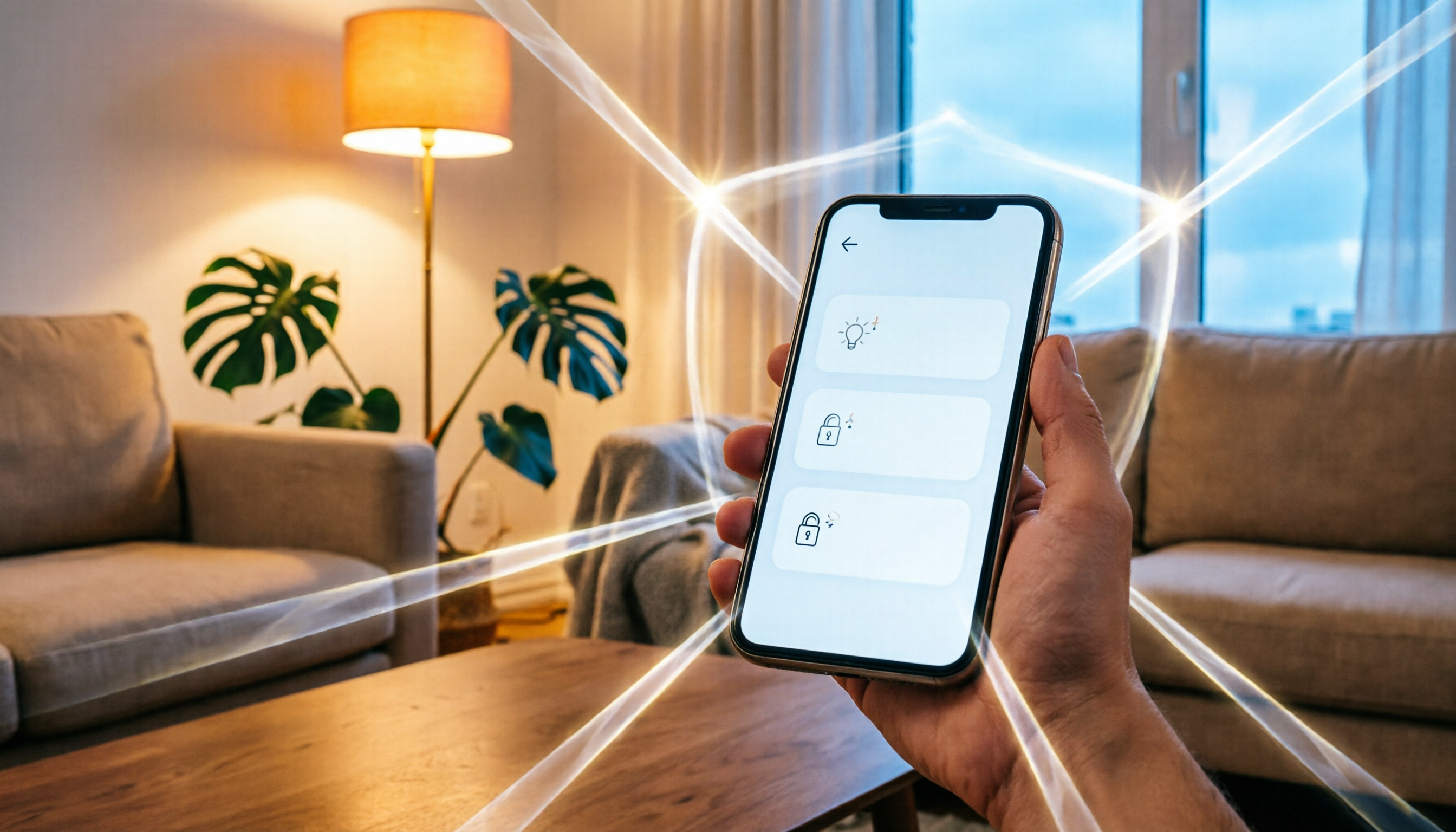
When you open the app, you'll see a dashboard displaying the current status of all connected VOCOlinc devices (on/off, brightness, power consumption, etc.). As long as your phone has internet access, you can operate them remotely even when you're away from home.
2. Schedules and Automations
You can set schedules, such as automatically turning on lights at 7 PM and turning them off at 8 AM. You can also create automation rules, like "When the door/window sensor detects opening, turn on the hallway light." These automations sync to the Apple Home App, so they can also be triggered via Siri or HomeKit.
3. Voice Control Integration
VOCOlinc devices support Siri, Alexa, and Google Home. After setting up in the VOCOlinc App, you can control devices with voice commands, such as "Hey Siri, set the living room lights to 50%."
4. Personalized Scenes
You can combine the states of multiple devices into a scene, such as "Movie Mode": dim the lights and turn off the plugs. Scenes also appear in Apple Home and Eve App for unified management.
5. Privacy Mode: HomeKit Only
The VOCOlinc App offers two usage modes: log in to your VOCOlinc account for full features, or choose "HomeKit Only" mode, which doesn't require an account and doesn't upload data to the cloud—all control is done locally via HomeKit. If you're privacy-conscious, the latter is a good option.
Stop organizing recordings by hand
Upload audio or video and automatically get a transcript, summary, and action items
How to Download and Set Up
- Open the App Store on your iPhone and search for "VOCOlinc".
- Tap download, and once installed, open the app.
- Follow the on-screen instructions to add devices: usually, you'll need to press the pairing button on the device, and the app will automatically scan and connect.
- Choose the room to add the device to, name it, and then you can start controlling it.
- To use HomeKit, you'll need to scan the HomeKit code within the app or add it through settings.
Common Issues and Solutions
Devices Losing Sync
Some users have reported that VOCOlinc devices occasionally lose sync with HomeKit, making them uncontrollable. The official common solution is: remove the device from HomeKit → reset the hub (e.g., restart HomePod or Apple TV) → reconfigure it in the VOCOlinc App. Although it's a hassle, it usually restores functionality.
Power Consumption Display Not Real-Time
Some reviews mention that the real-time power measurement in the app only updates when you switch to the background and back, and the values are displayed as integers only. This doesn't affect control functions, but if you need precise monitoring, you might need to use other tools.
Wi-Fi Subnet Restriction
VOCOlinc's Wi-Fi control requires your phone and device to be on the same subnet. If you're using a VPN or are on a different network segment, you may not be able to connect. HomeKit, on the other hand, allows remote control via a home hub, which is less restricted.
Conclusion: Is the VOCOlinc App Worth Installing?
If you're a VOCOlinc product user, this app is a must-have—it's not just a remote control; it also allows you to set up automations, scenes, and integrates deeply with HomeKit. Although sync issues occasionally occur, the overall functionality is more complete than Apple Home's native interface.
If you haven't purchased any VOCOlinc devices yet and are just looking for a smart home control app, the VOCOlinc App itself is free, so you can download it to check out the interface, but without devices, you won't be able to experience the full features.
References
Turn every recording into actionable outcomes
Get 60 free transcription minutes when you sign in. No credit card required.
Related Reading
You might also like

2026 Review of 3 AI Meeting Note Tools: How Tinrec Saves You Time on Meeting Notes?
Starting from common recording pitfalls, this hands-on review of Tinrec, an AI meeting notes tool, covers bot-free recording, summaries, action items, AI Q&A, and team collaboration, along with buying tips and FAQs.

2026 Free AI Voice Tools Compared: Which One Has the Most Complete Meeting Notes Feature?
This article addresses common misconceptions about free AI voice tools, using Tinrec as an example to break down 5 pitfalls when choosing a meeting notes tool and explain which features actually save you time.

2026 Hands-On Comparison of 3 Speech-to-Text Tools: Beyond Vocol's Free Plan, Tinrec Is Worth a Try
This article walks you through the real-world experience of Vocol's free plan and introduces how Tinrec fills the gaps in post-transcription organization, Q&A, and team collaboration.

Which Country Is Vocol From? Which One Is Better? 2026 Hands-On Test of 2 Tools: This Taiwan-Made Option Suits You Better
Vocol.ai is an AI voice collaboration platform developed by Taiwan's Aiello. This article compares Vocol and Tinrec in meeting transcription, post-meeting organization, and team collaboration to help you decide which one fits your needs.

The Complete 2026 VOCOlinc Tracker Guide: How to Use Apple Find My to Track Keys, Wallets, and Luggage
This comprehensive guide takes a practical approach to show you how the VOCOlinc Bluetooth tracker can help you locate your keys, wallet, and luggage using the Apple Find My app. It covers setup steps, Find Nearby/Find Far Away features, Lost Mode and NFC contact options, as well as durability and battery replacement essentials.

2026 Free AI Transcription Tools Compared: 4 Options Reviewed
Meetings, interviews, and lecture recordings pile up fast, and manual transcription is a huge time sink. This article tests four AI transcription tools—Tinrec, Otter.ai, Notta, and Granola—comparing accuracy, AI summaries, team collaboration, and free plans to help you find the best fit.

Tinrec vs Notta 2026: 5-Dimension Comparison, Which Free Plan Should Hong Kong Users Choose?
A comparison of Tinrec and Notta's free voice-to-text plans, focusing on free quotas, Cantonese transcription, AI features, and cross-platform performance, to help Hong Kong users pick the most suitable tool.

Which VOCOlinc App Is Best? 2026 Hands-On Test of 1 App, Best HomeKit Integration
The VOCOlinc App is the dedicated app for controlling VOCOlinc smart home accessories, integrating with Apple HomeKit, Alexa, and Google Home. This article tests the iOS and Android versions, sharing pros, cons, setup tips, and pitfalls to avoid.
2026 VOCOlinc App Download Channels Compared: Which Is Safest and Most Up-to-Date?
There are multiple ways to download the VOCOlinc app: iOS users can install it from the App Store, while Android users have several APK websites to choose from. This article compares five common download sources in terms of security, version updates, and installation convenience to help you pick the right one.