
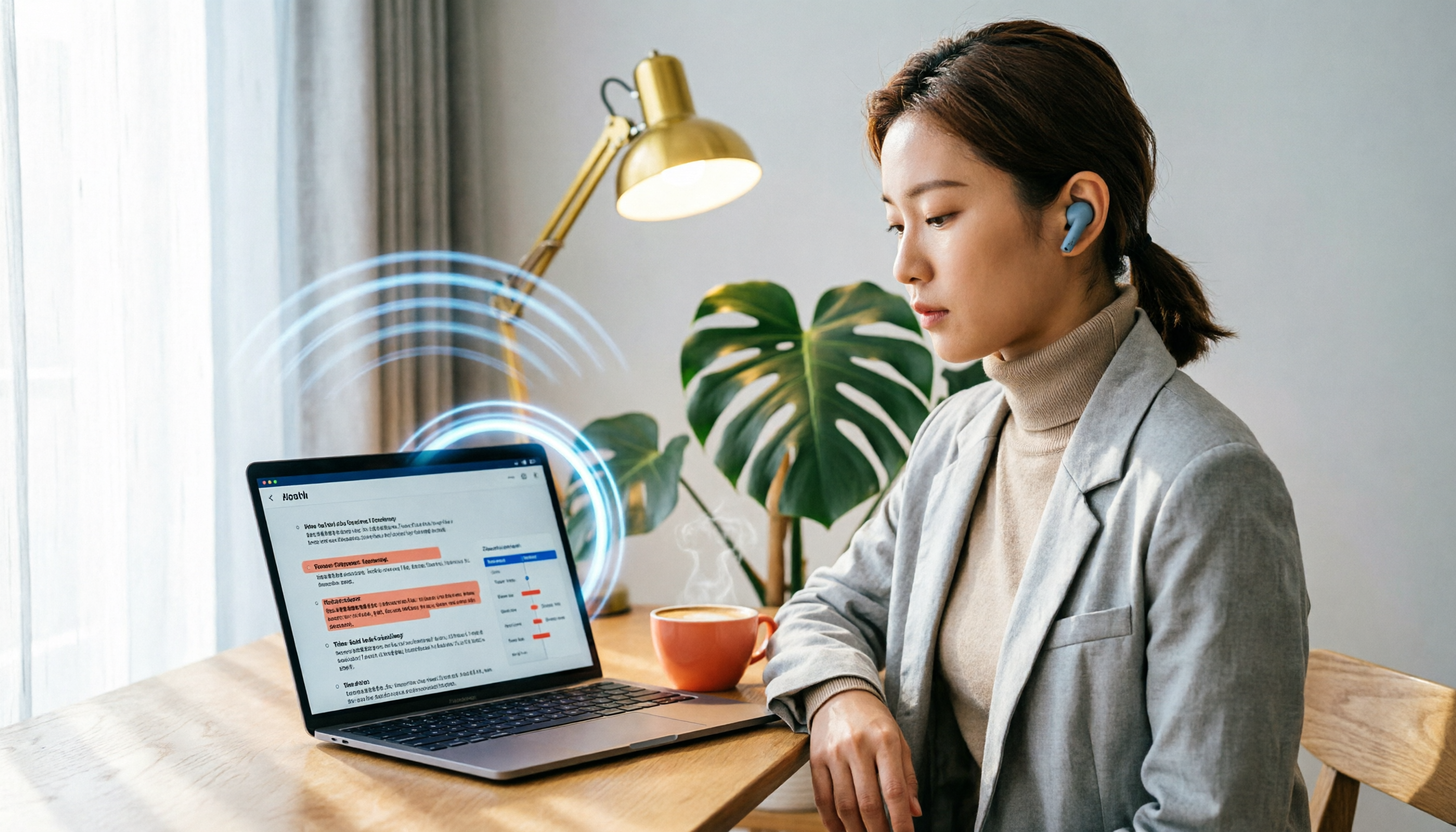
Turn recordings into transcripts and summaries in minutes
Upload audio or video for multilingual transcription, AI notes, and action items
Open the App Store or Google Play and search for "free AI voice tools," and you'll see a bunch of voice tools claiming to be free. But many people download them only to find out: the free version only records for 1 minute, transcription requires waiting in line, and exporting requires a subscription. Instead of being led around by the word "free," first figure out: do you want a tool that can actually help you organize meeting content, or just a toy that you can't really use? This article uses Tinrec as an example to break down 5 common misconceptions about free AI voice tools and tell you what "good enough" really means.
What Can AI Voice Tools Do for You?
Many people think AI voice tools are just "recording to text," but they can actually do much more. Taking Tinrec as an example, this tool truly solves the pain point of organizing meeting notes after the meeting ends.
Scenario 1: Get meeting notes in 5 minutes after the meeting Previously, after a two-hour meeting, you might spend another hour organizing the meeting notes. Now with AI meeting notes, using Tinrec as an example, the moment the meeting ends, the AI has already generated a summary, conclusions, and action items, showing who is responsible for what and the deadlines at a glance.
Scenario 2: Cross-language meetings no longer like listening to gibberish Tinrec supports real-time translation, allowing you to view the original text, translation, or bilingual content simultaneously during recording. If you often have meetings with overseas clients, this feature can save a lot of back-and-forth confirmation time.
Scenario 3: Historical recordings become a searchable database Throw your accumulated meeting recordings and interview audio files into Tinrec, and it will automatically convert them into transcripts and generate summaries. Later, you can simply enter keywords to quickly find the details discussed at that time, without having to re-listen to the entire recording.
Scenario 4: Team collaboration without everyone keeping their own notes Tinrec for Teams can centralize meeting materials in a team space, allowing new members to view historical meeting records. Administrators can set roles, seats, and sharing permissions, turning every communication into a team asset.
What Are Tinrec's Core Capabilities?
To determine whether an AI voice tool is worth using, the key is not whether it "can record," but what it "can do for you after recording." Tinrec's core capabilities can be broken down into 5 aspects.
1. Real-time Transcription: Transcribe as You Record, Never Miss Key Points
Tinrec supports real-time transcription with less than 1 second latency. During meetings, you can watch the text sync in real time, and if you notice something said too fast or unclear, you can mark it immediately without having to re-listen later.
2. AI Summaries and Chapters: Turn Long Meetings into a One-Page Summary
Tinrec doesn't just condense the transcript into a paragraph; it organizes it structurally—meeting topic, discussion conclusions, action items, and responsible persons are listed separately. You can grasp the key points of a two-hour meeting in 3 minutes.
3. Automatic Action Item Extraction: See Who Should Do What at a Glance
Action items mentioned in the meeting are automatically compiled by Tinrec into a to-do list, including responsible persons and deadlines. You don't need to manually organize them; you can directly export them to project management tools for tracking.
4. AI Q&A: Ask About Meeting Content Like Asking a Colleague
After transcription, you can directly ask Tinrec: "Who mentioned the budget in the meeting?" "What was the client's feedback?" It will answer directly based on semantic understanding, so you don't have to slowly search through the transcript.
5. Multi-format Export: Bring Meeting Results into Your Workflow
Tinrec supports exporting to multiple formats and can directly connect to tools like Notion, Google Docs, OneNote, and Dropbox. Meeting notes no longer stay static in the app; they can be edited, shared, and archived.
Stop organizing recordings by hand
Upload audio or video and automatically get a transcript, summary, and action items
Practical Use Cases
Use Case 1: Weekly Team Meetings
You have team meetings every week, and after the meeting, you need to organize progress and next steps. Use Tinrec to start recording, and after the meeting, the AI summary and to-do list are already generated. You just need to paste the progress into the group chat.
Use Case 2: Client Interviews
Salespeople or researchers often need to record client requirements. Start recording with Tinrec, and after the interview, you'll have the transcript and key summary. When writing proposals or reports later, you can search for keywords to quote the original words.
Use Case 3: Online Courses or Lectures
Students or self-learners can upload course recordings to Tinrec, which automatically converts them into transcripts and generates chapters. When reviewing, you can jump directly to the section you want to listen to, saving re-listening time.
Use Case 4: Content Creation
Podcasters or YouTubers can use Tinrec to convert interview recordings into text, quickly find quotable segments, and then use AI Q&A to organize a script outline, improving editing efficiency.
5 Things to Watch Out for When Choosing an AI Voice Tool
1. What Are the Limitations of the Free Version?
Don't just look at the word "free"; check how long the free version can record, whether you can export, and if there are watermarks. Tinrec's free version provides basic credits, enough to experience recording, importing, summarization, and transcription, but heavy users will need a paid plan.
2. Is Transcription Quality Stable?
Accuracy is affected by recording quality, accents, and background noise. Instead of trusting the official claim of 99%, test it with your own recordings. Tinrec performs well with clear audio and common scenarios, but for important information, it's still recommended to cross-check with the original.
3. Does It Have "Post-Processing" Capabilities?
Transcription is just the first step; what matters is whether it can help you organize after transcription. Tinrec doesn't just provide a transcript; it also offers summaries, action items, Q&A, and export, which is the biggest difference from simple transcription tools.
4. Does It Support Team Collaboration?
If you're using it as a team, make sure the tool can share data and manage members. Tinrec's team version has roles, seats, usage analytics, and audit logs. Meeting data belongs to the team, and even if a member leaves, you don't have to worry about data loss.
5. Cross-Platform and Language Support
Make sure the tool supports the devices and languages you commonly use. Tinrec has iOS, Android, web, and desktop versions, and supports Chinese, Traditional Chinese, and multilingual meetings, making it suitable for users in Taiwan.
Frequently Asked Questions
How long can I record with Tinrec's free version?
Tinrec's free version provides basic credits, suitable for light use. The specific minutes are subject to the official page, but it's definitely enough to experience a few meetings.
Does Tinrec require a meeting bot to join the meeting?
No. Tinrec's desktop version directly captures the computer's system audio, so no additional bot is needed to join Zoom, Meet, Teams, or Webex meetings. You just open Tinrec and start recording.
What's the difference between Tinrec and typical recording-to-text tools?
Typical tools only convert audio to text, while Tinrec goes further by organizing it into summaries, action items, and Q&A, and can export to other tools, plus provides a team space for data accumulation.
Can team members without a seat view data?
Yes. Active members can view, play, and read team data even without a seat; only those with a seat can record, upload, edit, and export.
Is Tinrec suitable for Chinese meetings?
Yes. Tinrec covers Chinese, Traditional Chinese, and multilingual scenarios, and supports real-time translation and team-specific terms. Actual performance is still affected by audio quality.
Conclusion
Free AI voice tools are not unusable, but you need to know what "free" costs you. If you only need to transcribe a recording occasionally, the free version might be enough; but if you have more than 3 meetings a week and need to organize meeting notes, track action items, and share data with your team, then a tool like Tinrec with post-processing capabilities can truly save you time. Download Tinrec's free version, use the basic credits to experience a few meetings, and see how AI helps you organize meeting notes—don't be fooled by the literal meaning of "free AI voice tools"; what matters is whether it makes your work easier.
References
Turn every recording into actionable outcomes
Get 60 free transcription minutes when you sign in. No credit card required.
Related Reading
You might also like

2026 Audio-to-Text Comparison: Tinrec vs Otter.ai for Chinese Meetings & Team Knowledge
How to choose an audio-to-text tool in 2026? This article compares Tinrec and Otter.ai across 5 dimensions: Chinese meeting transcription, bot-free online meeting capture, audio file organization, post-meeting workflows, and team data governance. Based on public features and pricing, it helps you decide which is better suited for meeting notes needs in Taiwan.

How to Choose an Online Audio-to-Text Tool in 2026: 5 Steps to Pick the Right One and Get a Transcript
How do you choose an online audio-to-text tool? This article reviews 6 online options—Tinrec, MyEdit, cSubtitle, CyberLink, Yating Transcript, and Monica—comparing free quotas, Chinese recognition, export formats, and team collaboration. It also walks you through 5 steps to turn an audio file into a transcript.

2024 Review of 4 Audio-to-Text Tools: Which Saves the Most Time on Chinese Meeting Transcripts and AI Summaries?
The 2024 audio-to-text comparison isn't just about transcription speed—it's about whether the tool can organize your meeting notes afterward. Based on real meetings and interviews, this review compares Tinrec, Notta, Granola, and PLAUD on audio sources, transcripts, AI summaries, action items, team collaboration, and pricing limits to help you choose the right tool.

4 Free Online Audio-to-Text Tools Compared (2026): Which Offers the Best Free Tier and Chinese Recognition?
A comparison of Tinrec, MyEdit, cSubtitle, and Monica's free online audio-to-text offerings, covering free quotas, Chinese recognition, export formats, and post-meeting AI organization to help you decide which suits meetings, interviews, and subtitles.

4 Free AI Audio-to-Text Tools Tested: Which Free Tier Is Enough in 2026?
There are many free AI audio-to-text tools, but free quotas, single-recording length limits, Chinese recognition, and post-meeting organization capabilities vary widely. This article compares the free plans and use cases of 4 tools, using Tinrec's no-bot recording, AI Q&A, and team spaces as selection references.

2026 Comparison of 2 Online Audio-to-Text Tools: Tinrec vs Otter.ai — Which Is Better for Chinese Meetings?
Starting from common misconceptions, this comparison examines Tinrec and Otter.ai in Chinese meetings, bot-free recording, post-meeting organization, real-time translation, and team data retention to help you decide which online audio-to-text tool fits your daily work.

2026 Comparison of 2 Audio-to-Text Platforms: Free Tiers, Chinese Recognition, and Post-Meeting Organization at a Glance
A side-by-side comparison of Tinrec and Notta across free tiers, Chinese recognition, online meeting recording, post-meeting organization, and team collaboration, helping you decide whether the free version is enough and when to upgrade.

iPhone Voice Memos vs Tinrec in 2026: 5-Dimension Comparison — Is Free Transcription Enough?
iPhone's built-in Voice Memos can now transcribe recordings for free, so do you still need a separate tool? This article compares iPhone's built-in features with Tinrec across 5 practical dimensions and honestly explains where the free limits are, helping you decide which approach fits your meeting volume.

4 Free Audio-to-Text Tools Tested for 2026: Which Free Tier Is Actually Enough?
There are plenty of free audio-to-text tools, but few can handle a full meeting. This hands-on comparison tests the free plans of Tinrec, Otter.ai, Notta, and TurboScribe—breaking down how limits are calculated, transcript post-processing, audio retention, and team collaboration—to help you decide which free version is truly usable.