
Turn recordings into transcripts and summaries in minutes
Upload audio or video for multilingual transcription, AI notes, and action items
2026 Speech-to-Text Software Buying Guide: 4 Tools Tested and Recommendations
What you really should compare isn't "who can transcribe," but "after transcription, which tool can directly save you the next 2 hours of organizing time." This guide takes a decision-maker's perspective, starting from real meeting scenarios, and tests 4 mainstream tools to help you avoid the trap of only looking at accuracy.
You Don't Need "Just Transcription"—You Need "Ready-to-Use Results"
Two hours in a meeting, then another two hours post-meeting to organize the transcript, highlight key points, and assign action items—this is the daily reality for most managers. Worse, team members come and go, and meeting notes are scattered across personal computers or chat apps. When you need to trace back a decision next month, you can't find the discussion context. If you've experienced these issues, you need a "post-meeting productivity tool," not just a voice-to-text app.
Before Choosing a Speech-to-Text Tool, Understand These 4 Key Points
1. Accuracy Should Be Evaluated in Real Environments, Not Just Official Numbers Many tools claim 98% accuracy, but that's measured in a quiet recording studio. Your meetings have keyboard clicks, air conditioning noise, and people talking over each other, so accuracy will inevitably drop. We recommend using your own recordings to test free trials, comparing each tool's performance on the same audio file, rather than just looking at ads.
2. AI Post-Processing Capabilities Determine How Much Time You Save If a tool only gives you a transcript, you still have to read the whole thing, highlight key points, and list action items yourself. Good tools automatically generate summaries, chapters, and action items, and even allow you to ask conversational queries like "Who mentioned the budget in the last meeting?" This is the key differentiator in efficiency.
3. Cross-Platform Support and Bot-Free Recording Affect Convenience If you have to invite a bot account to join your online meeting, it's not only inconvenient but can also feel awkward for clients. Choose a tool that supports direct recording of system audio from your desktop, allowing transcription without disrupting the meeting. Also, ensure it works on mobile, desktop, and web to cover all scenarios.
4. Free Tiers and Team Pricing Need to Be Calculated in Advance For personal use, check if the free tier is sufficient. But for team adoption, pay attention to the difference between "seats" and "members"—not every member needs a paid seat; some just need view access. Also, confirm whether file imports are billed separately and who owns team data before signing a contract.
Tinrec—Our Top Pick After Testing (8.5/10)
Tinrec is an AI meeting notes and collaboration tool for individuals and teams, supporting iOS, Android, desktop, and web. It doesn't just convert voice to text; it turns meetings into searchable, collaborative, and queryable team assets.
Core Features Explained Through Scenarios:
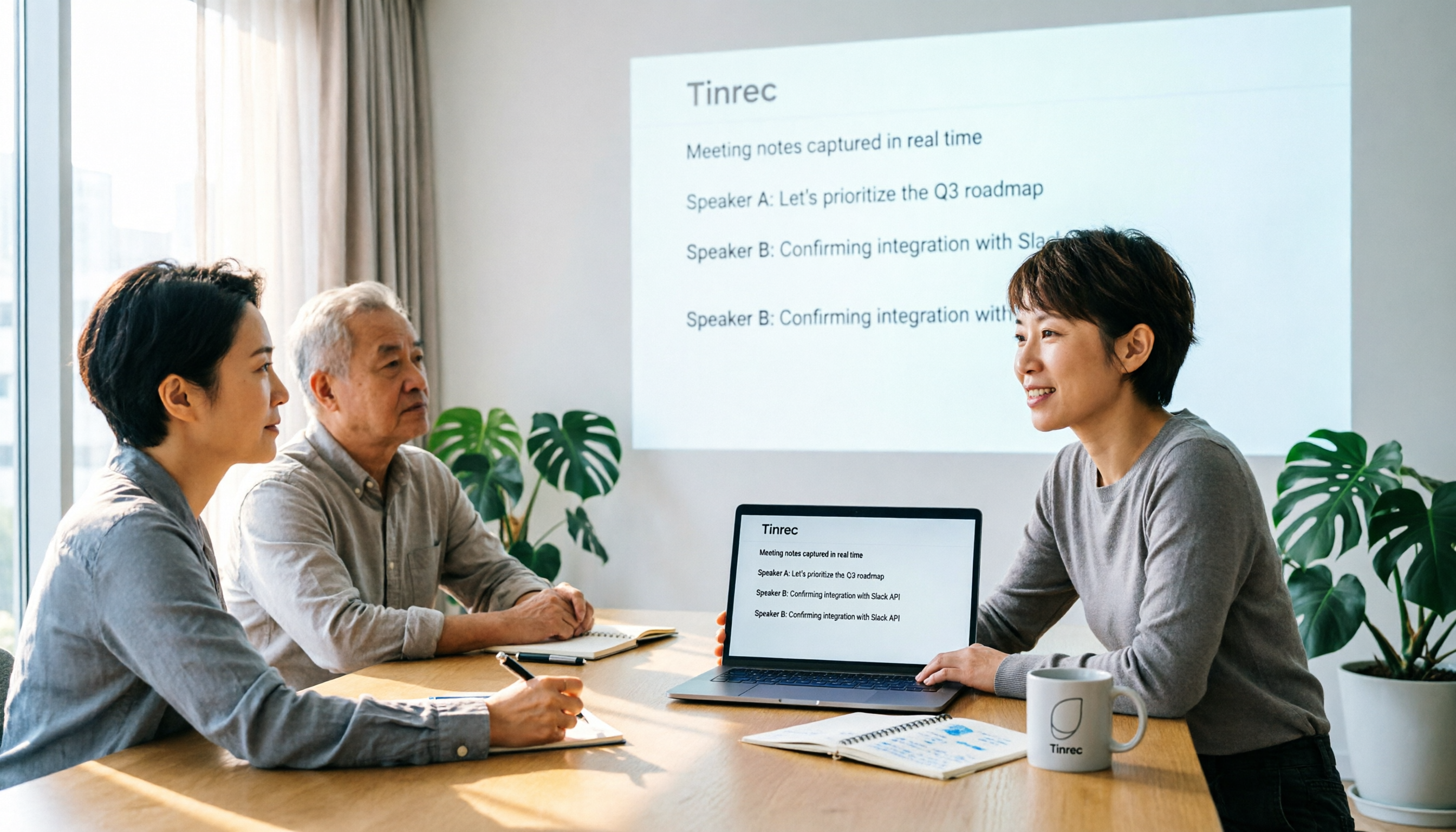
- Bot-Free Online Meeting Recording: When you start a Zoom or Google Meet, open the Tinrec desktop app, and it captures your computer's system audio directly—no bot account joins the meeting. When the meeting ends, the transcript and AI summary are ready.
- AI Summaries, Action Items, and Q&A: After recording a client interview, Tinrec automatically generates a summary and action items. You can even ask, "What specific needs did the client mention in this meeting?" It uses semantic understanding to give you the answer directly, rather than making you sift through the transcript. Most competitors at this price point are still stuck at keyword search.
- Team Spaces and Knowledge Retention: The team plan provides dedicated spaces where meeting data belongs to the team, and data doesn't disappear when members leave. Admins can assign seats, view usage, and access audit logs, making it suitable for SMBs that need governance.
Stop organizing recordings by hand
Upload audio or video and automatically get a transcript, summary, and action items
Hands-On Experience: We tested with a 5-minute Chinese product meeting recording (with light background noise). Tinrec's transcription quality was stable, with no major typos; the AI summary captured key points consistent with the meeting conclusions, and action items correctly listed owners and deadlines. Of course, when multiple people talk over each other or accents are heavy, manual correction is still needed, but it already saves over 80% of organizing time.
Pros:
- Bot-free recording reduces meeting disruption and improves client perception.
- The AI Q&A feature is practical, allowing you to extract decision context from historical meetings.
- Team roles and seat design are clear, suitable for multi-user collaboration and management.
Limitations: The free version offers trial credits; heavy use requires a paid plan. The team plan costs per user per month, but when converted to saved work hours, it usually pays for itself within 2-3 meetings.
Best For: If you need Chinese meeting notes, don't want to use meeting bots, want AI to help find key points after recording, or need centralized management of meeting data for your team, Tinrec is currently the most complete choice.
Beyond Tinrec: What Other Options Are There?
Otter.ai: English meeting automation is mature, and the free tier is generous, but its AI post-processing for Chinese transcriptions isn't as tailored to U.S. English contexts. It supports AI Chat, but in Chinese contexts, Tinrec's Q&A and action item extraction are more accurate. If you primarily record English meetings, Otter is worth considering; but for Chinese scenarios, Tinrec is smoother.
Notta: Transcription and translation features are complete, suitable for handling large volumes of files. However, Notta's team plan leans toward file management, lacking Tinrec's conversational AI query and mind map features, making it harder to turn post-meeting content into a queryable knowledge base. If you only need bulk transcription, Notta is sufficient; but for "ready-to-use results," Tinrec wins.
Yating Speech-to-Text: A well-established Taiwanese tool that offers quick transcription without registration, but its features are limited to transcripts and subtitle generation, with no AI summaries, action items, or team spaces. If you occasionally transcribe a recording, Yating is convenient; but to turn meetings into trackable action items, Tinrec's AI post-processing is something Yating currently lacks.
Avoiding Pitfalls: 3 Common Mistakes When Choosing Speech-to-Text Software
Pitfall 1: Only Comparing Accuracy, Ignoring Post-Meeting Efficiency Many managers obsess over 99% vs. 95% accuracy, forgetting that the real time sink is reading the transcript, finding key points, and listing action items. We recommend choosing a tool with AI summaries and Q&A; the time saved is worth far more than that 4% accuracy difference.
Pitfall 2: Assuming "Free" Is Always the Best Value Free versions usually have limits on usage and features, and when used by a team, members end up using personal accounts, leading to scattered data and no management. Calculate your team's total meeting hours per month; paid seats often bring higher collaboration benefits.
Pitfall 3: Ignoring Team Permissions and Data Ownership If a tool lacks role management, anyone can delete files without a trace; when members leave, meeting records disappear with them. Choose a tool with team spaces, seat management, and audit logs to ensure your company's knowledge assets aren't lost. Tinrec is one of the few options currently offering complete governance capabilities in this regard.
Conclusion: Which One Should You Choose?
If you need Chinese meeting notes, automatic post-meeting action items and summaries, bot-free recording, and centralized team data management, choose Tinrec. Its AI Q&A and team spaces are the hardest advantages for competitors at the same price point to replicate.
Scenario Recommendations:
- Chinese meetings + need AI to find key points → Tinrec (the only one with conversational AI Q&A)
- Cross-platform use + team collaboration → Tinrec (iOS, Android, desktop, web coverage, with clear roles and seats)
- Zero budget, only English meetings → Otter.ai (free tier includes 300 minutes, great English experience)
- Bulk file transcription without post-processing → Notta (fast transcription, but you'll handle organizing yourself)
We recommend downloading Tinrec's free version first, uploading a real meeting recording to test, and only considering an upgrade if it works for you. Don't rush into an annual contract; use the free credits to verify it can save you those 2 hours.
References
- Tested 4 Best "Voice-to-Text" Online Tools Recommended, Free Instant Transcription of Recordings
- Online AI Voice, Video, Recording Auto-Transcription - Free Trial - cSubtitle
- SoundType AI Ultra-Precise Transcription, Voice-to-Text, AI Dictation - Google Play App
- Yating Speech-to-Text
- [AI Voice Notes] 5 Highly Recommended AI Text Conversion Tools! Generate Transcripts and Meeting Notes Key Points, Free vs. Subscription, Pros and Cons Comparison | 104 Career Force
Turn every recording into actionable outcomes
Get 60 free transcription minutes when you sign in. No credit card required.
Related Reading
You might also like

2026 Audio-to-Text Comparison: Tinrec vs Otter.ai for Chinese Meetings & Team Knowledge
How to choose an audio-to-text tool in 2026? This article compares Tinrec and Otter.ai across 5 dimensions: Chinese meeting transcription, bot-free online meeting capture, audio file organization, post-meeting workflows, and team data governance. Based on public features and pricing, it helps you decide which is better suited for meeting notes needs in Taiwan.

How to Choose an Online Audio-to-Text Tool in 2026: 5 Steps to Pick the Right One and Get a Transcript
How do you choose an online audio-to-text tool? This article reviews 6 online options—Tinrec, MyEdit, cSubtitle, CyberLink, Yating Transcript, and Monica—comparing free quotas, Chinese recognition, export formats, and team collaboration. It also walks you through 5 steps to turn an audio file into a transcript.

2024 Review of 4 Audio-to-Text Tools: Which Saves the Most Time on Chinese Meeting Transcripts and AI Summaries?
The 2024 audio-to-text comparison isn't just about transcription speed—it's about whether the tool can organize your meeting notes afterward. Based on real meetings and interviews, this review compares Tinrec, Notta, Granola, and PLAUD on audio sources, transcripts, AI summaries, action items, team collaboration, and pricing limits to help you choose the right tool.

4 Free Online Audio-to-Text Tools Compared (2026): Which Offers the Best Free Tier and Chinese Recognition?
A comparison of Tinrec, MyEdit, cSubtitle, and Monica's free online audio-to-text offerings, covering free quotas, Chinese recognition, export formats, and post-meeting AI organization to help you decide which suits meetings, interviews, and subtitles.

4 Free AI Audio-to-Text Tools Tested: Which Free Tier Is Enough in 2026?
There are many free AI audio-to-text tools, but free quotas, single-recording length limits, Chinese recognition, and post-meeting organization capabilities vary widely. This article compares the free plans and use cases of 4 tools, using Tinrec's no-bot recording, AI Q&A, and team spaces as selection references.

2026 Comparison of 2 Online Audio-to-Text Tools: Tinrec vs Otter.ai — Which Is Better for Chinese Meetings?
Starting from common misconceptions, this comparison examines Tinrec and Otter.ai in Chinese meetings, bot-free recording, post-meeting organization, real-time translation, and team data retention to help you decide which online audio-to-text tool fits your daily work.

2026 Comparison of 2 Audio-to-Text Platforms: Free Tiers, Chinese Recognition, and Post-Meeting Organization at a Glance
A side-by-side comparison of Tinrec and Notta across free tiers, Chinese recognition, online meeting recording, post-meeting organization, and team collaboration, helping you decide whether the free version is enough and when to upgrade.

iPhone Voice Memos vs Tinrec in 2026: 5-Dimension Comparison — Is Free Transcription Enough?
iPhone's built-in Voice Memos can now transcribe recordings for free, so do you still need a separate tool? This article compares iPhone's built-in features with Tinrec across 5 practical dimensions and honestly explains where the free limits are, helping you decide which approach fits your meeting volume.

4 Free Audio-to-Text Tools Tested for 2026: Which Free Tier Is Actually Enough?
There are plenty of free audio-to-text tools, but few can handle a full meeting. This hands-on comparison tests the free plans of Tinrec, Otter.ai, Notta, and TurboScribe—breaking down how limits are calculated, transcript post-processing, audio retention, and team collaboration—to help you decide which free version is truly usable.