
Turn recordings into transcripts and summaries in minutes
Upload audio or video for multilingual transcription, AI notes, and action items
When looking for a free AI transcription tool, the worst thing is to find out after downloading that it only transcribes 3 minutes—a fake free plan. Instead of trying one by one, think first: what should a free plan really cover? This article uses Tinrec's free plan as an example, walking you through real use cases to see which features are truly worth your time.
What Can a Free AI Transcription Tool Do for You?
If you have meetings, classes, or interviews to transcribe every week, the key isn't "how long it can transcribe" but "whether the output is ready to use." With Tinrec, the free plan's basic quota covers light usage, and it doesn't just output a transcript—it also automatically organizes key points.
Scenario 1: Get Meeting Minutes Within 5 Minutes After a Meeting
After a two-hour meeting, you used to spend another hour summarizing key points. With Tinrec, start recording and it transcribes in real time; by the time the meeting ends, the transcript is ready. Open the summary, and the meeting topic, conclusions, and action items are clearly listed. Copy it to your group chat and share with colleagues instantly.
Scenario 2: No More Frantic Note-Taking in Class or Lectures
While scribbling notes in class, you miss key points the teacher says. Record the lecture with Tinrec, upload the audio, and get a full transcript in seconds. Focus on listening, then use the AI Q&A feature to quickly find "key formulas mentioned" or "assignment deadlines" without replaying the recording.
Scenario 3: Quickly Produce Records After Interviews or Client Calls
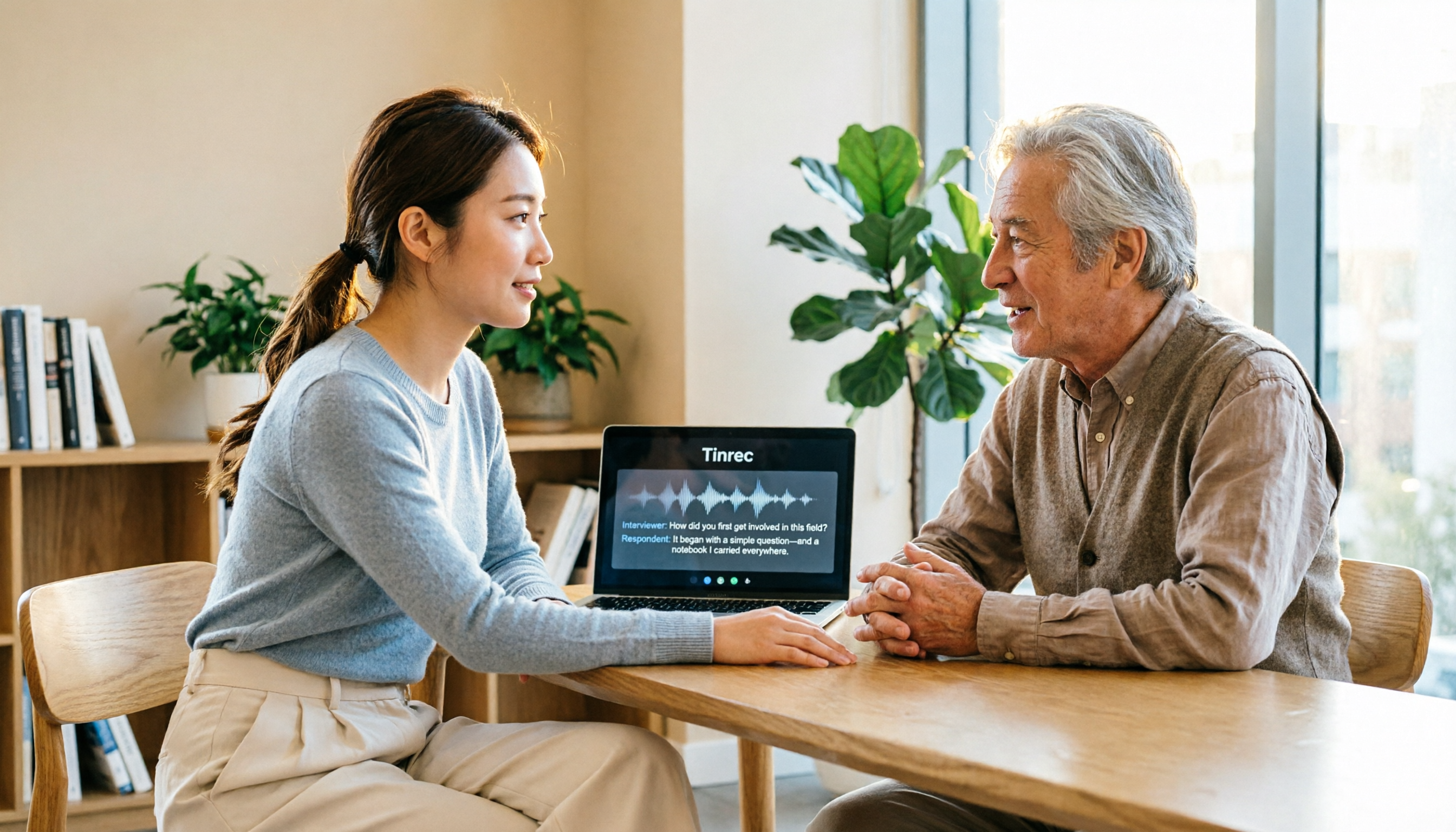
After an interview, instead of relying on memory, just upload the recording to Tinrec. It provides a transcript, auto-segments it, and labels speakers. You only need to add your own notes at key points. Finally, export to Word or Google Docs and send it to the client for confirmation.
Core Capabilities of Tinrec's Free Plan
The free plan isn't a stripped-down version; Tinrec keeps the core "record → understand → act" workflow available to free users.
Real-Time Transcription: Text as You Record
Tinrec's real-time transcription has minimal delay, so during meetings you can watch the text to ensure you don't miss key points. No need to wait until the recording ends to start transcribing; you can even screenshot important sections.
AI Summaries and Chapters: Long Meetings Auto-Split into Key Points
Upload a 40-minute meeting recording, and Tinrec automatically generates a structured summary: meeting topic, discussion conclusions, and action items listed separately. The chapter feature divides the meeting into segments; click to jump to the corresponding timestamp for easy review of key statements.
AI Q&A: Ask Directly, No Need to Search Slowly
After transcription, you can type "What budget issues did the client mention?" or "Who is responsible for following up?" Tinrec answers based on the meeting content, not just keyword search. This turns historical recordings into a searchable database.
Multi-Format Export: Bring Results into Your Workflow
The free plan also allows exporting transcripts and summaries to Word, Google Docs, Notion, and more. No copy-pasting needed; export directly to your preferred tool for further editing or sharing.
Practical Use Cases: How Four Types of People Use Tinrec Free
Meetings: From Minutes to Action Items in One Go
Before your weekly meeting, open Tinrec desktop to record the online meeting—no need to invite a bot or install extra plugins. After the meeting, summaries and action items are ready; click to assign owners (via manual marking after export). All past meetings stay in the same account, so before next week's meeting, you can search last week's discussion.
Stop organizing recordings by hand
Upload audio or video and automatically get a transcript, summary, and action items
Classroom: Turn Audio into Reviewable Notes
In class or at a lecture, use the Tinrec mobile app to record in real time. Back home, open the transcript and use AI Q&A to quickly locate "exam scope emphasized by the teacher." If you need bilingual support, the real-time translation feature shows original and translated text during recording—ideal for foreign language classes or bilingual lectures.
Interviews: Extract Insights and Quotes from Transcripts
After research interviews or user tests, upload the audio to Tinrec. AI summaries help you quickly grasp the interviewee's main points, and timestamps in the transcript let you verify exact quotes. Before exporting a report, use AI Q&A to compile "the three points the interviewee cares most about regarding the new feature," directly as analysis material.
Content Creation: Turn Voice Memos into Article Outlines
Content creators often record ideas on their phones while out. Back at the computer, upload the recording to Tinrec, and the transcript is auto-segmented. Use AI Q&A to ask "What topics from this recording could be developed into articles?" Then export as draft material, saving time from replaying the audio.
4 Things to Watch When Choosing a Free AI Transcription Tool
1. Is the Free Plan Time-Limited or Minute-Limited?
Many tools claim to be free but only allow 3 or 5 minutes per session, making them impractical. Tinrec's free plan offers a "basic usage quota," not a per-session time limit, suitable for occasional transcription needs. Try it a few times to see if the transcription quality and workflow fit your habits.
2. Are There Post-Transcription Organization Features?
Getting just a transcript isn't enough; you need summaries, action items, and quick search. Tinrec's free plan includes AI summaries, chapters, and AI Q&A—not locked behind a paywall. So even with limited quota, you can complete a full "record → organize → act" cycle.
3. Does It Support Your Primary Use Cases?
If you mainly have online meetings, check if the tool can capture audio from Zoom, Google Meet, Teams, etc., without requiring extra bots. Tinrec desktop captures system audio, so no need to invite a bot or get additional permissions. For in-person interviews, the mobile app's real-time recording handles it.
4. Does the Free Plan Force You into a Paid Plan?
Some tools restrict export features in the free plan, forcing you to upgrade to get your own transcripts. Tinrec's free plan allows exporting transcripts and summaries to common formats, so you can fully experience the "transcribe → organize → export" flow before deciding whether to pay for higher frequency or team needs.
FAQ
Q: How long can Tinrec's free plan transcribe?
Tinrec's free plan provides a basic usage quota; the exact minutes are shown on the product page. The key is that the free plan still lets you fully experience recording, importing, summarizing, and transcribing—not just a preview of the interface.
Q: Is the free plan accurate?
Accuracy is affected by recording quality, background noise, accents, and overlapping speech. Tinrec provides high-quality transcription with clear audio, but for important content, we recommend cross-checking with the recording at the transcript's timestamps.
Q: Can the free plan transcribe online meetings?
Yes. Use Tinrec desktop to start recording; it captures the computer's system audio directly, no need to add a bot to the meeting. Works with Zoom, Google Meet, Microsoft Teams, and more.
Q: Can I export transcripts from the free plan?
Yes. The free plan supports exporting transcripts and summaries to Word, Google Docs, Notion, etc., so you're not locked into the tool.
Q: Do I need consent from participants to record with the free plan?
Before recording and transcribing, be sure to comply with local laws and inform participants or obtain consent as needed. This is the user's responsibility, not the tool's.
Conclusion
Free AI transcription tools aren't about "whether they work" but "how well they work." Instead of being swayed by the word "free," test with a complete workflow: record → transcribe → summarize → export. Tinrec's free plan preserves this entire workflow, making it suitable for those who want to lightly experience AI meeting notes without committing to a paid plan upfront. Start with one meeting and see how much time AI saves you.
References
- Unlimited Time! 3 Free AI Transcription Tools, Highly Recommended! AI Voice Notes Generate Meeting Minutes, Slides, Mind Maps | 104 Career Force
- AI Transcript Generator: Online Free Audio to Text - MyEdit
- [AI Voice Notes] Top 5 AI Text Conversion Tools! Generate Transcripts and Meeting Minutes, Free vs. Subscription, Pros and Cons | 104 Career Force
- Home | Vocol.ai Voice Collaboration Platform
- Google AI Studio Transcript Tutorial: Free AI Audio to Text Tips - Mr. Mad
Turn every recording into actionable outcomes
Get 60 free transcription minutes when you sign in. No credit card required.
Related Reading
You might also like

2026 Audio-to-Text Comparison: Tinrec vs Otter.ai for Chinese Meetings & Team Knowledge
How to choose an audio-to-text tool in 2026? This article compares Tinrec and Otter.ai across 5 dimensions: Chinese meeting transcription, bot-free online meeting capture, audio file organization, post-meeting workflows, and team data governance. Based on public features and pricing, it helps you decide which is better suited for meeting notes needs in Taiwan.

How to Choose an Online Audio-to-Text Tool in 2026: 5 Steps to Pick the Right One and Get a Transcript
How do you choose an online audio-to-text tool? This article reviews 6 online options—Tinrec, MyEdit, cSubtitle, CyberLink, Yating Transcript, and Monica—comparing free quotas, Chinese recognition, export formats, and team collaboration. It also walks you through 5 steps to turn an audio file into a transcript.

2024 Review of 4 Audio-to-Text Tools: Which Saves the Most Time on Chinese Meeting Transcripts and AI Summaries?
The 2024 audio-to-text comparison isn't just about transcription speed—it's about whether the tool can organize your meeting notes afterward. Based on real meetings and interviews, this review compares Tinrec, Notta, Granola, and PLAUD on audio sources, transcripts, AI summaries, action items, team collaboration, and pricing limits to help you choose the right tool.

4 Free Online Audio-to-Text Tools Compared (2026): Which Offers the Best Free Tier and Chinese Recognition?
A comparison of Tinrec, MyEdit, cSubtitle, and Monica's free online audio-to-text offerings, covering free quotas, Chinese recognition, export formats, and post-meeting AI organization to help you decide which suits meetings, interviews, and subtitles.

4 Free AI Audio-to-Text Tools Tested: Which Free Tier Is Enough in 2026?
There are many free AI audio-to-text tools, but free quotas, single-recording length limits, Chinese recognition, and post-meeting organization capabilities vary widely. This article compares the free plans and use cases of 4 tools, using Tinrec's no-bot recording, AI Q&A, and team spaces as selection references.

2026 Comparison of 2 Online Audio-to-Text Tools: Tinrec vs Otter.ai — Which Is Better for Chinese Meetings?
Starting from common misconceptions, this comparison examines Tinrec and Otter.ai in Chinese meetings, bot-free recording, post-meeting organization, real-time translation, and team data retention to help you decide which online audio-to-text tool fits your daily work.

2026 Comparison of 2 Audio-to-Text Platforms: Free Tiers, Chinese Recognition, and Post-Meeting Organization at a Glance
A side-by-side comparison of Tinrec and Notta across free tiers, Chinese recognition, online meeting recording, post-meeting organization, and team collaboration, helping you decide whether the free version is enough and when to upgrade.

iPhone Voice Memos vs Tinrec in 2026: 5-Dimension Comparison — Is Free Transcription Enough?
iPhone's built-in Voice Memos can now transcribe recordings for free, so do you still need a separate tool? This article compares iPhone's built-in features with Tinrec across 5 practical dimensions and honestly explains where the free limits are, helping you decide which approach fits your meeting volume.

4 Free Audio-to-Text Tools Tested for 2026: Which Free Tier Is Actually Enough?
There are plenty of free audio-to-text tools, but few can handle a full meeting. This hands-on comparison tests the free plans of Tinrec, Otter.ai, Notta, and TurboScribe—breaking down how limits are calculated, transcript post-processing, audio retention, and team collaboration—to help you decide which free version is truly usable.