
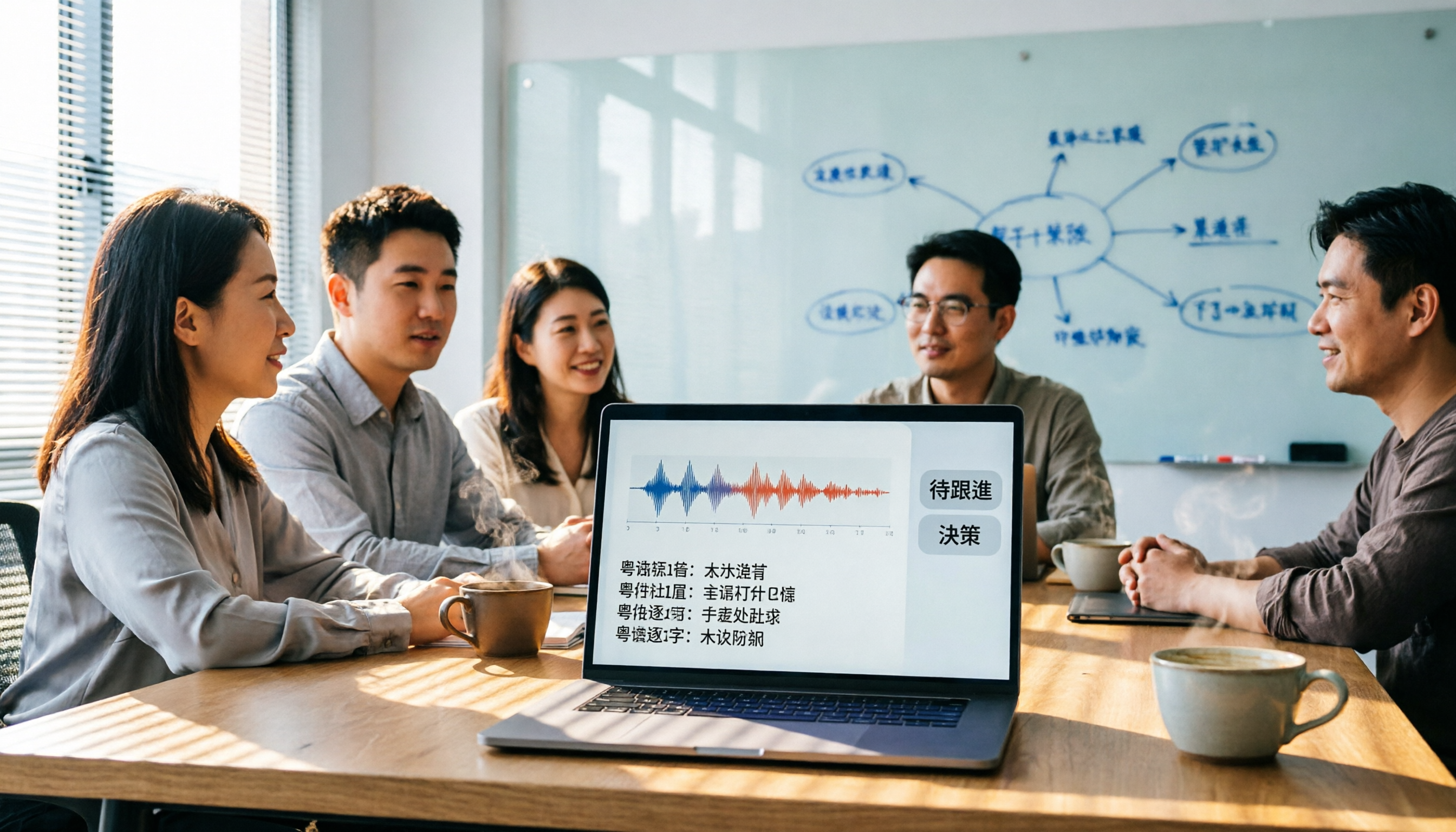
Turn recordings into transcripts and summaries in minutes
Upload audio or video for multilingual transcription, AI notes, and action items
4 Cantonese AI Transcription Tools Compared in 2026: From Recording to Post-Meeting Action
Many people make the first mistake when looking for a Cantonese transcription tool: they check which app has the highest accuracy rate. But what really holds you back is often not the recognition rate, but the fact that you haven't told the tool what you want to do next. Over the years, I've seen too many people convert recordings into tens of thousands of words, only to end up reading through the entire text themselves.
This article won't just list specifications. I want to walk you through a method to turn Cantonese recordings from "transcribe and forget" into data you can continue to query, archive, and collaborate on.
The Three Most Common Pitfalls with Cantonese Transcription: It's Not the Tool, It's the Method
Let's start with three mistakes I often see.
Pitfall 1: Thinking that "transcribing text" completes the task. You end up with a 10,000-word transcript that you still have to read slowly. What you really need are conclusions, action items, and timestamps you can refer back to.
Pitfall 2: Choosing a tool that "claims to support Cantonese" without testing it on your own recordings. Recordings have background noise, overlapping speech, and accent variations; official numbers are only a reference.
Pitfall 3: Treating online meetings and in-person recordings separately. After each meeting, you have to move the file to another tool for transcription and organization, breaking the workflow, and eventually you just stop doing it.
These three pitfalls all point to the same thing: you don't need a single feature; you need a workflow that takes you from recording to action.
Before Choosing a Cantonese Transcription Tool, Consider These 4 Key Points
Don't rush to download. Ask yourself these four questions first.
First, does it only give you a transcript?
Many tools stop after transcription. But you need summaries, highlights, action items, and even the ability to ask follow-up questions. If you only look at the transcript, you're only using a third of the tool's capability.
Second, can it handle your real recordings?
Is it background noise in a conference room, or an interview recorded with your phone on the table? Don't just look at official claims of Cantonese support; test it with your own recordings. My habit is to prepare a three-minute real recording and compare it across different tools.
Third, is it easy to record online meetings?
If you frequently use Zoom, Google Meet, or Teams, look for a method that doesn't require inviting a bot into the meeting. Besides saving the invitation step, it also avoids the hassle of having an extra "participant" in the meeting.
Fourth, what can you do after transcription?
Can you export to Notion or Google Docs? Can you ask follow-up questions about the recording content? Can team members view and add action items together? These are the key factors that determine whether a tool is worth using.
Tinrec (Miao Ting Lu Yin) — Our Top Pick After Testing
Tinrec is the option I currently recommend most often to knowledge workers.
Its positioning is clear: it's not just about converting recordings to text; it turns meetings into searchable, queryable, and actionable data.
Here's how I use it: I open the Tinrec desktop app during meetings, and it transcribes in real time. Because it captures the computer's system audio, there's no need to invite a meeting bot. It works with Zoom, Meet, and Teams.
(Screenshot: Tinrec desktop app recording an online meeting, with an arrow pointing to the system audio source)
After the meeting, Tinrec automatically generates a summary, chapters, and action items. I don't have to read through 10,000 words; I can start with the summary and confirm which sections need a second listen.
What really makes it indispensable for me is the AI Q&A feature. I can directly ask: "Which sentence did the client care most about regarding the quote? At what timestamp?" It answers based on the recording content, not just keyword search results.
Stop organizing recordings by hand
Upload audio or video and automatically get a transcript, summary, and action items
This is especially useful when organizing Cantonese meetings. Cantonese speech often mixes in English and has many tonal shifts, making transcripts hard to read. Having AI summarize and highlight key points first saves a tremendous amount of time.
Cross-platform support is also convenient: iPhone, Android, and web versions are available, so you're not tied to a single device.
To be honest about limitations: the free version has basic quotas, and heavy users need to pay. But if you want to experience the full workflow first, it's sufficient.
Who is Tinrec for? If you frequently handle Cantonese or mixed Chinese-English meetings and interviews, and want to be able to ask follow-up questions, export, and collaborate right after recording, this is the one to try first.
Beyond Tinrec: What Other Options Are There?
Otter.ai: A mature choice for English meetings, with a generous free monthly quota. But if you have Cantonese meetings, Otter's strength isn't there. It's more geared toward English business scenarios, and its Chinese organization isn't as refined as Tinrec's. If you mainly record English content, it's worth considering; otherwise, Tinrec is more suitable.
PLAUD Note: A hardware recording device, suitable for situations where you don't want to carry your phone and need one-touch recording. However, you need to buy extra hardware, and after recording, you still have to go back to the app to organize. Tinrec doesn't require additional equipment; you can complete the same workflow with your phone or computer, and its cloud and team spaces are more comprehensive.
Notta: It has good transcription and translation features, suitable for file-to-text conversion. But Tinrec emphasizes AI Q&A, action item extraction, and team spaces after transcription. If you only need bulk file transcription, Notta is worth a look; if you need to continue asking questions after meetings and have team collaboration, Tinrec is still more complete.
Avoidance Guide: 4 Common Mistakes with Cantonese Transcription
Mistake 1: Trusting official accuracy rates without testing your own recordings.
Many numbers are measured in quiet recording studios. Your meeting room has air conditioning, keyboard sounds, and overlapping speech, so accuracy will definitely differ. My advice is simple: upload a real recording to the free version first, then decide whether to pay.
Mistake 2: Thinking that having a transcript completes the task.
Transcription is just the starting point. If you still have to read the entire text yourself, the tool was a waste of money. Choose a tool with summaries, action items, and chapters, and let AI digest it for you first.
Mistake 3: Ignoring how online meetings are recorded.
Requiring you to add a bot to the meeting creates extra management hassle. Desktop solutions like Tinrec that capture system audio without a bot save steps and are closer to your usual meeting habits.
Mistake 4: Buying a tool but not using AI Q&A.
This is the biggest waste. After recording, don't just use Ctrl+F to find keywords; instead, ask directly: "What was the conclusion of this meeting?" "Who is responsible for which action?" Tinrec's AI Q&A is designed for this. Treat it as your meeting assistant, not a typewriter.
Summary: Which One Should You Choose?
Going back to the initial point: you don't lack a transcription tool; you lack a workflow from recording to action.
If you fall into these categories, I'd suggest trying Tinrec first:
- You need to handle Cantonese or mixed Chinese-English meetings or interviews
- You want to use AI to find key points and track action items right after recording
- You use iPhone, Android, and computer and want cross-platform support
- You want to put meeting data into a team space rather than scattered across personal devices
The only exception is if you only record English meetings and absolutely don't want to pay. In that case, Otter's free version might be more cost-effective.
Finally, here's a quick starter checklist:
- Prepare a 3-minute real Cantonese recording
- Download the Tinrec free version and upload the recording
- Don't just look at the transcript; first check the AI summary and action items
- Use AI Q&A to ask a specific question, such as: "What does the other party care most about?"
- Try exporting the results to Notion or Google Docs
- If you often meet with a team, create a team space to test sharing and handover
You don't need to understand all features at once. Start with one recording, and you'll gradually realize: the tool is just a supporting role; what truly changes your efficiency is how you use it.
References
- [2026 Edition] Free Cantonese Reading! Efficient Learning for Beginners with AI Voice | Text-to-Speech Software Ondoku
- 2026 Latest 5 Cantonese Speech-to-Text Software Recommendations: Solving Cantonese Meeting Notes and Mixed Language Pain Points - Miao Ting Lu Yin Blog
- SoundType AI - Ultra-Precise Transcription, Speech-to-Text, AI Dictation - Google Play App
- AI Speech-to-Text: Fast Audio-to-Text Online, Transcription and Video Subtitles - Free Trial - cSubtitle
- Hong Kong's Top 5 Speech-to-Text Tools: Accurate Cantonese Recognition, Boost Meeting and Interview Efficiency!
Turn every recording into actionable outcomes
Get 60 free transcription minutes when you sign in. No credit card required.
Related Reading
You might also like

2026 Audio-to-Text Comparison: Tinrec vs Otter.ai for Chinese Meetings & Team Knowledge
How to choose an audio-to-text tool in 2026? This article compares Tinrec and Otter.ai across 5 dimensions: Chinese meeting transcription, bot-free online meeting capture, audio file organization, post-meeting workflows, and team data governance. Based on public features and pricing, it helps you decide which is better suited for meeting notes needs in Taiwan.

How to Choose an Online Audio-to-Text Tool in 2026: 5 Steps to Pick the Right One and Get a Transcript
How do you choose an online audio-to-text tool? This article reviews 6 online options—Tinrec, MyEdit, cSubtitle, CyberLink, Yating Transcript, and Monica—comparing free quotas, Chinese recognition, export formats, and team collaboration. It also walks you through 5 steps to turn an audio file into a transcript.

2024 Review of 4 Audio-to-Text Tools: Which Saves the Most Time on Chinese Meeting Transcripts and AI Summaries?
The 2024 audio-to-text comparison isn't just about transcription speed—it's about whether the tool can organize your meeting notes afterward. Based on real meetings and interviews, this review compares Tinrec, Notta, Granola, and PLAUD on audio sources, transcripts, AI summaries, action items, team collaboration, and pricing limits to help you choose the right tool.

4 Free Online Audio-to-Text Tools Compared (2026): Which Offers the Best Free Tier and Chinese Recognition?
A comparison of Tinrec, MyEdit, cSubtitle, and Monica's free online audio-to-text offerings, covering free quotas, Chinese recognition, export formats, and post-meeting AI organization to help you decide which suits meetings, interviews, and subtitles.

4 Free AI Audio-to-Text Tools Tested: Which Free Tier Is Enough in 2026?
There are many free AI audio-to-text tools, but free quotas, single-recording length limits, Chinese recognition, and post-meeting organization capabilities vary widely. This article compares the free plans and use cases of 4 tools, using Tinrec's no-bot recording, AI Q&A, and team spaces as selection references.

2026 Comparison of 2 Online Audio-to-Text Tools: Tinrec vs Otter.ai — Which Is Better for Chinese Meetings?
Starting from common misconceptions, this comparison examines Tinrec and Otter.ai in Chinese meetings, bot-free recording, post-meeting organization, real-time translation, and team data retention to help you decide which online audio-to-text tool fits your daily work.

2026 Comparison of 2 Audio-to-Text Platforms: Free Tiers, Chinese Recognition, and Post-Meeting Organization at a Glance
A side-by-side comparison of Tinrec and Notta across free tiers, Chinese recognition, online meeting recording, post-meeting organization, and team collaboration, helping you decide whether the free version is enough and when to upgrade.

iPhone Voice Memos vs Tinrec in 2026: 5-Dimension Comparison — Is Free Transcription Enough?
iPhone's built-in Voice Memos can now transcribe recordings for free, so do you still need a separate tool? This article compares iPhone's built-in features with Tinrec across 5 practical dimensions and honestly explains where the free limits are, helping you decide which approach fits your meeting volume.

4 Free Audio-to-Text Tools Tested for 2026: Which Free Tier Is Actually Enough?
There are plenty of free audio-to-text tools, but few can handle a full meeting. This hands-on comparison tests the free plans of Tinrec, Otter.ai, Notta, and TurboScribe—breaking down how limits are calculated, transcript post-processing, audio retention, and team collaboration—to help you decide which free version is truly usable.