
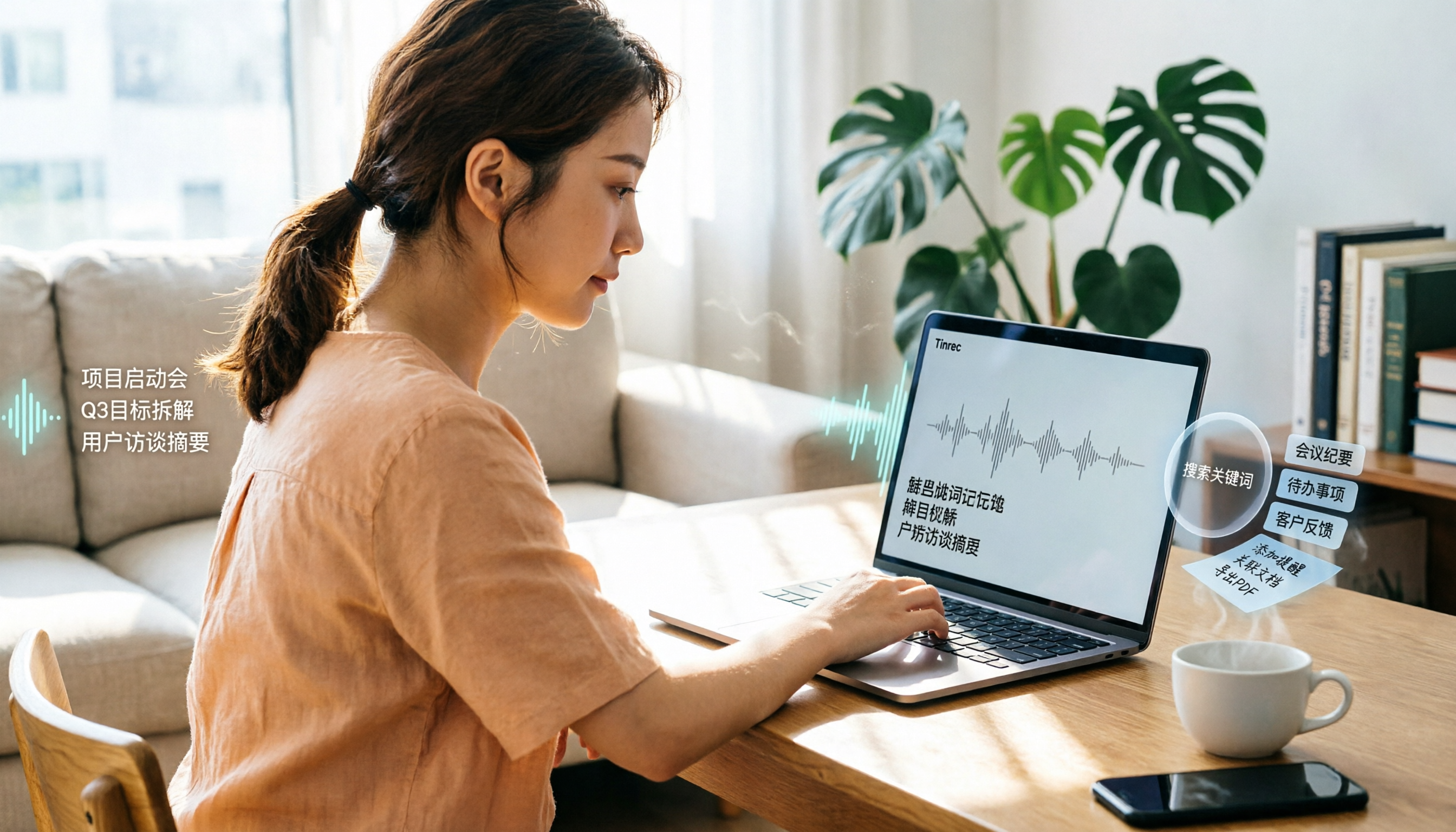
Turn recordings into transcripts and summaries in minutes
Upload audio or video for multilingual transcription, AI notes, and action items
Many people think that turning audio into a transcript is just uploading a file, downloading the text, and that's it. But in reality, the real problem starts after transcription: How do you find the key points? How do you locate a specific quote? How do you turn scattered conversations into actionable to-dos?
When I organize interview recordings, I often run into this situation: the transcript is ready, but I still spend a lot of time rereading, highlighting, and manually creating to-dos—which ends up being more tiring than just listening to the audio.
It wasn't until I started thinking in terms of "more than just transcription" that things changed. Tools should help you segment, summarize, flag to-dos, and even let you find content through Q&A.
This article covers 5 audio-to-text solutions, from completely free to free trial options. I'll share how I use them and who each one is best for.
Why Do You Need Audio-to-Text Transcription?
Meetings, interviews, courses, and lectures all generate a lot of audio content. If you rely on manual typing, one hour of audio can take three to four hours to process.
AI speech-to-text is now mature, but there are too many tools to choose from, with free and paid options mixed together. People often ask on forums like Dcard, "Recommend a recording-to-transcript tool." Instead of trying them one by one, it's better to first think: Do you just want text, or do you want organized, actionable data?
This article takes that angle and covers 5 solutions.
Option 1: Tinrec (Seconds Recording)—The Most Complete AI Recording Assistant
Tinrec is my primary tool for organizing meetings and interviews. It doesn't just convert audio to text; it treats recordings as "searchable, queryable data."
Here's how I use it: For in-person meetings, I start recording directly in Tinrec, and it transcribes in real time. For online meetings, I use the desktop version to capture system audio, so I don't need to invite a bot. After recording, it automatically generates summaries, chapters, and to-dos.
But the feature that makes it indispensable is AI Q&A. For example, I can ask: "Based on this interview, what are the three most troubling issues the interviewee mentioned?" Tinrec will find the answers directly from the transcript, so I don't have to flip through pages.
Additionally, Tinrec lets you export results to Notion, Google Docs, or OneNote for further work. The personal plan has a free tier to try recording, importing, summarizing, and transcription—perfect for those who want a full experience.
(Screenshot placeholder: Tinrec meeting summary page, with arrows pointing to the "AI Q&A" button and to-do list)
Best for: People who need to turn meetings and interviews into searchable data, and want to follow up, export, and even share with their team.
Option 2: Google AI Studio—Completely Free but Requires DIY
Google AI Studio uses the Gemini model to transcribe audio files for free, but you need to upload the audio and write prompts yourself.
My approach is to give it a clear instruction, like this:
"Please transcribe this audio file into a Chinese transcript, identify different speakers, add timestamps, and finally summarize the meeting key points in bullet points."
It will automatically segment and label speakers, but there may be occasional errors that require proofreading. It's completely free and suitable for those willing to spend time setting up and transcribing occasionally.
(Screenshot placeholder: Google AI Studio prompt input screen, with arrow pointing to the Run button)
Option 3: cSubtitle—Free Trial Focused on Chinese
cSubtitle specializes in Chinese speech-to-text. After uploading an audio or video file, it automatically adds punctuation, segments, and generates a Word document with timestamps and subtitle files.
Stop organizing recordings by hand
Upload audio or video and automatically get a transcript, summary, and action items
I tried its free trial on a Chinese interview, and the output was well-segmented, making it easy to paste into a document editor. If you need subtitle files, it can also generate .vtt format.
The free trial has limits on capacity and duration, but it's sufficient for occasional Chinese transcription needs.
Best for: People who primarily have Chinese recordings and need transcripts and subtitle files.
Option 4: MyEdit—Online Credit System, No Installation
MyEdit is an online tool that doesn't require downloading software. After logging in, you get free daily credits to transcribe audio, supporting formats like MP3, WAV, and M4A.
Its advantage is that you can preview and edit before exporting, and the interface is simple. Once free credits run out, you can consider a subscription with monthly credits. It's suitable for those who occasionally need to transcribe short audio clips and don't want to install any software.
Option 5: Notta—Free Entry with Multi-Device Sync
Notta has a free version that provides 120 minutes of transcription per month, with a maximum of 3 minutes per session. It supports multiple languages and has mobile and desktop apps.
If you need cross-device sync for recordings and transcripts, Notta's free version is worth trying. However, the free tier has more limitations, making it suitable for light use.
With So Many Options, How Do You Choose?
The key isn't "which is best," but "what problem do you need to solve?"
- If you want more than just a transcript—like summaries, to-dos, AI Q&A, and future team collaboration → Tinrec is currently the most feature-complete option, and it has a free version to get started.
- If you have zero budget and are willing to write prompts and proofread → Google AI Studio is a fully free option, suitable for tech-savvy users.
- If your recordings are primarily in Chinese and you specifically need timestamps and subtitle files → cSubtitle's free trial is worth a try.
- If you just want to quickly transcribe a short clip without installing software → MyEdit's online credit system is convenient.
- If you need multi-device sync and can accept the 3-minute limit per session → Notta's free version is a good starting point.
My most recommended path is: Start with Tinrec's free version to experience the complete workflow of "transcription + organization + Q&A." If you find your team needs to share meeting data, then consider upgrading.
3 Things to Know Before Using Audio-to-Text Tools
1. Recording Quality Determines Transcription Quality
AI transcription isn't magic. Background noise, multiple people talking at once, and accents can all affect results. My approach is to get as close to the sound source as possible or use an external microphone. Tinrec's custom vocabulary feature can help improve recognition of technical terms, but basic recording quality is still your responsibility.
2. Be Clear About Free Plan Limits
All free plans have usage caps. Google AI Studio is free, but you need to handle segmentation and proofreading yourself; MyEdit has daily credit limits; Notta's 3-minute limit per session isn't practical for long meetings. First, assess how many minutes of recording you need per month, then decide whether to upgrade.
3. Don't Rely Solely on Transcripts for Important Content
AI can mishear or misunderstand, especially with similar-sounding words. My habit is: for important meetings, I keep the original recording in addition to the transcript, and use Tinrec's Q&A feature to cross-check key information. This saves time and prevents errors from causing problems.
Conclusion
There are many audio-to-text tools, but there's a gap between "transcribing" and "organizing into actionable data."
Tinrec is the tool I've seen that bridges this gap most completely: it has a free version to try, and it gives you not just text, but summaries, to-dos, Q&A, and team spaces.
You can start with the free version, process a recording, and feel the relief of "not having to listen and organize manually." Test it step by step, and you'll gradually master this approach.
References
- Online AI Speech, Video, Audio File to Text - Free Trial - cSubtitle
- YoooVeggieGirl-蔬食 |旅遊|烹飪|素食 (@yoooveggiegirl) on Threads
- Online AI Speech-to-Text Tool, Free MP3 or Audio File to Text Transcript - MyEdit
- Google AI Studio Transcript Tutorial, Free AI Audio-to-Text Tips - Mr. Mad
- Free AI Transcript (with Timeline), Create Meeting Minutes! - Teacher Forum | Dcard
Turn every recording into actionable outcomes
Get 60 free transcription minutes when you sign in. No credit card required.
Related Reading
You might also like

2026 Audio-to-Text Comparison: Tinrec vs Otter.ai for Chinese Meetings & Team Knowledge
How to choose an audio-to-text tool in 2026? This article compares Tinrec and Otter.ai across 5 dimensions: Chinese meeting transcription, bot-free online meeting capture, audio file organization, post-meeting workflows, and team data governance. Based on public features and pricing, it helps you decide which is better suited for meeting notes needs in Taiwan.

How to Choose an Online Audio-to-Text Tool in 2026: 5 Steps to Pick the Right One and Get a Transcript
How do you choose an online audio-to-text tool? This article reviews 6 online options—Tinrec, MyEdit, cSubtitle, CyberLink, Yating Transcript, and Monica—comparing free quotas, Chinese recognition, export formats, and team collaboration. It also walks you through 5 steps to turn an audio file into a transcript.

2024 Review of 4 Audio-to-Text Tools: Which Saves the Most Time on Chinese Meeting Transcripts and AI Summaries?
The 2024 audio-to-text comparison isn't just about transcription speed—it's about whether the tool can organize your meeting notes afterward. Based on real meetings and interviews, this review compares Tinrec, Notta, Granola, and PLAUD on audio sources, transcripts, AI summaries, action items, team collaboration, and pricing limits to help you choose the right tool.

4 Free Online Audio-to-Text Tools Compared (2026): Which Offers the Best Free Tier and Chinese Recognition?
A comparison of Tinrec, MyEdit, cSubtitle, and Monica's free online audio-to-text offerings, covering free quotas, Chinese recognition, export formats, and post-meeting AI organization to help you decide which suits meetings, interviews, and subtitles.

4 Free AI Audio-to-Text Tools Tested: Which Free Tier Is Enough in 2026?
There are many free AI audio-to-text tools, but free quotas, single-recording length limits, Chinese recognition, and post-meeting organization capabilities vary widely. This article compares the free plans and use cases of 4 tools, using Tinrec's no-bot recording, AI Q&A, and team spaces as selection references.

2026 Comparison of 2 Online Audio-to-Text Tools: Tinrec vs Otter.ai — Which Is Better for Chinese Meetings?
Starting from common misconceptions, this comparison examines Tinrec and Otter.ai in Chinese meetings, bot-free recording, post-meeting organization, real-time translation, and team data retention to help you decide which online audio-to-text tool fits your daily work.

2026 Comparison of 2 Audio-to-Text Platforms: Free Tiers, Chinese Recognition, and Post-Meeting Organization at a Glance
A side-by-side comparison of Tinrec and Notta across free tiers, Chinese recognition, online meeting recording, post-meeting organization, and team collaboration, helping you decide whether the free version is enough and when to upgrade.

iPhone Voice Memos vs Tinrec in 2026: 5-Dimension Comparison — Is Free Transcription Enough?
iPhone's built-in Voice Memos can now transcribe recordings for free, so do you still need a separate tool? This article compares iPhone's built-in features with Tinrec across 5 practical dimensions and honestly explains where the free limits are, helping you decide which approach fits your meeting volume.

4 Free Audio-to-Text Tools Tested for 2026: Which Free Tier Is Actually Enough?
There are plenty of free audio-to-text tools, but few can handle a full meeting. This hands-on comparison tests the free plans of Tinrec, Otter.ai, Notta, and TurboScribe—breaking down how limits are calculated, transcript post-processing, audio retention, and team collaboration—to help you decide which free version is truly usable.