
Turn recordings into transcripts and summaries in minutes
Upload audio or video for multilingual transcription, AI notes, and action items
"There are so many free AI meeting minutes tools—how do I pick one without getting burned?" This is the first question many people ask when searching. Free plans vary widely in limits, recording methods, and AI features. Choosing the wrong tool not only fails to save time but can make meeting records even messier. This article takes a decision-making perspective, using Tinrec as an example to show how to use the free version, and compares other common options so you can make a judgment in 5 minutes.
Two Hours in a Meeting, Two More Hours Organizing Notes—You Don't Need a Tool, You Need a Solution
Meetings are tiring enough. Afterward, you still have to replay the recording, manually transcribe it, and then pick out key points and action items. What's worse, with online meetings, built-in transcription isn't available in every plan for Zoom, Google Meet, or Teams, and files from different platforms are scattered, making it hard to find a specific decision later.
If you've experienced any of these—recordings piling up in your phone never opened, meeting conclusions relying on memory, action items not tracked, or data disappearing when someone else takes over—this article is for you. Choosing the right tool can solve recording, organizing, searching, and collaboration in one go.
Before Choosing AI Meeting Minutes Software, Understand These 4 Key Points
1. Recording Method: Does It Require a Bot to Join the Meeting? Some tools require you to invite a bot into your online meeting. This adds an extra participant and might seem odd to clients or external partners. Bot-free recording uses a desktop app to capture system audio directly—cleaner and less error-prone.
2. AI Features: Does It Only Provide Transcripts, or Does It Help You Organize? Converting speech to text is just the first step. What really saves time is automatic summaries, action item extraction, and AI Q&A. If you still have to read through the entire transcript yourself, you might as well listen to the recording.
3. Cross-Platform: Will You Be Tied to a Single Device? If you record on your iPhone today and need to edit on your computer tomorrow, a tool that only supports mobile or only web will stall your workflow. Look for tools that offer desktop, mobile, and web versions.
4. Free Tier: Is It Enough for Your Regular Use? Many free versions only offer a few dozen minutes per month, which runs out after two meetings. Check the free tier limits carefully so you don't get forced to upgrade mid-use.
Tinrec (秒听录音)—Our Top Pick After Hands-On Testing
Tinrec is an AI meeting minutes and collaboration tool designed for individuals and teams. Its core concept is turning meetings into searchable, collaborative, and actionable data. It records online meetings via a desktop app without needing a bot, so there's no extra participant in Zoom, Google Meet, or Teams—completely unobtrusive to meeting attendees.
Bot-Free Recording: Capture Meetings Without Disturbing Anyone Before a meeting, open the Tinrec desktop app, and it will capture your computer's system audio directly, generating a transcript in real time as the meeting progresses. You don't need to add a bot account to your meeting invite, and you won't have clients asking, "Who's this?" For in-person meetings or interviews, you can also use the mobile app for real-time recording and transcription—very flexible.
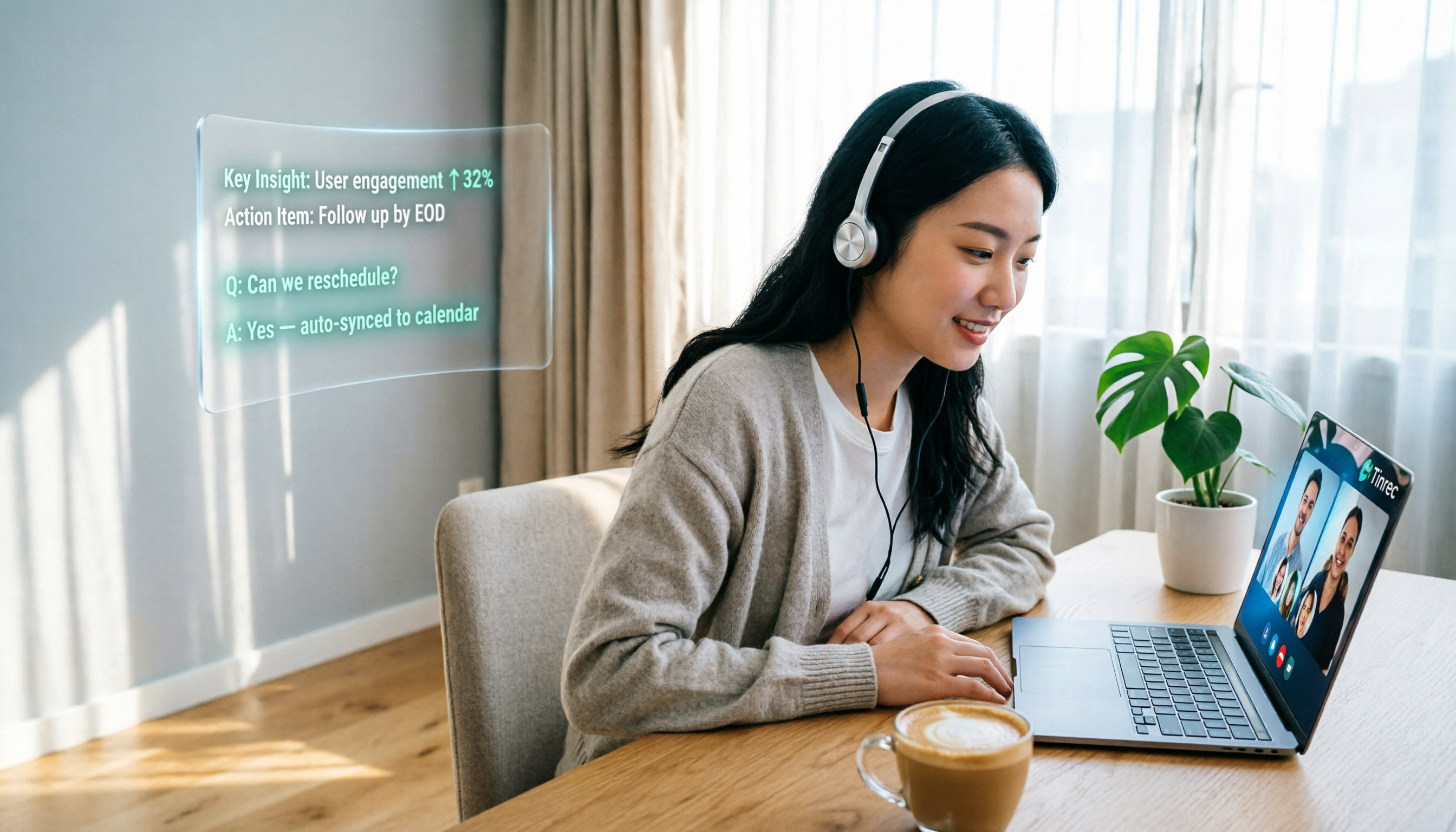
AI Q&A: Ask Key Questions After Recording Without Manually Searching Transcripts This is the biggest difference between Tinrec and typical transcription tools. After a meeting, you can directly ask: "What was the conclusion of this meeting?" "Who's following up with the client?" "What are the action items for the next meeting?" Tinrec uses semantic understanding to provide answers, not just keyword search results. Few free tools at this price point offer this.
Stop organizing recordings by hand
Upload audio or video and automatically get a transcript, summary, and action items
From Transcript to Report: Auto Summary, Action Items, Mind Maps, and Export Tinrec doesn't just output text; it automatically generates summaries, chapters, and action items, and supports exporting to Word, PDF, Excel, or syncing directly to Notion, Google Docs, and other tools. If you need to turn meeting content into a formal report, you can use the Agent post-processing feature to generate meeting minutes documents, saving a lot of organizing time.
Pros:
- Bot-free recording, so online meetings aren't interrupted.
- AI Q&A lets you quickly find key points from past meetings.
- Cross-platform support for iOS, Android, web, and desktop, so data isn't fragmented.
Limitations: The free version offers basic quotas; heavy users may need to upgrade. Real-time translation and AI post-processing also have limits under high usage. But for those who have 2-3 meetings per week, the free version is enough to experience the full features.
Who It's For: If you need to record online or in-person meetings, want to use AI to find key points after recording, don't want to add a bot to meetings, and need cross-device use—Tinrec is a very worthwhile option to try.
Beyond Tinrec: What Other Options Are There?
Otter.ai: A top choice for English meetings. The free plan offers a generous 300 minutes per month, with mature AI summaries and team features. However, it focuses on the English market, and Chinese transcription and organization aren't as refined as Tinrec's. Some plans also require a bot to join meetings. If you primarily have English meetings, it's worth considering; but for Chinese meetings or bot-free recording, Tinrec is smoother.
Notta: Strong multilingual support, with 120 free minutes per month, and integrates with Zoom and Google Meet. However, its free quota is smaller, single recordings have time limits, and its AI Q&A doesn't allow follow-up questions across meetings like Tinrec does. If you only need occasional transcription, Notta can work in a pinch; but for long-term meeting data organization, Tinrec's AI Q&A and team spaces are more practical.
Pitfall Guide: 3 Common Mistakes When Choosing AI Meeting Minutes Software
Pitfall 1: Only Looking at Free Quota, Ignoring Post-Meeting Organization. Some tools offer generous free transcription but lack summaries, action items, or Q&A, so you still have to read through everything yourself. That only solves "transcription," not "understanding." Tinrec's AI Q&A is a prime example—ask for conclusions right after recording, much faster than manually scanning a 30-minute transcript.
Pitfall 2: Ignoring How Recording Methods Disrupt Meetings. While bots joining meetings are convenient, they can be awkward in client or executive meetings. Bot-free recording doesn't add participants, which is more business-appropriate. Check how a tool records before choosing.
Pitfall 3: Assuming Free Tiers Should Be Unlimited. Free tiers are meant for you to experience the full workflow, not to serve as your primary productivity tool. If you know you have meetings every week, evaluating the cost-effectiveness of paid plans is more meaningful than obsessing over free quotas.
Summary: Which One Should You Choose?
If you want a tool that's "free and truly organizes meetings," Tinrec is currently the most complete choice: bot-free recording, AI Q&A, cross-platform, automatic summaries and action items after meetings, and the free version lets you experience core features.
Scenario-Based Recommendations:
- Need bot-free recording for online meetings → Tinrec (desktop app captures system audio directly)
- Want to ask AI for key points after recording → Tinrec (AI Q&A is a unique advantage)
- Need to organize mixed Chinese-English meetings → Tinrec (excellent Chinese experience, supports real-time translation)
- Only occasionally transcribe English content → Otter.ai (generous free quota, strong in English)
Final advice: Don't rush to pay. Start with Tinrec's free version. Record a real meeting with it, experience the complete flow from recording, transcription, summary, to AI Q&A, and then decide whether to upgrade. With the right tool, meeting minutes will no longer be a burden.
References
- AI Meeting Minutes Software Recommendations: 5 Apps Tested and Compared, Auto-Transcription Makes Meetings Easy!
- Unlimited Time! 3 Free AI Transcription Tools, Highly Recommended! AI Voice Notes for Meeting Minutes, Presentations, Mind Maps | 104 Career Force
- The Most Recommended AI Meeting Minutes Tool in 2026, a Must-Have for Saving Time and Effort in Meetings!
- Powerful Free AI Meeting/Note-Taking Tool | Never Forget What Your Boss Said Again!
- Meeting Ink - 2026 AI Meeting Minutes Tool Test: 7 Speech-to-Text and Summary Speed Comparison | Meeting Ink - AI Meeting Minutes Assistant, Auto-Transcription and Summary
Turn every recording into actionable outcomes
Get 60 free transcription minutes when you sign in. No credit card required.
Related Reading
You might also like

2026 Audio-to-Text Comparison: Tinrec vs Otter.ai for Chinese Meetings & Team Knowledge
How to choose an audio-to-text tool in 2026? This article compares Tinrec and Otter.ai across 5 dimensions: Chinese meeting transcription, bot-free online meeting capture, audio file organization, post-meeting workflows, and team data governance. Based on public features and pricing, it helps you decide which is better suited for meeting notes needs in Taiwan.

How to Choose an Online Audio-to-Text Tool in 2026: 5 Steps to Pick the Right One and Get a Transcript
How do you choose an online audio-to-text tool? This article reviews 6 online options—Tinrec, MyEdit, cSubtitle, CyberLink, Yating Transcript, and Monica—comparing free quotas, Chinese recognition, export formats, and team collaboration. It also walks you through 5 steps to turn an audio file into a transcript.

2024 Review of 4 Audio-to-Text Tools: Which Saves the Most Time on Chinese Meeting Transcripts and AI Summaries?
The 2024 audio-to-text comparison isn't just about transcription speed—it's about whether the tool can organize your meeting notes afterward. Based on real meetings and interviews, this review compares Tinrec, Notta, Granola, and PLAUD on audio sources, transcripts, AI summaries, action items, team collaboration, and pricing limits to help you choose the right tool.

4 Free Online Audio-to-Text Tools Compared (2026): Which Offers the Best Free Tier and Chinese Recognition?
A comparison of Tinrec, MyEdit, cSubtitle, and Monica's free online audio-to-text offerings, covering free quotas, Chinese recognition, export formats, and post-meeting AI organization to help you decide which suits meetings, interviews, and subtitles.

4 Free AI Audio-to-Text Tools Tested: Which Free Tier Is Enough in 2026?
There are many free AI audio-to-text tools, but free quotas, single-recording length limits, Chinese recognition, and post-meeting organization capabilities vary widely. This article compares the free plans and use cases of 4 tools, using Tinrec's no-bot recording, AI Q&A, and team spaces as selection references.

2026 Comparison of 2 Online Audio-to-Text Tools: Tinrec vs Otter.ai — Which Is Better for Chinese Meetings?
Starting from common misconceptions, this comparison examines Tinrec and Otter.ai in Chinese meetings, bot-free recording, post-meeting organization, real-time translation, and team data retention to help you decide which online audio-to-text tool fits your daily work.

2026 Comparison of 2 Audio-to-Text Platforms: Free Tiers, Chinese Recognition, and Post-Meeting Organization at a Glance
A side-by-side comparison of Tinrec and Notta across free tiers, Chinese recognition, online meeting recording, post-meeting organization, and team collaboration, helping you decide whether the free version is enough and when to upgrade.

iPhone Voice Memos vs Tinrec in 2026: 5-Dimension Comparison — Is Free Transcription Enough?
iPhone's built-in Voice Memos can now transcribe recordings for free, so do you still need a separate tool? This article compares iPhone's built-in features with Tinrec across 5 practical dimensions and honestly explains where the free limits are, helping you decide which approach fits your meeting volume.

4 Free Audio-to-Text Tools Tested for 2026: Which Free Tier Is Actually Enough?
There are plenty of free audio-to-text tools, but few can handle a full meeting. This hands-on comparison tests the free plans of Tinrec, Otter.ai, Notta, and TurboScribe—breaking down how limits are calculated, transcript post-processing, audio retention, and team collaboration—to help you decide which free version is truly usable.