
Turn recordings into transcripts and summaries in minutes
Upload audio or video for multilingual transcription, AI notes, and action items
I have a 2-hour interview recording on hand. If I were to transcribe it manually, it would take about 4 hours. And my deadline is tomorrow morning.
So I started comparing AI meeting note tools on the market to compress this process. But after testing, I found that choosing the wrong tool actually takes more time.
Many people only look at whether it can transcribe audio, but overlook the subsequent organization and cost structure. I first tried a solution that only requires hardware recording; the recording quality was great, but I had to carry an extra device every time. Then I tried a service that focuses on real-time meeting bots; although it automatically joins meetings, the Chinese transcription often had errors, and the subscription cost was not low. Finally, I went back to Tinrec, whose bot-free desktop recording and Chinese organization capabilities felt the most intuitive to me.
This article is not about promoting a specific tool, but rather sharing with you: how to evaluate AI meeting note tools so you don't waste money.
What Can AI Meeting Notes Do for You?
In the past, after a two-hour meeting, you might spend another hour organizing the meeting minutes. Now with AI meeting notes, the situation is different.
Take Tinrec as an example: it doesn't just convert audio to text; it turns meetings into usable data.
Scenario 1: Interview Research You have a user interview recording. After uploading, Tinrec produces a transcript, and the AI summary helps you extract key insights without listening to the entire recording.
Scenario 2: Online Meetings Open Tinrec on your desktop, and it captures the system audio directly, no need to invite a bot to join your Zoom, Meet, or Teams meetings. When the meeting ends, the summary and action items are already there.
Scenario 3: Client Communication After a call with a client, the recording is transcribed, and you can use AI Q&A to ask: "What are the client's concerns about pricing?" Tinrec finds the answer from the conversation.
Scenario 4: Classroom Notes When the teacher lectures quickly, you not only get a transcript but also a mind map to organize the structure, making review more efficient.
The common thread in these scenarios: the focus is not on "recording" but on "what you do after recording."
What Are the Core Capabilities of AI Meeting Notes?
A good AI meeting note tool should help you accomplish these tasks.
Real-Time Transcription Text appears as you record, not after. Tinrec's real-time transcription lets you confirm during the meeting that you haven't missed key points.
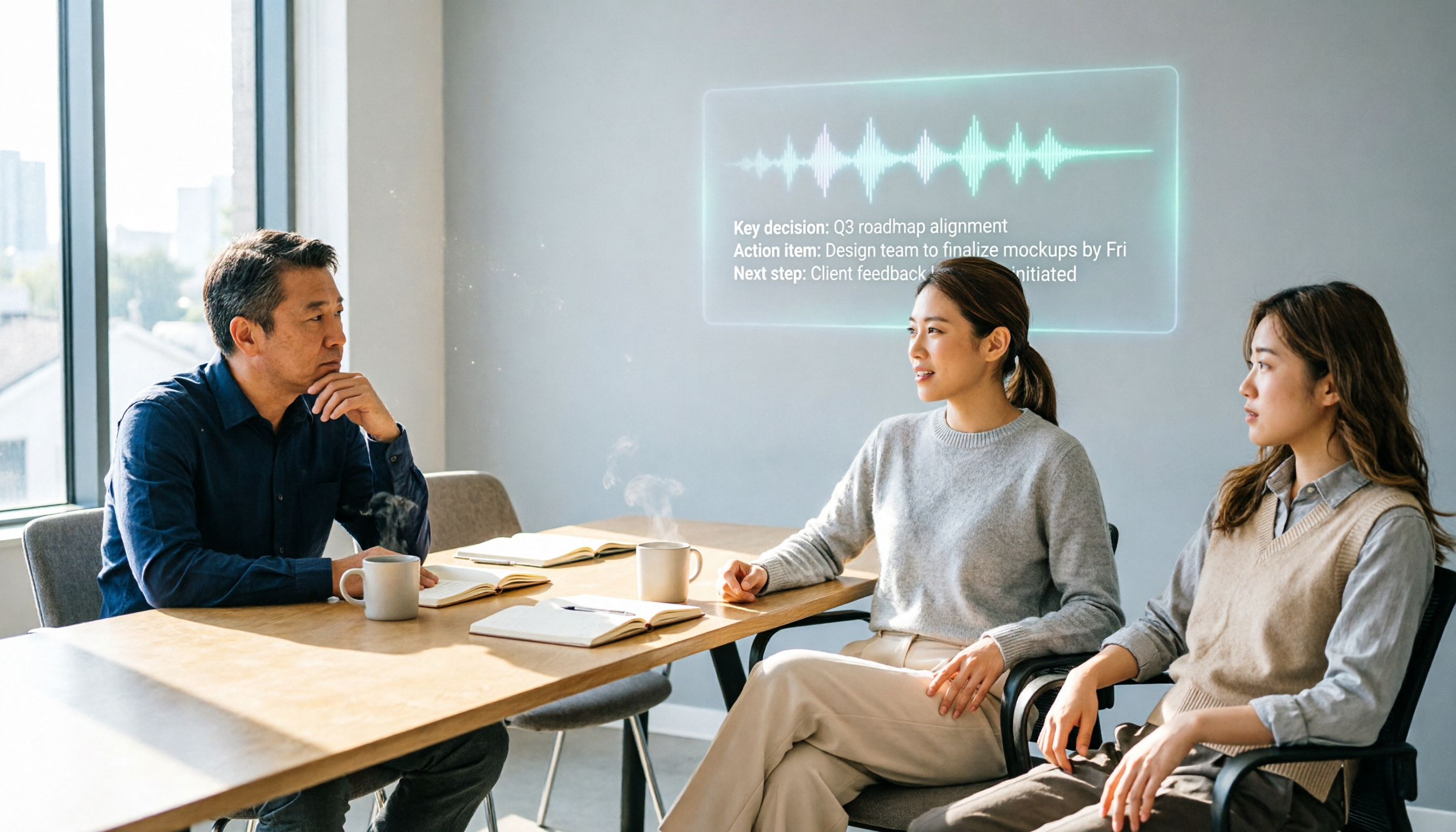
AI Semantic Summaries It's not just condensing the transcript into a paragraph; it's structured organization. Meeting topics, conclusions, action items, and assignees are listed separately. Tinrec automatically generates chapters and highlights, so even long meetings can be quickly reviewed.
Action Item Extraction and AI Q&A Automatically organizes follow-up actions from the discussion. After transcription, you can ask Tinrec directly: "Who mentioned the budget in the meeting?" "What was the client's feedback?" It answers based on semantic understanding, so you don't have to search manually.
Multi-Format Export and Further Processing The organized content can be exported to tools like Notion, Google Docs, OneNote, etc., to continue your workflow. Tinrec can also generate reports, tables, and documents from meeting content, saving you from staying up late to write notes.
Team Space and Knowledge Accumulation The personal plan is for individual use, while the team plan centralizes meeting data. Tinrec for Teams allows you to create team spaces, invite members, allocate seats, and turn historical meetings into searchable, collaborative assets for the team.
Practical Use Cases
Interview Research: Quickly Organize Transcripts and Insights Upload the interview recording to Tinrec. After transcription, use the AI summary to quickly grasp the interviewee's viewpoints. Then use the Q&A feature to ask: "What is the interviewee's biggest pain point?" Get the answer directly without replaying the entire recording.
Stop organizing recordings by hand
Upload audio or video and automatically get a transcript, summary, and action items
Online Meetings: Bot-Free Recording and Real-Time Translation Open the Tinrec desktop app and start recording. It captures system audio, so no extra bot joins and disrupts the meeting. Real-time translation lets you view in the original language or translation, so you won't miss anything in cross-language meetings.
Classroom Notes: Recording to Structured Notes After recording a lecture, Tinrec not only provides a transcript but also generates a mind map to visualize the chapter structure. When reviewing, look at the mind map first, then replay the recording for weak points—much more efficient.
Client Communication: Simultaneous Recording and Action Item Extraction After talking with a client, the recording is transcribed, and Tinrec automatically extracts action items like "Send a quote by Monday." Export these action items directly to your task management tool, no need to type them again.
5 Things to Watch When Choosing an AI Meeting Note Tool
1. Pricing Structure: Don't Just Look at the Monthly Fee Some tools have seemingly low monthly fees, but the free allowance is small, and overages are expensive. Tinrec has a free plan to try basic features, as well as weekly, Pro monthly, and annual plans. For long-term use, the annual plan offers a lower monthly equivalent. The team plan is priced per seat, suitable for multiple users.
2. Post-Transcription Processing: Transcript Is Just the Starting Point If a tool only provides a transcript, you still have to organize key points and action items yourself. Tinrec's summaries, chapters, action items, and Q&A handle the follow-up work for you, saving the most time.
3. Recording Method: Do You Need a Meeting Bot? Some tools require a bot to join the meeting as a participant, which others can see. Tinrec's desktop app captures system audio directly, no extra bot needed, and doesn't affect the meeting.
4. Chinese and Mixed-Language Support Many tools are strong in English but often make errors in Chinese transcription. Tinrec is specifically tuned for Chinese meetings and Traditional Chinese content, handles mixed Chinese-English, and supports team-specific terms to improve recognition of professional jargon.
5. Team Collaboration and Data Ownership Personal plan data belongs to the individual; team plan data belongs to the team. If you need members to share historical meetings, manage seats, and view usage, Tinrec's team spaces and audit logs are essential features.
Frequently Asked Questions
Can AI meeting notes achieve 100% accuracy? No. Any tool is affected by recording quality, accents, noise, and multiple speakers. Tinrec can significantly reduce manual work, but for important content, it's recommended to replay the recording to verify.
Is the free plan sufficient? If you just want to try it, Tinrec's free plan provides basic credits to upload a recording and test transcription and summaries. If you use it frequently, consider the Pro plan.
What's the difference between personal and team plans? Personal plan data is managed by you. The team plan has a dedicated space, meeting data belongs to the team, and adds governance features like members, roles, seats, usage analytics, and audit logs.
Do I need to buy additional recording hardware? No. Tinrec supports web, desktop, and mobile, so you can record directly with your phone or computer without buying a separate recorder.
How is pricing calculated? Personal plans include free, weekly, Pro monthly, and annual options. Team plans are billed per paid seat, with each seat providing shared import credits per month; real-time recording currently doesn't deduct minutes. Specific prices are subject to the official purchase page.
Conclusion
AI meeting notes are no longer futuristic technology; they are tools you can use now and that genuinely save time. But what you're really buying is not "transcription" but "the workflow after transcription."
Using Tinrec as an example, it connects recording, transcription, summaries, action items, Q&A, and team collaboration, turning meetings from one-time events into searchable, trackable assets. If you have more than 3 meetings a week, I strongly recommend starting with the free plan.
Quick Start Checklist:
- Download Tinrec's free plan and upload a meeting recording.
- Evaluate the quality of the transcript, summary, and action items.
- Use the AI Q&A feature to ask a specific question and see if the answer is accurate.
- Try recording an online meeting once with the desktop app without a bot.
- Export the results to your preferred note-taking or task tool.
- If you need team sharing, create a team space and invite members to test.
By testing step by step, you'll gradually master this approach.
References
- I spent 4 hours making an AI meeting note tool for less than $0.30 USD | WenHao Yu
- Meeting Ink - 2026 AI Meeting Note Tool Test: 7 Speech-to-Text and Summary Speed Comparison | Meeting Ink - AI Meeting Note Assistant, Automatic Transcription and Summarization
- AI Meeting Note Software Recommendations: 5 App Test Comparisons, Automatic Transcription Makes Meetings Easy!
- 2026's Top AI Meeting Note Tools: Time-Saving Essentials for Meetings!
- Meeting Note AI Tools: Real-Time Recording, Summary Organization! 3 Tools to Help You Focus on Meetings
Turn every recording into actionable outcomes
Get 60 free transcription minutes when you sign in. No credit card required.
Related Reading
You might also like

Free Audio Transcription Options in 2026: 4 Plans Compared
The key to a good audio transcription app isn't just accuracy—it's how much time it saves you on organizing afterward. This article walks through the complete workflow using Tinrec, breaking down four plans from free version to weekly pass to Pro monthly and annual, and covers five key factors to consider when choosing, plus FAQs.

6 Best Speech-to-Text Tools in 2026: How to Get the Most Out of Free Tiers
The key to free transcription isn't which tool is free, but how long your recordings are and how often you use them. This article compares the free rules and limits of 6 tools—Tinrec, Notta, MyEdit, cSubtitle, TurboScribe, and Monica—offers selection advice based on use cases, and lists paid plan prices.

6 AI Meeting Notes Tools Tested and Compared in 2026: How to Use and Choose
From pre-meeting to in-meeting to post-meeting workflows, we compare the free tiers, paid pricing, and best use cases of six AI meeting notes tools—Tinrec, Otter, Notta, Fireflies, Granola, and TurboScribe—to help you pick the one that fits your meeting style.

2026 Comparison of 4 Audio-to-Text Tools: How Free Tiers Work and Which Really Saves Time After Meetings
Are audio-to-text tools actually useful? Many find them hard to use, but the problem often lies in testing methods and mismatched expectations. This article addresses three common misconceptions, outlines 4 key criteria for choosing a tool, and then compares Tinrec, Notta, TurboScribe, and PLAUD in terms of positioning, quota calculations, and post-meeting organization capabilities. It helps you decide which tool suits meeting notes, interview transcripts, or team knowledge retention.

2026 Comparison of 5 Audio-to-Text Tools: Which One Actually Saves You Time on Transcripts?
Recording meetings, interviews, and classes is easy—the real pain is organizing them. This article breaks down 4 key factors for choosing an audio-to-text tool from real-world scenarios, compares Tinrec, Notta, Otter.ai, and TurboScribe, and highlights the 3 most common buying mistakes to help you find a free option that works or a paid one that's worth it.

2026 Comparison of 2 Audio-to-Text Tools: 4 Key Differences Between Tinrec and Notta
Starting from common pitfalls, this comparison examines Tinrec and Notta across free quotas, recording input, post-meeting organization, and team collaboration to help you choose the right audio-to-text workflow for Chinese-language meetings.

2026 Comparison of 4 Audio-to-Text Tools: What Is Audio Transcription and How to Choose
What does audio-to-text mean? Simply put, it's automatically converting spoken words in audio files into written transcripts. This article first explains the definition and three common approaches in plain language, then tests and compares Tinrec, Notta, Otter.ai, and Granola on Chinese recognition, post-meeting organization, and team collaboration. It also lists 4 key points to check before buying and 3 common mistakes to help you decide whether to use a free or paid plan.

3 AI Meeting Notes Methods Tested in 2026: Transcripts Aren't Minutes—Which One Actually Produces Action Items?
Most people think AI meeting notes just means recording and transcribing. But the real time sink is post-meeting decisions, action items, and follow-up. This article starts from common misconceptions, compares three approaches, and pits Tinrec against PLAUD Note dimension by dimension, offering a pre-meeting, in-meeting, and post-meeting workflow you can follow.

5 Meeting Transcription Tools Tested: Which AI Meeting Notes Actually Save Time?
The meeting ends, but the real work begins. This article starts from real meeting scenarios, breaks down 4 key factors for choosing a meeting transcription tool, and compares Tinrec, Notta, Otter.ai, and TurboScribe on recording methods, post-meeting output, Chinese language performance, and team management capabilities to help you pick the one that truly saves time.