
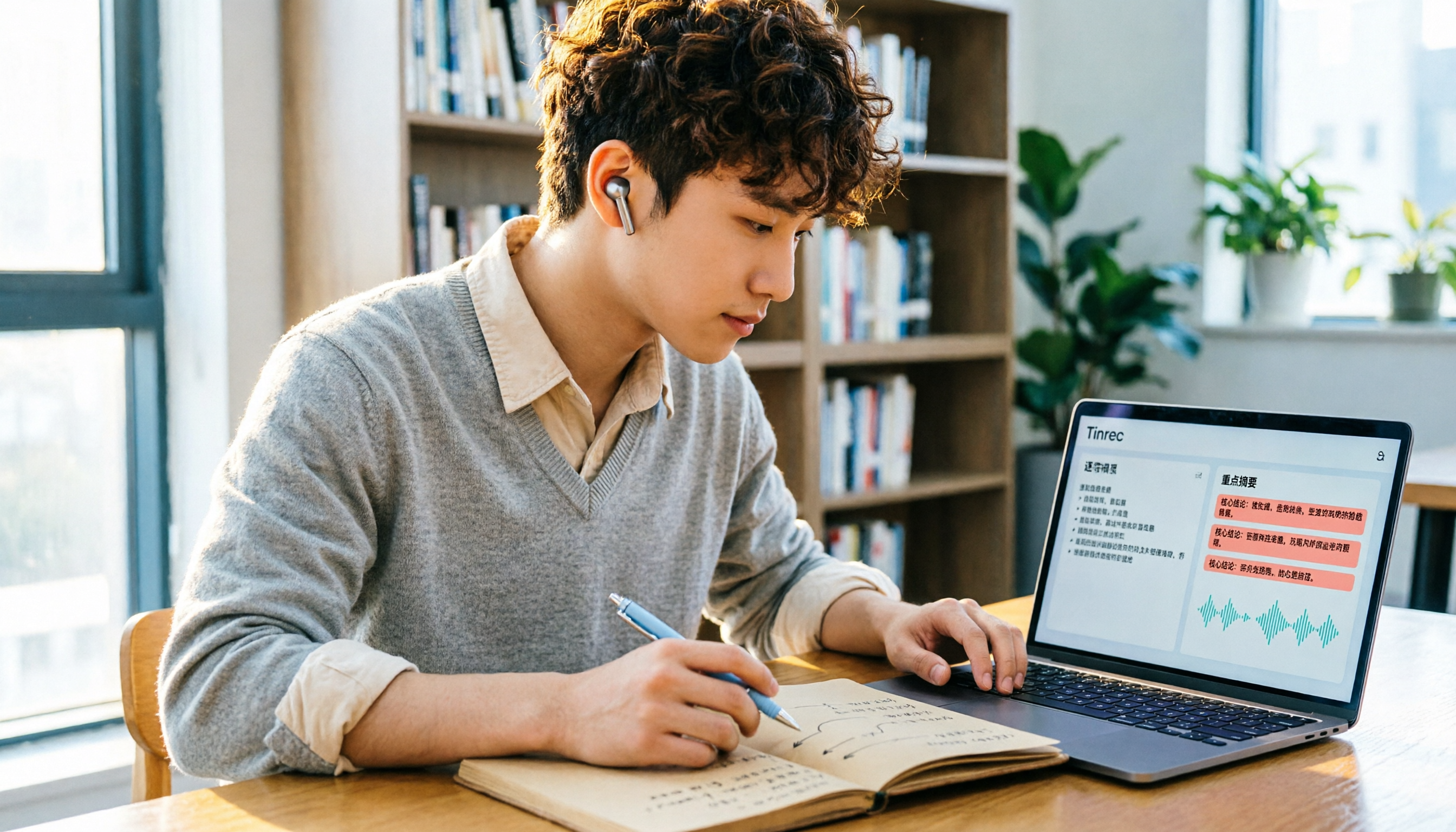
Turn recordings into transcripts and summaries in minutes
Upload audio or video for multilingual transcription, AI notes, and action items
Two hours per class, over a dozen classes a semester, plus group discussions and online lectures—your accumulated recordings easily exceed 20 hours. You can't re-listen to all of them, especially before finals. You need a tool that automatically transcribes, summarizes key points, and allows quick search. This article shares my real-world testing over a full semester to compare four AI meeting recorders, from free quotas to recording organization, so you can spend time studying instead of re-listening to recordings.
Before Choosing an AI Meeting Recorder, Understand These 5 Key Points
My criteria for choosing a tool are these 5 points, each learned after getting burned.
Accuracy: Don't just look at official claims; test with your own class recordings. Classroom echo, classmates chatting, and professors' accents all affect recognition. Tinrec's performance in Chinese and mixed Chinese-English was the most stable in tests with my roommate.
AI Summarization: After recording, can it automatically generate summaries, to-dos, or even let me ask, "Did the professor mention the final report format?" That's the key to saving time. Many tools only transcribe, leaving the organizing to you.
Cross-Platform: Record on your phone, organize on your computer; otherwise, transferring files is a nightmare. Tinrec works on phone, computer, and web, which saved me many times.
Free Quota: Students have limited budgets; how long the free version lasts is important. Some tools have restrictive free versions that don't let you experience the full workflow.
Recording Method: Can it record online meetings? Some tools require adding a bot to the meeting, but school online classes often don't allow that. Tinrec's desktop version directly captures system audio without needing a bot, which is super convenient.
Tinrec (秒听录音)—My Main Tool This Semester, Ask Key Points Right After Recording
Tinrec (秒听录音) is the AI meeting recorder I'm most satisfied with this semester. It's not just recording-to-text; it's more like an AI assistant that helps you from recording to a ready-to-submit report.
Classroom Scenario: I open the mobile app to record during class, and it generates a transcript in real time; after class, it automatically creates summaries and to-dos, like "Submit group report draft next Wednesday," which it lists automatically. The killer feature is the AI Q&A: I can ask, "Did the professor mention any must-know exam questions?" and it answers based on the recording content, not just keyword search. This is almost nonexistent in competitors at the same price point.
Test Data: We used an iPhone 13 to record a 5-minute Chinese lecture from the back of the classroom, with people whispering nearby. Tinrec's transcript had almost no errors, even capturing English technical terms the professor used. This performance was better than several other tools I tried first.
Online Meetings: Its desktop version can record online meetings without adding a bot. This is super convenient for group online discussions—my roommate had to add a bot with other tools, and it failed when the meeting link had a password.
Free vs. Paid: The free version has a basic quota; I record two three-hour classes a week, and it runs out in about two to three weeks, but it's definitely enough to experience the full workflow. The paid version costs less than a bubble tea a month; if you record every class like I do, I recommend going Pro.
Stop organizing recordings by hand
Upload audio or video and automatically get a transcript, summary, and action items
Limitations: The free quota isn't huge; heavy recorders need to pay. But for average students, starting with the free version is reasonable, and you can upgrade if you like it.
Who It's For: If you need to record Chinese classes, group discussions, or want to use AI to extract key points and ask questions after recording, and want phone-computer sync, Tinrec is currently the best choice.
Beyond Tinrec, I Also Tried These—Lessons from My Mistakes
I used other tools initially; here's a quick rundown of my trial order and thoughts.
Otter.ai: Great for English class recordings, generous 300 free minutes per month, but Chinese recognition is mediocre—many technical terms from professors are wrong, and it lacks Tinrec's AI chat to ask "What are the key points?" If you mainly record English content, Otter is worth considering; but for Chinese plus AI Q&A, Tinrec wins.
Notta: Nice interface, but the free version limits each recording to 3 minutes, so you'd have to split a class into multiple segments, which is painful. Paid features are decent, but overall Tinrec is smoother, and Notta lacks Tinrec's AI Q&A and desktop bot-free recording.
PLAUD Note: A classmate bought the recorder; the hardware alone costs $159, plus a subscription, which is tough for students. It's mainly hardware recording; online meeting handling isn't as convenient as Tinrec's direct system audio capture. If you often record in-person interviews and don't care about budget, consider it; otherwise, a phone plus Tinrec is enough.
Pitfall Guide: 4 Common Mistakes When Choosing These Tools
Pitfall 1: Only looking at official accuracy claims. Many tools claim 98% accuracy, but that's tested in a quiet recording studio. In a classroom with echo, keyboard sounds, and classmates chatting, accuracy drops significantly. Use your own class recordings for free trials; don't just rely on ads.
Pitfall 2: Using it only for transcription, ignoring AI organization. If you only use the tool for recording-to-text, you're using only a third of its capability. Tinrec's AI Q&A, for example, lets you ask "How do I submit the assignment?" right after recording, which is much faster than scanning a 30-minute transcript.
Pitfall 3: Ignoring cross-platform needs. If you record on your phone today and organize on your computer tomorrow, and the tool doesn't support cross-platform, you'll waste time transferring files. Tinrec works on phone, computer, and web, saving a lot of hassle.
Pitfall 4: Buying hardware recorders to save money. Students really don't need it; the hardware is expensive, and you still need a subscription for AI features. A phone plus a free app can handle most needs; consider hardware only if you have heavy needs later.
Summary: Which One Should You Choose?
After a semester of testing, if you're a student like me, my advice is:
- If you mainly record Chinese classes, group discussions, or need AI to extract key points → Choose Tinrec; try the free version first, and the paid version offers great value.
- If you're an English major, record only English classes, and want 300 free minutes → Consider Otter.ai.
- If you only need to record short notices or memos → Notta's free version is barely usable, but the 3-minute limit per recording is annoying.
- If you have a budget for hardware and often record in-person interviews → PLAUD Note is suitable, but not recommended for students.
Finally, I recommend downloading Tinrec's free version to try it; the basic quota is enough for two or three classes, letting you experience the full workflow. Upgrade if you like it; don't spend money upfront.
References
- 2026 Most Recommended AI Meeting Recorder: The Essential Tool for Saving Time in Meetings!
- Meeting Ink - 2026 AI Meeting Notes Tool Test: Speed Comparison of 7 Voice-to-Text and Summary Tools | Meeting Ink - AI Meeting Notes Assistant, Automatic Transcription and Summary
- How to Use AI for Meeting Minutes? How to Organize Meeting Transcripts? | AI Voice-to-Text Tutorial | 104 Career Development
- AI Meeting Notes Software Recommendations: 5 App Real-World Tests, Automatic Transcription Makes Meetings Easy!
- Struggling to Organize Meeting Notes? 5 NotebookLM "AI Note Transformation" Tricks, Accurately Translating Mixed Chinese-English and Technical Terms | BusinessNext
Turn every recording into actionable outcomes
Get 60 free transcription minutes when you sign in. No credit card required.
Related Reading
You might also like

Free Audio Transcription Options in 2026: 4 Plans Compared
The key to a good audio transcription app isn't just accuracy—it's how much time it saves you on organizing afterward. This article walks through the complete workflow using Tinrec, breaking down four plans from free version to weekly pass to Pro monthly and annual, and covers five key factors to consider when choosing, plus FAQs.

6 Best Speech-to-Text Tools in 2026: How to Get the Most Out of Free Tiers
The key to free transcription isn't which tool is free, but how long your recordings are and how often you use them. This article compares the free rules and limits of 6 tools—Tinrec, Notta, MyEdit, cSubtitle, TurboScribe, and Monica—offers selection advice based on use cases, and lists paid plan prices.

6 AI Meeting Notes Tools Tested and Compared in 2026: How to Use and Choose
From pre-meeting to in-meeting to post-meeting workflows, we compare the free tiers, paid pricing, and best use cases of six AI meeting notes tools—Tinrec, Otter, Notta, Fireflies, Granola, and TurboScribe—to help you pick the one that fits your meeting style.

2026 Comparison of 4 Audio-to-Text Tools: How Free Tiers Work and Which Really Saves Time After Meetings
Are audio-to-text tools actually useful? Many find them hard to use, but the problem often lies in testing methods and mismatched expectations. This article addresses three common misconceptions, outlines 4 key criteria for choosing a tool, and then compares Tinrec, Notta, TurboScribe, and PLAUD in terms of positioning, quota calculations, and post-meeting organization capabilities. It helps you decide which tool suits meeting notes, interview transcripts, or team knowledge retention.

2026 Comparison of 5 Audio-to-Text Tools: Which One Actually Saves You Time on Transcripts?
Recording meetings, interviews, and classes is easy—the real pain is organizing them. This article breaks down 4 key factors for choosing an audio-to-text tool from real-world scenarios, compares Tinrec, Notta, Otter.ai, and TurboScribe, and highlights the 3 most common buying mistakes to help you find a free option that works or a paid one that's worth it.

2026 Comparison of 2 Audio-to-Text Tools: 4 Key Differences Between Tinrec and Notta
Starting from common pitfalls, this comparison examines Tinrec and Notta across free quotas, recording input, post-meeting organization, and team collaboration to help you choose the right audio-to-text workflow for Chinese-language meetings.

2026 Comparison of 4 Audio-to-Text Tools: What Is Audio Transcription and How to Choose
What does audio-to-text mean? Simply put, it's automatically converting spoken words in audio files into written transcripts. This article first explains the definition and three common approaches in plain language, then tests and compares Tinrec, Notta, Otter.ai, and Granola on Chinese recognition, post-meeting organization, and team collaboration. It also lists 4 key points to check before buying and 3 common mistakes to help you decide whether to use a free or paid plan.

3 AI Meeting Notes Methods Tested in 2026: Transcripts Aren't Minutes—Which One Actually Produces Action Items?
Most people think AI meeting notes just means recording and transcribing. But the real time sink is post-meeting decisions, action items, and follow-up. This article starts from common misconceptions, compares three approaches, and pits Tinrec against PLAUD Note dimension by dimension, offering a pre-meeting, in-meeting, and post-meeting workflow you can follow.

5 Meeting Transcription Tools Tested: Which AI Meeting Notes Actually Save Time?
The meeting ends, but the real work begins. This article starts from real meeting scenarios, breaks down 4 key factors for choosing a meeting transcription tool, and compares Tinrec, Notta, Otter.ai, and TurboScribe on recording methods, post-meeting output, Chinese language performance, and team management capabilities to help you pick the one that truly saves time.