
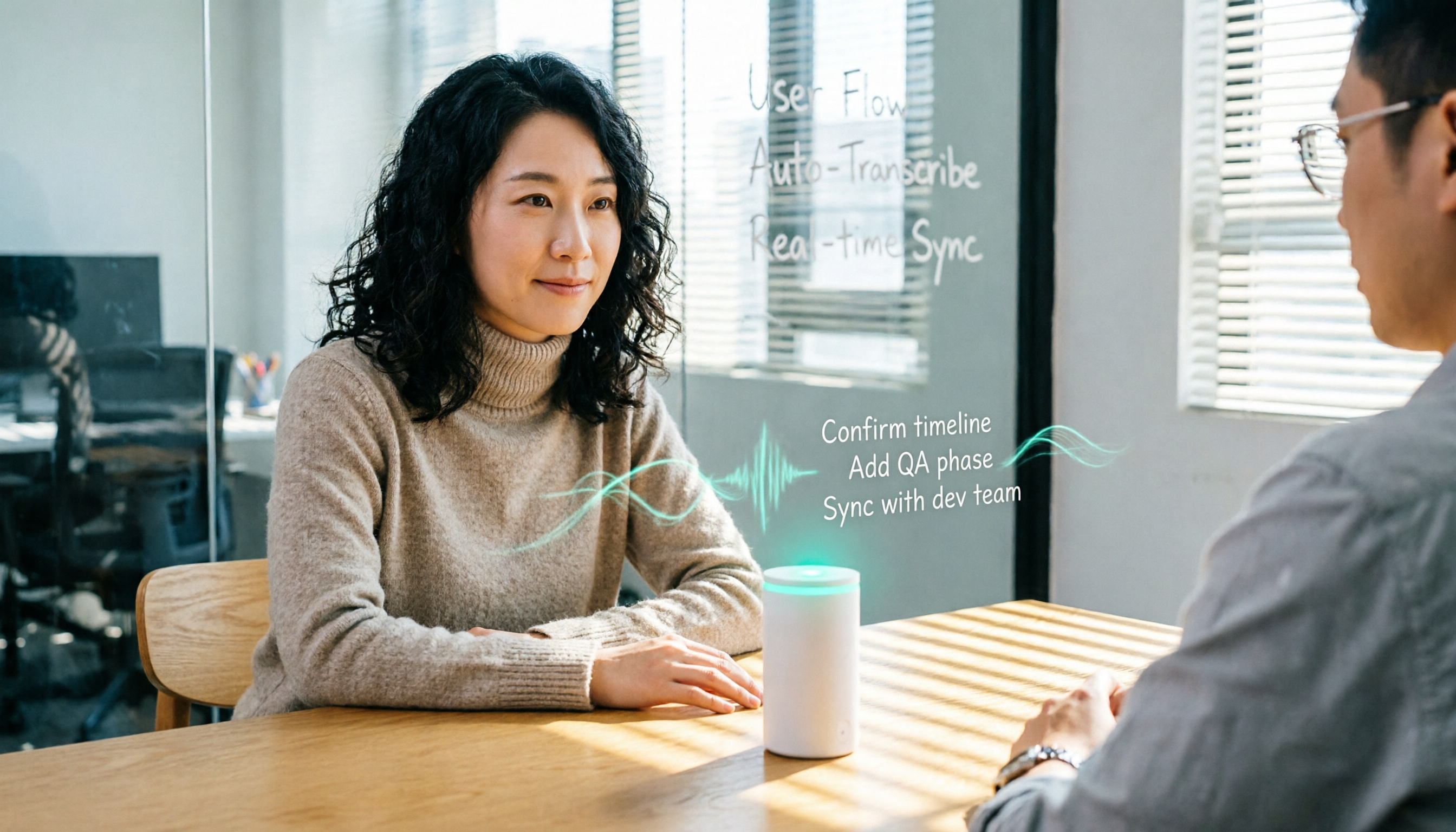
Turn recordings into transcripts and summaries in minutes
Upload audio or video for multilingual transcription, AI notes, and action items
The Complete Guide to AI Meeting Notes in 2025: 5 Key Points to Choose the Right Tool
On Wednesday afternoon, you just finished a 90-minute project meeting. You open the recording and suddenly realize: for the next two hours, you'll be listening and typing, turning the key points into meeting minutes. Worse, next week you have a client interview, and you'll have to do it all over again.
This article isn't about how to take notes manually—it's about using AI tools to turn meeting recordings into searchable, trackable action lists. I tested several tools hands-on and chose Tinrec as my top pick, but I've also included other options and pitfalls to avoid.
Before Choosing an AI Meeting Notes Tool, Understand These 4 Key Points
1. Accuracy and Chinese Support: Don't Just Trust Official Claims
Many tools tout "98% accuracy," but that's measured in a quiet recording studio. Real meetings have air conditioning noise, keyboard clatter, and people talking over each other, which drops accuracy. For users in the U.S. (and especially those working with Chinese), recognition of Chinese, mixed Chinese-English, and colloquial terms matters more. Tinrec is specifically optimized for Chinese and multilingual scenarios, and it supports custom vocabulary to improve recognition of industry-specific terms.
2. Recording Method: Bot Joining the Meeting vs. No-Bot Desktop Recording
Traditional meeting bots must join your video conference as a participant, which some companies find intrusive or privacy-concerning. Tinrec's desktop app captures your computer's system audio directly—no extra bot needed. You just open it and record. It works with Zoom, Google Meet, Teams, and Webex.
3. Post-Meeting Organization: A Transcript Isn't Enough
A transcript is the baseline, but you need summaries, action items, and key points. The real time-saver is whether the tool can automatically generate meeting minutes, action items, and even let you query the content via Q&A. Tinrec doesn't just transcribe—it generates summaries, chapters, and to-dos, and supports AI Q&A and export.
4. Team Collaboration: Can Meeting Data Be Preserved?
If the tool only lives on your personal phone and your team can't see it, you're losing half the value. A team plan should have shared spaces, member management, and permission controls. Tinrec's team space keeps meeting data owned by the team, so even if a member leaves, the data isn't lost.
Tinrec Hands-Free Recording—Our Top Pick After Testing
Tinrec is an AI meeting notes and collaboration tool for individuals and teams. It's not just a voice recorder—it turns meeting content into a searchable, collaborative, actionable database.
What's It Like to Use?
During a meeting, you open Tinrec's desktop app, and it transcribes in real time without needing to invite a bot. When the meeting ends, summaries, chapters, and to-dos are already organized. You can ask Tinrec directly, "Who mentioned the budget in the last meeting?" It uses semantic understanding to give you the answer, not just keyword search results.
We tested a 15-minute mixed Chinese-English meeting recording. Tinrec's transcript quality was solid—proper nouns (like "OKR" and "Q3 targets") were mostly correct, and the live translation could toggle between original, translated, or side-by-side bilingual view. For Chinese speakers, this is a thoughtful touch.
Stop organizing recordings by hand
Upload audio or video and automatically get a transcript, summary, and action items
Pros
- No-Bot Recording: No need to invite a bot to your meeting, so privacy is more assured.
- Chinese-Friendly: Traditional Chinese recognition and summaries are solid, and it handles mixed Chinese-English well.
- Complete Post-Meeting Workflow: Summaries, to-dos, AI Q&A, and export to Notion, Google Docs, etc., all in one flow.
- Team Space: Meeting data is stored centrally, members can share and view, and admins can manage roles, seats, and usage.
Limitations
The free plan offers basic quotas, good for trying out, but heavy users will need to pay. Team pricing is based on the official page and isn't cheap, but for teams that need to preserve meeting data, it's worth considering.
Who Is It For?
If you have 2+ meetings a week, need Chinese meeting notes, hate inviting bots, or want to share meeting data with your team, Tinrec is a great fit right now.
Beyond Tinrec: What Other Options Are There?
Otter.ai: A mature choice for English meetings, with a generous free plan of 300 minutes per month. But for Chinese meetings and no-bot desktop recording, Tinrec is better suited for U.S. users working with Chinese. Otter's AI Chat is nice, but Tinrec's team space and Chinese custom vocabulary management are better for teams that need Chinese support.
Notta: Features largely overlap with Tinrec, also offering multi-device transcription, but Notta mainly relies on meeting bots or uploads; desktop no-bot recording isn't its focus. Tinrec's no-bot experience and team space data preservation are differentiators Notta currently lacks.
Pitfall Guide: 4 Common Mistakes When Choosing AI Meeting Notes Tools
Pitfall 1: Only Looking at Official Accuracy Claims
Many tools report high accuracy in ideal conditions, but real meetings are very different. We recommend testing with your own recordings using free trials—don't just trust the ads.
Pitfall 2: Ignoring How Recording Method Affects the Meeting
Bots joining a meeting can make participants feel monitored, and some companies even prohibit them. No-bot desktop recording is a less intrusive choice, and Tinrec is exactly that.
Pitfall 3: Buying a Tool but Only Using It for Transcription
If you only use the tool for speech-to-text, you're using only a third of its capability. Tinrec's AI Q&A, action item extraction, and agent post-processing can turn meeting notes directly into reports or tables, saving even more time.
Pitfall 4: Underestimating Team Data Ownership and Management
Personal tools store data in your own account, and when you leave, it goes with you. A team plan should allow handover, management, and auditing. Tinrec's team space, role management, and audit logs prevent data from being scattered.
Summary: Which One Should You Choose?
Simply put, if you need Chinese meeting notes, don't want to invite bots, and want automatic post-meeting organization plus team collaboration, Tinrec is the most balanced choice right now.
- Need Chinese + mixed Chinese-English meeting notes → Tinrec (great Chinese experience, supports custom vocabulary)
- Hate meeting bots interrupting → Tinrec (no-bot desktop recording)
- Want to turn meeting data into team knowledge → Tinrec (team space, role management)
- Only record English meetings, zero budget → Otter.ai (free 300 minutes, but weak in Chinese)
We suggest downloading Tinrec's free version and testing it with your own meeting recordings. Upgrade if you find it useful—no need to pay upfront.
References
- 搞定會議紀錄!AI語音轉逐字稿怎麼做?Gemini Notebook、Gemini、EchoScript操作解析|104職場力
- AI會議記錄 - Google Play 應用程式
- Meeting Ink - AI 會議紀錄助手 自動轉錄逐字稿總結會議摘要
- 最近蠻多人問我,有沒有什麼 AI 工具可以做會議記錄? 他們現在還是手工打字,常常沒法一心二用,又蠻浪費時間。 我一律回答 —— SeaMeet 為什麼推薦?幫大家整理重點: -綁 Google Meet,線上會議同步轉逐字稿,又有即時摘要,超方便。 -不用特別重新整理,會議結束後,直接發信給所有會議參與者。 -操作簡單到爆,完全沒玩過 AI 工具的中老年人,我 10 分鐘就教會他們。 -實體會議
- 會議紀錄用AI怎麼做?會議逐字稿如何整理?|AI語音轉逐字稿教學|104職場力
Turn every recording into actionable outcomes
Get 60 free transcription minutes when you sign in. No credit card required.
Related Reading
You might also like

2026 Comparison of 2 Audio-to-Text Tools: 4 Key Differences Between Tinrec and Notta
Starting from common pitfalls, this comparison examines Tinrec and Notta across free quotas, recording input, post-meeting organization, and team collaboration to help you choose the right audio-to-text workflow for Chinese-language meetings.

2026 Comparison of 4 Audio-to-Text Tools: What Is Audio Transcription and How to Choose
What does audio-to-text mean? Simply put, it's automatically converting spoken words in audio files into written transcripts. This article first explains the definition and three common approaches in plain language, then tests and compares Tinrec, Notta, Otter.ai, and Granola on Chinese recognition, post-meeting organization, and team collaboration. It also lists 4 key points to check before buying and 3 common mistakes to help you decide whether to use a free or paid plan.

3 AI Meeting Notes Methods Tested in 2026: Transcripts Aren't Minutes—Which One Actually Produces Action Items?
Most people think AI meeting notes just means recording and transcribing. But the real time sink is post-meeting decisions, action items, and follow-up. This article starts from common misconceptions, compares three approaches, and pits Tinrec against PLAUD Note dimension by dimension, offering a pre-meeting, in-meeting, and post-meeting workflow you can follow.

5 Meeting Transcription Tools Tested: Which AI Meeting Notes Actually Save Time?
The meeting ends, but the real work begins. This article starts from real meeting scenarios, breaks down 4 key factors for choosing a meeting transcription tool, and compares Tinrec, Notta, Otter.ai, and TurboScribe on recording methods, post-meeting output, Chinese language performance, and team management capabilities to help you pick the one that truly saves time.

5 Latest Meeting Transcription Methods Compared in 2026: Why Tinrec's Bot-Free Workflow Saves More Time
Meeting transcription isn't just pressing record. This article starts with common pitfalls and compares manual transcription, built-in platform transcription, meeting bots, file transcription tools, and Tinrec's bot-free desktop workflow. It covers key purchasing considerations, team plan benefits, and real-world scenarios to help you find a more time-saving approach to meeting notes.

5 Best Meeting Transcription Tools in 2026: Free vs. Paid Options for Students
We compare five meeting transcription tools using real student scenarios—group discussions, class recordings, and mock internship interviews—and share a hands-on walkthrough of Tinrec's live transcription, AI summaries, action items, and Q&A. The article covers four key buying factors, four common pitfalls to avoid, and final recommendations based on budget and use case.

How to Transcribe Meeting Recordings in 2026: 5-Step Tutorial and Review
What's the most time-saving way to transcribe meeting recordings? This guide uses Tinrec as an example to demonstrate 5 steps—from recording, transcription, summarization, action items, to export and team knowledge retention—and includes a practical review, limitations, and buying considerations to help you determine which meeting transcription method fits your workflow.

Tinrec vs Notta in 2026: Real-World Test of Meeting Transcription, Reviews, Examples, and a Guide for Chinese-Speaking Teams
How do you choose a meeting transcription tool? This article compares Tinrec and Notta across meeting capture methods, Chinese transcription, post-meeting outputs, AI Q&A, team governance, and pricing/quotas. It also includes a walkthrough of turning a 20-minute weekly meeting into a transcript, summary, and action items, so you can decide which tool better fits your workflow.

How to Choose a Free Meeting Transcription Tool in 2026: 5 Steps from Recording to Transcript
From free tiers and meeting capture to Chinese recognition, post-meeting organization, and team knowledge retention, compare Tinrec and Notta in 5 steps to choose the right free meeting transcription solution.