
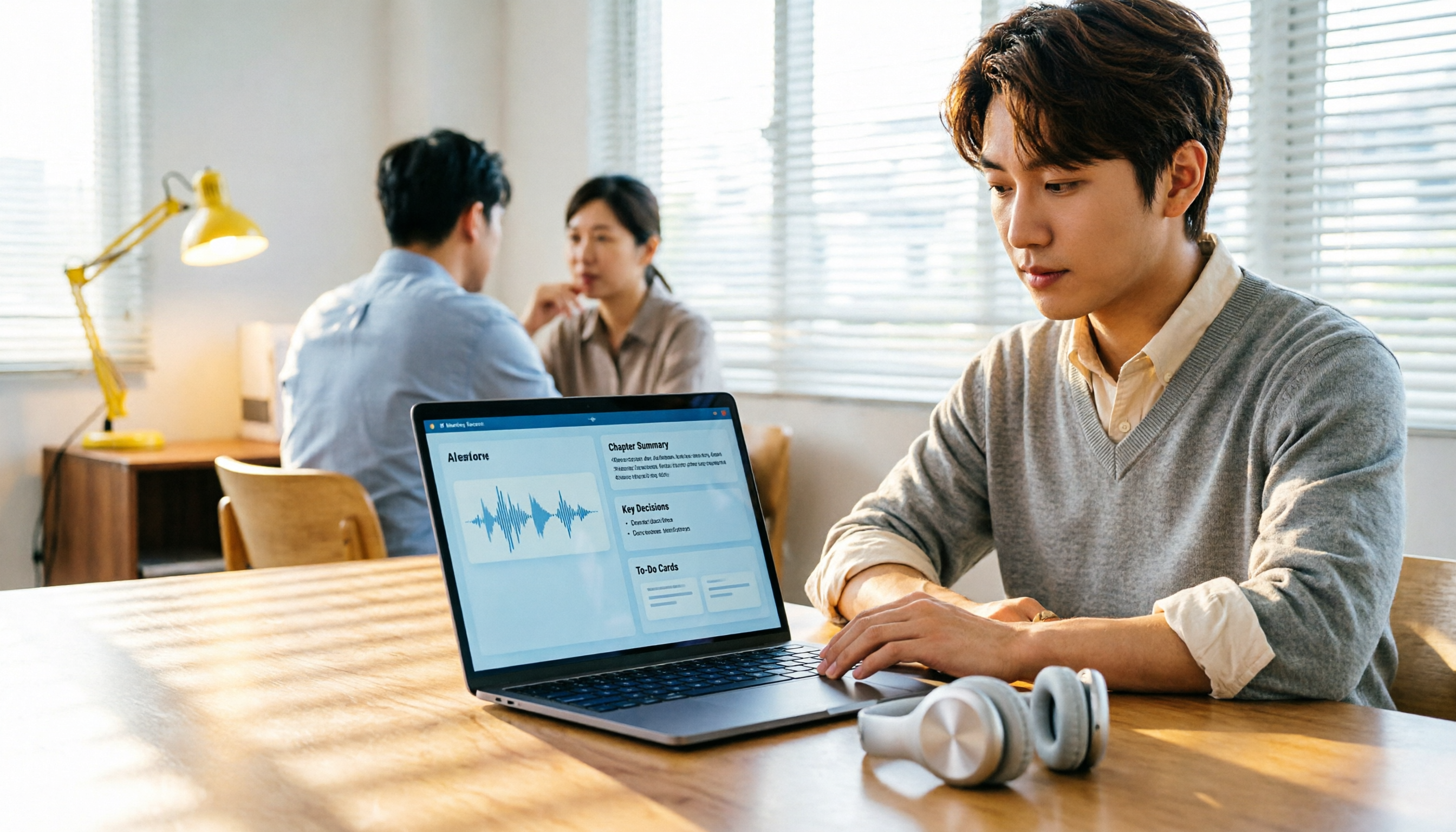
Turn recordings into transcripts and summaries in minutes
Upload audio or video for multilingual transcription, AI notes, and action items
How to Apply AI Meeting Minutes Templates in 2026: 5 Steps from Recording to Auto-Generated Summaries
Two hours in a meeting, two more hours writing minutes? You don't need a tool; you need a solution.
Two hours in a meeting, two more hours organizing the minutes—this is the daily reality for most professionals. What's more, your company requires a fixed meeting minutes template, so you have to categorize scattered transcripts into reports, discussions, resolutions, and action items, and assign owners and deadlines.
If the meeting is online, you might also have to manually record, convert files, and slowly transcribe. Some people even give up on full documentation and just jot down a few key points from memory, only to find at the next meeting that decisions weren't tracked.
With the right AI tool, these processes can be largely automated. The key is: it doesn't just transcribe; it generates structured content that you can directly plug into your existing template.
Before Choosing an AI Meeting Minutes Tool, Understand These 4 Key Points
1. Accuracy should be tested in real scenarios The advertised 98% accuracy is usually measured in a quiet recording studio. Real meetings have background noise, overlapping speech, accents, and jargon, which reduce accuracy. We recommend using your actual recordings for free trials, not just relying on ads. Tinrec performs consistently in Chinese meeting scenarios, but all tools are affected by audio quality.
2. AI features go beyond summaries Many tools only provide transcripts and simple summaries, but to format meeting minutes, you need more: automatic action item extraction, topic segmentation, and even Q&A to find key points. Tinrec's AI Q&A lets you ask, "Who mentioned the budget in the last meeting?" and it answers based on semantics, not just keyword search.
3. Cross-platform and input sources You might record offline meetings on your phone, join online meetings on your computer, and want to upload historical recordings. The tool must cover these scenarios. Tinrec has mobile, desktop, and web versions; the desktop version can record Zoom, Meet, Teams, and other online meetings without a bot, so you don't have to invite a bot to join.
4. Team collaboration and template application If you need to share meeting materials with others, the tool should have team spaces and management features. Additionally, can it flexibly export or generate structured documents that you can paste directly into your company template? Tinrec supports multi-format export and Agent post-processing to reduce manual formatting time.
Tinrec (Sec Listen Recording) — Our Top Pick After Hands-On Testing
Tinrec is an AI meeting minutes and collaboration tool for individuals and teams, supporting real-time recording, online meeting transcription, audio/video file import, and auto-generating summaries, chapters, action items, and mind maps.
5 Steps to Apply Meeting Minutes Templates with Tinrec
- Record or Import: Use Tinrec desktop to record online meetings, or use the mobile app for offline meetings; you can also upload existing audio or video files.
- Automatic Transcription: Real-time transcripts are generated during recording, with speaker labels (e.g., "Participant 1", "Participant 2"), and it supports mixed Chinese-English and multilingual content.
- Generate Summary and Action Items: After the meeting, AI automatically organizes summaries, chapter highlights, and action items, each with an owner and time (when clearly stated in the transcript).
- Adapt to Your Company Template: You can copy the AI-generated structure into your existing template, or use Agent post-processing to generate reports, tables, etc., and then fine-tune to your company format.
- Export or Share to Team Space: Export to Notion, Google Docs, OneNote, Dropbox, etc., or save to Tinrec team space for members to view and follow up.
Stop organizing recordings by hand
Upload audio or video and automatically get a transcript, summary, and action items
Key Advantages
- Bot-free online meeting recording: No need to invite meeting bots; Tinrec desktop directly captures system audio, avoiding disruption to the meeting flow.
- AI conversational query: After recording, you can ask Tinrec questions in Chinese, such as "What was the conclusion of this meeting?" It answers based on the meeting content and provides timestamps. Currently, few competitors in this price range offer this feature.
- Team knowledge accumulation: The team version provides a dedicated space where meeting materials belong to the team; data is not lost when members change, and admins can view usage and audit logs.
Limitations
The free plan has limited quotas; heavy users need to pay. However, for those who meet 2-3 times a week, the free quota is enough to experience the value. Additionally, AI-generated content still requires manual review, especially when numbers or decisions are involved.
Who It's For
If you need to quickly organize Chinese or mixed Chinese-English meetings, don't want to use meeting bots, want to query key points with AI after recording, or need cross-platform use (mobile + desktop + web), Tinrec is currently the most suitable choice.
Beyond Tinrec: Quick Reviews of Otter.ai, Notta, and PLAUD Note
Otter.ai: A mature choice for English meetings, with 300 free minutes per month, but Chinese experience and cross-platform flexibility are not as good as Tinrec. Suitable for those who primarily have English meetings on a budget. Tinrec offers bot-free desktop recording with real-time translation, while Otter's desktop capabilities were added later.
Notta: Strong transcription and translation, but weaker post-meeting processing. Suitable for users who need large-scale file-to-text or subtitles. Tinrec offers AI Q&A and team spaces; Notta's Business plan has team features, but the interface is complex, and bot-free desktop recording integration is not as seamless as Tinrec.
PLAUD Note: A hardware recorder, ideal for on-the-go recording, but requires an additional device purchase (starting at about USD 159). Tinrec requires no hardware; your phone can record, and it supports online meetings and file imports, which PLAUD cannot. PLAUD only has an advantage if you're frequently on the move and need a standalone recording device.
Pitfall Guide: 4 Common Mistakes When Choosing an AI Meeting Minutes Tool
Pitfall 1: Only looking at official accuracy rates. As mentioned, accuracy drops in real environments. Test with your own meeting recordings, not just ad numbers.
Pitfall 2: Ignoring cross-platform needs. If you switch between devices often, choosing a tool that's only mobile or only desktop will be painful. Confirm whether the tool supports iOS, Android, web, and desktop simultaneously.
Pitfall 3: Buying a tool but only using it for transcription. If you only use it for transcripts, you're wasting AI summaries, Q&A, and action item extraction. Tinrec's AI conversational query, for example, can save you from scanning 30 minutes of transcript.
Pitfall 4: Assuming the personal plan meets team needs. If meeting materials need sharing, collaboration, and permission management, the personal plan isn't enough. Team plans offer seat management, usage analytics, and data handover to avoid data loss when members leave.
Summary: Which One Should You Choose?
If your needs are "applying meeting minutes templates, quickly generating summaries and action items, supporting Chinese meetings, and bot-free online meeting recording"—Tinrec is the top choice. Its free plan lets you experience the full workflow, so you can try before deciding.
Scenario-based recommendations:
- Need Chinese meeting minutes + template application → Tinrec (mature AI summaries and action items, multi-format export)
- Need bot-free recording of Zoom/Meet/Teams → Tinrec (desktop captures system audio directly)
- Need team collaboration and knowledge accumulation → Tinrec Team plan (members, seats, usage, audit all included)
- Zero budget and primarily English meetings → Otter.ai free plan (300 minutes/month, great English experience)
We recommend downloading Tinrec's free plan and testing it with one or two meetings. Upgrade if you find it useful; there's no need to pay upfront.
References
- 2026's Top AI Meeting Minutes Tools: Essential Meeting Tools to Save Time and Effort!
- How to Use AI for Meeting Minutes? How to Organize Meeting Transcripts? | AI Speech-to-Text Tutorial | 104 Career Force
- AI Meeting Notes Organization Tips! 6 Steps to Use Gemini Notebook and Prompt Templates, Speech-to-Text, Even Mixed Chinese-English | 104 Career Force
- AI Meeting Minutes Software Recommendations: 5 Apps Tested and Compared, Auto-Transcription Makes Meetings Easy!
- Meeting Minutes Organization Template | TryAI Government AI Application Lab
Turn every recording into actionable outcomes
Get 60 free transcription minutes when you sign in. No credit card required.
Related Reading
You might also like

2026 Comparison of 2 Audio-to-Text Tools: 4 Key Differences Between Tinrec and Notta
Starting from common pitfalls, this comparison examines Tinrec and Notta across free quotas, recording input, post-meeting organization, and team collaboration to help you choose the right audio-to-text workflow for Chinese-language meetings.

2026 Comparison of 4 Audio-to-Text Tools: What Is Audio Transcription and How to Choose
What does audio-to-text mean? Simply put, it's automatically converting spoken words in audio files into written transcripts. This article first explains the definition and three common approaches in plain language, then tests and compares Tinrec, Notta, Otter.ai, and Granola on Chinese recognition, post-meeting organization, and team collaboration. It also lists 4 key points to check before buying and 3 common mistakes to help you decide whether to use a free or paid plan.

3 AI Meeting Notes Methods Tested in 2026: Transcripts Aren't Minutes—Which One Actually Produces Action Items?
Most people think AI meeting notes just means recording and transcribing. But the real time sink is post-meeting decisions, action items, and follow-up. This article starts from common misconceptions, compares three approaches, and pits Tinrec against PLAUD Note dimension by dimension, offering a pre-meeting, in-meeting, and post-meeting workflow you can follow.

5 Meeting Transcription Tools Tested: Which AI Meeting Notes Actually Save Time?
The meeting ends, but the real work begins. This article starts from real meeting scenarios, breaks down 4 key factors for choosing a meeting transcription tool, and compares Tinrec, Notta, Otter.ai, and TurboScribe on recording methods, post-meeting output, Chinese language performance, and team management capabilities to help you pick the one that truly saves time.

5 Latest Meeting Transcription Methods Compared in 2026: Why Tinrec's Bot-Free Workflow Saves More Time
Meeting transcription isn't just pressing record. This article starts with common pitfalls and compares manual transcription, built-in platform transcription, meeting bots, file transcription tools, and Tinrec's bot-free desktop workflow. It covers key purchasing considerations, team plan benefits, and real-world scenarios to help you find a more time-saving approach to meeting notes.

5 Best Meeting Transcription Tools in 2026: Free vs. Paid Options for Students
We compare five meeting transcription tools using real student scenarios—group discussions, class recordings, and mock internship interviews—and share a hands-on walkthrough of Tinrec's live transcription, AI summaries, action items, and Q&A. The article covers four key buying factors, four common pitfalls to avoid, and final recommendations based on budget and use case.

How to Transcribe Meeting Recordings in 2026: 5-Step Tutorial and Review
What's the most time-saving way to transcribe meeting recordings? This guide uses Tinrec as an example to demonstrate 5 steps—from recording, transcription, summarization, action items, to export and team knowledge retention—and includes a practical review, limitations, and buying considerations to help you determine which meeting transcription method fits your workflow.

Tinrec vs Notta in 2026: Real-World Test of Meeting Transcription, Reviews, Examples, and a Guide for Chinese-Speaking Teams
How do you choose a meeting transcription tool? This article compares Tinrec and Notta across meeting capture methods, Chinese transcription, post-meeting outputs, AI Q&A, team governance, and pricing/quotas. It also includes a walkthrough of turning a 20-minute weekly meeting into a transcript, summary, and action items, so you can decide which tool better fits your workflow.

How to Choose a Free Meeting Transcription Tool in 2026: 5 Steps from Recording to Transcript
From free tiers and meeting capture to Chinese recognition, post-meeting organization, and team knowledge retention, compare Tinrec and Notta in 5 steps to choose the right free meeting transcription solution.