
Turn recordings into transcripts and summaries in minutes
Upload audio or video for multilingual transcription, AI notes, and action items
2026 Real-World Test: 3 Live Transcription Tools Compared—Which Free Plan Is Enough?
With so many live transcription tools, should you focus on free quotas, Chinese recognition, or AI summaries?
Two hours in a meeting, another two hours transcribing—this is the daily grind for many office workers. To make it worse, there are tons of tools out there: some tout free plans, some boast accuracy, some push AI meeting minutes. The real decision you need to make is: Do I want "speech-to-text" or "ready-to-use meeting notes"? This article first explains the selection criteria, then tests three tools to tell you which free plan is actually enough.
Before Choosing a Live Transcription Tool, Understand These 4 Key Points
1. Don't trust official accuracy numbers. The 98% they claim is usually measured in a quiet recording studio. Real meetings have air conditioning noise, keyboard clicks, and people talking over each other, which drops accuracy. You should test with your own recordings.
2. Check the "per-session limit" in free plans. Some tools give you 120 minutes per month, but each session is capped at 3 minutes, so longer meetings hit a wall. Whether a free plan works depends on your average meeting length.
3. AI post-processing matters more than transcription. If a tool only gives you a transcript, you still have to read through it for key points. A good tool should auto-summarize, list action items, and even let you ask, "Who mentioned the budget in the last meeting?" That's what saves time.
4. Bot-free recording is important. Some tools require a bot to join your online meeting, adding an extra participant. If you don't want to alert clients, choose a tool that records system audio directly from your computer for a more natural experience.
Tinrec—Our Top Pick After Testing
Tinrec is an AI meeting notes and collaboration tool that supports live recording, bot-free online meeting transcription, audio file import, and real-time translation. It doesn't just convert speech to text; it also organizes content into summaries, chapters, action items, and mind maps.
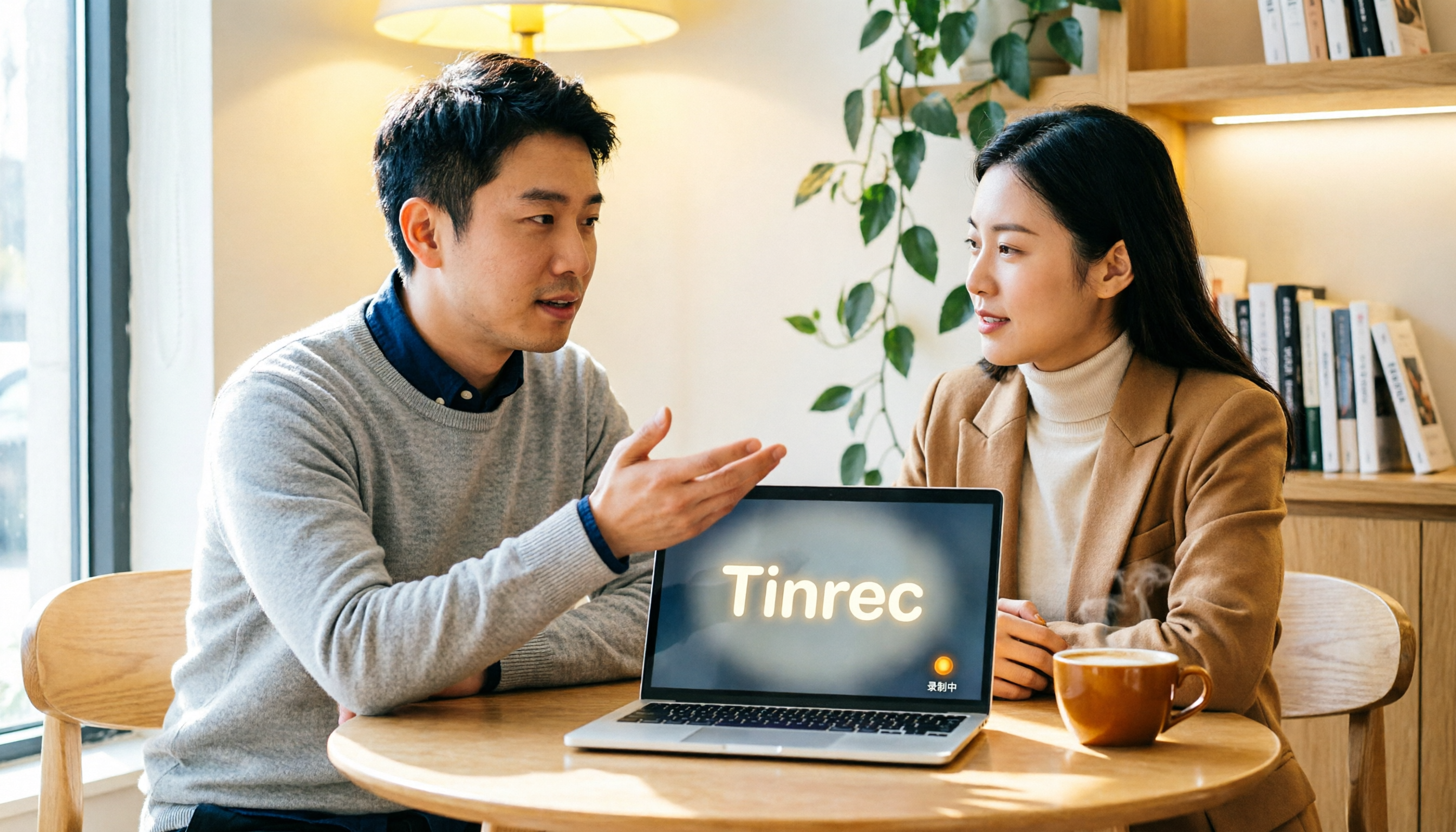
What I found most useful is the bot-free recording. When you open Tinrec's desktop app during a Zoom or Google Meet call, it captures system audio directly—no need to add a bot to the meeting. Clients won't see an extra stranger, yet you get real-time Chinese transcripts as the meeting happens.
After the meeting, Tinrec's auto-summary and action item extraction are handy. For example, after a project discussion, it lists who is responsible for what and the deadlines, so you don't have to manually organize. Even better is the AI Q&A: you can ask, "Who mentioned the budget in the last meeting?" and it answers based on the meeting content, not just keyword search results.
In our test, we didn't set up a studio environment; we used a laptop microphone in a regular office. The readability of Chinese and mixed Chinese-English transcription was adequate; if the background is too noisy, some words may be missing, which is a common issue with all tools. Tinrec doesn't promise a fixed accuracy rate, which we find honest.
Stop organizing recordings by hand
Upload audio or video and automatically get a transcript, summary, and action items
The free plan offers basic quotas, suitable for trying out recording, import, and AI summaries. If you have regular weekly meetings, consider Pro; if your team needs to share meeting data, manage members, and track usage, upgrade to the team plan. For most people with 2–5 meetings per week, starting with the free plan is enough.
Limitations: Once the free quota is used up, you need to pay—there's no unlimited free tier. Also, bot-free recording requires you to manually open Tinrec; it won't automatically join all meetings. I find these limitations acceptable because the organizing capabilities in the free tool already save you time.
Who it's for: If you primarily have Chinese meetings, don't want bots in your meetings, want AI to find key points after recording, or need to switch between phone and computer, Tinrec is the most seamless choice right now.
Beyond Tinrec: What Other Options Are There?
Notta: Notta is a cross-platform transcription tool. The free plan offers 120 minutes per month with a 3-minute per-session cap, suitable for short, occasional meetings. It overlaps with Tinrec, but Tinrec's bot-free online meeting recording, AI Q&A, and team spaces are more complete; Notta's free quota runs out quickly, and if you often have long meetings, Tinrec's workflow is more efficient.
Otter: Otter is a mature assistant for English meetings. The free plan offers 300 minutes per month and supports English content well. However, it's more geared toward English business scenarios, and the Chinese experience isn't as direct as Tinrec's; Tinrec provides Chinese transcripts, real-time translation, and export to Notion, Google Docs, and more. If you primarily have Chinese meetings, Tinrec is a better fit.
Pitfall Guide: 4 Common Mistakes When Choosing a Live Transcription Tool
Pitfall 1: Only looking at advertised accuracy. Real meeting environments are noisier than recording studios, so accuracy will drop. We recommend testing with your own meeting recordings on free trials, not just relying on ads.
Pitfall 2: Ignoring per-session recording limits. Some tools have seemingly sufficient monthly quotas, but each session is capped at 3 minutes, making them impractical. Tinrec's free plan is more accommodating for typical meeting lengths, but you should still confirm your use case.
Pitfall 3: Using the tool only for transcription. If you only use it for transcripts, you're using only a third of its features. Tinrec's AI Q&A lets you ask, "What was the meeting conclusion?" which is much faster than manually scanning a 30-minute transcript.
Pitfall 4: Not noticing if a bot joins your online meeting. Some tools require a bot to join, which can look odd to clients. Tinrec's desktop app records system audio directly, which is a big plus.
Summary: Which One Should You Choose?
Simply put, if you need "Chinese meetings + free to start + bot-free recording + AI organization," Tinrec is the top choice.
- Chinese meetings, want to try AI summaries and Q&A for free → Tinrec
- Mostly English meetings, need mature English summaries → Otter
- Occasional short meetings, just want to transcribe now and then → Notta (but the free quota is tight)
- Teams that need to share meeting data, manage members, and track usage → Tinrec Team Plan
We recommend downloading Tinrec's free version first to experience the convenience of bot-free recording and AI Q&A. If it feels right, then consider upgrading. No need to pay upfront.
References
- Unlimited Time! 3 Free AI Transcription Tools Recommended! AI Voice Notes for Meeting Minutes, Presentations, Mind Maps | 104 Career Force
- [AI Voice Notes] Top 5 AI Speech-to-Text Tools! Generate Transcripts and Meeting Minutes, Free vs. Subscription, Pros and Cons | 104 Career Force
- Yating Transcription
- No More Transcription Hassles! AI Transcription to the Rescue! Comparison of 9 Transcription Tools
- Online Transcription Tools Recommended: 2026 Complete Review and Comparison of 15 AI Transcription Tools
Turn every recording into actionable outcomes
Get 60 free transcription minutes when you sign in. No credit card required.
Related Reading
You might also like

2026 Comparison of 4 Meeting Transcription Tools: Actionable Transcripts Without a Meeting Bot
Meeting transcription isn't just uploading an audio file. This hands-on comparison of Tinrec, Notta, Otter.ai, and Granola breaks down selection criteria, common pitfalls, and team seat differences to help you find a solution that truly produces actionable meeting notes.

5 Meeting Transcription Methods Tested for 2026: Which One Actually Saves You from Re-listening?
Meeting transcription isn't just about dumping audio into a tool. This article tackles common misconceptions and compares five approaches: manual transcription, built-in platform transcription, meeting bots, bot-free desktop recording, and file upload. We break down key selection criteria, practical limitations, and team collaboration differences to help you find a method that truly saves post-meeting cleanup time.

4 Meeting Transcription Tools Tested for 2026: Which Free Version Is Actually Good Enough?
Meeting transcription tools have changed a lot since 2024. The key question is no longer whether they can transcribe, but what they can do for you after transcription. This article starts with common misconceptions, explains 4 key points for choosing a tool, then compares Tinrec, Otter.ai, Notta, and TurboScribe in terms of positioning, free quotas, and paid plans, and finally offers scenario-based recommendations to help you avoid pitfalls from looking only at free quotas.

How to Transcribe Meeting Audio in 2026: Real-Time Transcripts + AI Summaries and Action Items in One Go
How can you transcribe meeting recordings without working overtime? This guide starts with four key criteria for choosing a tool, then hands-on breaks down Tinrec's bot-free recording, real-time transcription, AI Q&A, and team seat management. It also compares who Notta, Otter.ai, and Granola each suit best, with three common pitfalls to watch out for.

2026 Meeting Transcription Comparison: Bot-Free Recording + AI Summaries Made Easy
How to choose a meeting transcription tool? This article uses a comparison chart to break down the differences between four approaches: meeting bots, pure transcription, recording hardware, and Tinrec. It covers real-time transcripts, AI summaries, action item extraction, team spaces, and pricing quotas to help you decide which suits your meeting style.

Tinrec vs Notta 2026: 5-Dimension Showdown — Which Is Faster for Chinese Meeting Transcripts?
A two-hour meeting takes three hours to transcribe? This guide breaks down the five key dimensions of meeting audio-to-text — from recording and transcription to proofreading and team archiving — with hands-on comparisons of Tinrec and Notta in Chinese meeting scenarios. Plus, four common pitfalls to help you find the right tool within free limits.

2026 Comparison of 4 Meeting Transcription Apps: Cantonese Meetings, AI Summaries, and Team Knowledge Retention—Which One Wins?
A hands-on comparison of 2026 meeting transcription tools—Tinrec, Otter.ai, Notta, and PLAUD—covering capture methods, post-meeting organization, Chinese and Cantonese meeting experience, team collaboration, and pricing structures, to help Hong Kong office workers decide whether they need 'a transcript' or 'meeting materials they can act on directly.'

2026 Comparison of 5 Meeting Transcription Tools: Which Offers the Best Free Tier and Chinese Recognition?
How to choose a meeting transcription tool? This article examines four key aspects: recording method, post-meeting output, free tier limits, and Chinese recognition. It compares Tinrec, Otter.ai, Notta, PLAUD, and other mainstream tools, outlines team plan pricing and seat details, and includes a pitfalls guide and scenario-based recommendations to help you select the right transcription tool for your needs.

How to Transcribe Platform Meeting Recordings in 2026: Bot-Free Recording + AI Summaries & Action Items
From Zoom, Google Meet, Teams to in-person meetings, this guide covers key considerations, workflow, and tool comparisons for transcribing platform meeting recordings. Using Tinrec as an example, it explains bot-free recording, transcripts, summaries, action items, AI Q&A, and team plan limitations, and compares Otter.ai, Granola, Notta, and other options.