
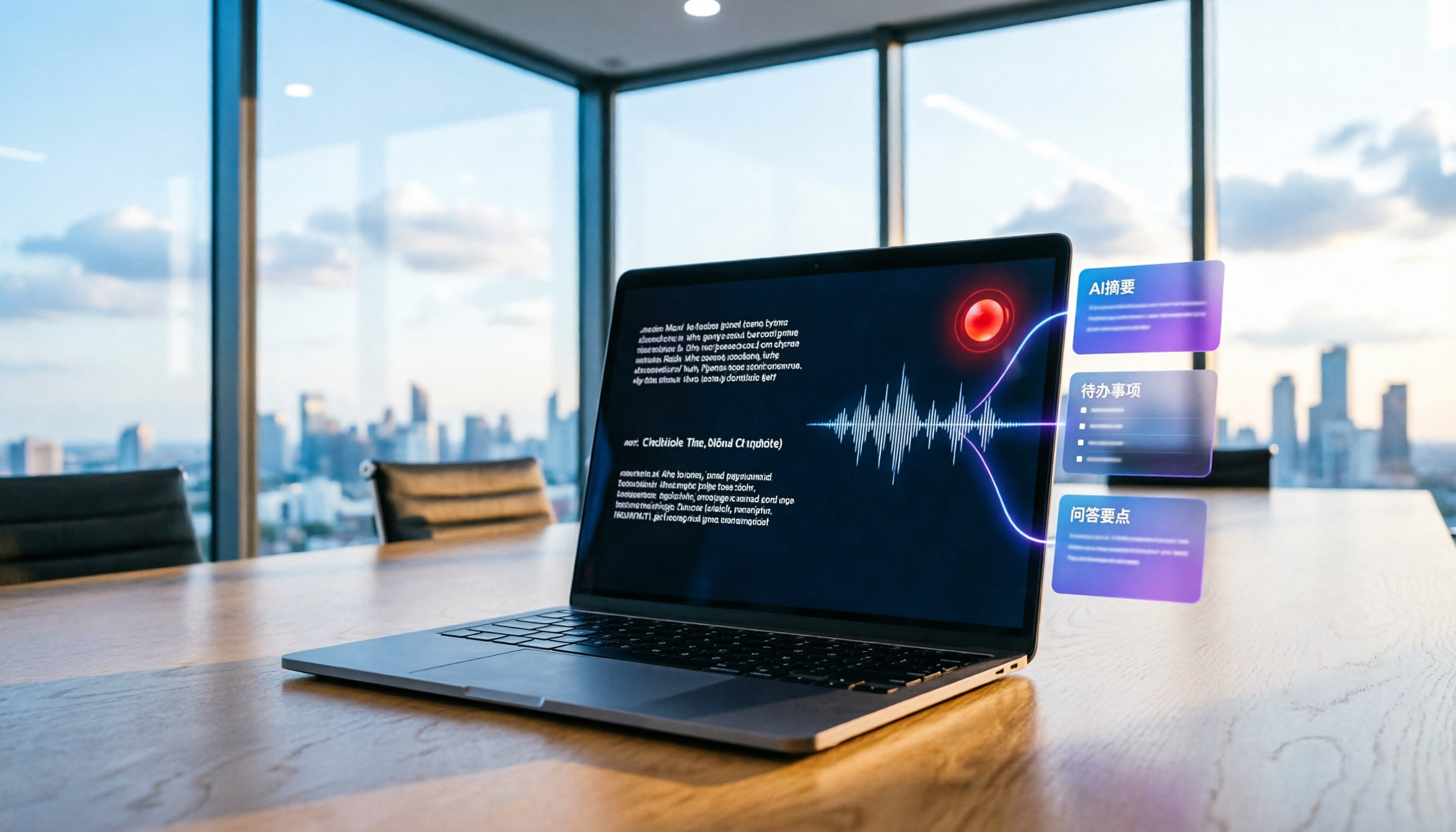
Turn recordings into transcripts and summaries in minutes
Upload audio or video for multilingual transcription, AI notes, and action items
How to Use Real-Time Transcription in 2026? A 5-Step Guide from Recording to AI Summaries
You've just finished a two-hour meeting and want to grab the key points for a report right away, but you don't want to listen to the recording slowly. Real-time transcription solves this problem—it generates text as you record, so you have the transcript immediately after the meeting. Here's how to use real-time transcription from recording to AI summaries, using Tinrec (秒听录音) as an example.
What Can Real-Time Transcription Do for You?
Scenario 1: Get meeting minutes 5 minutes after the meeting
Previously, after a two-hour meeting, you might spend another hour organizing the minutes. Now with Tinrec, as soon as the meeting ends, AI has already generated the transcript, summary, and action items, showing who is responsible for what and deadlines at a glance.
Scenario 2: Never miss key points during client interviews
In sales or research, you worry about missing key points while taking notes. Tinrec transcribes in real time, so you can read the text as you go and stay focused.
Scenario 3: Get instant notes from lectures and seminars
During lectures or online courses, Tinrec transcribes in real time, allowing you to search for keywords instantly and ask AI questions like "What key points did the speaker mention?" after the session.
What Are the Core Capabilities of Real-Time Transcription?
1. Real-time transcription with no waiting
Tinrec's real-time transcription has low latency; as you speak, the text appears simultaneously. You can confirm if you missed any key points during the meeting.
2. Record online meetings without bots
The Tinrec desktop app captures your computer's system audio directly, so you don't need to invite extra meeting bots. It works with Zoom, Google Meet, Microsoft Teams, and Webex.
3. AI summaries and chapters
After transcription, Tinrec automatically splits long meetings into chapters and provides summaries, so you can quickly grasp the discussion points.
4. Action item extraction and AI Q&A
Tinrec extracts action items from the meeting, and you can ask it questions like "Who mentioned the budget?" or "What were the client's main complaints?" It will answer directly.
5. Multi-format export and mind maps
Transcripts, summaries, and action items can be exported to common formats, and you can generate mind maps to organize the meeting structure. It supports syncing to tools like Notion and Google Docs.
Practical Use Cases
Meeting minutes
Use Tinrec to record and transcribe in real time during meetings, and get the transcript and summary as soon as the meeting ends. For online meetings, open the Tinrec desktop app to record system audio directly, without adding bots.
Stop organizing recordings by hand
Upload audio or video and automatically get a transcript, summary, and action items
Classes and lectures
Record lectures or online courses with Tinrec to get instant text, then use AI Q&A to review after class.
Interviews and research
For user interviews or market research, Tinrec transcribes in real time and allows you to export the transcript for easy citation.
Content creation
When shooting videos or recording podcasts, Tinrec provides instant captions, saving time on post-production subtitling.
5 Things to Consider When Choosing a Real-Time Transcription Tool
1. Transcription speed
Real-time transcription is all about speed—text appears as you speak. Tinrec's real-time transcription has low latency, with text displayed synchronously during the meeting, so you don't have to wait until the recording ends.
2. Language support
If you need Cantonese or mixed Chinese-English, check the tool's support. Tinrec supports Chinese and multiple languages, and offers real-time translation with bilingual display.
3. AI post-processing
Transcription is just the first step; the key is whether the tool helps you organize afterward. Tinrec offers AI summaries, chapters, action items, and Q&A, not just a block of text.
4. Online meeting support
Many tools require inviting bots to the meeting, but the Tinrec desktop app captures system audio directly, so no extra participants are needed—much more convenient.
5. Cross-platform compatibility
Ensure the tool works on your common devices. Tinrec has mobile, desktop, and web versions, so you can use it anywhere.
Frequently Asked Questions
Q: How accurate is real-time transcription?
A: Real-time transcription is fast, but may be affected by noise or accents, resulting in minor errors. Tinrec supports AI summaries and Q&A to compensate, and you can verify important content against the recording.
Q: Is real-time transcription free?
A: Tinrec offers a free plan with basic credits for trying real-time recording and transcription. You can upgrade if you need more minutes.
Q: Can real-time transcription be saved?
A: Yes. Tinrec generates the transcript in real time as you record, and you can save both the recording and the transcript for later search and review.
Q: How do I use real-time transcription for online meetings?
A: Use the Tinrec desktop app to capture your computer's system audio directly, without inviting bots, and it will transcribe the online meeting in real time.
Q: What's the difference between real-time transcription and regular recording-to-text?
A: Regular recording-to-text requires uploading the recording after it's done, while real-time transcription generates text as you record, ideal for meetings and interviews where you need immediate confirmation.
Conclusion
Real-time transcription is no longer high-tech; it's now accessible to office workers in Hong Kong. Tinrec provides not just text, but also summaries, action items, and Q&A, helping you go from recording to action. If you have more than three meetings a week, it's worth trying the free version.
References
Turn every recording into actionable outcomes
Get 60 free transcription minutes when you sign in. No credit card required.
Related Reading
You might also like

2026 Comparison of 4 Meeting Transcription Tools: Actionable Transcripts Without a Meeting Bot
Meeting transcription isn't just uploading an audio file. This hands-on comparison of Tinrec, Notta, Otter.ai, and Granola breaks down selection criteria, common pitfalls, and team seat differences to help you find a solution that truly produces actionable meeting notes.

5 Meeting Transcription Methods Tested for 2026: Which One Actually Saves You from Re-listening?
Meeting transcription isn't just about dumping audio into a tool. This article tackles common misconceptions and compares five approaches: manual transcription, built-in platform transcription, meeting bots, bot-free desktop recording, and file upload. We break down key selection criteria, practical limitations, and team collaboration differences to help you find a method that truly saves post-meeting cleanup time.

4 Meeting Transcription Tools Tested for 2026: Which Free Version Is Actually Good Enough?
Meeting transcription tools have changed a lot since 2024. The key question is no longer whether they can transcribe, but what they can do for you after transcription. This article starts with common misconceptions, explains 4 key points for choosing a tool, then compares Tinrec, Otter.ai, Notta, and TurboScribe in terms of positioning, free quotas, and paid plans, and finally offers scenario-based recommendations to help you avoid pitfalls from looking only at free quotas.

How to Transcribe Meeting Audio in 2026: Real-Time Transcripts + AI Summaries and Action Items in One Go
How can you transcribe meeting recordings without working overtime? This guide starts with four key criteria for choosing a tool, then hands-on breaks down Tinrec's bot-free recording, real-time transcription, AI Q&A, and team seat management. It also compares who Notta, Otter.ai, and Granola each suit best, with three common pitfalls to watch out for.

2026 Meeting Transcription Comparison: Bot-Free Recording + AI Summaries Made Easy
How to choose a meeting transcription tool? This article uses a comparison chart to break down the differences between four approaches: meeting bots, pure transcription, recording hardware, and Tinrec. It covers real-time transcripts, AI summaries, action item extraction, team spaces, and pricing quotas to help you decide which suits your meeting style.

Tinrec vs Notta 2026: 5-Dimension Showdown — Which Is Faster for Chinese Meeting Transcripts?
A two-hour meeting takes three hours to transcribe? This guide breaks down the five key dimensions of meeting audio-to-text — from recording and transcription to proofreading and team archiving — with hands-on comparisons of Tinrec and Notta in Chinese meeting scenarios. Plus, four common pitfalls to help you find the right tool within free limits.

2026 Comparison of 4 Meeting Transcription Apps: Cantonese Meetings, AI Summaries, and Team Knowledge Retention—Which One Wins?
A hands-on comparison of 2026 meeting transcription tools—Tinrec, Otter.ai, Notta, and PLAUD—covering capture methods, post-meeting organization, Chinese and Cantonese meeting experience, team collaboration, and pricing structures, to help Hong Kong office workers decide whether they need 'a transcript' or 'meeting materials they can act on directly.'

2026 Comparison of 5 Meeting Transcription Tools: Which Offers the Best Free Tier and Chinese Recognition?
How to choose a meeting transcription tool? This article examines four key aspects: recording method, post-meeting output, free tier limits, and Chinese recognition. It compares Tinrec, Otter.ai, Notta, PLAUD, and other mainstream tools, outlines team plan pricing and seat details, and includes a pitfalls guide and scenario-based recommendations to help you select the right transcription tool for your needs.

How to Transcribe Platform Meeting Recordings in 2026: Bot-Free Recording + AI Summaries & Action Items
From Zoom, Google Meet, Teams to in-person meetings, this guide covers key considerations, workflow, and tool comparisons for transcribing platform meeting recordings. Using Tinrec as an example, it explains bot-free recording, transcripts, summaries, action items, AI Q&A, and team plan limitations, and compares Otter.ai, Granola, Notta, and other options.