
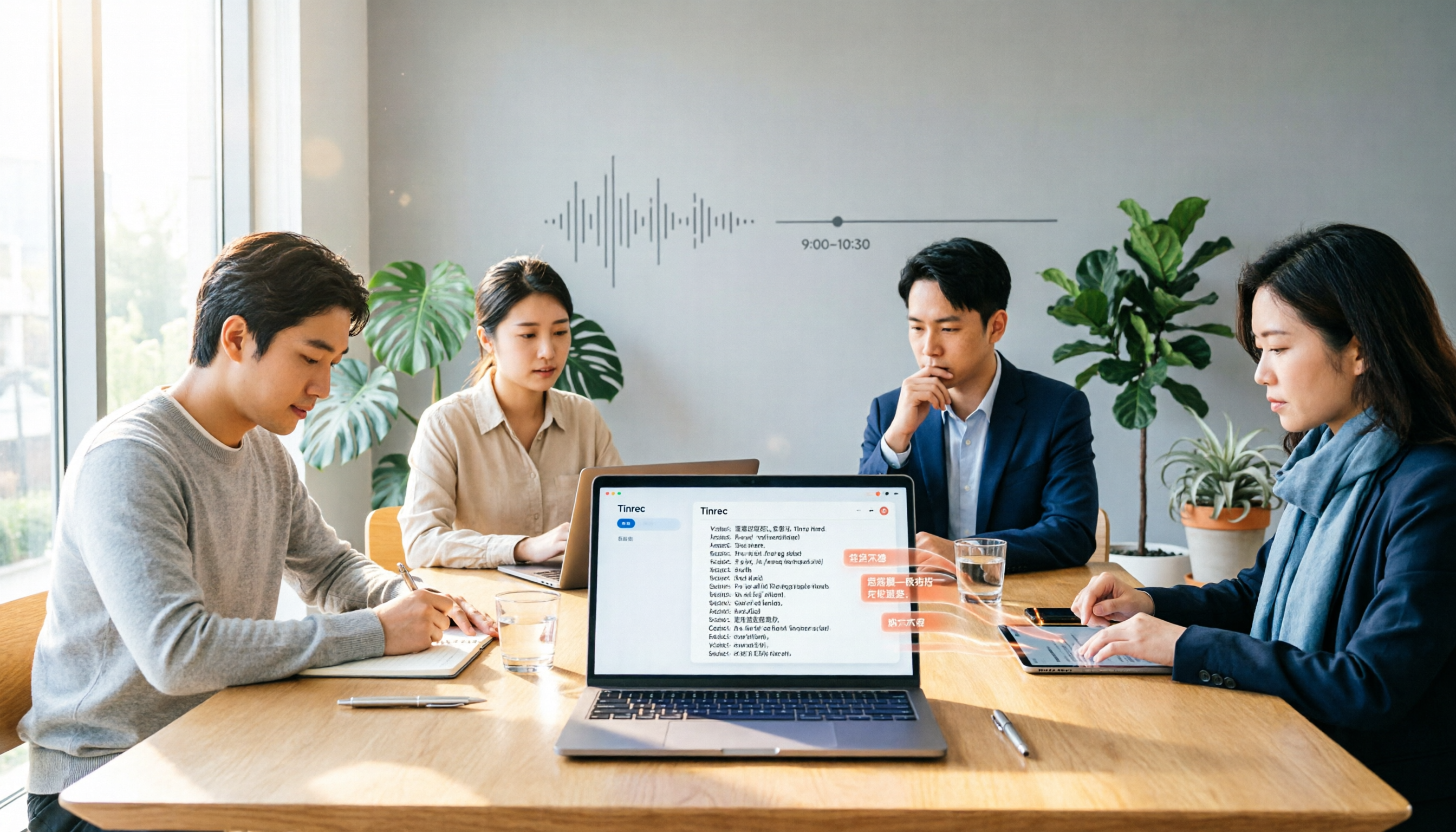
Turn recordings into transcripts and summaries in minutes
Upload audio or video for multilingual transcription, AI notes, and action items
6 AI Transcription Tools Compared in 2026: Which Offers the Best Free Plans and Team Collaboration?
The first question to answer is: "Do you occasionally transcribe a recording, or do you have meetings to organize every week?" This directly affects whether you should look at free tools or opt for a plan with team space. Otherwise, you might keep jumping between free trials and end up spending time redoing the work.
This article reviews six AI transcription tools commonly used in Taiwan, including Tinrec, Vocol.ai, Yating, NotebookLM, cSubtitle, and Litok. I'll break down free quotas, Chinese recognition, multi-person meetings, team collaboration, and ideal users so you can quickly decide which one is worth trying first.
Why Do You Need an AI Transcription Tool?
Manually transcribing meetings, classes, or interviews is time-consuming. AI tools can transcribe in real-time, auto-segment, add punctuation, and even generate summaries and action items. According to 104 Job Bank, good tools can save about 80% of transcription time. This article focuses on "meeting notes" and "transcription" to compare which tool best fits your use case.
Option 1 | Tinrec (MiaoTing) — The Most Complete AI Meeting Notes and Collaboration Tool
Tinrec is more than just a speech-to-text tool; it turns meetings into searchable, collaborative, and actionable team assets. You can record Zoom, Google Meet, Microsoft Teams, Webex, and other online meetings directly from the desktop app without inviting a bot. After recording, it automatically generates transcripts, summaries, chapters, highlights, and action items, and you can ask AI follow-up questions about the meeting content.
What I like is its post-meeting capabilities: you can export results to Notion, Google Docs, OneNote, and more, and use Agents to generate reports, tables, and meeting minutes. The free plan offers basic quotas; paid plans include weekly, monthly, and yearly options. For teams needing shared meeting data, the team plan provides dedicated space, member management, seat allocation, usage analytics, and audit logs. It's especially suitable for professionals with weekly meetings, project teams, and those who need to keep client communication records.
Option 2 | Vocol.ai — Chinese Voice Collaboration Platform
Vocol.ai focuses on Chinese speech-to-text and team collaboration, integrating with Google Meet and Microsoft Teams. It identifies multiple speakers and offers co-editing and commenting features. Its transcription speed is fast, making it suitable for remote classes and online meetings. The free trial includes 200 minutes; paid plans start at NT$330 per month. If you need Chinese meeting data but have fewer collaboration needs than Tinrec, consider this option.
Option 3 | Yating Transcription — Multi-Speaker Recognition and Taiwanese Hokkien Support
Yating Transcription targets the Chinese market, with strong multi-speaker recognition and support for Taiwanese Mandarin, mixed Chinese-English, and Taiwanese Hokkien. You can record in real-time or paste a YouTube URL to convert to text. Transcription speed is slower, but it's suitable for those needing detailed Chinese transcripts or interviews with Hokkien content. Free and paid plans are based on the official website; it's recommended to try the free quota first.
Stop organizing recordings by hand
Upload audio or video and automatically get a transcript, summary, and action items
Option 4 | NotebookLM — Free AI Voice Notes
NotebookLM is Google's free AI note assistant. After importing an audio file, it can generate voice summaries and convert audio into mind maps and presentation videos. Its feature is "understand the key points without listening to the recording." It's suitable for students, researchers, or those who occasionally need to organize class recordings. The free plan includes unlimited transcription, but advanced collaboration and export options are limited.
Option 5 | cSubtitle — Quick Subtitle Generation Without Registration
cSubtitle is an online Chinese speech-to-text tool that requires no download or registration. It can quickly generate transcripts from audio files and subtitles from video files, automatically adding punctuation and formatting. It claims 94% accuracy. The editing interface is less convenient, but it's suitable for those who need a quick transcript or subtitle file. Free users have a certain quota; check the official website for details.
Option 6 | Litok — Fast Translation Speech-to-Text
Litok offers fast translation, suitable for users who need to convert Chinese recordings into other languages or handle multilingual content. Its recognition accuracy drops in noisy environments, so it's better used in quiet meetings or classes. If you mainly need subtitle translation or cross-language transcripts, consider it as a supplementary tool. Free and paid plans are based on official announcements.
With So Many Options, How Do You Choose?
- Want the most complete AI features (transcription + AI Q&A + auto minutes + team space) → Tinrec, the only option that fully integrates meeting organization and team collaboration.
- Need to record online meetings without a bot and generate reports and action items afterward → Tinrec, the desktop app directly captures system audio without adding extra participants.
- Need Chinese meetings, Taiwanese Hokkien, or mixed Chinese-English content with multi-person collaboration → Try Tinrec's Chinese and multilingual experience first; if you only need light collaboration, consider Vocol.ai or Yating.
- Zero budget, occasional transcription of a recording or class content → NotebookLM or cSubtitle, basic free features are sufficient.
- Only need quick subtitle generation without much editing or team sharing → cSubtitle or Litok can handle it.
5 Things to Know Before Using AI Transcription Tools
- Recording quality affects accuracy: Quiet environments with less overlapping speech yield better results. Tinrec's team keywords can improve recognition of technical terms.
- Free quotas are usually limited: Don't just look at "free"; check monthly minutes and maximum file length. Tinrec's free plan is for trial; for long-term use, Pro or team plans are more cost-effective.
- Get consent before recording meetings: In Taiwan and many regions, you must inform participants before recording. Tinrec also recommends obtaining consent when needed.
- Verify important content by replaying: AI may miss or misinterpret key information like amounts, names, and dates. Use Tinrec's timestamped transcript to replay the original recording for safety.
- Team collaboration depends on roles and seats: Not all members can edit. Tinrec's team plan separates member management, roles, and seats; members without seats can only view.
Summary
If you occasionally transcribe a recording, free tools are sufficient; but if you have weekly meetings, need to store team data, and track action items, Tinrec is currently the most complete AI transcription tool. It integrates transcription, summaries, Q&A, export, and team collaboration, so you don't need to piece together multiple tools. We recommend trying the free version first before deciding to upgrade.
References
- Unlimited Time! 3 Free AI Transcription Tools, Highly Recommended! AI Voice Notes Generate Meeting Minutes, Presentations, Mind Maps | 104 Job Bank
- Home | Vocol.ai Voice Collaboration Platform
- 【AI Voice Notes】5 Highly Recommended AI Speech-to-Text Tools! Generate Transcripts and Meeting Highlights, Free vs. Subscription, Pros and Cons | 104 Job Bank
- Yating Transcription
- SoundType AI - App Store
Turn every recording into actionable outcomes
Get 60 free transcription minutes when you sign in. No credit card required.
Related Reading
You might also like

2026 Smart Meeting Notes Tools Compared: Which Really Deliver Transcripts, Decisions, and Action Items?
We tested 6 smart meeting notes tools in 2026, breaking down transcripts, AI summaries, decisions and action items, team permissions and deletion workflows, plus pricing and ideal users for each, so you can judge which one truly saves post-meeting cleanup time.

2026 Comparison of 3 Online AI Meeting Notes Apps: Which One Turns Meetings into Actionable Team Data?
A hands-on comparison of three online AI meeting notes apps in 2026, focusing on five key aspects: meeting capture methods, post-meeting workflows, Chinese language experience, team governance, and quota/pricing. Tinrec is the primary test subject, compared with Notta and Granola in terms of positioning and limitations, to help you decide which one suits individuals, teams, and budget-conscious users.

Best AI Meeting Notes Apps in 2026: We Tested 4 — Tinrec Excels for Chinese Meetings
Starting from the pain point of never-ending meeting notes, we outline the criteria for choosing an AI meeting notes app and compare Tinrec, Otter.ai, Granola, and PLAUD to help you decide which one suits Chinese meetings, bot-free recording, and team collaboration.

2026 Comparison of 4 AI Meeting Note Apps: Which Saves More Time with Bot-Free Recording and Post-Meeting Organization?
Starting from a Wednesday afternoon online meeting scenario, we tested and compared four AI meeting note apps: Tinrec, Fireflies.ai, Notta, and Granola. We cover selection criteria, pitfalls to avoid, and team pricing to help you decide which is best for Chinese-language meetings and post-meeting collaboration.

How to Take Smart Meeting Notes in 2026: 5 Steps from Recording to AI Summary
How do you choose and use smart meeting notes software in 2026? This article addresses common misconceptions and demonstrates 5 steps with Tinrec: bot-free recording of online meetings, real-time transcription, AI summaries and action items, Q&A follow-ups, and team archiving. It also covers purchasing considerations and FAQs.

2026 Smart Meeting Notes App Buying Guide: Tinrec vs Otter.ai Across 5 Dimensions
Starting from common buying mistakes, this guide compares Tinrec and Otter.ai across 5 dimensions—Chinese-language meetings, bot-free recording, post-meeting outputs, team governance, and pricing/quotas—to help SMBs and team leads make a choice they can justify to their boss.

2026 Comparison of 4 AI Meeting Notes Apps: Which Handles Chinese Meeting Minutes Best?
How much time do you spend after a meeting turning the content into minutes you can actually send out? This article is built around real meeting scenarios office workers face. It first breaks down the 5 key decision points when choosing an AI meeting notes app, then reviews Tinrec, Otter.ai, Granola, and Notta—their positioning, limitations, and pricing. Finally, it uses scenario-based guidance to help you decide which one fits you, and lists the 4 most common buying mistakes.

Tinrec vs Meeting Bots in 2026: 5-Dimension Comparison – Are Smart Meeting Recorders Worth It?
Tired of staying after meetings to organize notes? This article compares Tinrec with traditional meeting bots across 5 dimensions: meeting capture, Chinese transcription, post-meeting organization, team collaboration, and pricing/quotas. It also uses real scenarios to show how a smart meeting recorder can handle transcripts, summaries, and action items all at once.

3 Smart Meeting Notes Tools Tested: Which Delivers the Most Practical Minutes and Action Items?
After a meeting, all you have are three lines of notes? This article starts from the real pain points of meeting documentation, outlines key criteria for choosing a smart meeting notes tool, and tests and compares Tinrec, Otter.ai, Notta, and PLAUD Note on their meeting minutes and action item output examples, bot-free recording methods, Chinese language support, and team data ownership, with a pitfall guide and selection advice.