
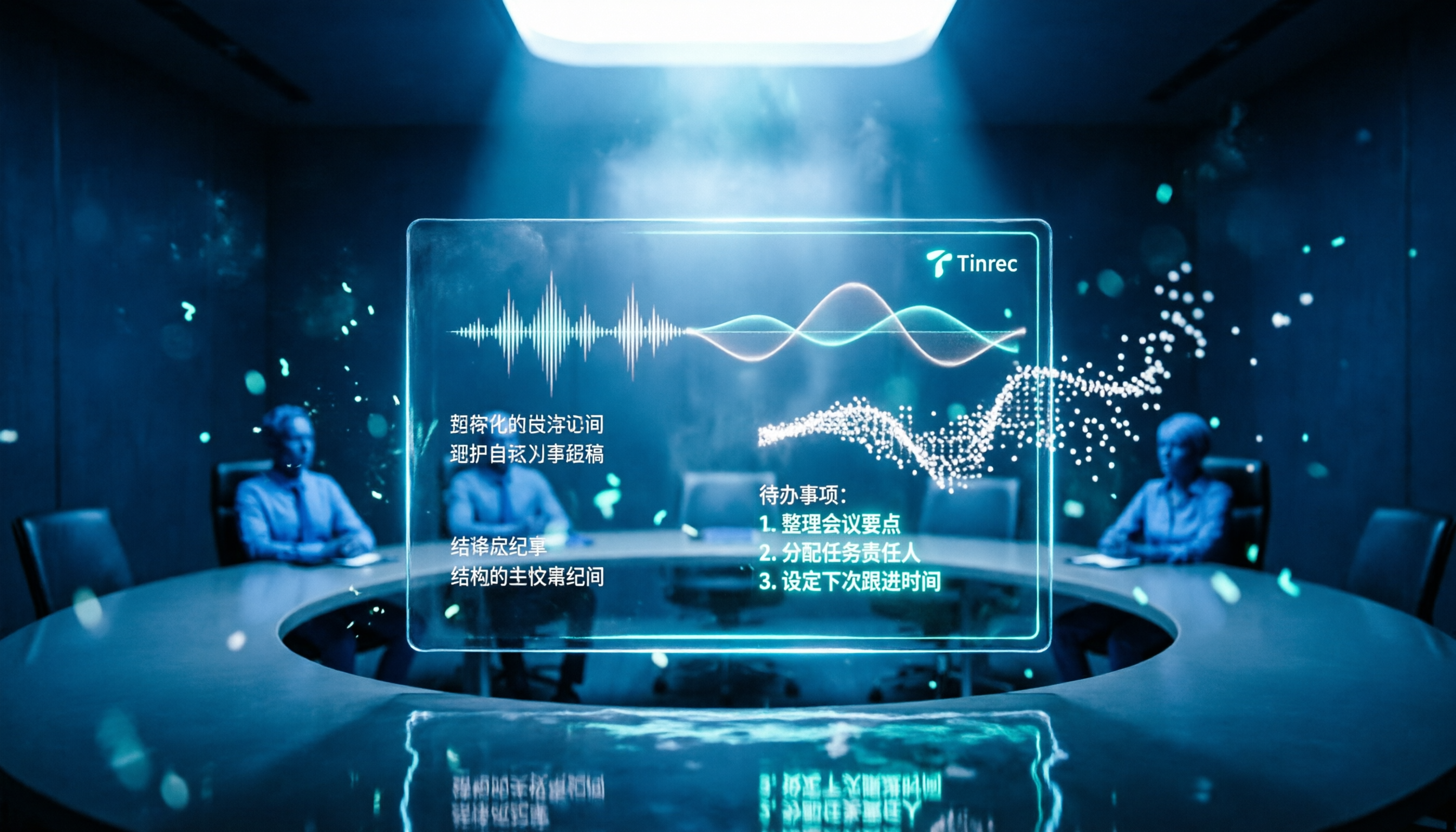
Turn recordings into transcripts and summaries in minutes
Upload audio or video for multilingual transcription, AI notes, and action items
Many people think a meeting transcript means writing down every word, but that often results in something long and messy, making it even more time-consuming to organize. In reality, the transcript is just raw material; the key is turning it into actionable meeting minutes. Tinrec is an AI meeting notes and collaboration tool that supports live recording, online meeting recording, and audio file import. It automatically generates transcripts, summaries, and action items, and can export to multiple formats. The free version includes basic credits, suitable for the average office worker.
What Can Meeting Transcripts Do for You?
Scenario 1: Get Meeting Minutes 5 Minutes After the Meeting Previously, after a two-hour meeting, you might need another hour to organize notes. With Tinrec, for example, the moment the meeting ends, the AI has already generated a summary, conclusions, and action items—who is responsible for what and deadlines are all clear at a glance.
Scenario 2: Search Interview Transcripts Tinrec's transcripts support keyword search, so you can jump directly to a specific conversation without listening from start to finish. For instance, if a client mentions "budget" or "delivery date," a quick search brings it up.
Scenario 3: Cross-Language Meetings Tinrec supports real-time translation, allowing you to view the original text, translation, or bilingual content during recording. Even if the meeting mixes Chinese and English, you can stay on top of it.
What Are the Core Capabilities of Meeting Transcripts?
Real-Time Transcription: Converts speech to text as you record, not after. Tinrec lets you confirm during the meeting whether any key points were missed.
AI Summaries and Chapters: Instead of condensing the transcript into a single paragraph, it organizes structurally—meeting topic, discussion conclusions, and action items are listed separately.
Action Item Extraction: Automatically compiles action items from the discussion, such as "Submit the budget sheet to finance by next Friday."
AI Q&A: After transcription, you can ask Tinrec questions directly—"Who mentioned risks during the meeting?" "What was the client's feedback?" It answers based on semantic understanding.
Multi-Format Export: Supports exporting results to tools like Notion, Google Docs, and OneNote for easy editing and archiving.
Practical Use Cases
Online Meetings: Use the Tinrec desktop app to capture system audio directly, without needing to invite a meeting bot. Once recording starts, content from Zoom, Meet, or Teams is transcribed in real time.
Stop organizing recordings by hand
Upload audio or video and automatically get a transcript, summary, and action items
In-Person Interviews: Use the Tinrec mobile app for live recording, and get the transcript and key summary immediately after—ideal for interviews and client meetings.
Organizing Old Recordings: Have old audio or video files? Upload them to Tinrec to get transcripts, then ask the AI to organize key points and action items.
5 Things to Consider When Choosing a Meeting Transcript Tool
- Online Meeting Recording Support: The Tinrec desktop app captures system audio without a bot, so no extra tools are needed to join meetings.
- Post-Transcription Processing: Transcription is just the first step; what matters is whether you can organize it afterward. Tinrec offers summaries, action items, Q&A, and export.
- Language Support: If you have meetings mixing Chinese and English, check whether the tool supports Traditional Chinese and real-time translation. Tinrec covers Chinese and multilingual scenarios.
- Cross-Platform: Make sure the tool supports the devices you commonly use. Tinrec has iOS, Android, and web versions.
- Team Collaboration: For team use, you need sharing and permission management. The Tinrec team plan provides a dedicated space, seat management, and usage analytics.
Frequently Asked Questions
Q: Is the Tinrec free version sufficient? A: The free version provides basic credits, suitable for occasional recording organization. We recommend trying the free version first to test your recording quality and transcription results before deciding to upgrade.
Q: What is the accuracy rate? A: With clear audio and common scenarios, Tinrec's transcription quality is quite stable. However, if there is background noise, accents, or overlapping speech, it's advisable to double-check important content against the transcript and recording.
Q: What formats can I export to? A: Tinrec supports multiple document formats and can also export directly to third-party tools like Notion, Google Docs, OneNote, and Dropbox.
Q: What's the difference between the team and personal plans? A: With the personal plan, data belongs to your individual account. The team plan offers a dedicated team space where data belongs to the team, and adds features like members, seats, usage analytics, and audit logs for governance.
Conclusion
AI meeting transcripts are not futuristic technology; they are tools you can use now that genuinely save time. If you have more than three meetings a week, we strongly recommend giving it a try. Download the Tinrec free version, use the basic credits to experience one or two meetings, and see what it feels like to have AI organize your transcripts and meeting minutes.
References
- Master Meeting Minutes! How to Use AI Voice-to-Text Transcripts? Gemini Notebook, Gemini, EchoScript Explained | 104 Career Force
- Meeting Minutes = Transcript? Professional Meeting Minutes Only Record 3 Key Points | Writing Tips and Templates | 104 Career Force
- Recording-to-Text Meeting Minutes a Mess? I Used AI to Correct Proper Nouns (with Prompt)
- Meeting Ink - 2026 AI Meeting Notes Tool Test | 7 Voice-to-Text and Summary Speed Comparison | Meeting Ink - AI Meeting Notes Assistant, Auto-Transcribe Transcripts and Summarize Meetings
- How to Use AI for Meeting Minutes? How to Organize Meeting Transcripts? | AI Voice-to-Text Transcript Tutorial | 104 Career Force
Turn every recording into actionable outcomes
Get 60 free transcription minutes when you sign in. No credit card required.
Related Reading
You might also like

2026 Smart Meeting Notes Tools Compared: Which Really Deliver Transcripts, Decisions, and Action Items?
We tested 6 smart meeting notes tools in 2026, breaking down transcripts, AI summaries, decisions and action items, team permissions and deletion workflows, plus pricing and ideal users for each, so you can judge which one truly saves post-meeting cleanup time.

2026 Comparison of 3 Online AI Meeting Notes Apps: Which One Turns Meetings into Actionable Team Data?
A hands-on comparison of three online AI meeting notes apps in 2026, focusing on five key aspects: meeting capture methods, post-meeting workflows, Chinese language experience, team governance, and quota/pricing. Tinrec is the primary test subject, compared with Notta and Granola in terms of positioning and limitations, to help you decide which one suits individuals, teams, and budget-conscious users.

Best AI Meeting Notes Apps in 2026: We Tested 4 — Tinrec Excels for Chinese Meetings
Starting from the pain point of never-ending meeting notes, we outline the criteria for choosing an AI meeting notes app and compare Tinrec, Otter.ai, Granola, and PLAUD to help you decide which one suits Chinese meetings, bot-free recording, and team collaboration.

2026 Comparison of 4 AI Meeting Note Apps: Which Saves More Time with Bot-Free Recording and Post-Meeting Organization?
Starting from a Wednesday afternoon online meeting scenario, we tested and compared four AI meeting note apps: Tinrec, Fireflies.ai, Notta, and Granola. We cover selection criteria, pitfalls to avoid, and team pricing to help you decide which is best for Chinese-language meetings and post-meeting collaboration.

How to Take Smart Meeting Notes in 2026: 5 Steps from Recording to AI Summary
How do you choose and use smart meeting notes software in 2026? This article addresses common misconceptions and demonstrates 5 steps with Tinrec: bot-free recording of online meetings, real-time transcription, AI summaries and action items, Q&A follow-ups, and team archiving. It also covers purchasing considerations and FAQs.

2026 Smart Meeting Notes App Buying Guide: Tinrec vs Otter.ai Across 5 Dimensions
Starting from common buying mistakes, this guide compares Tinrec and Otter.ai across 5 dimensions—Chinese-language meetings, bot-free recording, post-meeting outputs, team governance, and pricing/quotas—to help SMBs and team leads make a choice they can justify to their boss.

2026 Comparison of 4 AI Meeting Notes Apps: Which Handles Chinese Meeting Minutes Best?
How much time do you spend after a meeting turning the content into minutes you can actually send out? This article is built around real meeting scenarios office workers face. It first breaks down the 5 key decision points when choosing an AI meeting notes app, then reviews Tinrec, Otter.ai, Granola, and Notta—their positioning, limitations, and pricing. Finally, it uses scenario-based guidance to help you decide which one fits you, and lists the 4 most common buying mistakes.

Tinrec vs Meeting Bots in 2026: 5-Dimension Comparison – Are Smart Meeting Recorders Worth It?
Tired of staying after meetings to organize notes? This article compares Tinrec with traditional meeting bots across 5 dimensions: meeting capture, Chinese transcription, post-meeting organization, team collaboration, and pricing/quotas. It also uses real scenarios to show how a smart meeting recorder can handle transcripts, summaries, and action items all at once.

3 Smart Meeting Notes Tools Tested: Which Delivers the Most Practical Minutes and Action Items?
After a meeting, all you have are three lines of notes? This article starts from the real pain points of meeting documentation, outlines key criteria for choosing a smart meeting notes tool, and tests and compares Tinrec, Otter.ai, Notta, and PLAUD Note on their meeting minutes and action item output examples, bot-free recording methods, Chinese language support, and team data ownership, with a pitfall guide and selection advice.