
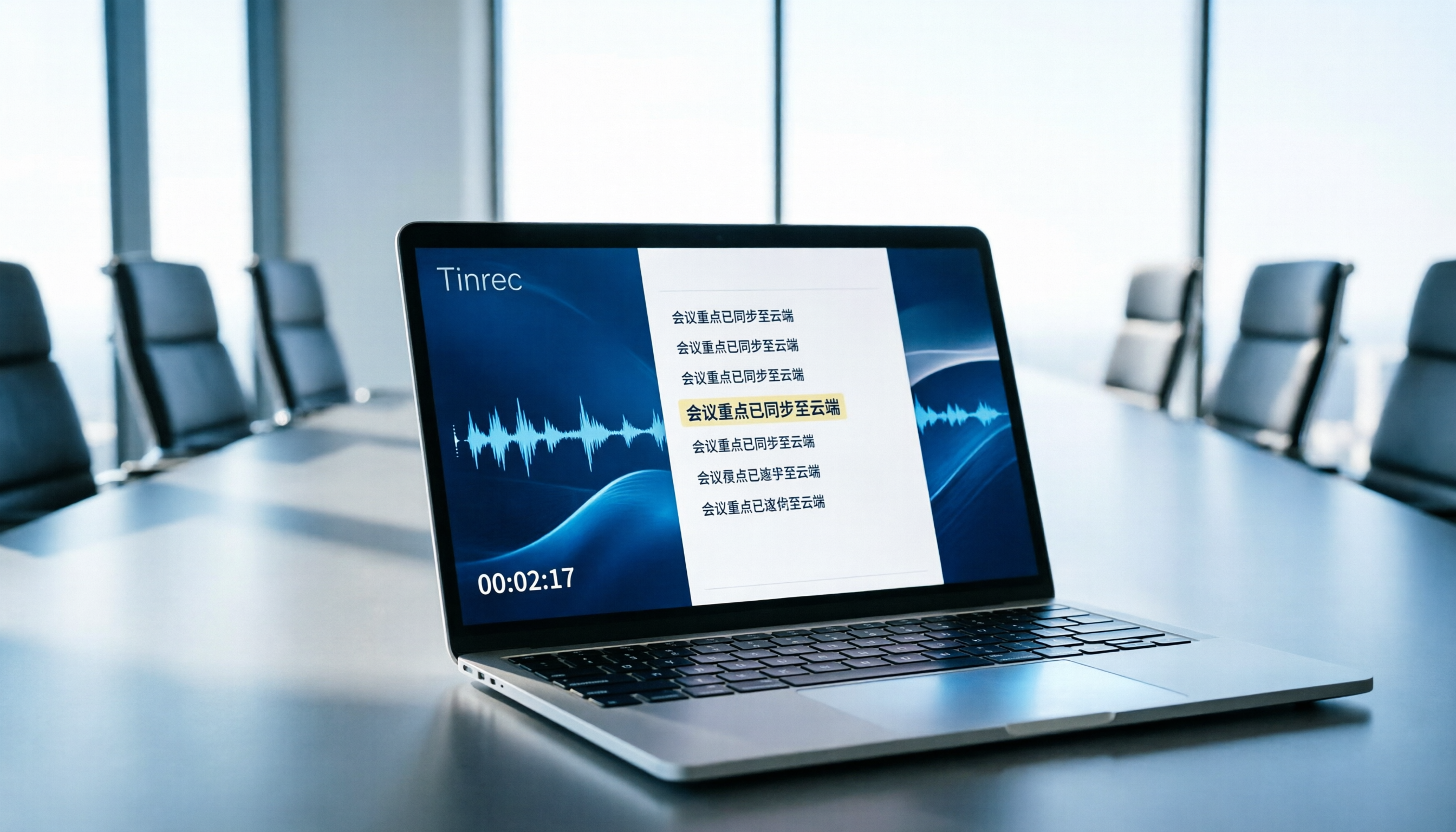
Turn recordings into transcripts and summaries in minutes
Upload audio or video for multilingual transcription, AI notes, and action items
You open your browser and search for "free online real-time transcription," and dozens of tools pop up, each claiming a free trial. But when you actually click through, you find they either limit you to 3 minutes or cap the word count per session, forcing you to upgrade mid-recording. This guide isn't here to sell you anything—it tells you exactly what to look for and uses Tinrec to demonstrate the full process from instant transcription to organizing meeting notes.
What Can Real-Time Transcription Do for You?
Scenario 1: Meeting Notes Without Manual Typing
In the past, you had to listen and type simultaneously during meetings, often missing key points. Now, with Tinrec's real-time recording-to-text, words appear as the meeting happens, and you have a complete transcript afterward—you just focus on the discussion.
Scenario 2: Save 80% of Time on Interview Transcription
Previously, transcribing a 1-hour interview recording could take 3 hours of repeated listening and typing. Tinrec's real-time transcription gives you a text draft during the interview itself; afterward, you just quickly review and correct, then deliver.
Scenario 3: Never Miss Key Points in Class Notes
During lectures or talks, instead of scribbling notes, turn on Tinrec's real-time transcription. Text appears on screen simultaneously, letting you focus more on listening, then review with AI summaries after class.
Scenario 4: No More Waiting for Bots in Online Meetings
Many tools require you to invite a bot to join the meeting, which is both cumbersome and potentially disruptive. Tinrec's desktop version directly captures your computer's system audio, so no extra participant is needed to generate a real-time transcript.
What Are Tinrec's Core Real-Time Transcription Capabilities?
1. Truly Real-Time Transcription
Tinrec has extremely low latency—text appears immediately after recording starts, not batch-converted after the fact. You can verify if any keywords are missed while recording and check key points during meetings.
2. No-Install Web Version
No need to download software or extensions; just open your browser and use it. Tinrec also offers desktop and mobile versions, so you can record anywhere, whether in the office or on the go.
3. Multilingual Support and Real-Time Translation
Tinrec supports Chinese, Traditional Chinese, and multilingual meeting scenarios. During recording, you can view the original text, translation, or bilingual content simultaneously, ideal for cross-language communication.
4. AI Summaries and Action Item Extraction
Transcription is just the first step. Tinrec automatically generates meeting summaries, chapters, and key points, and extracts action items from the discussion, showing who's responsible and deadlines at a glance.
5. Multi-Format Export and Further Processing
You can export results as plain text, Word documents, or subtitle files with timestamps. You can also use Tinrec's AI chat to ask follow-up questions or generate reports, tables, and formal meeting minutes.
Practical Use Cases
Meeting Minutes
Start Tinrec's real-time recording, and the transcript is ready when the meeting ends. Then use AI summaries to quickly grasp conclusions and send action items directly to colleagues, saving time on minute-taking.
Stop organizing recordings by hand
Upload audio or video and automatically get a transcript, summary, and action items
Classes and Lectures
Activate Tinrec's real-time transcription during class, and text appears on screen in sync. After class, use AI Q&A to search for "key points mentioned by the teacher" for quick review.
Interviews and Research
During user interviews or expert interviews, Tinrec generates real-time transcripts, allowing you to focus more on the conversation. Afterward, use AI Q&A to find important insights and quotes, speeding up report production.
Online Meetings
Use Tinrec's desktop version to record Zoom, Google Meet, or Teams meetings without inviting a bot. View text in real time during the meeting and share the transcript and summary with your team afterward.
Key Considerations When Choosing a Real-Time Transcription Tool
Here are 5 key points we've compiled from our testing, using Tinrec's actual performance as a benchmark:
| Selection Criteria | Tinrec Performance | Rating |
|---|---|---|
| Accuracy | Performs well with clear audio and standard accents; accuracy drops with noise or overlapping speakers. We recommend testing with your own audio samples. | 8/10 |
| Free Tier | The free version provides basic credits, suitable for experiencing full features; heavy users may consider weekly or Pro plans. | 7/10 |
| Real-Time Performance | Transcription latency is extremely low; in testing, text appeared almost instantly, meeting real-time meeting needs. | 9/10 |
| Post-Processing | Not just transcription—includes AI summaries, action item extraction, AI Q&A, and export options, significantly boosting productivity. | 9/10 |
| Cross-Platform | Web, desktop, and mobile versions are all available, and the desktop version can record online meetings without a bot. | 9/10 |
Tinrec Overall Rating: 8.5/10
If you need a tool with a free entry point, stable real-time transcription, and comprehensive post-processing features, Tinrec is a very worthy option to consider.
Frequently Asked Questions
Q1: How long can I use Tinrec's free version?
The free version provides basic usage credits, allowing you to fully experience recording, transcription, summarization, and export features. Specific limits are subject to the official page; it's suitable for short-term trials or light usage.
Q2: How accurate is real-time transcription?
Accuracy is affected by recording quality, accents, background noise, and overlapping speakers. In clear environments, Tinrec's transcription quality is sufficient for direct use; for important content, we recommend checking the timestamped playback to confirm.
Q3: Does Tinrec require downloading and installation?
No. Tinrec has a web version—just open your browser and use it. If you need to record online meetings, you can download the desktop version, which captures system audio directly.
Q4: Can I record Zoom, Google Meet, or Teams meetings?
Yes. Tinrec's desktop version doesn't require inviting a bot to the meeting; just start recording, and it captures the meeting audio playing on your computer and transcribes it in real time.
Q5: What formats can I export after transcription?
You can export as plain text, Word documents, and subtitle files with timestamps (e.g., SRT, VTT), making it easy to edit or add subtitles later.
Conclusion
Real-time transcription isn't futuristic technology—it's a time-saving tool you can use right now. If you have more than 2 meetings a week or frequently need to transcribe interviews or course content, Tinrec's free version is great for getting started. Try the real-time transcription and AI summaries with your free credits to see if it can turn the drudgery of "listening to recordings and typing transcripts" into a task that takes just seconds.
References
- Yating Transcription
- Online AI Speech, Video, Audio to Text - Free Trial - cSubtitle
- Unlimited Time! 3 Free AI Transcription Tools, Highly Recommended! AI Voice Notes for Meeting Minutes, Presentations, Mind Maps | 104 Career Force
- AI Transcription Generator: Convert Audio Files to Text Online for Free - MyEdit
- Tested 4 Best "Speech-to-Text" Online Tools Recommended, Free Instant Conversion of Audio to Transcript
Turn every recording into actionable outcomes
Get 60 free transcription minutes when you sign in. No credit card required.
Related Reading
You might also like

2026 Smart Meeting Notes Tools Compared: Which Really Deliver Transcripts, Decisions, and Action Items?
We tested 6 smart meeting notes tools in 2026, breaking down transcripts, AI summaries, decisions and action items, team permissions and deletion workflows, plus pricing and ideal users for each, so you can judge which one truly saves post-meeting cleanup time.

2026 Comparison of 3 Online AI Meeting Notes Apps: Which One Turns Meetings into Actionable Team Data?
A hands-on comparison of three online AI meeting notes apps in 2026, focusing on five key aspects: meeting capture methods, post-meeting workflows, Chinese language experience, team governance, and quota/pricing. Tinrec is the primary test subject, compared with Notta and Granola in terms of positioning and limitations, to help you decide which one suits individuals, teams, and budget-conscious users.

Best AI Meeting Notes Apps in 2026: We Tested 4 — Tinrec Excels for Chinese Meetings
Starting from the pain point of never-ending meeting notes, we outline the criteria for choosing an AI meeting notes app and compare Tinrec, Otter.ai, Granola, and PLAUD to help you decide which one suits Chinese meetings, bot-free recording, and team collaboration.

2026 Comparison of 4 AI Meeting Note Apps: Which Saves More Time with Bot-Free Recording and Post-Meeting Organization?
Starting from a Wednesday afternoon online meeting scenario, we tested and compared four AI meeting note apps: Tinrec, Fireflies.ai, Notta, and Granola. We cover selection criteria, pitfalls to avoid, and team pricing to help you decide which is best for Chinese-language meetings and post-meeting collaboration.

How to Take Smart Meeting Notes in 2026: 5 Steps from Recording to AI Summary
How do you choose and use smart meeting notes software in 2026? This article addresses common misconceptions and demonstrates 5 steps with Tinrec: bot-free recording of online meetings, real-time transcription, AI summaries and action items, Q&A follow-ups, and team archiving. It also covers purchasing considerations and FAQs.

2026 Smart Meeting Notes App Buying Guide: Tinrec vs Otter.ai Across 5 Dimensions
Starting from common buying mistakes, this guide compares Tinrec and Otter.ai across 5 dimensions—Chinese-language meetings, bot-free recording, post-meeting outputs, team governance, and pricing/quotas—to help SMBs and team leads make a choice they can justify to their boss.

2026 Comparison of 4 AI Meeting Notes Apps: Which Handles Chinese Meeting Minutes Best?
How much time do you spend after a meeting turning the content into minutes you can actually send out? This article is built around real meeting scenarios office workers face. It first breaks down the 5 key decision points when choosing an AI meeting notes app, then reviews Tinrec, Otter.ai, Granola, and Notta—their positioning, limitations, and pricing. Finally, it uses scenario-based guidance to help you decide which one fits you, and lists the 4 most common buying mistakes.

Tinrec vs Meeting Bots in 2026: 5-Dimension Comparison – Are Smart Meeting Recorders Worth It?
Tired of staying after meetings to organize notes? This article compares Tinrec with traditional meeting bots across 5 dimensions: meeting capture, Chinese transcription, post-meeting organization, team collaboration, and pricing/quotas. It also uses real scenarios to show how a smart meeting recorder can handle transcripts, summaries, and action items all at once.

3 Smart Meeting Notes Tools Tested: Which Delivers the Most Practical Minutes and Action Items?
After a meeting, all you have are three lines of notes? This article starts from the real pain points of meeting documentation, outlines key criteria for choosing a smart meeting notes tool, and tests and compares Tinrec, Otter.ai, Notta, and PLAUD Note on their meeting minutes and action item output examples, bot-free recording methods, Chinese language support, and team data ownership, with a pitfall guide and selection advice.