
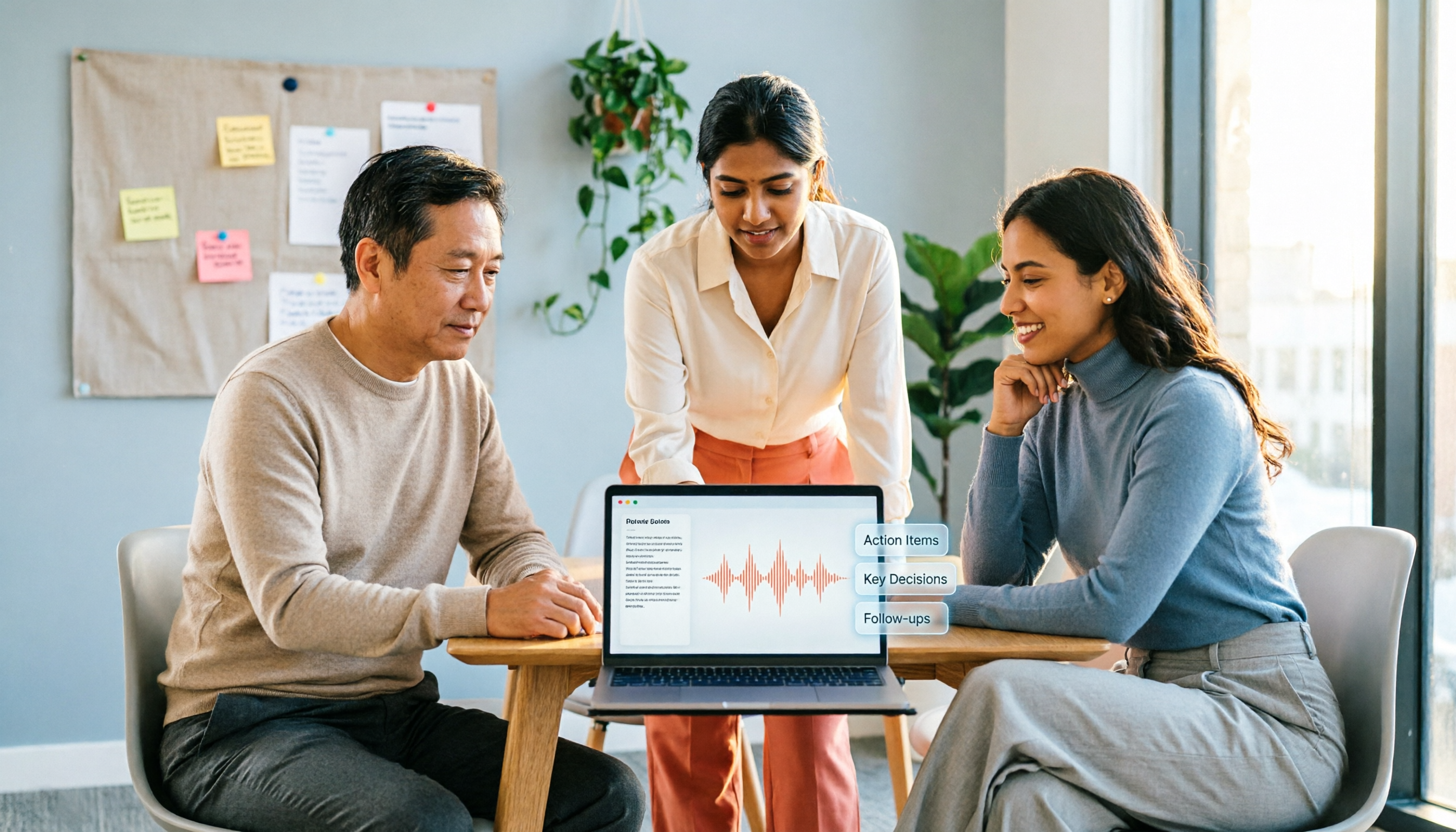
Turn recordings into transcripts and summaries in minutes
Upload audio or video for multilingual transcription, AI notes, and action items
Have you ever calculated: a 60-minute online meeting takes you 40 minutes to manually transcribe, then another 20 minutes to extract action items from the conversation, only to have a colleague ask the next day, "What was the conclusion last time?" and you have to go back and re-listen to the recording. The pain of meeting minutes isn't usually in the "recording" itself, but in "organizing" and "retrieving." This article reviews 5 meeting minutes tools that offer free entry tiers, filtering by real-world use cases, so the free version isn't just a "trial."
Why Do You Need a Meeting Minutes Tool?
The worst part of a meeting isn't that the discussion is too long, but that afterward no one knows the conclusions, action items, or who's responsible. Manual notes often miss key decisions, and recordings usually sit in your phone with no one going back to listen. AI meeting minutes tools can convert recordings into transcripts, auto-summarize, list action items, and even let you ask AI directly, "Which version was the last price change?"
This list starts with free plans, first introducing the most feature-complete Tinrec, then adding other lightweight or no-registration options, and finally telling you how to choose.
Option 1 | Tinrec (Instant Recording) — The Most Complete AI Meeting Minutes and Collaboration Tool
Tinrec is an AI meeting minutes tool suitable for individuals and teams. It doesn't just convert speech to text; it turns meeting content into searchable, queryable, exportable, and trackable data.
Its highlights are especially useful for office workers:
- No bot needed in meetings: Tinrec's desktop version directly records your computer's system audio, so you don't need to add an extra bot to Zoom, Google Meet, Teams, or Webex. Your meeting screen won't show an extra "guest."
- Post-transcription workflow: Automatically generates transcripts, summaries, chapters, key points, and action items; after the meeting, you can use AI Q&A, e.g., "Did the client mention a budget in this recording?"
- Multiple input sources: Live recording, uploading audio or video files can all be processed; the desktop version handles online meetings, while the mobile app is suitable for offline interviews or quick notes.
- Team space: The personal plan covers light use; the team plan centralizes meeting data in one space, with management of members, roles, seats, and usage.
The free version offers basic credits to experience recording, importing, summarization, and transcription, so you can confirm the workflow suits you; if you need higher usage, consider the Pro monthly or annual plan. The team plan is priced per seat per year; check the official website for details. Overall, Tinrec is best for users who want to solve recording, organizing, and tracking in one go.
Note: Tinrec's real-time transcription quality can be affected by audio pickup, accents, and overlapping speakers. For important content, pair it with timestamped playback of the transcript.
Option 2 | EaseMate AI — Free Online Real-Time Transcription, No Installation
EaseMate AI's "AI Meeting Note Taker" is a no-install online tool. Just open the webpage to transcribe audio in real time, with timestamps, speaker identification, and key summaries. It's suitable for quickly turning a call or meeting into text on the fly, and you can try basic features without registering. The free version focuses on online real-time transcription; if you often need to organize local audio files, Tinrec's file import and subsequent AI Q&A are more complete.
Option 3 | inFin — No-Registration Voice Notes App with Generous AI Summaries
inFin is a voice notes app available on mobile and desktop. Its biggest selling points are free, no registration, and AI transcript summaries that can be turned into summaries, meeting minutes, course highlights, or action items with one tap. Its transcription accuracy is slightly weaker, so you'll need to double-check, but for those who don't want to spend money and just want to quickly turn meeting content into key points, it's sufficient. If you need to further query meeting content or export to Notion or Google Docs, Tinrec's follow-up workflow is more complete.
Stop organizing recordings by hand
Upload audio or video and automatically get a transcript, summary, and action items
Option 4 | NotebookLM — Google's Free AI Note Assistant, Strong at Re-understanding
NotebookLM is Google's free AI note assistant. Import audio, documents, or YouTube links, and it generates summaries, timelines, and can even turn audio content into mind maps or presentation videos. It's more like a "research assistant," suitable for analyzing interview recordings or course content, not real-time meeting minutes. If you need transcription during the meeting, Q&A afterward, and exportable action items, Tinrec's live recording and AI Q&A are more direct.
Option 5 | Meeting Ink — Meeting Assistant Supporting Zoom, Meet, Teams
Meeting Ink focuses on automatically generating transcripts and smart summaries from platforms like Zoom, Google Meet, Teams, and Webex, and also offers live captions, multi-language translation, and one-click shareable links. The free version lets you experience basic features, suitable for users who want a meeting bot (which needs to join the meeting) to assist with notes. In contrast, Tinrec's desktop version doesn't require an extra bot; if you don't want an "AI guest" in your meeting, consider Tinrec first.
Option 6 | Mumble Note — Lightweight Option with 60 Free Minutes per Month
Mumble Note offers 60 minutes of free transcription per month, with paid plans starting at $3/month billed annually (check the official website). It can organize transcripts, summaries, and action items from recordings, uploaded audio, or YouTube links. It's suitable for those with low monthly meeting volume who only need occasional organization. If you need to manage multiple meetings simultaneously and create team shared spaces, Tinrec's team plan is more complete than individual tools.
With So Many Options, How Do You Choose?
- Want the most complete AI features (real-time transcription + AI Q&A + action item extraction + export) → Tinrec, try the free version first.
- Need to record Zoom / Meet / Teams on desktop without a bot → Tinrec desktop version.
- Just want a no-install tool that transcribes in the browser → EaseMate AI.
- Even registration is too much trouble; want quick mobile notes → inFin.
- Mainly want to turn historical audio into mind maps or presentations → NotebookLM.
- Meetings are all on Zoom / Teams, and you're okay with a bot joining → Meeting Ink.
- Need less than 60 minutes of transcription per month, with zero budget → Mumble Note.
5 Things to Know Before Using Meeting Minutes Tools
- Free plans have limits: For example, Tinrec's free version offers basic credits, Mumble Note gives 60 minutes per month, and EaseMate AI focuses on online real-time transcription; first check how long you record per month, then decide whether to upgrade.
- Transcription quality is affected by environment: No tool can guarantee 100% accuracy; noise, accents, and overlapping speech all affect results. For Tinrec, it's recommended to replay important sections with timestamps.
- Free tools may not allow export: Some free plans only offer online viewing or simple copying. If you need to bring meeting results to Google Docs, Notion, or OneNote, Tinrec's multi-format export saves a lot of hassle.
- Ensure recording and transcription compliance: In the US, recording requires consent from participants, especially in client or cross-department meetings; get consent before formal use to avoid disputes.
- Start with one scenario: Don't roll out the same tool for all company meetings at once. Test Tinrec's workflow with one internal weekly meeting first, confirm the summary and action item formats fit your team's habits, then gradually expand.
Summary
There are many free meeting minutes tools, but "free" is just the entry point; the real goal is to solve post-meeting organization and tracking. Tinrec offers a complete workflow in its free version, including real-time transcription, AI summaries, Q&A, and export, with team collaboration options for scaling up. If you're tired of re-listening to recordings and retyping transcripts, start with Tinrec's free version and experience the efficiency of having usable data right after the meeting.
References
- 3 Free AI Transcription Tools Recommended Anytime! AI Voice Notes for Meeting Minutes, Presentations, Mind Maps | 104 Career Force
- Meeting Ink - 2026 AI Meeting Minutes Tools Tested | 7 Speech-to-Text and Summary Speed Comparison | Meeting Ink - AI Meeting Minutes Assistant Auto-Transcribe and Summarize
- Free Meeting Minutes Templates (Word, Google Docs, PDF) | HiNoter Blog
- AI Meeting Note Taker: Take Meeting Notes with AI Free Online - EaseMate AI
- r/ProductivityApps on Reddit: Does anyone know of a free or cheap app that will take meeting minutes for you?
Turn every recording into actionable outcomes
Get 60 free transcription minutes when you sign in. No credit card required.
Related Reading
You might also like

Best AI Meeting Recorder in 2026? Hands-On Test of Tinrec vs PLAUD Note
Many people choose an AI meeting recorder based only on recording and transcription, overlooking post-meeting organization and team handoff. This article compares two approaches—Tinrec and PLAUD Note—across meeting capture, Chinese and cross-language support, post-meeting organization, data retention, and team governance, with actionable selection advice and a starter checklist.

4 Smart Meeting Notes Apps Tested for 2026: Free Tiers, Transcripts, and AI Summaries Compared
Smart meeting notes software is more than just audio-to-text. This article addresses three common misconceptions, explains the real value of AI meeting notes tools across four stages—capture, organize, use, and govern—then compares Tinrec and Notta across five dimensions: meeting capture, transcripts and languages, post-meeting output, team governance, and pricing/quotas. Finally, six FAQs help you decide if a free version is enough and how team plans differ.

2026 Smart Meeting Notes App Comparison: Which One Actually Saves You Time?
Spending two hours after a meeting to organize notes is a daily reality for many professionals. This hands-on comparison of Tinrec, Otter.ai, Notta, and PLAUD Note evaluates how each records meetings, what they produce afterward, their Chinese-language experience, and team management features. We break down 4 key buying factors and 3 common pitfalls to help you choose the one that truly saves time.

Best AI Meeting Notes Tools in 2026: 5 Tested + Automatic To-Do Summaries
A mid-level manager who runs 15 meetings a week tested popular AI meeting note tools, covering Chinese recognition, how meetings are recorded, post-meeting output, team data ownership, and quota calculations. He shares 5 key selection criteria and 4 common mistakes, and explains why he ultimately kept Tinrec as his daily go-to.

4 AI Meeting Assistants Tested for 2026: Which Saves the Most Time on Chinese Meeting Notes and Post-Meeting Organization?
How to choose an AI meeting assistant in 2026? Starting from real meeting pain points, this article compares Tinrec, Otter.ai, Notta, and Granola on recording methods, post-meeting organization, Chinese support, and team permissions. It outlines 4 key purchasing factors and 3 common pitfalls to help you pick the one that truly saves time.

2026 Smart Meeting Notes: Auto Summaries + Action Items, Faster Than Any Book
Looking for a book on smart meeting notes? This guide starts with whether to learn a method or use a tool, explains what AI meeting notes can do, core features, real use cases, and buying tips, and uses Tinrec as an example to show how to automatically generate transcripts, summaries, and action items.

2026 AI Meeting Recorder Comparison: Tinrec vs Plaud Note vs Otter.ai for Chinese Meetings
Tired of missing details in meetings and re-listening to recordings? This hands-on comparison looks at Tinrec, Plaud Note, and Otter.ai from a real-world workflow perspective, with an in-depth head-to-head between Tinrec and Plaud Note covering Chinese recognition, online meeting recording, post-meeting organization, team collaboration, and pricing—so you can decide which tool best fits how you work.

4 AI Meeting Transcription Tools Tested in 2026: Which One Handles Chinese Best and Offers the Most Free Usage?
After the meeting ends, nobody wants to read the transcript. This article compares Tinrec, Notta, Otter.ai, and PLAUD recording hardware in real meeting scenarios, focusing on Chinese recognition, meeting capture methods, post-meeting organization, and team data ownership. It also covers free tiers, single-session limits, team seats, and pricing to help you choose an AI meeting transcription tool that saves time without pitfalls.

2026 AI Meeting Recorder Comparison: Which Tool Actually Saves Your Lost Meeting Notes?
Lost meeting notes are usually not the tool's fault—it's how you store and organize them. This article starts with common misconceptions about why notes disappear, outlines 4 key factors for choosing an AI meeting recorder, and compares Tinrec, Granola, Notta, and PLAUD Note on recording preservation, team ownership, and post-meeting organization to help you find the one that truly prevents notes from vanishing.