
Turn recordings into transcripts and summaries in minutes
Upload audio or video for multilingual transcription, AI notes, and action items
The most common misconception is that finding the perfect Notion meeting notes template will automatically make your meeting notes better.
I've been down that road myself. For a long time, I kept searching Notion communities and the Marketplace for suitable meeting notes templates, switching from simple versions to detailed ones, and then to database versions.
But I eventually realized that the real time sink isn't the "format"—it's "filling in the content."
After a meeting, I'd have to replay the recording, pick out key points, organize them into text, and then open the Notion template and input everything field by field. No matter how nice the template is, it can't save you from that most exhausting process.
So I changed my approach: let Tinrec handle the most tiring part first, then decide whether to use a Notion template for archiving.
In this article, I want to share why I no longer treat Notion templates as the starting point for meeting notes, but instead use Tinrec as the production line for meeting notes.
What Can Meeting Notes Templates Do for You?
Let me be clear: Notion's meeting notes templates aren't useless. They give your meeting data a fixed format, making it easier to search, review, and share with your team.
The Notion meeting notes templates I've tried generally fall into four types: simple, detailed, database, and team calendar. The first two are suitable for one-off records, while the latter two are better for long-term team management.
Common fields include: title, date, attendees, agenda, discussion points, decisions, and action items. More detailed versions also add time, location, facilitator, note-taker, meeting objective, and next meeting time.
These fields are great in themselves, but the problem is: you have to manually organize the meeting content into text and then categorize it into the fields.
Using my workflow as an example, after switching to Tinrec, the same meeting notes can be completed like this:
- Before starting an online meeting or offline interview, open the Tinrec desktop app or mobile app and start recording with real-time transcription.
- During the meeting, Tinrec records and transcribes simultaneously without joining the online meeting as a bot. For Zoom, Google Meet, Microsoft Teams, or Webex, the desktop app captures system audio directly.
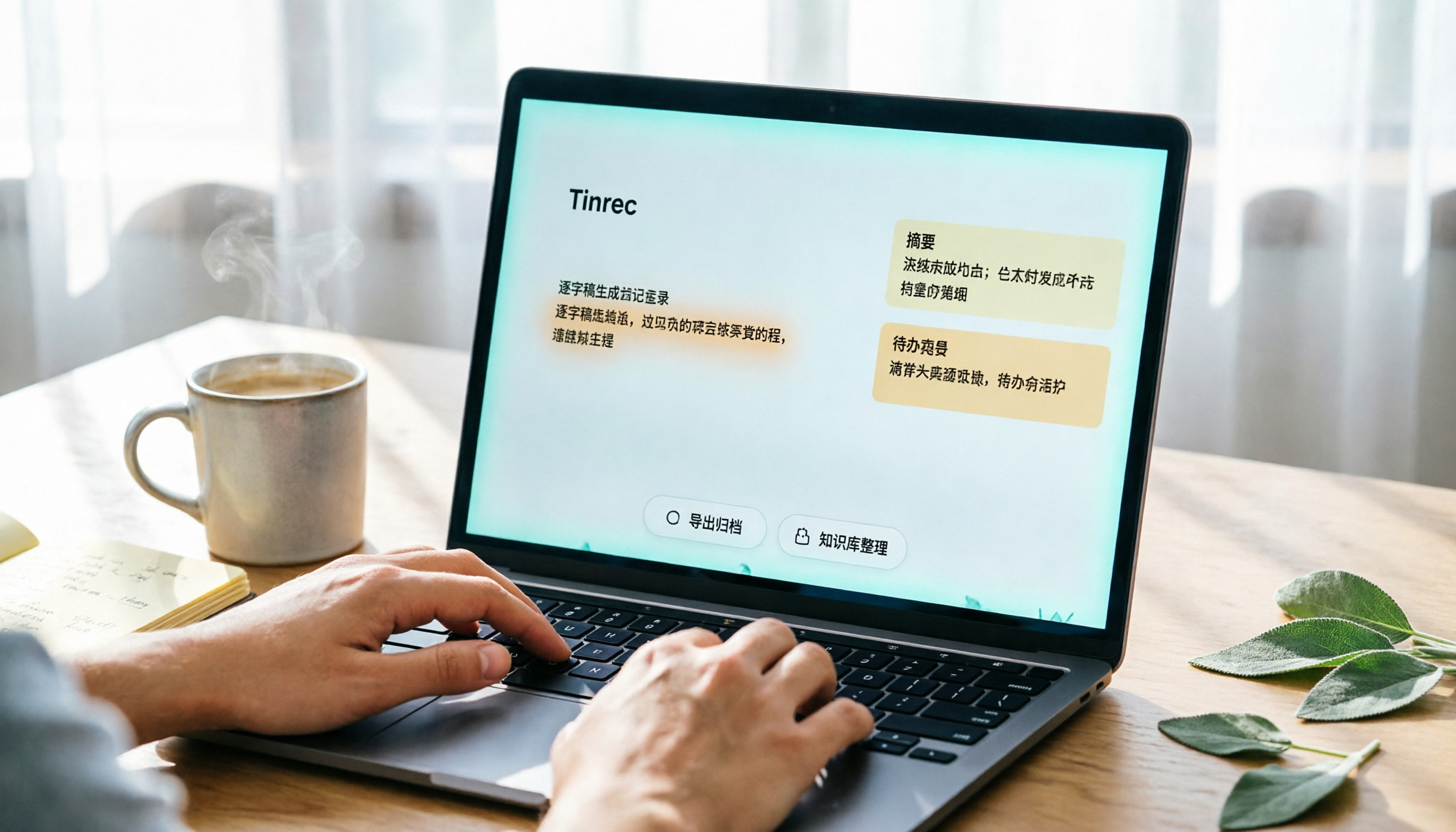
- After the meeting, Tinrec has already generated a transcript, AI summary, chapters, key points, and action items.
- I then export these results to Notion, applying my existing meeting notes template or adding them to the team database.
This way, the Notion template transforms from a "manual input form" into the "final stop for storage and collaboration." You no longer need to replay recordings, guess key points, or type word by word.
What Core Capabilities Does an Effective Meeting Notes Workflow Need?
I've distilled five key capabilities. You can use these five points to evaluate your own meeting notes process.
First, real-time transcription as it records. It's not about transcribing after the recording ends, but having text available during the meeting. Tinrec's real-time transcription lets me quickly confirm if any key terms were missed and easily search earlier content during the meeting.
Second, no need to add a meeting bot. Many online meeting tools require an additional bot to join the meeting. Tinrec's desktop app captures the computer's system audio, so there's no need to invite a bot to join the meeting. This is especially important for teams that don't want to change the list of meeting participants.
Third, automatic generation of summaries, chapters, and action items. The AI summary isn't just condensing the transcript into a paragraph; it's structured: meeting topic, discussion conclusions, action items, and responsible persons, listed separately. This aligns perfectly with the most important fields in Notion meeting notes templates.
Fourth, the ability to ask follow-up questions about the meeting content. After the meeting, I can directly ask Tinrec: "What was the budget figure we discussed?" "Which option did the client finally agree to?" "Who is responsible for next week's follow-up?" It answers based on semantic understanding, so I don't have to re-read the entire transcript myself.
Fifth, export to Notion or other tools. Tinrec can export transcripts, summaries, and action items to Notion, Google Docs, OneNote, Dropbox, and more. This means you don't have to abandon your existing Notion database; just use Tinrec as the front-end processing engine and import into your existing templates.
Stop organizing recordings by hand
Upload audio or video and automatically get a transcript, summary, and action items
Practical Use Cases
Use Case 1: Weekly Team Meetings
Previously, after a team meeting, the note-taker had to compile meeting notes and then paste them into the Notion team space. Now, I use Tinrec to record and transcribe in real time, and immediately after the meeting, I have the transcript and action items. Copying the "decisions" and "next steps" into the Notion meeting notes template takes just a few minutes instead of half an hour. More importantly, team members can search historical decisions in Notion without digging through chat logs.
Use Case 2: Client Interviews and Requirements Confirmation
Client interviews are most prone to missing commitments and follow-up actions. With Tinrec, I record the interview, and afterward, I use AI Q&A to ask: "What requirements did the client raise?" "Which item is the client most concerned about?" Then I export the conclusions and action items to the Notion client meeting database. This way, sales or customer success teams can quickly take over.
Use Case 3: Courses, Lectures, or Online Learning
When listening to a lecture, handwritten notes often can't keep up with the speaker. Tinrec transcribes in real time, and after the session, it can organize the long content into chapters and key points. You can export the course summary and mind map to Notion as your own knowledge base. If you already have a Notion learning notes template, you can continue using it directly.
Use Case 4: Team Knowledge Accumulation
Personal meeting notes stored on your own computer tend to get scattered over time. Tinrec's team version centralizes meeting data in a team space, where members can view, search, and ask questions about historical meetings. Admins can manage members, seats, usage, and audit logs. In other words, Tinrec turns meetings into searchable team assets, while Notion or other document tools can serve as the external collaboration and archiving interface.
Key Considerations When Choosing a Meeting Notes Tool
If you're also looking for a more efficient way to take meeting notes, here are a few things I'd pay special attention to:
Whether it supports both online meetings and offline recording. Not every tool can handle Zoom, Meet, Teams, and in-person recordings simultaneously. Tinrec's desktop app doesn't rely on a bot joining the meeting, and you can also use the mobile app to record offline interviews.
Whether it can help you organize after transcription. Transcription is just the first step; the real value lies in summaries, action items, and follow-up questions. Tinrec's AI summary and Q&A eliminate the need for manual organization after the meeting.
Whether it can export to your existing Notion workflow. You may have already invested a lot of time in building Notion meeting notes templates and databases. When choosing a tool, make sure it can export to Notion. Tinrec supports export to Notion, Google Docs, OneNote, Dropbox, and more.
Performance with Chinese and multilingual meetings. If your meetings mix Chinese and English, or require real-time translation, pay attention to the tool's Chinese experience. Tinrec offers real-time translation and side-by-side original, translated, and bilingual views, plus team-specific terms to reduce transcription errors for technical jargon.
Team sharing and management capabilities. Not everyone only needs personal records. If you need to leave meeting data for your team, look at roles, seats, usage, and audit. Tinrec's team version makes meeting data owned by the team, and resources can be transferred when members change, so data doesn't disappear when an individual leaves.
Frequently Asked Questions
I already have a Notion meeting notes template. Do I still need Tinrec?
Think of it this way: Notion templates solve the "archiving format," while Tinrec solves "content generation." If you already have a template, Tinrec can import transcripts, summaries, and action items directly, saving you the manual entry steps.
Does Tinrec require additional hardware?
No. Tinrec has desktop, mobile, and web versions. You can record, transcribe, and organize using your existing computer or phone—no need to buy a voice recorder or AI hardware.
Can Tinrec handle online meetings?
Yes. Tinrec's desktop app captures system audio, so it doesn't need to join the meeting as a bot. It works with platforms like Zoom, Google Meet, Microsoft Teams, and Webex, but it won't automatically join all calendar meetings; you need to start recording manually.
Will meeting content be visible to everyone?
Personal version data is managed by the individual. The team version uses team-level sharing, where all active members can read team data; roles and seats determine who can manage, upload, and edit. If you need to restrict specific members to only see certain meetings, file-level permissions like that aren't something Tinrec's team version can promise at this time.
Can the accuracy reach 100%?
It's not advisable to expect that. Actual transcription can be affected by recording quality, accents, background noise, multiple people speaking at once, and technical jargon. Tinrec can significantly reduce manual organization time, but for important decisions, it's still recommended to cross-check with the transcript timestamps and the original recording.
Conclusion
The essence of meeting notes isn't finding a comprehensive Notion template, but making meeting content searchable, understandable, and actionable. Previously, I treated Notion templates as the starting point and often got stuck on manual organization. Later, I made Tinrec the production line for meeting notes, letting it handle the transcript, summary, and action items first, then putting the results into Notion for archiving and collaboration. If you want meeting notes to stop being a chore for everyone, you can start by trying Tinrec on one meeting and see if the generated summary and action items are already ready to go into your existing Notion template.
References
- Notion's Quality Meeting Templates | Notion Marketplace
- How to Make Meeting Notes with Notion? Meeting Notes Template Sharing, Detailed Steps... - Project Management Framework and Project Description Learning | 104 Learning
- From Chaos to Order: Notion Meeting Notes and Keyword Search Techniques
- [Meeting Notes Template] Handle Everything Before, During, and After Your Meetings
- Meeting Notes Template | Notion Marketplace
Turn every recording into actionable outcomes
Get 60 free transcription minutes when you sign in. No credit card required.
Related Reading
You might also like

Best AI Meeting Recorder in 2026? Hands-On Test of Tinrec vs PLAUD Note
Many people choose an AI meeting recorder based only on recording and transcription, overlooking post-meeting organization and team handoff. This article compares two approaches—Tinrec and PLAUD Note—across meeting capture, Chinese and cross-language support, post-meeting organization, data retention, and team governance, with actionable selection advice and a starter checklist.

4 Smart Meeting Notes Apps Tested for 2026: Free Tiers, Transcripts, and AI Summaries Compared
Smart meeting notes software is more than just audio-to-text. This article addresses three common misconceptions, explains the real value of AI meeting notes tools across four stages—capture, organize, use, and govern—then compares Tinrec and Notta across five dimensions: meeting capture, transcripts and languages, post-meeting output, team governance, and pricing/quotas. Finally, six FAQs help you decide if a free version is enough and how team plans differ.

2026 Smart Meeting Notes App Comparison: Which One Actually Saves You Time?
Spending two hours after a meeting to organize notes is a daily reality for many professionals. This hands-on comparison of Tinrec, Otter.ai, Notta, and PLAUD Note evaluates how each records meetings, what they produce afterward, their Chinese-language experience, and team management features. We break down 4 key buying factors and 3 common pitfalls to help you choose the one that truly saves time.

Best AI Meeting Notes Tools in 2026: 5 Tested + Automatic To-Do Summaries
A mid-level manager who runs 15 meetings a week tested popular AI meeting note tools, covering Chinese recognition, how meetings are recorded, post-meeting output, team data ownership, and quota calculations. He shares 5 key selection criteria and 4 common mistakes, and explains why he ultimately kept Tinrec as his daily go-to.

4 AI Meeting Assistants Tested for 2026: Which Saves the Most Time on Chinese Meeting Notes and Post-Meeting Organization?
How to choose an AI meeting assistant in 2026? Starting from real meeting pain points, this article compares Tinrec, Otter.ai, Notta, and Granola on recording methods, post-meeting organization, Chinese support, and team permissions. It outlines 4 key purchasing factors and 3 common pitfalls to help you pick the one that truly saves time.

2026 Smart Meeting Notes: Auto Summaries + Action Items, Faster Than Any Book
Looking for a book on smart meeting notes? This guide starts with whether to learn a method or use a tool, explains what AI meeting notes can do, core features, real use cases, and buying tips, and uses Tinrec as an example to show how to automatically generate transcripts, summaries, and action items.

2026 AI Meeting Recorder Comparison: Tinrec vs Plaud Note vs Otter.ai for Chinese Meetings
Tired of missing details in meetings and re-listening to recordings? This hands-on comparison looks at Tinrec, Plaud Note, and Otter.ai from a real-world workflow perspective, with an in-depth head-to-head between Tinrec and Plaud Note covering Chinese recognition, online meeting recording, post-meeting organization, team collaboration, and pricing—so you can decide which tool best fits how you work.

4 AI Meeting Transcription Tools Tested in 2026: Which One Handles Chinese Best and Offers the Most Free Usage?
After the meeting ends, nobody wants to read the transcript. This article compares Tinrec, Notta, Otter.ai, and PLAUD recording hardware in real meeting scenarios, focusing on Chinese recognition, meeting capture methods, post-meeting organization, and team data ownership. It also covers free tiers, single-session limits, team seats, and pricing to help you choose an AI meeting transcription tool that saves time without pitfalls.

2026 AI Meeting Recorder Comparison: Which Tool Actually Saves Your Lost Meeting Notes?
Lost meeting notes are usually not the tool's fault—it's how you store and organize them. This article starts with common misconceptions about why notes disappear, outlines 4 key factors for choosing an AI meeting recorder, and compares Tinrec, Granola, Notta, and PLAUD Note on recording preservation, team ownership, and post-meeting organization to help you find the one that truly prevents notes from vanishing.