
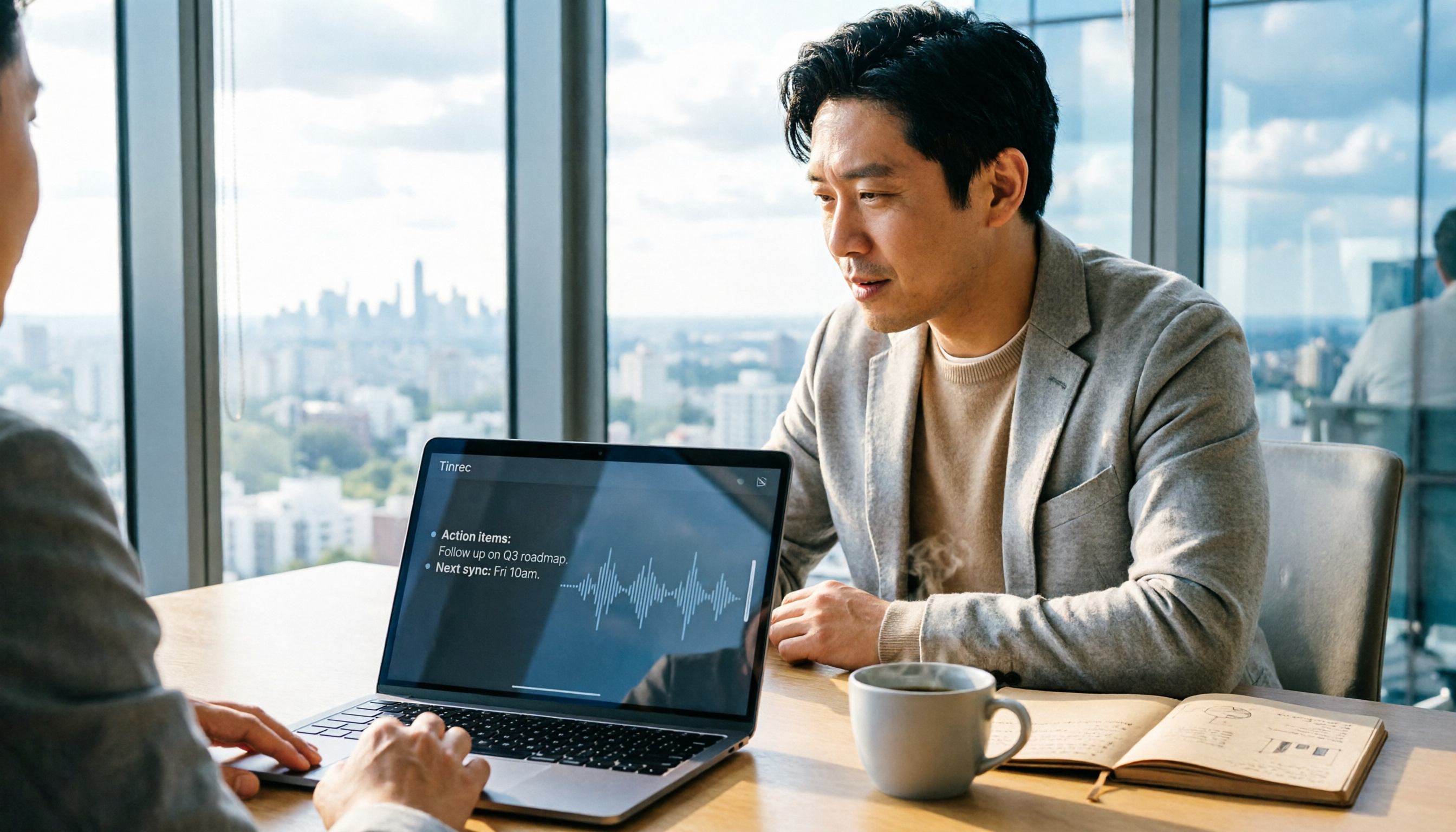
Turn recordings into transcripts and summaries in minutes
Upload audio or video for multilingual transcription, AI notes, and action items
How to Choose Smart Meeting Collaboration in 2026: Why I Switched from Notta to Tinrec?
If you're also searching for "which country is best for smart meeting collaboration," the first thing to evaluate isn't the country—it's whether your meeting scenario requires "recording" or "turning into actionable data." Taiwan, Hong Kong, China, and Japan all have smart meeting solutions, such as Taiwan Ricoh, Hong Kong BW Network, and Tencent Meeting covering 220+ countries. But as someone leading a 10-person team at a tech company with 15 meetings per week, what ultimately matters is whether the tool saves me time on post-meeting organization. Here's my actual experience switching from Notta to Tinrec.
Why Are People Looking for Notta Alternatives?
Notta is familiar to many: it offers multi-device transcription, meeting notes, file import, and translation. The free plan includes 120 minutes per month with a 3-minute limit per session, while the Pro annual plan costs approximately USD 8.17/month. It's suitable for light transcription needs.
But if you're like me, with most meetings happening on Zoom, Google Meet, or Microsoft Teams, and you need to track action items and share data with your team, you'll start caring about: Can I avoid inviting bots? Can post-meeting organization be reduced further? Can team data be managed centrally? These aren't shortcomings of Notta—it's just that my needs have grown beyond a "transcription tool."
If you feel the same, Tinrec is worth checking out.
Tinrec vs Notta: What's Different in Core Experience?
I won't compare specs side-by-side; I'll only cover the 4 dimensions that matter to me.
1. Online Meeting Recording Method
Tinrec's desktop app directly captures system audio, so there's no need to invite a meeting bot. When I join a Zoom or Teams call, I just open Tinrec, and it records and transcribes in the background. This isn't just convenient—it's a reliable option when meeting links have permissions that don't allow third-party bots. Notta also supports meeting transcription, but Tinrec's bot-free workflow fits my daily usage better.
2. Depth of Post-Meeting Organization
Tinrec doesn't just turn audio into text. It automatically generates summaries, chapters, key points, and action items, and I can even ask it: "What was the conclusion of this meeting?" "Who is responsible for which item?" This is crucial for me because I report progress weekly; instead of sifting through 30 pages of transcripts, I get a direct action list. Notta can summarize too, but Tinrec's Agent post-processing can generate reports, tables, and documents, which better suits my weekly reporting needs.
3. Team Collaboration and Governance
Tinrec's team plan provides a dedicated team space where meeting data belongs to the team, not individual accounts. Admins can assign seats, view usage trends, and access audit logs and resource handover. When a member leaves or transfers, meeting data doesn't disappear. Notta Business has role-based permissions, but Tinrec emphasizes turning every meeting into a searchable team asset, which is more impactful for teams of 10 or more.
4. Chinese and Multilingual Experience
Tinrec is optimized for Chinese, Traditional Chinese, and multilingual meetings, supporting real-time translation and bilingual viewing. Taiwanese workplaces often mix Chinese and English, and sometimes have international meetings, so this feature saves me from translating in my head. Team-specific terms can be maintained for product names and project codes, improving professional term recognition. Notta's multilingual support is decent, but Tinrec's term management is more tailored to industry jargon.
Tinrec's Core Features at a Glance
Bot-Free Online Meeting Recording
Open the Tinrec desktop app, and it captures the system audio from your device, handling meetings on Zoom, Google Meet, Microsoft Teams, Webex, and more—no need to add a bot to the meeting. It records and transcribes in real time with minimal latency, and the transcript is nearly complete by the time the meeting ends.
Stop organizing recordings by hand
Upload audio or video and automatically get a transcript, summary, and action items
AI Summaries, Chapters, and Action Items
Long meetings are scary without structure. Tinrec breaks content into chapters and automatically organizes summaries, key points, and action items. After my weekly meetings, I just review the action list and copy it into project management tools for assignment.
AI Q&A
This is my most-used feature. After recording a 1-hour meeting, I can ask, "What was the final decision on the procurement case?" or "What materials does the sales department need to provide next?" It answers based on semantics, so I don't have to manually replay the recording.
Multi-Format and Third-Party Export
Tinrec can export meeting results to Notion, Google Docs, OneNote, Dropbox, and more. I usually export weekly meeting action items to Notion and client interview summaries to Google Docs for my boss.
Team Space and Governance
The team plan centralizes meeting data in one space, distinguishing roles, seats, and member relationships. Members without seats can view, but only those with seats can record, upload, edit, and export. Admins can check usage and operation logs, and there's a recycle bin for team data.
Real-World Use Cases
Weekly and Cross-Departmental Meetings
I use Tinrec to record weekly meetings and get action items and summaries right after. Previously, organizing 10 people's comments took an hour; now I spend 5 minutes confirming key points and use the rest of the time for other tasks.
Client Interviews and Requirement Discussions
When sales or support teams meet with clients, they use Tinrec to record requirements, commitments, and next steps. No more relying on memory for interview notes; client key points can be referenced later, and case summaries can be shared with the team.
Online Courses and Webinars
For international online courses or webinars, Tinrec records and transcribes in real time, with live translation so I understand what the speaker is saying. Afterward, I use AI Q&A to quickly find key sections.
One-on-One Meetings and Personal Notes
I also use Tinrec for one-on-ones with team members. I don't have to look down and type constantly; I can maintain eye contact, then organize action items afterward, giving both parties a reference.
Key Considerations When Choosing a Recording-to-Text Tool
Can It Record Online Meetings Without Bots?
If you often encounter meeting link permission restrictions, choose a tool that captures system audio from the desktop. Tinrec doesn't require inviting bots, which is a big plus in practice.
Does It Directly Produce Action Items and Summaries?
Transcription is just the first step; what truly saves time are summaries, chapters, action items, and AI Q&A. Tinrec excels in these post-processing features.
Can Team Data Be Accumulated?
If you're a solo user, most transcription tools are similar. But if you need team sharing and historical meeting tracking, look for team spaces, seats, and management features. Tinrec's team plan turns meeting data into a searchable, collaborative asset.
Chinese and Real-Time Translation Support
Taiwanese workplaces often mix Chinese and English, and international meetings require translation. Tinrec supports real-time translation and bilingual viewing, while team-specific terms improve professional term recognition.
Are Seats and Governance Clear?
Don't just look at the monthly fee. Confirm whether roles, seats, and member relationships are separate, and whether there are usage analytics and audit logs. Tinrec's design lets admins monitor team usage.
Summary: Is Tinrec Worth Trying?
If you're looking for a tool that can record online meetings without bots, automatically organize action items and summaries, and keep meeting data within your team, Tinrec is currently my top recommendation. Especially for mid-level managers with many weekly meetings, who need to report up and track down, it saves the most mechanical organization work. I suggest testing the free version with your own meeting recordings to confirm transcription quality and workflow before upgrading. Lastly, remember to obtain consent from participants as required by local laws before recording.
References
- Smart meetings - Smart Meeting and Workspace
- Office Smart Meeting | BW Network Hong Kong Business Technology System Center
- Smart Meeting and Workspace | Taiwan Ricoh
- Tencent Meeting Official - Tencent Meeting for Efficient Meetings - Tencent
- Alluvia Meeting Smart Meeting Assistant | HKPC "Digital DIY" Platform
Turn every recording into actionable outcomes
Get 60 free transcription minutes when you sign in. No credit card required.
Related Reading
You might also like

2026 AI Meeting Assistant Comparison: Which One Saves the Most Time on Chinese Meeting Notes?
Starting from the real scenario of "having to stay after the meeting to re-listen to the recording," this hands-on comparison tests four AI meeting assistants—Tinrec, Notta, Otter.ai, and Granola—breaking down buying criteria, each tool's limitations, and the most common purchasing pitfalls. It also compares pricing, seats, and data ownership between personal and team plans to help you pick the one that truly saves time after meetings.

Tinrec vs Notta 2026: 5 Criteria for Chinese Meeting Notes
Avoid three common mistakes when choosing an AI meeting assistant: relying only on lab accuracy, focusing only on transcription, and judging team features by personal experience. This article establishes evaluation criteria across five dimensions: meeting capture method, transcription and language support, post-meeting organization depth, output workflow, and team governance. It uses Tinrec's actual approach as an example, and includes buying tips and FAQs.

2026 AI Meeting Assistant Comparison: 4 Tools Tested on Free Tiers and Pricing
We break down the cost structure of AI meeting assistants—free tiers, per-meeting caps, seat-based pricing, and hidden limits—and walk through a 3-step workflow covering recording, organizing, follow-up Q&A, and export. We also compare Tinrec, Otter.ai, Notta, and Granola on pricing and best-fit scenarios.

2024 Review: 5 AI Meeting Assistants Tested — No Bots Needed for Chinese Meetings
Starting from the real pain of 'can't find key points after a meeting,' we tested and compared five AI meeting assistants: Tinrec, Otter.ai, Fireflies.ai, Notta, and Granola. We organized five key buying factors: recording method, post-meeting output, Chinese language performance, team permissions, and quota calculation. Also included are common pitfalls to avoid and scenario-based selection advice.

5 AI Meeting Assistants Tested for 2026: Which Free Tier Is Actually Enough?
Our hands-on comparison of 5 AI meeting assistants. Most people only look at free minutes, but overlook 4 things: post-meeting organization, how meetings are recorded, Chinese language performance, and team data ownership. This article covers selection criteria, real-world use cases for Tinrec, alternatives like Otter.ai, Notta, and PLAUD, plus 4 common pitfalls to help you decide which one truly saves you post-meeting time.

2026 AI Meeting Assistant Comparison: Tinrec vs. Notta — Which Is Better for Chinese-Speaking Teams?
There are countless meeting tools, but only three key criteria really matter: how meeting audio gets in, whether the transcribed text is directly usable, and who ultimately holds the data. This article focuses on Tinrec, comparing it with Notta across key dimensions—meeting capture methods, Traditional Chinese experience, post-meeting organization workflow, quota pricing, and team governance—and includes practical use cases and purchasing considerations.

2026 AI Meeting Assistant Review: Bot-Free Recording + Post-Meeting AI Q&A
How to choose an AI meeting assistant in 2026? This review examines five key decision points: meeting bots, transcript quality, post-meeting AI Q&A, team data ownership, and quota calculation. We tested Tinrec, Otter.ai, Notta, and Granola, and compiled four common pitfalls to help you choose the right tool within your budget.

2026 AI Meeting Assistant Comparison: 4 Tools Tested to See Which Really Saves You Time
Online meetings never stop, and post-meeting cleanup is the real nightmare. This article focuses on how meetings are recorded and whether the output can be used directly, testing and comparing four AI meeting assistants: Tinrec, Otter.ai, Notta, and Granola. It outlines 5 key buying criteria and 4 common pitfalls to help you choose the one that truly saves time.

2026 AI Meeting Assistant Comparison: Tinrec vs Granola – Which Is Better for Chinese Meetings?
Most people looking for an AI meeting assistant first check how many free minutes they get, but that's actually the easiest way to make a mistake. This article compares two bot-free AI meeting assistants, Tinrec and Granola, across dimensions including meeting capture, audio retention, post-meeting outputs, Chinese language support, team governance, and pricing, to help you decide which one better fits your meeting scenarios.