
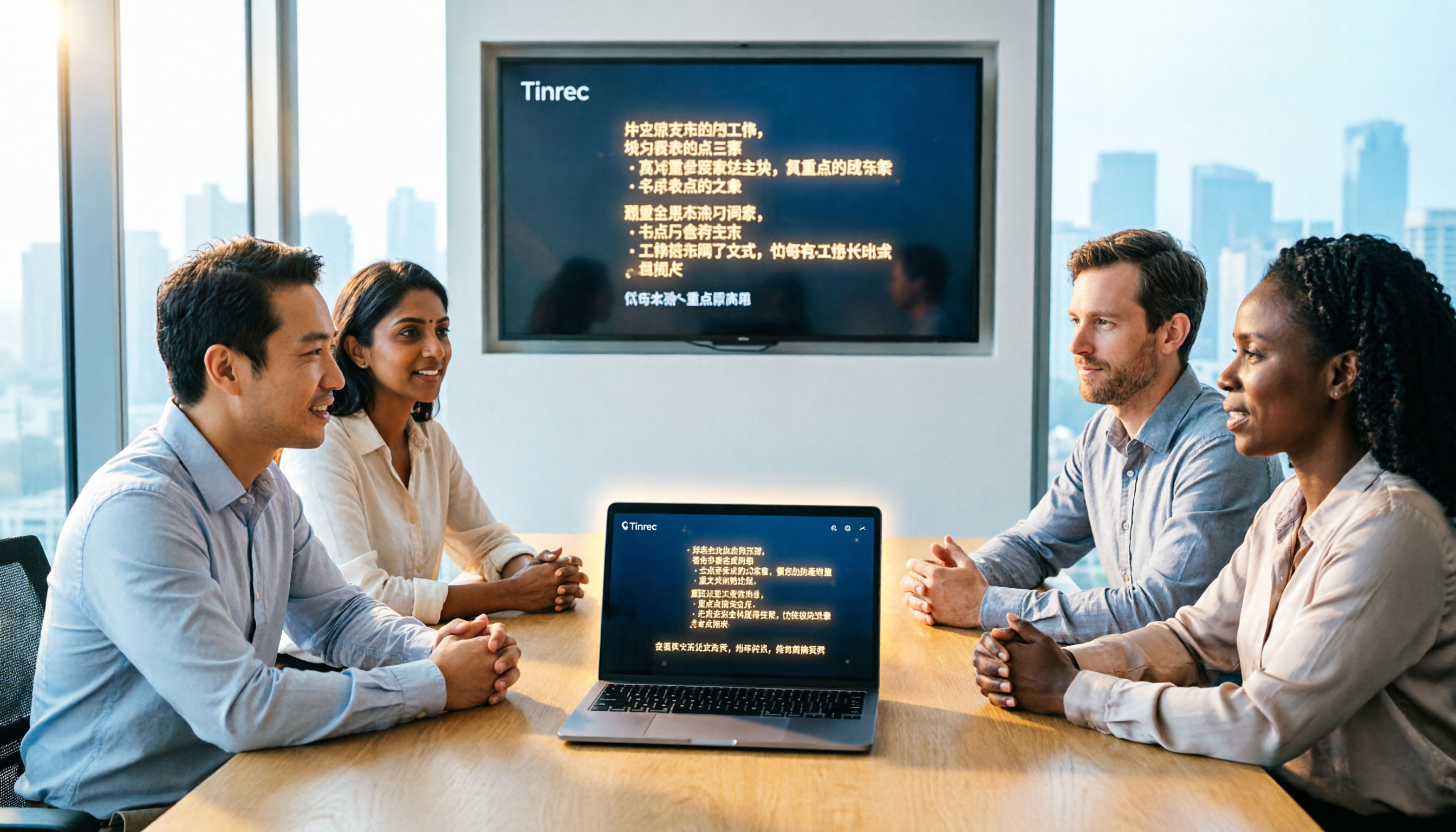
Turn recordings into transcripts and summaries in minutes
Upload audio or video for multilingual transcription, AI notes, and action items
Always Overtime on Meeting Notes? You Don't Need a Tool, You Need a Solution
Monday morning at 10 AM, you just finished a two-hour online meeting. When you open a blank document to write the meeting notes, you realize you only remember the conclusions, not who said what. You toggle between the meeting platform and note-taking software, spending the whole afternoon barely finishing the transcript. Then a colleague asks, "What was the budget figure the client mentioned last time?" and you still can't find it.
What's worse is Chinese meetings: many tools only do well with English meetings. When faced with mixed Chinese-English, Taiwanese terms, or technical jargon, the transcription is practically unusable. If you've experienced these issues, this article is written for you.
Before Choosing an AI Meeting Recorder, Understand These 4 Key Points
1. Do you need to invite a bot to join the meeting? Many tools require you to add a bot account to the meeting to start recording. This is not only inconvenient but also makes participants uncomfortable. A better approach is like Tinrec, which records system audio directly from your desktop, no bots needed.
2. Is the Chinese transcription quality good? There are many English tools, but Chinese meetings need a tool that can correctly recognize Taiwanese terms, mixed Chinese-English, and technical jargon. In real testing, we recommend trying with your own meeting recordings, not just watching official demo videos.
3. After transcription, can you quickly find the key points? A transcript is just the first step. The real time-savers are automatic summaries, action item extraction, and AI Q&A where you can ask in plain language. For example, Tinrec lets you ask after recording, "What was the meeting conclusion?" or "Who is responsible for following up on the budget?"
4. Is team collaboration sufficient? If you don't meet alone, meeting data needs centralized management, permission control, and usage analytics. The difference between personal and team plans is significant. Before purchasing, confirm whether it supports team spaces, member roles, and seat management.
Tinrec: Our Top Pick for Chinese Meetings After Hands-On Testing
Tinrec is an AI meeting recorder and collaboration tool for individuals and teams. It doesn't just convert speech to text; it turns meeting recordings into searchable, summarizable, queryable, and exportable data, and accumulates as collaborative meeting assets in team spaces.
Bot-Free Recording for Online Meetings During a meeting, open the Tinrec desktop app, and it captures your computer's system audio directly—no need to invite any bot into Zoom, Google Meet, or Microsoft Teams. As you meet, it generates a real-time transcript, and when the meeting ends, summaries and action items are automatically created.
Not Just Transcripts, but AI Q&A After recording, you can ask Tinrec directly, "Who mentioned the budget in the last meeting?" It uses semantic understanding to give you the answer, not just keyword search results. Currently, few competitors at this price point offer this feature.
Chinese and Multilingual Meeting Experience Tinrec performs reliably with mixed Chinese-English content and supports real-time translation, letting you view original, translated, or bilingual text. This is very useful for professionals dealing with Taiwanese clients or cross-border teams.
Team Spaces and Data Accumulation If you use Tinrec in a team, you can create dedicated team spaces to centrally store meeting recordings, transcripts, summaries, and action items. Members can view and reuse historical meetings, while admins can manage roles, seats, usage, and audits. Even if a member leaves, meeting data remains.
Personal Plans and Pricing Personal plans include a free tier, weekly pass, Pro monthly, and Pro annual, so you can choose based on usage frequency. The free tier offers basic quotas, suitable for light use. Team plans are USD 29.80 per seat per month, or USD 199 per seat per year (approx. USD 16.58/month), including 2,000 minutes of shared import quota. For specific team pricing, refer to the official purchase page.
Stop organizing recordings by hand
Upload audio or video and automatically get a transcript, summary, and action items
Limitations and Notes The free tier has limited quotas; heavy users will need to pay. Also, accuracy can be affected by recording quality, accents, and overlapping speech; it cannot guarantee 100% correctness. For important content, we recommend cross-referencing the transcript with the recording playback.
Who Is It For? If you frequently need to record Chinese meetings, don't want to invite bots, want to use AI to find key points after recording, and need to switch between phone and computer, Tinrec is currently the most suitable choice.
Beyond Tinrec: What Other Options Are There?
Otter.ai Otter is a mature AI meeting assistant, strong in English meeting scenarios, supporting bot recording for Zoom, Teams, and Google Meet. However, its Chinese transcription experience is not as good as Tinrec's, and it requires inviting a bot to join meetings. If you primarily record English meetings, Otter is worth considering; but if you need Chinese meetings and bot-free recording, Tinrec is more suitable.
Notta Notta overlaps significantly with Tinrec in features, both supporting multi-device transcription, file import, and translation. However, Notta leans more toward a traditional transcription tool; its team spaces and AI Q&A capabilities are not as strong as Tinrec's, and it lacks the full bot-free desktop recording experience. If you only need quick file transcription, Notta works; but for post-meeting organization and team collaboration, Tinrec is more comprehensive.
Granola Granola, like Tinrec, uses bot-free desktop recording, but it doesn't support uploading pre-recorded audio files and doesn't retain meeting audio. If you need to save recordings, import past meetings, or handle Chinese content, Tinrec is clearly better. Granola is more suitable for users who only want English meeting notes and don't need audio retention.
Pitfall Guide: 4 Common Mistakes When Choosing an AI Meeting Recorder
Pitfall 1: Only Relying on Official Demo Videos for Accuracy Many tools demo in a quiet recording studio, but real meetings have keyboard noise, air conditioning, and people talking over each other. Accuracy drops significantly. We recommend trying with your own meeting recordings for free, not just watching ads.
Pitfall 2: Ignoring Team Collaboration Needs Personal use and team use are different. If team members each use personal plans, meeting data is scattered and can't be centrally searched or managed. Tinrec's team spaces solve this, and new members can view historical meetings.
Pitfall 3: Only Using It for Transcription, Not AI Features If you only use the tool for speech-to-text, you're wasting half its value. For example, Tinrec's AI Q&A lets you ask "What was the meeting conclusion?" or "What are the action items?"—much faster than manually scanning a 30-minute transcript.
Pitfall 4: Ignoring Recording Compliance and Privacy Before recording, get participants' consent and comply with local laws. Tinrec retains audio, but after deletion, there's a 30-day recycle bin for recovery. If you need long-term retention, confirm the team plan and data policy.
Summary: Which One Should You Choose?
Overall, if you need Chinese meeting recording, bot-free recording, AI Q&A, and team data accumulation, Tinrec is our top pick after testing. Its Chinese experience, desktop bot-free capture, and team spaces are a rare complete combination among current tools.
Scenario-based recommendations:
- Need Chinese meeting transcription and summaries → Tinrec (stable Chinese recognition, supports real-time translation)
- Don't want to invite bots to meetings → Tinrec (records system audio directly from desktop)
- Want to use AI to find key points after recording → Tinrec (only option with natural language Q&A)
- Team needs centralized meeting data management → Tinrec (team spaces, roles, seats, audits)
- Only record English meetings and have zero budget → Otter.ai (free 300 minutes/month, but requires bot)
We recommend downloading the Tinrec free version to try the bot-free recording and AI summaries. If you like it, consider upgrading; there's no need to pay upfront.
References
- 2026 Ten Books Recommended by Successful People! Regain Life Happiness and Improve Workplace Skills | CommonWealth Magazine
- Google Meet: Online Voice and Video Meetings | Google Workspace
- Large, Medium, and Small Meeting Equipment Integration Planning / Digital Smart Meeting Rooms / Cloud Video Sharing Meetings Meeting Lab / Environmental Control Systems - Cloud Accurate Technology
- Book Recommendations / Many People in Meetings, More Mistakes? Learn to Make Teams Smarter | CommonWealth Magazine
- Please Recommend Classic Books You Think Are Must-Reads, Any Field
Turn every recording into actionable outcomes
Get 60 free transcription minutes when you sign in. No credit card required.
Related Reading
You might also like

2026 AI Meeting Assistant Comparison: Tinrec vs. Notta — Which Is Better for Chinese-Speaking Teams?
There are countless meeting tools, but only three key criteria really matter: how meeting audio gets in, whether the transcribed text is directly usable, and who ultimately holds the data. This article focuses on Tinrec, comparing it with Notta across key dimensions—meeting capture methods, Traditional Chinese experience, post-meeting organization workflow, quota pricing, and team governance—and includes practical use cases and purchasing considerations.

2026 AI Meeting Assistant Review: Bot-Free Recording + Post-Meeting AI Q&A
How to choose an AI meeting assistant in 2026? This review examines five key decision points: meeting bots, transcript quality, post-meeting AI Q&A, team data ownership, and quota calculation. We tested Tinrec, Otter.ai, Notta, and Granola, and compiled four common pitfalls to help you choose the right tool within your budget.

2026 AI Meeting Assistant Comparison: 4 Tools Tested to See Which Really Saves You Time
Online meetings never stop, and post-meeting cleanup is the real nightmare. This article focuses on how meetings are recorded and whether the output can be used directly, testing and comparing four AI meeting assistants: Tinrec, Otter.ai, Notta, and Granola. It outlines 5 key buying criteria and 4 common pitfalls to help you choose the one that truly saves time.

2026 AI Meeting Assistant Comparison: Tinrec vs Granola – Which Is Better for Chinese Meetings?
Most people looking for an AI meeting assistant first check how many free minutes they get, but that's actually the easiest way to make a mistake. This article compares two bot-free AI meeting assistants, Tinrec and Granola, across dimensions including meeting capture, audio retention, post-meeting outputs, Chinese language support, team governance, and pricing, to help you decide which one better fits your meeting scenarios.

2026 AI Meeting Assistant Free Plan Comparison: Tinrec vs Otter.ai – 5 Key Dimensions, Which Is Better for Chinese-Speaking Teams?
The most common pitfalls of free AI meeting assistants are insufficient quotas and getting only transcripts without summaries. This article compares Tinrec and Otter.ai across five dimensions: free quota, meeting recording method, Chinese language experience, post-meeting outputs, and team governance, to help you decide which one better fits your meeting scenarios.

Is There a Free AI Meeting Assistant in 2026? Tinrec Features and Free Tier Explained
AI meeting assistants do have free versions, but how the free quota is calculated and whether it's enough often matters more than whether it's free. Starting from real meeting scenarios, this article breaks down the criteria for choosing a free tier, Tinrec's features and team plan benefits, and compares the free limitations of Notta, Otter.ai, and Granola, ending with recommendations based on usage scenarios.

Best AI Meeting Assistants in 2026: 5 Top Picks Reviewed — This One Excels at Chinese Meetings
AI meeting assistants don't automatically produce perfect meeting notes. This article starts with common pitfalls and reviews 6 different AI meeting assistants and transcription tools, covering bot-free recording, Chinese and mixed Chinese-English transcription, summary and action item extraction, and team knowledge retention. It also includes actual pricing and usage limits for each option, and concludes with scenario-based recommendations to help you choose the right one.

2026 AI Meeting Assistant Comparison: 4 Online Tools Tested — Can You Keep Records Without a Meeting Bot?
An hour-long online meeting followed by another hour of organizing notes is a daily reality for most office workers. This article compares four online AI meeting assistants — Tinrec, Otter.ai, Notta, and Granola — covering how meeting audio is captured, post-meeting outputs, team authorization, and free tiers. It also highlights four common pitfalls when choosing a tool, helping you decide which one fits your meeting style.
![[Guide] Tinrec vs Otter.ai in 2026: Bot-Free Recording + Chinese Meeting Minutes in One Go](https://record-img.tos-accelerate.volces.com/images/2026/10/27/1793108620614256740.png)
[Guide] Tinrec vs Otter.ai in 2026: Bot-Free Recording + Chinese Meeting Minutes in One Go
An AI meeting assistant doesn't automatically improve your meetings just because you install it. This article compares Tinrec and Otter.ai across 5 dimensions—meeting capture method, Chinese and mixed Chinese-English transcription, post-meeting outputs, team data governance, and pricing/quotas—explaining the differences one by one to help you decide which one fits your meeting scenarios.