
Turn recordings into transcripts and summaries in minutes
Upload audio or video for multilingual transcription, AI notes, and action items
Meetings every day until you clock out, and then you still have to listen to recordings and type up transcripts? If you're looking for a smart meeting collaboration tool with English support, here's how Tinrec can save you time.
What Can Smart Meeting Collaboration Do for You?
Scenario 1: Meeting minutes ready 5 minutes after the meeting ends
Previously, after a two-hour meeting, you might spend another hour organizing the minutes. With Tinrec, the AI generates summaries, conclusions, and action items the moment the meeting ends—who's responsible for what and deadlines at a glance.
Scenario 2: No more confusion in mixed Chinese-English meetings
Hong Kong offices often mix Chinese and English, but some tools only handle one language. Tinrec supports Chinese, Traditional Chinese, and multilingual transcription, plus real-time translation. You can view content in the original, translated, or bilingual mode, making English meeting content immediately usable.
Scenario 3: Historical meeting files become a searchable database
Previously, finding a specific decision from scattered recordings on your phone or computer was a hassle. Tinrec lets you import audio and video files, automatically generating transcripts and summaries. You can even use AI Q&A to ask, "What budget issues did the client mention?"
Scenario 4: Meeting data doesn't disappear when colleagues leave
Tinrec's team version stores meeting data in a shared team space. When a member leaves or is removed, their resources can be transferred, so nothing walks out the door.
Core Capabilities of Tinrec Smart Meeting Collaboration
Bot-Free Online Meeting Recording
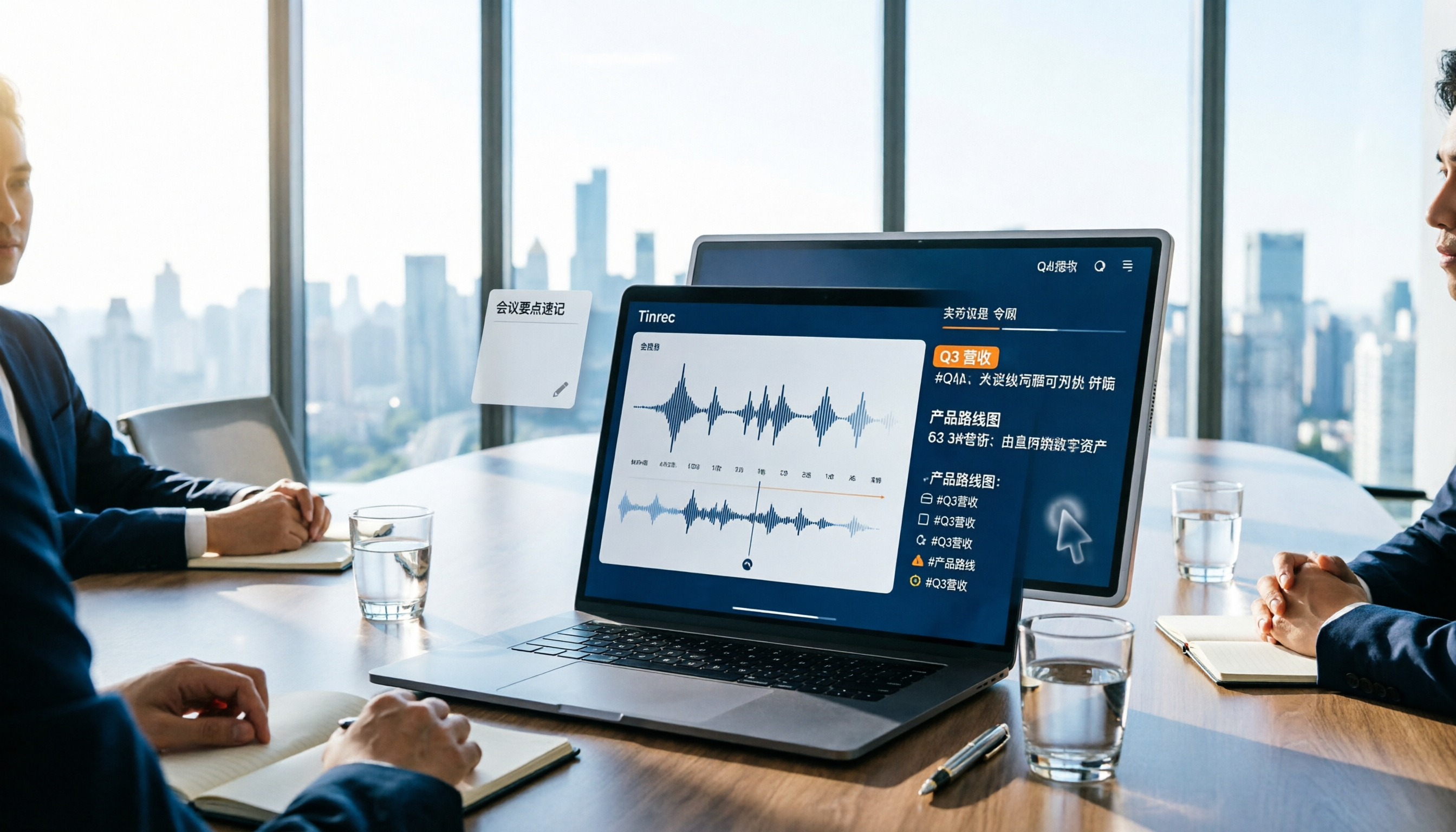
The Tinrec desktop app captures your computer's system audio directly—no need to invite an extra bot to Zoom, Google Meet, Microsoft Teams, or Webex. Just open Tinrec and start recording; the meeting is transcribed in real time.
Real-Time Transcription and AI Summaries
It's not post-recording transcription; it generates text as you record. Tinrec also auto-creates chapters and highlights, breaking long meetings into easy-to-read sections, saving you hours of replay time.
AI Chat Query
After transcription, you can ask Tinrec directly: "Who mentioned the budget in the meeting?" "What were the client's main objections?" It uses semantic understanding to give you answers directly—no need to scan the transcript yourself.
Real-Time Translation and Bilingual View
For meetings in English, Mandarin, Cantonese, and more, Tinrec supports real-time translation and lets you view original and translated text side by side. This is especially useful for cross-border teams or meetings with foreign clients.
Action Item Extraction and Multi-Format Export
Tinrec automatically extracts action items and can generate reports, tables, and documents, exporting to Notion, Google Docs, OneNote, Dropbox, and more—seamlessly integrating into your workflow.
Team Space and Governance
The team version offers roles, seats, usage analytics, audit logs, and an audio recycle bin. Admins can see exactly who uses what, and data stays organized.
Practical Use Cases
Use Case A: English client meetings
Record a fully English Zoom meeting with the Tinrec desktop app. You get real-time transcription, and by the end, the AI has organized summaries and action items. Review key points in bilingual mode, then export the minutes for your colleagues.
Stop organizing recordings by hand
Upload audio or video and automatically get a transcript, summary, and action items
Use Case B: Class or lecture notes
Import audio or video files into Tinrec, and it auto-generates transcripts and mind maps. Later, use AI Q&A to study—find key points the professor mentioned without listening to the whole thing again.
Use Case C: User interviews
For market research and customer interviews, record hours of sessions at once. Tinrec transcribes, marks chapters, and lets you search for answers by question, quickly turning it into a research report.
Use Case D: Content creation
Import podcast or YouTube video links into Tinrec (subject to availability), and it auto-generates transcripts and summaries, making it easy to write articles or cut highlight clips.
4 Things to Watch When Choosing a Smart Meeting Collaboration Tool
1. Is language support comprehensive enough?
Don't just rely on official marketing. If you need mixed Chinese-English or Cantonese transcription, test it yourself. Tinrec supports multiple languages and real-time translation, and teams can customize hotwords to improve recognition of specialized terms.
2. Does it require a meeting bot?
Some tools need a bot to join meetings, which can be awkward. Tinrec uses bot-free desktop recording, so there's no "mystery guest."
3. Is there a post-transcription workflow?
Transcripts are just the first step. Beyond summaries and action items, Tinrec offers AI Q&A, multi-format export, and agent post-processing to generate reports and tables directly.
4. Team collaboration and governance capabilities
If you're using it as a team, check for member management, seats, usage analytics, and audit logs. Tinrec's team version turns meeting data into team assets and includes an audio recycle bin to prevent accidental deletion.
FAQ
Q: What's the difference between Tinrec and regular recording software?
Regular recording software just records. Tinrec goes further by converting recordings to text, organizing summaries, chapters, and action items, and supporting AI Q&A, translation, export, and team collaboration.
Q: How accurate is English meeting transcription?
Tinrec provides high-quality transcription in clear audio and common scenarios. Actual results may be affected by noise, accents, or overlapping speech. For important content, we recommend cross-checking with the transcript timestamps and audio.
Q: What's the difference between Tinrec Team and Personal versions?
The Personal version keeps data under individual management. The Team version has a dedicated team space where data belongs to the team, adding features like member management, roles, seats, shared hours, usage analytics, audit logs, and a recycle bin.
Q: I've never used it. How do I start?
Start with the free version, which includes a monthly base quota. Try recording a Chinese-English meeting to experience auto-summaries and action item extraction. Then choose a weekly, monthly, or annual plan based on your needs.
Summary
Smart meeting collaboration isn't just about turning speech into text—it's about turning meeting content into searchable, collaborative, and actionable team knowledge. If you frequently have Chinese-English meetings and want to stop staying late to type transcripts, Tinrec's bot-free recording, real-time translation, and team space are worth a try. Start with the free version and record a couple of meetings to see if it fits your needs.
References
- Comparison of 5 AI Meeting Minutes Tools: Otter, Notta, and More Features and Pricing
- 2026 Latest 9 AI Auto Meeting Minutes Software Recommendations: Solving Summary and Transcript Pain Points - Tinrec Blog
- AI Real-Time Meeting Translation for Zoom, Teams, and Google Meet
- AI Meeting Minutes Tool Recommendations: 5 Top Apps Tested and Compared, AI Transcription Makes Meetings Easy!
- Video Conferencing, Meetings, Calls | Microsoft Teams
Turn every recording into actionable outcomes
Get 60 free transcription minutes when you sign in. No credit card required.
Related Reading
You might also like

2026 AI Meeting Assistant Comparison: Tinrec vs. Notta — Which Is Better for Chinese-Speaking Teams?
There are countless meeting tools, but only three key criteria really matter: how meeting audio gets in, whether the transcribed text is directly usable, and who ultimately holds the data. This article focuses on Tinrec, comparing it with Notta across key dimensions—meeting capture methods, Traditional Chinese experience, post-meeting organization workflow, quota pricing, and team governance—and includes practical use cases and purchasing considerations.

2026 AI Meeting Assistant Review: Bot-Free Recording + Post-Meeting AI Q&A
How to choose an AI meeting assistant in 2026? This review examines five key decision points: meeting bots, transcript quality, post-meeting AI Q&A, team data ownership, and quota calculation. We tested Tinrec, Otter.ai, Notta, and Granola, and compiled four common pitfalls to help you choose the right tool within your budget.

2026 AI Meeting Assistant Comparison: 4 Tools Tested to See Which Really Saves You Time
Online meetings never stop, and post-meeting cleanup is the real nightmare. This article focuses on how meetings are recorded and whether the output can be used directly, testing and comparing four AI meeting assistants: Tinrec, Otter.ai, Notta, and Granola. It outlines 5 key buying criteria and 4 common pitfalls to help you choose the one that truly saves time.

2026 AI Meeting Assistant Comparison: Tinrec vs Granola – Which Is Better for Chinese Meetings?
Most people looking for an AI meeting assistant first check how many free minutes they get, but that's actually the easiest way to make a mistake. This article compares two bot-free AI meeting assistants, Tinrec and Granola, across dimensions including meeting capture, audio retention, post-meeting outputs, Chinese language support, team governance, and pricing, to help you decide which one better fits your meeting scenarios.

2026 AI Meeting Assistant Free Plan Comparison: Tinrec vs Otter.ai – 5 Key Dimensions, Which Is Better for Chinese-Speaking Teams?
The most common pitfalls of free AI meeting assistants are insufficient quotas and getting only transcripts without summaries. This article compares Tinrec and Otter.ai across five dimensions: free quota, meeting recording method, Chinese language experience, post-meeting outputs, and team governance, to help you decide which one better fits your meeting scenarios.

Is There a Free AI Meeting Assistant in 2026? Tinrec Features and Free Tier Explained
AI meeting assistants do have free versions, but how the free quota is calculated and whether it's enough often matters more than whether it's free. Starting from real meeting scenarios, this article breaks down the criteria for choosing a free tier, Tinrec's features and team plan benefits, and compares the free limitations of Notta, Otter.ai, and Granola, ending with recommendations based on usage scenarios.

Best AI Meeting Assistants in 2026: 5 Top Picks Reviewed — This One Excels at Chinese Meetings
AI meeting assistants don't automatically produce perfect meeting notes. This article starts with common pitfalls and reviews 6 different AI meeting assistants and transcription tools, covering bot-free recording, Chinese and mixed Chinese-English transcription, summary and action item extraction, and team knowledge retention. It also includes actual pricing and usage limits for each option, and concludes with scenario-based recommendations to help you choose the right one.

2026 AI Meeting Assistant Comparison: 4 Online Tools Tested — Can You Keep Records Without a Meeting Bot?
An hour-long online meeting followed by another hour of organizing notes is a daily reality for most office workers. This article compares four online AI meeting assistants — Tinrec, Otter.ai, Notta, and Granola — covering how meeting audio is captured, post-meeting outputs, team authorization, and free tiers. It also highlights four common pitfalls when choosing a tool, helping you decide which one fits your meeting style.
![[Guide] Tinrec vs Otter.ai in 2026: Bot-Free Recording + Chinese Meeting Minutes in One Go](https://record-img.tos-accelerate.volces.com/images/2026/10/27/1793108620614256740.png)
[Guide] Tinrec vs Otter.ai in 2026: Bot-Free Recording + Chinese Meeting Minutes in One Go
An AI meeting assistant doesn't automatically improve your meetings just because you install it. This article compares Tinrec and Otter.ai across 5 dimensions—meeting capture method, Chinese and mixed Chinese-English transcription, post-meeting outputs, team data governance, and pricing/quotas—explaining the differences one by one to help you decide which one fits your meeting scenarios.