
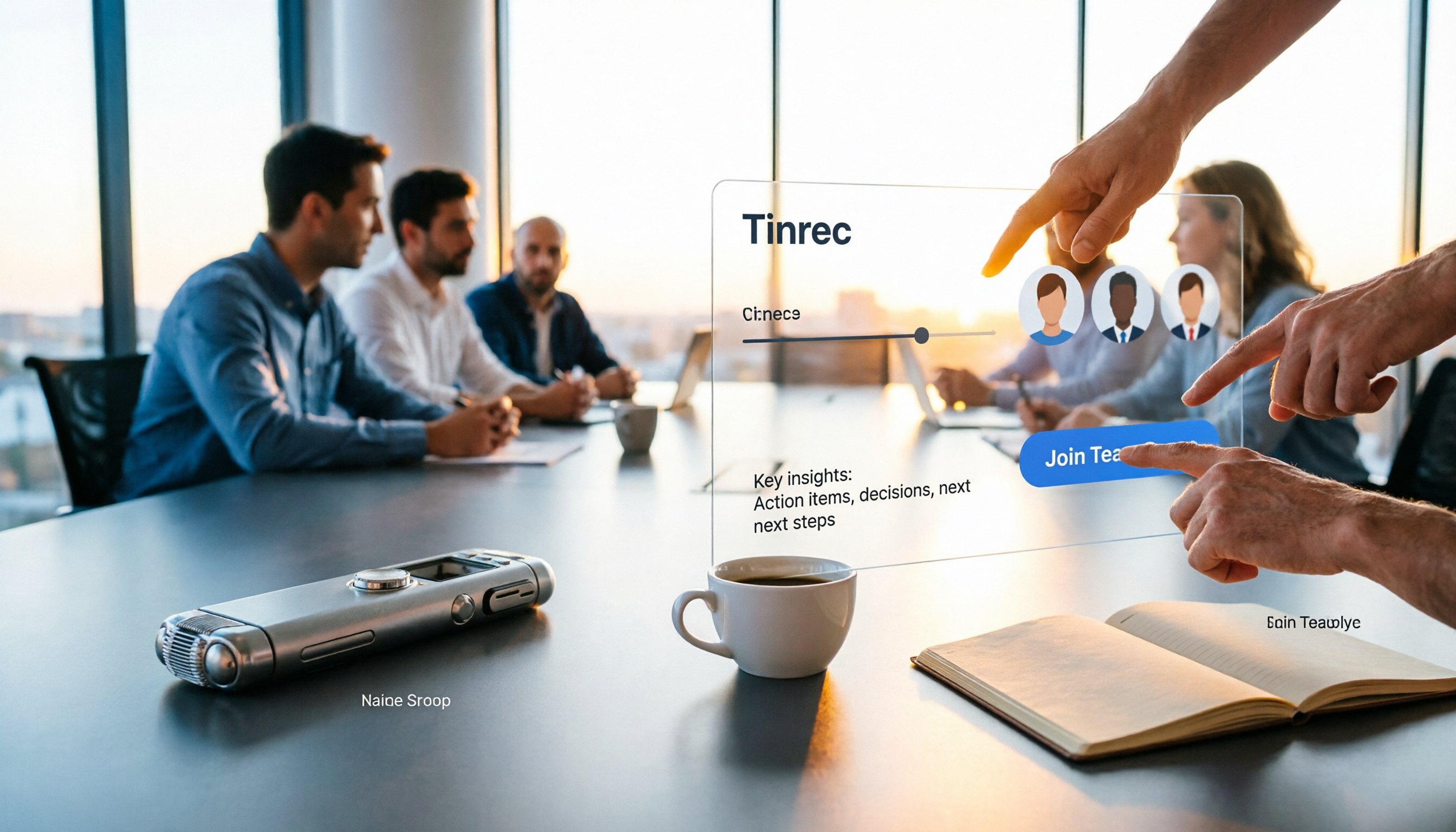
Turn recordings into transcripts and summaries in minutes
Upload audio or video for multilingual transcription, AI notes, and action items
Dreading meeting notes every time you have a meeting? When choosing a smart meeting collaboration tool, the worst fear is picking the wrong one—transcripts full of errors, AI summaries that miss the mark, and team collaboration that just doesn't work, leaving you to listen back to the recording yourself. Today, we're putting Tinrec to the test to see how it can help you save those overtime hours.
What Can Smart Meeting Collaboration Do for You?
Scenario 1: Meeting Notes Ready 5 Minutes After the Meeting
In the past, after a two-hour meeting, you might spend another hour organizing the notes. Now, Tinrec can transcribe as it records, and by the time the meeting ends, the AI has already generated a summary, conclusions, and action items—who's responsible for what and deadlines are all clear at a glance.
Scenario 2: Real-Time Translation for Cross-Language Meetings
Struggling with language barriers when meeting with international clients? Tinrec supports real-time translation, letting you view the original text, translated text, or side-by-side bilingual view during recording—no need to look up words afterward.
Scenario 3: Quickly Find Key Points in Past Recordings
Always searching for old meeting recordings? Tinrec lets you upload audio or video files, and after transcription, you can use AI Q&A—for example, "Who mentioned the budget in the meeting?" or "What was the client's feedback?" It answers directly based on semantic understanding, so you don't have to listen from start to finish.
Scenario 4: Team Knowledge Accumulation
After team meetings, are notes scattered across individual computers and chat histories? Tinrec offers team spaces where meeting materials are stored centrally. New members can review past meetings, and admins can manage members, seats, and usage, turning every conversation into a team asset.
What Are the Core Capabilities of Smart Meeting Collaboration?
Bot-Free Online Meeting Recording
Tinrec's desktop app captures your computer's system audio directly, so there's no need to invite an extra bot to join your meetings. Open Tinrec to record online meetings on Zoom, Google Meet, Microsoft Teams, and more, with real-time transcription—without disrupting other participants.
Real-Time Transcription
Text appears as you record, not after. Tinrec's live transcription has very low latency, so you can watch the text sync during the meeting to confirm nothing's missed, and it handles mixed Chinese-English content well.
AI Summaries and Action Item Extraction
Tinrec doesn't just give you a transcript; it automatically breaks long meetings into chapters, generates summaries, and extracts action items. Meeting topics, discussion conclusions, and action items are listed separately, saving tons of organizing time.
AI Q&A
After transcription, you can ask Tinrec questions directly, digging deeper into single or multiple meeting files. It understands semantics to help you quickly locate key points, so you don't have to scan the transcript line by line.
Multi-Format Export
Tinrec lets you export results to common document formats and also to third-party tools like Notion, Google Docs, and OneNote, making it easy to further edit or archive.
Real-World Use Cases
Meeting Scenario
For in-person meetings, use the mobile app to record; for online meetings, use the desktop version for bot-free recording. Tinrec transcribes in real time and automatically generates summaries and action items after the meeting—you just review the key points, and meeting notes no longer mean overtime.
Stop organizing recordings by hand
Upload audio or video and automatically get a transcript, summary, and action items
Classroom Scenario
Record lectures, and Tinrec converts them to text so you can search for key points. You can also use AI Q&A to review concepts, making study sessions much more efficient.
Interview Scenario
Journalists or researchers conducting interviews can use Tinrec to record, get real-time transcripts, and then use AI Q&A to find quotes, saving hours of listening back to audio.
Content Creation Scenario
YouTubers or podcasters can use Tinrec to turn recordings into text, then generate reports or article outlines, speeding up content production.
5 Things to Watch When Choosing a Smart Meeting Collaboration Tool
- Recording Method: Some tools require a bot to join the meeting, which can be disruptive. Tinrec uses desktop audio capture, so no extra participants are needed—cleaner and more seamless.
- Chinese Support: Not every tool excels at Cantonese or mixed Chinese-English. Tinrec covers Chinese, Traditional Chinese, and multiple languages, plus team glossary management for better recognition of specialized terms.
- Post-Transcription Processing: A transcript is just the first step; what matters is whether there are summaries, action items, and Q&A after transcription. Tinrec's AI post-processing can generate reports and tables, ready for delivery.
- Team Collaboration: Personal use and team use are very different. Tinrec's team plan includes member, role, and seat management, plus usage analytics and audit logs for governance.
- Pricing and Quotas: Don't just compare minute counts; look at actual usage scenarios. Tinrec's free plan offers basic quotas, while team plans include shared import minutes per seat per month, and real-time recording doesn't deduct minutes—ideal for consistent use.
Frequently Asked Questions
Q: What's the difference between Tinrec and a regular voice recorder?
A: A regular voice recorder mainly captures audio; Tinrec goes further by transcribing to text and offering summaries, action items, Q&A, translation, and team collaboration—it's a complete meeting documentation tool.
Q: Does Tinrec require a meeting bot to join?
A: No. Tinrec's desktop app captures your computer's system audio directly; you simply open Tinrec and start recording—no extra participants are added.
Q: Is the free plan enough?
A: If you only occasionally organize a recording, the free plan lets you try the basic features. But if you have more than 3 meetings a week, we recommend considering the Pro or Team plans for more quotas, plus AI Q&A and team spaces.
Q: How accurate is it?
A: Actual results depend on recording quality, noise, accents, and overlapping speech, so we can't promise 100% accuracy. However, Tinrec performs very well with clear audio and common scenarios, significantly reducing manual organizing time.
Q: Can all team members see all data?
A: The team plan is primarily team-level shared, so all active members can read team data; only members with seats can record, upload, and edit. Admins can manage roles and seats, but it's not granular file-level permissions.
Conclusion
Smart meeting collaboration tools aren't new, but choosing the right one can genuinely save you from overtime. Tinrec's bot-free recording, AI summaries, Q&A, and team spaces turn meeting notes from a burden into an asset. If you have meetings every week, we strongly recommend trying Tinrec's free plan to experience AI-assisted meeting notes—you might quickly find you never want to go back to traditional methods.
References
- Google Meet: Online Voice and Video Meeting Calls | Google Workspace
- Top 5 Recommended Online Meeting Software to Boost Remote Work Efficiency | On-line to Know
- Video Conferencing Systems - Sheng Hong Technology
- How to Choose Online Meeting Software? 5 Options Compared by Features, Price, and Use Cases - ALEN
- Video Conferencing Software Recommendations: Google Meet, Microsoft Teams, Zoom Comparison
Turn every recording into actionable outcomes
Get 60 free transcription minutes when you sign in. No credit card required.
Related Reading
You might also like

Is There a Free AI Meeting Assistant in 2026? Tinrec Features and Free Tier Explained
AI meeting assistants do have free versions, but how the free quota is calculated and whether it's enough often matters more than whether it's free. Starting from real meeting scenarios, this article breaks down the criteria for choosing a free tier, Tinrec's features and team plan benefits, and compares the free limitations of Notta, Otter.ai, and Granola, ending with recommendations based on usage scenarios.

Best AI Meeting Assistants in 2026: 5 Top Picks Reviewed — This One Excels at Chinese Meetings
AI meeting assistants don't automatically produce perfect meeting notes. This article starts with common pitfalls and reviews 6 different AI meeting assistants and transcription tools, covering bot-free recording, Chinese and mixed Chinese-English transcription, summary and action item extraction, and team knowledge retention. It also includes actual pricing and usage limits for each option, and concludes with scenario-based recommendations to help you choose the right one.

2026 AI Meeting Assistant Comparison: 4 Online Tools Tested — Can You Keep Records Without a Meeting Bot?
An hour-long online meeting followed by another hour of organizing notes is a daily reality for most office workers. This article compares four online AI meeting assistants — Tinrec, Otter.ai, Notta, and Granola — covering how meeting audio is captured, post-meeting outputs, team authorization, and free tiers. It also highlights four common pitfalls when choosing a tool, helping you decide which one fits your meeting style.
![[Guide] Tinrec vs Otter.ai in 2026: Bot-Free Recording + Chinese Meeting Minutes in One Go](https://record-img.tos-accelerate.volces.com/images/2026/10/27/1793108620614256740.png)
[Guide] Tinrec vs Otter.ai in 2026: Bot-Free Recording + Chinese Meeting Minutes in One Go
An AI meeting assistant doesn't automatically improve your meetings just because you install it. This article compares Tinrec and Otter.ai across 5 dimensions—meeting capture method, Chinese and mixed Chinese-English transcription, post-meeting outputs, team data governance, and pricing/quotas—explaining the differences one by one to help you decide which one fits your meeting scenarios.

4 AI Meeting Assistants Tested and Compared in 2026: Features, Free Tiers, and Team Collaboration
Compare Tinrec, Otter.ai, Granola, and Notta across recording methods, post-meeting organization, Chinese-language experience, and team governance to help you decide if a free version is enough and whether a team plan is worth it.

2026 AI Meeting Assistant Comparison: Tinrec vs Notta — Which Is Better for Chinese-Speaking Teams?
This comparison evaluates Tinrec and Notta across five dimensions—meeting capture, Chinese/mixed-language transcription, post-meeting workflow, team governance, and pricing—to help you decide which AI meeting assistant fits your team's meeting style, based on how meetings are recorded, how transcripts are used, and who owns the data when team members leave.

Best Free AI Meeting Assistants in 2026: 5 Options Compared
Before asking 'which AI meeting assistant is best,' most people compare the wrong things. This article starts with free plans and compares Tinrec, Otter.ai, Granola, Notta, and Fireflies.ai across five dimensions, explaining why 'how meetings are recorded' and 'what you get after the meeting' matter more than free minutes. It also includes a ready-to-copy testing checklist and post-meeting question templates.

2026 AI Meeting Assistant Comparison: Which Handles Chinese Meetings and Post-Meeting Follow-ups Best?
AI meeting assistants need more than just transcripts. This article addresses four common misconceptions and breaks down four key purchasing factors: capture method, post-meeting output, Chinese language performance, and data ownership. It compares Tinrec, Otter.ai, Granola, and Notta in real-world tests on Chinese meetings, bot-free recording, post-meeting follow-ups, and team governance, and provides four procurement pitfalls to avoid plus scenario-based selection advice.

2026 Complete Guide to AI Meeting Assistants: Hands-On Testing of 4 Tools and Key Buying Factors for Auto-Generated To-Dos
Starting from the campus pain point of group reports where 'no one remembers the conclusions,' this guide outlines the 4 key factors students should consider when choosing an AI meeting assistant. It shares real-world differences among Tinrec, Otter.ai, Notta, and Granola, including Chinese recognition, online meeting recording methods, post-meeting summaries and to-dos, free quotas, and pricing structures, helping you choose the right tool before the semester starts.