
Turn recordings into transcripts and summaries in minutes
Upload audio or video for multilingual transcription, AI notes, and action items
2026 Hands-On Comparison of 4 Smart Meeting Collaboration Tools: Which Is Most Practical for Bot-Free Recording and Team Knowledge Retention?
Two Hours in Meetings, Two Hours Organizing? What You Need Isn't Just a Recording, but a Complete Meeting Collaboration Workflow
Many people focus only on recording during meetings, only to spend even more time organizing afterward. Team meeting notes are scattered across personal devices, and when a colleague leaves, the data disappears. Built-in transcription in meeting platforms only provides verbatim transcripts, with no to-dos or follow-up actions. These are common misconceptions—thinking that "having a recording" solves the problem, when the real key is turning meeting content into searchable, actionable, collaborative knowledge. Choosing the right tool can solve these issues, not just finding a recording app.
Before Choosing a Smart Meeting Collaboration Tool, Understand These 4 Key Points
Bot-Free Recording Support: Many tools require inviting a bot to join your meeting, which can be disruptive and raise privacy concerns. Bot-free recording captures computer audio directly, making it cleaner.
Chinese Language Experience and Multilingual Support: If your meetings are primarily in Chinese or mix Chinese and English, the tool's transcription accuracy and summary quality are crucial. Don't just rely on English reviews.
Can You Act Directly After Transcription?: A verbatim transcript isn't enough; the tool should automatically generate summaries, to-dos, and even support AI Q&A, so you don't have to manually organize.
Team Knowledge Retention and Permission Management: With personal tools, data gets scattered over time. Team versions should have shared spaces, roles, and seat management, ensuring data remains even after members leave.
We paid special attention to these points during testing and found that Tinrec is currently one of the few tools that meets all these criteria.
Tinrec (秒听录音) — Our Top Pick After Hands-On Testing
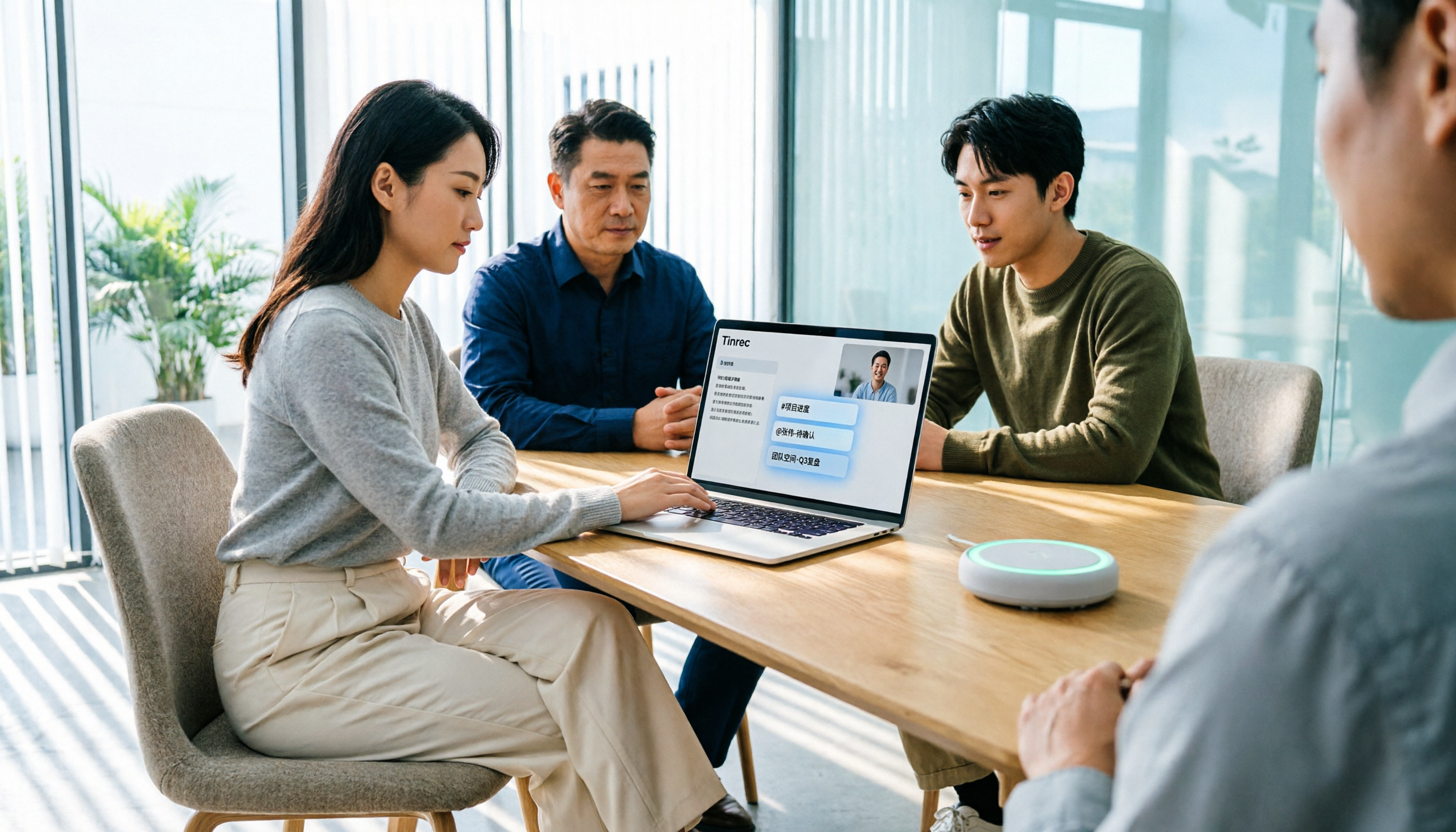
Tinrec is an AI meeting notes and collaboration tool for individuals and teams, supporting real-time recording, bot-free online meeting recording, file import, and automatic generation of summaries and to-dos, turning meetings into searchable, collaborative team knowledge.
Bot-Free Recording: Open the Tinrec desktop app, click record, and it captures your computer's system audio directly—no need to invite any bot to join Zoom, Google Meet, Teams, or Webex meetings. In our tests, meeting participants were completely unaware, and we had the transcript and summary immediately after the meeting.
More Than Just a Transcript: After recording, Tinrec automatically generates chapters, key points, to-dos, and even mind maps. More powerful is the AI Q&A: you can ask, "Who mentioned budget cuts in the meeting?" and Tinrec answers based on semantic understanding, not just keyword search. Few competitors at this price point offer this capability.
Team Spaces and Permission Management: The team version centralizes meeting data in one space, with roles like owner, admin, and regular member, and seat allocation. When a member leaves, data stays with the team and can be handed off to others—it doesn't disappear. This is crucial for departments that need to retain meeting records long-term.
Test Data: We tested with a 10-minute Chinese online meeting recording (Zoom, with background keyboard sounds and occasional noise). Tinrec's transcript was almost copy-paste ready, and the summary automatically extracted 3 key decisions and 5 to-dos, with accuracy that impressed us. However, note that poor audio quality can still cause errors, so it's wise to verify important content against the audio.
Stop organizing recordings by hand
Upload audio or video and automatically get a transcript, summary, and action items
Pros:
- Bot-free recording is convenient and non-intrusive.
- Excellent Chinese support, with real-time translation for bilingual viewing.
- Full-featured team version, from member management to usage analytics and audit logs, suitable for small to medium teams.
Limitations: The free version has limited credits; heavy users need to upgrade to Pro or Team. Bot-free recording is currently only available on desktop; mobile still requires manual recording. But for most office workers, the desktop version is sufficient.
Who It's For: If you need to record Chinese meetings, don't want to invite bots, and want meeting data to be shared and retained long-term, Tinrec is currently the best fit.
Beyond Tinrec: What Other Options Are There?
Otter.ai: A well-known choice for English meetings, with generous free credits. However, Chinese transcription and summary quality aren't as good as Tinrec's, and the team version is weaker in data handover and auditing. If you primarily record in English and have a tight budget, consider Otter's free version; but for Chinese and team knowledge retention, Tinrec is more complete.
Notta: Strong transcription and translation capabilities, with a user-friendly interface. However, Tinrec's Agent post-processing can automatically generate reports and tables, and its team space seat management and resource handover are more detailed. Notta's Business plan has team features, but the focus is still on transcription, not on "turning meetings into collaborative knowledge" like Tinrec.
Granola: Also focuses on bot-free meeting notes, but Granola doesn't retain meeting audio or support uploading pre-recorded files. Tinrec retains audio and supports file import, plus can create team spaces, making it better for archiving and team sharing scenarios.
Pitfall Guide: 4 Common Mistakes When Choosing a Smart Meeting Collaboration Tool
Only Looking at Transcription Minutes: Many tools tout "unlimited minutes per month," but if transcription quality is poor or post-processing is weak, you'll still end up organizing manually. We recommend trying it out first to see if summaries and to-dos are actually usable.
Ignoring Team Permission Management: It works well for personal use, but it's chaos for teams. Without role and seat management, members leaving could take data with them, or you can't control usage quotas. Choose tools with team spaces and audit logs, like Tinrec's team version.
Assuming Built-in Transcription in Meeting Platforms Is Enough: Zoom and Meet's built-in transcription only provides verbatim transcripts, with no summaries, to-dos, or Q&A, and no unified management across platforms. Additional tools are needed to complete the post-meeting workflow.
Not Valuing Audio Retention and Compliance: Some tools only keep transcripts and delete audio after a period, but you might need to verify exact wording later. Tinrec retains audio and provides a recycle bin, meeting Taiwan's Personal Data Protection Act requirements for recording management. Always obtain consent from participants before recording.
Summary: Which One Should You Choose?
If you can only choose one smart meeting collaboration tool, Tinrec is our top pick because it balances personal use and team knowledge retention, and is one of the few products that fully supports bot-free recording and Chinese meetings.
Scenario-Based Recommendations:
- Need bot-free recording for Chinese meetings → Tinrec
- Need to turn meeting data into team assets (member changes don't affect data) → Tinrec
- Need AI Q&A and automatic report generation → Tinrec
- Only record English meetings with a very low budget → Otter.ai free version
We recommend downloading Tinrec's free version to try it out; the basic credits are enough to experience recording, transcription, and summaries. Upgrade if you find it useful—there's no need to pay upfront.
References
- Google Meet: Online Voice and Video Meeting Calls | Google Workspace
- Toolkit Meeting and Hazard Prediction Activity - Google Play Apps
- Smart Meetings - Smart Meeting and Workspace
- No More Taking Turns Writing Meeting Minutes! 3 AI Tools for Real-Time Recording and Summary Generation to Help You Focus on Meetings | Manager Today
- Tencent Meeting Official - Tencent Meeting for Meetings - Tencent
Turn every recording into actionable outcomes
Get 60 free transcription minutes when you sign in. No credit card required.
Related Reading
You might also like

2026 AI Meeting Assistant Comparison: Tinrec vs Notta — Which Is Better for Chinese-Speaking Teams?
This comparison evaluates Tinrec and Notta across five dimensions—meeting capture, Chinese/mixed-language transcription, post-meeting workflow, team governance, and pricing—to help you decide which AI meeting assistant fits your team's meeting style, based on how meetings are recorded, how transcripts are used, and who owns the data when team members leave.

Best Free AI Meeting Assistants in 2026: 5 Options Compared
Before asking 'which AI meeting assistant is best,' most people compare the wrong things. This article starts with free plans and compares Tinrec, Otter.ai, Granola, Notta, and Fireflies.ai across five dimensions, explaining why 'how meetings are recorded' and 'what you get after the meeting' matter more than free minutes. It also includes a ready-to-copy testing checklist and post-meeting question templates.

2026 AI Meeting Assistant Comparison: Which Handles Chinese Meetings and Post-Meeting Follow-ups Best?
AI meeting assistants need more than just transcripts. This article addresses four common misconceptions and breaks down four key purchasing factors: capture method, post-meeting output, Chinese language performance, and data ownership. It compares Tinrec, Otter.ai, Granola, and Notta in real-world tests on Chinese meetings, bot-free recording, post-meeting follow-ups, and team governance, and provides four procurement pitfalls to avoid plus scenario-based selection advice.

2026 Complete Guide to AI Meeting Assistants: Hands-On Testing of 4 Tools and Key Buying Factors for Auto-Generated To-Dos
Starting from the campus pain point of group reports where 'no one remembers the conclusions,' this guide outlines the 4 key factors students should consider when choosing an AI meeting assistant. It shares real-world differences among Tinrec, Otter.ai, Notta, and Granola, including Chinese recognition, online meeting recording methods, post-meeting summaries and to-dos, free quotas, and pricing structures, helping you choose the right tool before the semester starts.

Tinrec vs Otter.ai in 2026: A 5-Dimension Comparison — Don't Choose an AI Meeting Assistant Based Only on Country
Many people search for 'AI meeting assistant which country,' but the real decision is whether you can trust it with your company's meeting recordings. This article compares Tinrec and Otter.ai across five practical dimensions and covers use cases for Notta and Granola, helping mid-level managers and team leads choose the tool that truly saves time and keeps data where it belongs.

2026 AI Meeting Assistant Comparison: 4 Tools Tested — What It Is and How to Choose
An AI meeting assistant is more than just recording and transcription. This article explains in one sentence what an AI meeting assistant is and which post-meeting pain points it solves, then compares Tinrec, Otter.ai, Granola, and Notta across four key dimensions: meeting capture method, Chinese-language experience, post-meeting output, and team data ownership. It also covers four common purchasing mistakes to help you pick the right tool.

2026 Speech-to-Text Tools Compared: Which Free Version Is Actually Good Enough?
A hands-on comparison of the latest free speech-to-text tools in 2026, focusing on four key aspects: free quota calculations, post-meeting organization capabilities, online meeting recording methods, and Chinese language performance. We compare the free plans and limitations of Tinrec, Otter.ai, Notta, and TurboScribe, and highlight four common purchasing mistakes to help you decide which free version is truly sufficient.

6 AI Meeting Assistants Tested for 2026: How to Actually Save Time After Meetings
Many people dump meeting recordings into AI and expect miracles, only to get a transcript nobody wants to read. Based on a mid-level manager's real usage across 15 meetings a week, this article compares the positioning, pricing, and ideal use cases of 6 AI meeting assistants, and explains how to use them to truly save time.

2026 AI Meeting Assistant Comparison: Tinrec vs Otter.ai — How to Use and Which Saves More Time
Starting from the workplace pain point of 'no one remembers what was assigned after the meeting,' this hands-on test compares Tinrec and Otter.ai AI meeting assistants. It breaks down five dimensions: recording methods, Chinese meeting organization, post-meeting follow-up questions, export workflows, and team knowledge retention, with practical steps and selection advice.