
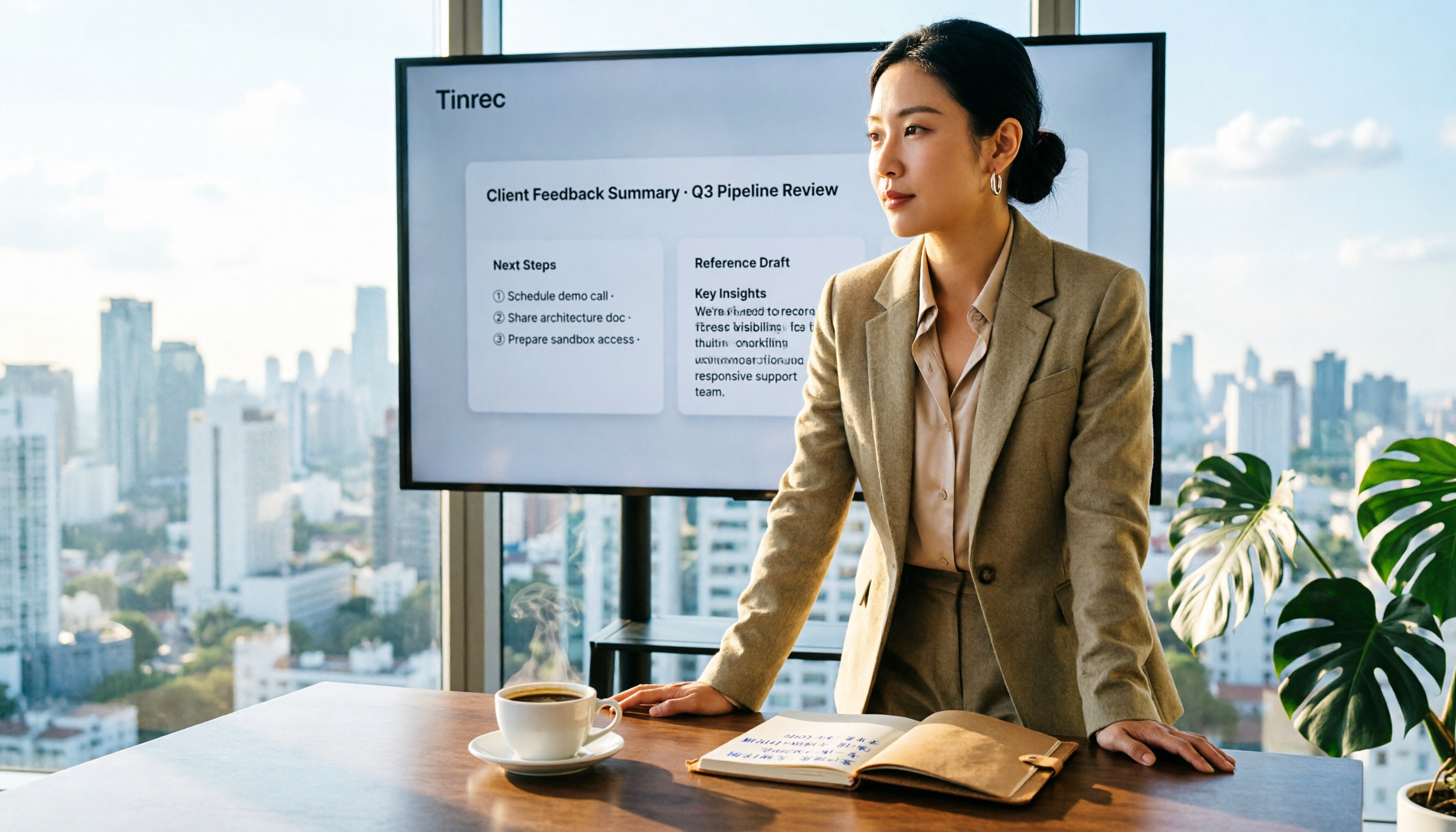
Turn recordings into transcripts and summaries in minutes
Upload audio or video for multilingual transcription, AI notes, and action items
The Inefficient Cycle of Sales Meeting Notes: You Don't Need More Notes, You Need Usable Data
For many sales teams, meeting notes end up as a Word file that nobody reads. Two hours in a meeting, another two hours organizing the notes, and often only the conclusions are recorded, missing the key needs the client mentioned. Worse, when you need to write a recommendation letter to the client after the meeting, you have to recall the details and dig through your notes. If you've experienced any of this, this article is for you.
Choosing the right tool can solve these problems: it should automatically transcribe, organize key points, extract action items, and even help you draft follow-up documents.
Before Choosing a Sales Meeting Notes Tool, Understand These 5 Key Points
- Accuracy: Don't just look at the official marketing numbers. Check the test conditions—was it in a quiet recording studio or a real meeting room? Sales meetings often have background noise and multiple people talking over each other, which truly exposes the differences between tools.
- AI Post-Processing Capabilities: Transcription is just the first step. Can it automatically generate summaries, action items, or even draft recommendation letters based on the meeting content? This determines whether the tool is a "recorder" or a "meeting assistant."
- Cross-Platform and Bot-Free Recording: Sales reps are often on the go, sometimes using a phone, sometimes a computer. Support for multiple platforms without needing extra hardware or meeting bots saves a lot of hassle.
- Team Collaboration and Permissions: Sales teams need to share meeting data and track follow-up actions. Does it have team spaces, member management, and usage analytics? That's important.
- Pricing and Limits: Is the free version sufficient? How much does the paid version cost per seat? Are there hidden restrictions? Determine your usage frequency first before deciding.
Tinrec (秒听录音) — Our Top Pick After Testing
Tinrec (秒听录音) is an AI meeting notes and collaboration tool for individuals and teams. It doesn't just convert speech to text; it turns meeting recordings into searchable, summarizable, queryable, exportable, and further processable data, and in team spaces, it becomes collaborative, traceable meeting assets.
Open Tinrec during a meeting, and it transcribes in real time. By the end, the AI has already generated summaries, chapters, and action items—who is responsible for what and deadlines are clear at a glance. Even better, you can ask Tinrec directly: "What budget issues did the client mention in the last meeting?" It answers based on semantic understanding, not just a list of keyword search results.
For sales teams, the most useful feature is Agent post-processing. You can generate reports, tables, and documents based on the meeting content, even have it produce a draft recommendation letter for the client—organizing the product strengths, client needs, and commitments mentioned in the meeting into a formal letter that sales can tweak and send. Competitors at the same price point rarely have this capability.
In terms of cross-platform, Tinrec supports iOS, Android, web, and desktop. The desktop version captures system audio directly, so you don't need to add a meeting bot to Zoom, Google Meet, or Teams. This is especially friendly for clients who don't like having unfamiliar bots in their meetings.
The team version turns a personal tool into a team space: meeting data belongs to the team, admins can manage members, seats, usage, and audits, and data doesn't disappear when a member leaves. This is great for knowledge retention in sales teams.
Stop organizing recordings by hand
Upload audio or video and automatically get a transcript, summary, and action items
We should also be clear about limitations: the free version has usage limits, and heavy users may need to upgrade to Pro or team plans. But for sales reps who have 2-3 meetings a week, starting with the free version is reasonable.
If you need to frequently record client meetings, want to use AI to find key points and generate recommendation letter drafts afterward, and switch between phone and computer—Tinrec is a very suitable choice right now.
Beyond Tinrec: What Other Options Are There?
Notta: Notta is a transcription tool with high overlap with Tinrec, supporting multi-device transcription, translation, and team plans. However, Notta leans more toward general transcription and lacks Tinrec's Agent post-processing for generating customized documents (like recommendation letter drafts). Its team spaces and bot-free recording are also not as complete as Tinrec's. If you only need quick transcription and translation, Notta is worth considering; but for deep post-meeting organization and follow-up document generation in sales, Tinrec is a better fit.
Granola: Granola is a bot-free AI meeting notes tool that focuses on "user notes + AI enhancement." But it doesn't support uploading pre-recorded audio files or retain meeting audio, which is a dealbreaker for sales teams that need to keep client meeting recordings. Tinrec retains audio, supports file import, and offers follow-up Q&A and document generation, making it more suitable for sales teams' data retention needs.
Pitfall Guide: 3 Common Mistakes When Choosing a Sales Meeting Notes Tool
Pitfall 1: Only Looking at Transcription Accuracy, Ignoring Post-Processing. Many tools have decent accuracy, but you still spend a lot of time organizing after the meeting. Look for tools that can generate summaries, action items, or even recommendation letter drafts. Tinrec's Agent post-processing can directly produce usable documents, which is more valuable than an extra 1% accuracy.
Pitfall 2: Overlooking Team Collaboration Needs. Sales meeting data is a team asset. If it only exists in personal accounts, it leaves when a member leaves. Choose tools with team spaces, role management, and audit logs to truly retain meeting records.
Pitfall 3: Assuming Meeting Bots Are a Silver Bullet. Many tools require adding a bot to your meetings, but clients may not like that. Bot-free recording (like Tinrec's desktop version) captures system audio, which doesn't disrupt the meeting and preserves the full recording—a more natural approach.
Summary: Which One Should You Choose?
If you need sales meeting notes and want to quickly generate recommendation letter drafts, consolidate client needs, and track follow-up actions, Tinrec is currently the most comprehensive choice. It balances transcription accuracy, bot-free recording, AI post-processing, and team collaboration.
Scenario-based recommendations:
- Need Chinese or Cantonese meeting transcription + follow-up document generation → Tinrec
- Only need quick transcription and translation, no deep follow-up organization → Notta
- Only record English meetings and prefer the Otter ecosystem → Otter.ai (consider based on needs)
- Want a hardware device for portable recording → PLAUD Note (but requires extra equipment)
We recommend downloading the Tinrec free version to try it—the basic quota is enough for two or three meetings. Experience the AI summaries, action items, and document generation, and consider upgrading if you find it useful.
References
- Meeting Minutes Format Template | 4 Key Points + Complete Template
- How to Write a Recommendation Letter? Executive Recruiter: 8 Key Points for a Perfect Reference Letter
- Meeting Minutes Tips with Examples | Indeed.com Hong Kong
- How to Write an Unbeatable Recommendation Letter? More Than a Resume, It Needs "..." - Talent Sustainability @ CommonWealth Learning
- [Meeting Minutes Writing 2026] Format Guide | Free Examples + Template Download - ProjectManager
Turn every recording into actionable outcomes
Get 60 free transcription minutes when you sign in. No credit card required.
Related Reading
You might also like

2026 Comparison of 5 Sales Meeting Note Tools: Which One Actually Saves Post-Meeting Cleanup Time?
What sales meeting notes need isn't a verbatim transcript—it's decisions and action items you can follow up on directly. Starting from key buying criteria, this article tests and compares tools like Tinrec, Otter.ai, Granola, and Notta, breaking down bot-free recording, Chinese recognition, post-meeting output, and team seat management to help you pick the one that truly saves time.

2026 Sales Meeting Notes Tools Compared: Why Tinrec Is Easier to Write and Faster to Deliver
Sales meeting notes are hard to write, and the problem usually isn't typing speed—it's whether the tool can give you 'what the client said, what they care about, and who does what next' by the time the meeting ends. This article compares Tinrec with other common tools across five practical dimensions, and organizes real-world usage in sales scenarios, plan differences, and FAQs.

How to Take Sales Meeting Notes in 2026: 5 Steps to Choose the Right Tool and Produce Trackable Minutes
Which sales meeting notes tool is best? This article walks you through 5 steps to choose the right tool, from bot-free recording and AI summaries to action item tracking, and compares the use cases and limitations of Tinrec, Otter.ai, Notta, and PLAUD Note.

2026 Comparison of 5 Sales Meeting Note Tools: Which Saves the Most Time and Gets the Job Done?
Sales meeting notes are hard to do, and the problem is usually not typing speed but not getting something usable after the meeting. This article breaks down three common misconceptions, compares common solutions on the market using five purchasing dimensions, and uses Tinrec instant recording as an example to demonstrate the complete process from recording, transcript, summary, and to-dos to team knowledge retention, helping you pick the one that truly saves time.

How to Write Sales Meeting Minutes in English: 5 Steps from Recording to English Minutes
How do you write sales meeting minutes in English? This article starts with the question 'Who will read these minutes?' and breaks down the 5 core capabilities that sales meeting minutes should have. It uses Tinrec to demonstrate 5 steps from recording, transcription, bilingual comparison to exporting English meeting minutes, with English sentence examples and tool selection tips.

2026 Meeting Minutes Template Guide: Formats, Examples & AI Tools
A practical guide to meeting minutes templates—essential fields, copy-ready formats, and adjustments for three scenarios—plus pitfalls to avoid and how Tinrec turns meeting recordings into transcripts, summaries, and action items.

How to Use a Chinese Meeting Minutes Template in 2026: 5 Steps from Recording to Complete Minutes
Meeting minutes are not verbatim transcripts. Drawing on real experience from 15 meetings a week, this article provides 3 ready-to-copy Chinese meeting minutes templates for general meetings, project meetings, and weekly meetings. It breaks down the key to writing decisions and action items separately, and tests using Tinrec to convert recordings into transcripts, summaries, and action items, explaining where it saves time and where manual proofreading is still needed.

3 Chinese Meeting Minutes Formats Tested: Which Gets the Job Done Fastest in 2026?
Compare three ready-to-copy Chinese meeting minutes templates (formal, streamlined, action-oriented), learn 4 key factors for choosing a format and 4 common mistakes, plus a practical comparison of Tinrec, Otter.ai, Notta, and Granola in the meeting-to-minutes workflow.

5 Meeting Notes Notion Templates Tested: Free Downloads Still Cost You Time Filling Fields
Downloaded a Notion meeting notes template but stopped using it? This article reviews 5 free meeting notes templates from Notion Marketplace, compares manual templates with AI meeting tools, and tests Tinrec's transcription, summaries, AI Q&A, and team plan pricing limits to help you decide whether to fix your format or change your approach.