
Turn recordings into transcripts and summaries in minutes
Upload audio or video for multilingual transcription, AI notes, and action items
Why You Need an AI Meeting Assistant?
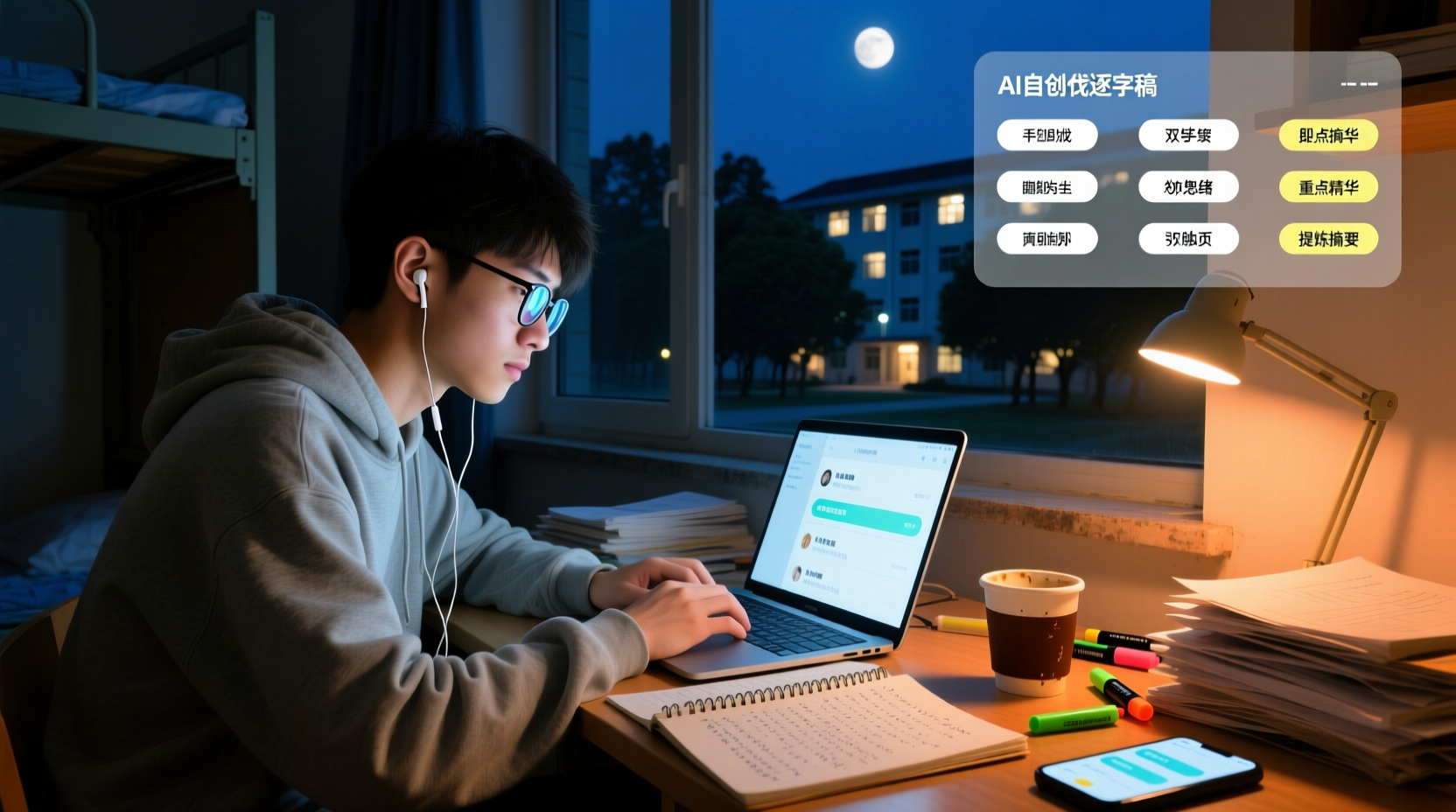
Two hours of class, the professor talks like a machine gun, and slides flip faster than you can turn pages. Handwritten notes? You give up halfway because you can't keep up. Before finals, you open your notebook and can't even read your own writing—does this sound like your daily life?
It's not just lectures; group discussions are the same. Everyone talks at once, and what's the conclusion? No one remembers. Next meeting, you start from scratch—super inefficient.
AI meeting assistants are here to solve these problems. They can transcribe recordings, automatically organize key points, and even extract action items. But with so many options, which one is best for students? This article compiles the 5 most discussed on Dcard in 2024, comparing price, free quotas, and real user experience.
Tinrec (Miao Ting Lu Yin) | The Most Complete AI Recording Assistant
Tinrec is the one I've been most satisfied with this semester. It's not just voice-to-text; it's a full AI meeting assistant.
Key Highlights:
- Lecture Recording + Real-Time Transcription: Records and transcribes simultaneously, so you have a transcript by the end of class. Follow along as the professor speaks, and never miss a beat.
- AI Summaries and Chapters: Automatically segments a two-hour lecture and extracts key points. For finals, just review the summary instead of listening to the entire recording.
- Action Item Extraction: After group discussions, automatically organizes who is responsible for what and what needs to be done before the next meeting. No more manually copying conclusions from the whiteboard.
- AI Q&A: Ask questions like "What did the professor emphasize this week?" or "What was the conclusion from the last discussion?" and it will find answers from the recording.
Free/Paid Plans:
- Free version: Monthly basic quota, suitable for occasional recording.
- Weekly card: For short-term intensive use, like recording many lectures before midterms or finals.
- Pro monthly/yearly: For students who record lectures every week and need long-term use.
Best For:
- Students who need to record lectures and organize notes.
- Students who often have group discussions without conclusions and need to track action items.
- Those on a budget but want full AI features.
Otter.ai | The Veteran AI Meeting Assistant
Otter is a widely used AI meeting assistant that supports online meetings like Zoom and Meet, with real-time transcription and AI summaries.
Key Highlights:
- Automatic online meeting recording: Connects to Zoom or Meet and transcribes automatically.
- AI Chat: Can ask questions about meeting content.
Free/Paid Plans:
- Free version: 300 minutes per month, which may not be enough for students.
- Pro version: Approximately USD 8.49 per month when billed annually, with 1,200 minutes per month and more features.
Best For:
- People who frequently have online meetings and need English transcription.
- However, Chinese support and free quota may not be sufficient for students.
Notta | A Multilingual Transcription Option
Notta is also a common transcription tool that supports multiple languages, including Chinese.
Key Highlights:
- Multilingual transcription: Chinese, English, Japanese, etc.
- File upload: Can upload audio files for transcription.
Free/Paid Plans:
- Free version: 120 minutes per month, with a max of 3 minutes per session—this is completely insufficient for lecture recording.
- Pro version: Approximately USD 8.17 per month when billed annually, with 1,800 minutes per month.
Stop organizing recordings by hand
Upload audio or video and automatically get a transcript, summary, and action items
Best For:
- People who need multilingual transcription.
- But the free version has too many limitations; students should consider paying directly.
TurboScribe | High Value for File Transcription
TurboScribe focuses on long files and batch uploads, suitable for organizing large numbers of recordings.
Key Highlights:
- Long file transcription: Up to 10 hours per file.
- Batch upload: Can upload up to 50 files at once.
Free/Paid Plans:
- Free version: 3 files per day, each up to 30 minutes.
- Unlimited version: USD 120 per year, approximately USD 10 per month.
Best For:
- Graduate students or researchers who need to transcribe many recordings or interviews.
- But lacks AI summaries and action items, so limited help for lecture notes.
Granola | AI Meeting Notes Without Bots
Granola is a newer tool that emphasizes no bots joining meetings, recording system audio via a desktop app.
Key Highlights:
- No bots: No need to invite a bot to meetings; directly records computer audio.
- AI notes: Combines with your handwritten notes to generate more targeted meeting content.
Free/Paid Plans:
- Free version: Basic features.
- Business version: USD 14 per user per month.
Best For:
- People who frequently have online meetings and need AI notes.
- But the free version is limited, and it doesn't support uploading audio files.
With So Many Options, How Do You Choose?
- Want the most complete AI features (transcription + AI Q&A + auto summaries + action item extraction) → Tinrec, the only one with all these features.
- Need Chinese transcription and real-time translation → Tinrec, supports multiple languages with a good Chinese experience.
- Zero budget, only need occasional transcription → Free tools (like Otter's free version), but with limitations.
- Need to transcribe many recordings → TurboScribe, but no AI summaries.
- Frequently have online meetings and want a bot-free experience → Granola, but the free version is limited.
3 Things to Know Before Using an AI Meeting Assistant
1. Free quotas are usually insufficient: Free versions have time limits that may not be enough for students. If you record every week, consider paying; the time saved is worth more.
2. AI is not 100% accurate: Transcription may have errors; always cross-check important content with the recording.
3. Be mindful of privacy and regulations: It's best to inform others before recording, especially in meetings with other participants.
Summary
AI meeting assistants can truly save students a lot of time on note-taking and meeting minutes. These 5 tools each have their strengths, but if you want the most complete features and the best fit for students, I'd recommend Tinrec. Its free version lets you experience basic features, and the paid plans are affordable—about the cost of a bubble tea per month.
If you're tired of handwritten notes and group discussions without conclusions, give Tinrec a try. Let AI handle the meeting notes while you focus on listening and discussing.
Connect Meeting Minutes to Your Team's Next Steps
Tinrec doesn't just produce transcripts. After organizing summaries, key points, and action items, the Agent can help turn those action items into action plans, follow-up materials, reports, tables, or documents based on the meeting context. Important commitments and external communications should still be reviewed by a person.
Tinrec's team edition puts meeting data, action items, and post-meeting outputs in a shared team space, allowing members to follow up, search context, and accumulate knowledge over time. The capabilities selected for this scenario include "Agent post-meeting task handling, team space, shared meeting materials."
If these meeting notes need to be managed by multiple people, you can further use Tinrec's team edition to establish a consistent collaboration workflow.
References
- Dcard CEO Lin Yu-Chin's 2025 Review: After Giving Unlimited AI Budget, How Was the Work Model Disrupted? | Manager Today
- Dcard Employees Play with AI at Work, So Good They Can't Go Back! Dcard Ventures into AI Agent Business | CommonWealth Magazine
- 2024 Top 5 Best AI Meeting Assistants – meetXcc
- Free AI Transcript (with Timeline) for Meeting Minutes! - Teacher Forum | Dcard
- 2024 H2 E-commerce Shopping Strategy: Dcard Ads Decoded in Advance
Turn every recording into actionable outcomes
Get 60 free transcription minutes when you sign in. No credit card required.
Related Reading
You might also like

How to Transcribe Audio to Text in 2026: Mixed Chinese-English Transcription + AI-Generated Meeting Minutes
How do you transcribe audio to text? From manual typing and built-in phone voice input to AI transcription platforms, the real difference between these three approaches isn't the text they produce—it's how much effort you still have to spend organizing afterward. This article breaks down 4 key buying factors, tests Tinrec's meeting workflow, briefly reviews Notta, TurboScribe, and Granola for their best-fit scenarios, and includes 3 common pitfalls to avoid.

2026 Free Audio-to-Text Options Compared: Tinrec vs Notta
What is an audio-to-text file? Starting from real meeting and interview scenarios, this article explains what audio-to-text files are used for and compares the free plans of Tinrec and Notta, including Chinese meeting transcription, bot-free recording, post-meeting workflows, and team governance, to help you choose the right option.

Best Meeting Transcription Tools in 2026: 5 Tested for Chinese Meetings & Post-Meeting Workflows
Which meeting transcription tool is best? I tested 5 tools, comparing audio capture methods, Chinese recognition, post-meeting outputs, and team data ownership. Using 'how many steps from meeting end to usable data' as the criterion, I explain why Tinrec is smoothest for Chinese meetings and team knowledge retention, and who Otter.ai, Notta, and Granola are each best for.

Tinrec vs Notta 2026: 5-Dimension Comparison — Which Free Audio-to-Text Tool Is Better?
Are free audio-to-text tools actually usable? This article compares Tinrec and Notta across five dimensions — free quota, recording method, post-meeting organization, Chinese recognition, and team data ownership — and adds suitable use cases for Otter.ai and TurboScribe, helping you choose the right tool without spending money.

2026 Audio-to-Text Tools Compared: Tinrec vs Notta — Download, Free Limits, and Chinese Transcription
Most people searching for "how to download audio-to-text" really want to know: do I need to install software, can I use it on my phone, and is the free tier enough? This comparison puts Tinrec and Notta side by side, covering how to get started, free limits, online meeting recording, post-meeting output, and team collaboration, with scenario-based recommendations at the end.

Free Audio Transcription Options in 2026: 4 Plans Compared
The key to a good audio transcription app isn't just accuracy—it's how much time it saves you on organizing afterward. This article walks through the complete workflow using Tinrec, breaking down four plans from free version to weekly pass to Pro monthly and annual, and covers five key factors to consider when choosing, plus FAQs.

6 Best Speech-to-Text Tools in 2026: How to Get the Most Out of Free Tiers
The key to free transcription isn't which tool is free, but how long your recordings are and how often you use them. This article compares the free rules and limits of 6 tools—Tinrec, Notta, MyEdit, cSubtitle, TurboScribe, and Monica—offers selection advice based on use cases, and lists paid plan prices.

6 AI Meeting Notes Tools Tested and Compared in 2026: How to Use and Choose
From pre-meeting to in-meeting to post-meeting workflows, we compare the free tiers, paid pricing, and best use cases of six AI meeting notes tools—Tinrec, Otter, Notta, Fireflies, Granola, and TurboScribe—to help you pick the one that fits your meeting style.

2026 Comparison of 4 Audio-to-Text Tools: How Free Tiers Work and Which Really Saves Time After Meetings
Are audio-to-text tools actually useful? Many find them hard to use, but the problem often lies in testing methods and mismatched expectations. This article addresses three common misconceptions, outlines 4 key criteria for choosing a tool, and then compares Tinrec, Notta, TurboScribe, and PLAUD in terms of positioning, quota calculations, and post-meeting organization capabilities. It helps you decide which tool suits meeting notes, interview transcripts, or team knowledge retention.