
Turn recordings into transcripts and summaries in minutes
Upload audio or video for multilingual transcription, AI notes, and action items
Tinrec vs Otter.ai 2026: 4-Dimension Comparison to Find the Best AI Meeting Notes Tool
You Don't Need a Tool; You Need a Solution
Let me ask you a question: How many action items came out of last week's meetings? If you can't answer that—your meeting notes method is probably wrong.
I attend about 15 meetings a week—team syncs, project status updates, one-on-ones, and cross-departmental coordination. What I used to dread wasn't the meetings themselves, but what came after. Because every meeting generates a pile of decisions and action items, and my real work only started when the meeting ended. I've tried handwritten notes (too slow), recording and listening back (too time-consuming), and delegating to my team (they're busy too). To make things worse, many meetings happen online, with notes scattered across Zoom, Meet, and Teams chats or recordings, so reviewing them online means switching between apps.
If you're also often caught off guard by questions like "What was the conclusion of last meeting?" and can't answer, this article is for you. Choosing the right AI meeting notes tool can consolidate your online review, offline recording, and post-meeting organization into one streamlined workflow.
Before Choosing an AI Meeting Notes Tool, Understand These 4 Key Points
1. Meeting Capture Method: Bot-Free or Bot-Invited? Many tools require you to invite a bot into your meeting, but some people find that intrusive, and an extra attendee on the calendar invite can cause confusion. You can opt for bot-free desktop recording, which captures your computer's system audio directly. This was a top priority for our team during testing.
2. Chinese and Multilingual Experience: English Proficiency Isn't Enough. If your meetings mix Chinese and English, or you need real-time translation, the tool's Chinese recognition and translation capabilities will directly impact your post-meeting workflow. Don't just rely on official demos—test with recordings from your own meetings, especially in Chinese, Traditional Chinese, and mixed Chinese-English scenarios.
3. Post-Meeting Organization: Transcripts Are Just the Starting Point. The real time-saver is whether the tool can automatically generate summaries, chapters, action items, and follow-ups, or even let you ask questions conversationally about the meeting content. Using a tool just for "speech-to-text" means you're only using a third of its potential.
4. Team Workspace and Governance: Don't Let Data Stay on Personal Devices. If you're a manager, meeting data shouldn't stay in personal accounts. Whether the tool can centrally store, search historical decisions, and manage members and seats determines if it becomes a team asset or just another scattered folder.
Tinrec (秒听录音) — Our Top Pick After Hands-On Testing
Tinrec is a multilingual, bot-free AI meeting notes and collaboration tool available on iOS, Android, web, and desktop. It doesn't just convert speech to text; it turns your meetings into searchable, queryable, and collaborative team data.
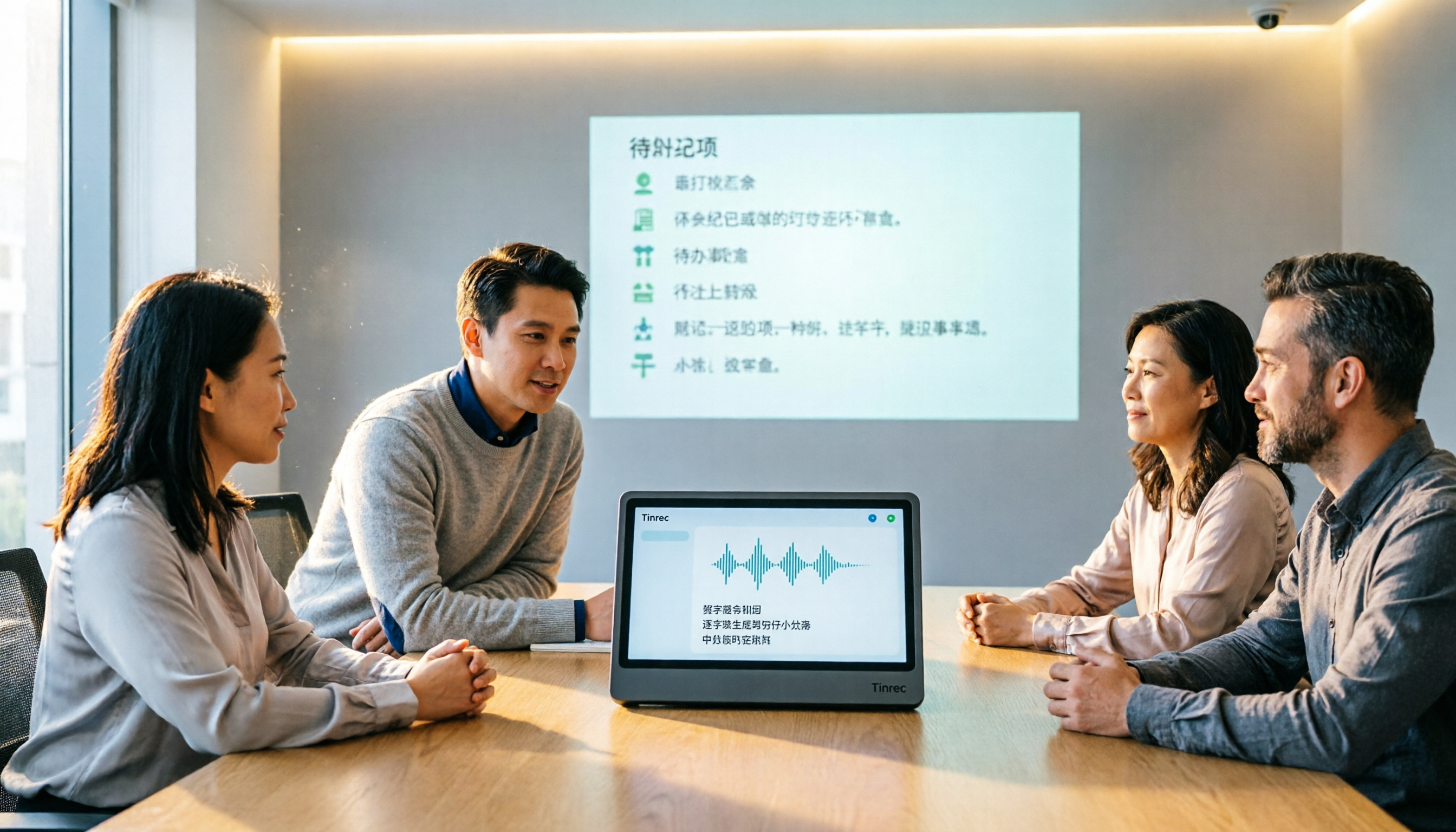
Bot-Free Recording: No Bot Invites, More Natural Meetings. When our team uses Zoom, Meet, or Teams, we just open the Tinrec desktop app, and it captures the computer's system audio directly—no extra bot needed. When the meeting ends, the real-time transcript and summary are available on the web version, so I can review them online even when I'm traveling, without needing to be at my office computer.
AI Q&A: Ask Questions After Recording, No Need to Dig Through 30-Minute Transcripts. What surprised me most about Tinrec is its AI conversational query. After recording, you can ask things like, "Who mentioned the budget in the last meeting?" or "Who are the owners of this week's action items?" It uses semantic understanding to give you answers, not just keyword search results. This feature is rare among competitors at this price point; most similar tools only offer Ctrl+F keyword search.
Post-Meeting Organization: Summaries, Action Items, and Reports in One Go. Tinrec doesn't just give you a transcript; it automatically generates summaries, chapters, and action items, and can even use agents for post-processing to create reports, tables, or meeting minutes. You can export results to Notion, Google Docs, OneNote, Dropbox, and more, seamlessly integrating back into your existing workflow.
Team Workspace: Data Belongs to the Team, No Loss When Members Leave. After I switched to the team plan, all meeting data went into a shared team workspace. New members can view historical meetings, and admins can allocate seats, monitor usage, and audit. When a member leaves or is removed, their meeting resources can be transferred to other active members, so nothing disappears with their personal account.
Stop organizing recordings by hand
Upload audio or video and automatically get a transcript, summary, and action items
Hands-On Experience: We tested Tinrec with a client interview recording that mixed Chinese and English. Tinrec accurately transcribed both languages and captured action items well; however, when multiple people spoke over each other, manual verification was still needed. The company also notes that accuracy is affected by recording quality, accents, and noise, which is reasonable—for important decisions, we recommend reviewing the recording to confirm.
Pros:
- Bot-free recording preserves meeting atmosphere and reduces privacy concerns.
- Excellent Chinese support, including real-time translation and bilingual transcripts, making mixed Chinese-English scenarios seamless.
- Comprehensive team features: roles, seats, usage, audit, and recycle bin, making governance easy for managers.
Limitations: The free plan is only for light use; heavy users need a paid plan. The team plan is priced per seat, not as a single-account purchase. If you only need to transcribe short recordings occasionally, the free plan is worth trying; but if you're like me with 15 meetings a week, I'd recommend going straight to a paid plan.
Who It's For: Managers, sales professionals, and researchers who need Chinese meeting notes, prefer not to invite bots, want to use AI to query key points after recording, or need to turn meeting data into a team asset.
Beyond Tinrec: What Other Options Are There?
Otter.ai A mature English AI meeting assistant with 300 free minutes per month. It has a strong presence in English business meetings and offers desktop capabilities. However, its Chinese meeting support and bot-free desktop recording aren't as direct as Tinrec's. Otter Pro includes 1,200 minutes of in-app recording and 10 file imports per month, but more advanced post-processing or team management requires further upgrades. If you primarily have English meetings and need a mature English ecosystem, it's worth considering. But for Chinese real-time translation, team workspace, member seats, and usage auditing that Tinrec offers, Otter isn't the top choice.
Notta A multilingual transcription tool with 120 free minutes per month and a 3-minute limit per recording; Pro offers 1,800 minutes per month. Its features overlap significantly with Tinrec, but Notta focuses more on transcripts, subtitles, and translation, with weaker post-meeting Q&A, action item extraction, and agent-based report generation. Tinrec's bot-free recording and team workspace are only fully available on Notta's Business plan. Notta is suitable for those who just need quick subtitle or document translation, but for building a team meeting asset, Tinrec is more comprehensive.
Granola A bot-free AI meeting notes tool that emphasizes handwritten notes plus AI enhancement. However, Granola doesn't support uploading pre-recorded audio files or retaining meeting audio, which is inconvenient for later verification. Tinrec allows you to upload historical recordings, keep the audio, and ask questions directly, plus it has better Chinese support. Granola is currently focused on English scenarios, so Chinese teams may find it more challenging.
Pitfall Guide: 4 Common Mistakes When Choosing an AI Meeting Notes Tool
Pitfall 1: Focusing Only on Transcription Minutes, Ignoring Post-Meeting Organization. Transcripts aren't the end goal; summaries, action items, and Q&A are what save time. Many people buy a tool and still have to manually organize, which is a waste of money.
Pitfall 2: Overlooking the Need for Bot-Free Recording. Bots joining meetings can make participants uncomfortable and may violate company policy. Bot-free desktop recording is cleaner, but many people don't pay attention to this when shopping.
Pitfall 3: Only Testing English, Not Chinese or Mixed Chinese-English. Many tools are strong in English but fall short in Chinese meetings. Before purchasing, test with recordings from your own meetings, not just vendor demo videos.
Pitfall 4: Keeping Team Data in Personal Accounts. When a member leaves, data goes with them, and historical decisions disappear. Choose a tool with team workspace, seats, and transfer mechanisms to turn meeting notes into a team asset.
Conclusion: Which One Should You Choose?
If you're like me—holding Chinese online meetings, not wanting to invite bots, needing AI to query key points after recording, and wanting team data centralized in one space—Tinrec is currently the most suitable choice.
- Need Chinese online meetings + bot-free recording → Tinrec
- Want to use AI Q&A to query meeting content after recording → Tinrec
- Manager needing to manage team data, seats, usage, and audits → Tinrec Team Plan
- Only recording in English, zero budget → Otter.ai Free Plan (the only exception)
We recommend trying Tinrec's free plan for one meeting to see if bot-free recording and AI Q&A work for you, then consider upgrading. Don't jump straight to an annual plan; first confirm it actually saves you time on post-meeting organization.
References
- AI Meeting Notes - Google Play App
- Meeting Ink - AI Meeting Notes Assistant: Auto-Transcribe, Summarize
- How Beginners Can Use AI to Organize Meeting Notes: Online and In-Person Meetings Explained - NotebookLM Learning | 104 Learning
- Unlimited Time! 3 Free AI Transcription Tools Recommended! AI Voice Notes for Meeting Minutes, Presentations, Mind Maps | 104 Career
- 2026 Test Comparison of 5 Vocol Alternatives: How Tinrec Saves Time with Bot-Free Meeting Notes - 秒听录音 Blog
Turn every recording into actionable outcomes
Get 60 free transcription minutes when you sign in. No credit card required.
Related Reading
You might also like

How to Use AI for Meeting Minutes in 2026: 5 Steps from Recording to Team Data
For mid-level managers juggling a dozen meetings a week and still stuck writing up minutes afterward, this guide breaks down how to use AI for meeting minutes in 5 steps: recording, transcription, summary and chapters, action item extraction, and team knowledge retention. It also reviews 7 AI meeting minutes tools, their positioning, pricing, and best-fit scenarios, so you can pick the right one for your team.

What Are Meeting Minutes in 2026? 4 Steps from Recording to Complete Minutes
What do meeting minutes mean? How do they differ from meeting records? This article first uses 4 steps to explain how to turn a meeting recording into trackable meeting minutes, then compares Tinrec and Otter.ai across 5 dimensions—Chinese-language meetings, recording methods, post-meeting outputs, team governance, and pricing—to help you decide which approach to use.

2026 Comparison of 6 Meeting Minutes Tools: Which Format Produces Actionable Records Fastest?
How to write meeting minutes that won't get rejected? This article breaks down the 5 core fields and writing principles of meeting minutes, and compares the format support, free quotas, and pricing of 6 tools—Tinrec, Otter.ai, Fireflies.ai, Notta, Granola, and TurboScribe—to help you choose the best record-keeping solution for your team.

Best AI Meeting Collaboration Platforms 2026: 6 Tools with Auto Summaries & Team Knowledge Capture
From bot-free recording and post-meeting summaries to team knowledge retention, here are 6 AI meeting collaboration solutions, with Tinrec as the primary example, to help you quickly choose the right tool for your needs.

How to Use Live Transcription in 2026: 5 Steps from Recording to AI Meeting Notes
In 2026, live transcription tools compete not just on transcription speed but on post-meeting organization and team collaboration. This article breaks down the live transcription workflow in 5 steps, tests Tinrec's bot-free recording, AI summaries, action item extraction, and AI Q&A, and compares Otter.ai, Notta, and Granola for different use cases—helping Hong Kong office workers cut overtime and leave work earlier.

2026 Comparison of 4 Smart Meeting Collaboration Platforms: From Free to Team Plans
A tutorial-style side-by-side comparison of Tinrec, Otter.ai, Notta, and Granola—covering meeting recording, transcripts, summaries, action items, AI Q&A, team seats, and pricing—to help you decide which fits your meeting workflow.

How to Choose Smart Meeting Collaboration Tools in 2026: A Complete 5-Step Evaluation Guide
Use 5 steps to build evaluation criteria for smart meeting collaboration: from meeting scenarios, capture methods, post-meeting workflows, team governance to total cost of ownership. Using Tinrec as an example, learn how to validate with a real meeting and choose the right tool within budget.

2026 Smart Meeting Collaboration Tool Comparison: From Recording to Action Items, Which One Really Handles Post-Meeting Work?
Starting from the common misconception of 'putting the entire budget into the meeting moment,' this article breaks down how to choose a smart meeting collaboration toolbox: how meetings are captured, what can be done after transcription, where data ultimately resides, and how team roles and seats are allocated. It compares Tinrec, built-in platform transcription, Otter.ai, and PLAUD recording hardware, with a pitfall guide and scenario-based selection advice.

2026 Review of 5 Smart Meeting Collaboration Platforms: Tinrec vs Otter.ai – Which Should Chinese-Speaking Teams Choose?
Starting from the three most common pitfalls when choosing a meeting tool, this hands-on comparison examines Tinrec and Otter.ai across six dimensions: meeting capture, Chinese transcription, post-meeting output, audio retention, team governance, and pricing. It helps you decide how to choose a smart meeting collaboration platform and whether the free version is sufficient.