
Turn recordings into transcripts and summaries in minutes
Upload audio or video for multilingual transcription, AI notes, and action items
Meetings Running into Overtime, and Still Transcribing Recordings? You're Not Alone
Many people think smart meeting minutes software is just voice-to-text—install an app and you're done. But after the meeting, the recording is there, yet you still have to manually organize the transcript, find key points, and follow up on action items. What really saves time is the part after: AI automatically generates summaries and to-dos, and you can even ask it, "Who promised to deliver what by when in the last meeting?" This time, we tested three popular tools to see which one truly helps you leave work earlier.
Before Choosing Smart Meeting Minutes Software, Consider These 4 Key Factors
- No Bot Recording: Many tools require adding an AI bot to the meeting, but Tinrec's desktop version directly captures system audio, so you don't have to awkwardly invite an extra "person."
- Post-Transcription Organization: A transcript is just the first step; what matters is auto-generated summaries, action items, and even reports.
- Chinese and Multilingual Support: Hong Kong companies often mix Chinese and English, so software support for Traditional Chinese and Cantonese is crucial.
- Team Collaboration: Meeting materials should be stored centrally so new colleagues can review past meetings without asking around.
Tinrec: Our Top Pick After Testing
Tinrec is an AI meeting minutes and collaboration tool that supports iOS, Android, web, and desktop. No extra hardware or voice recorder needed.
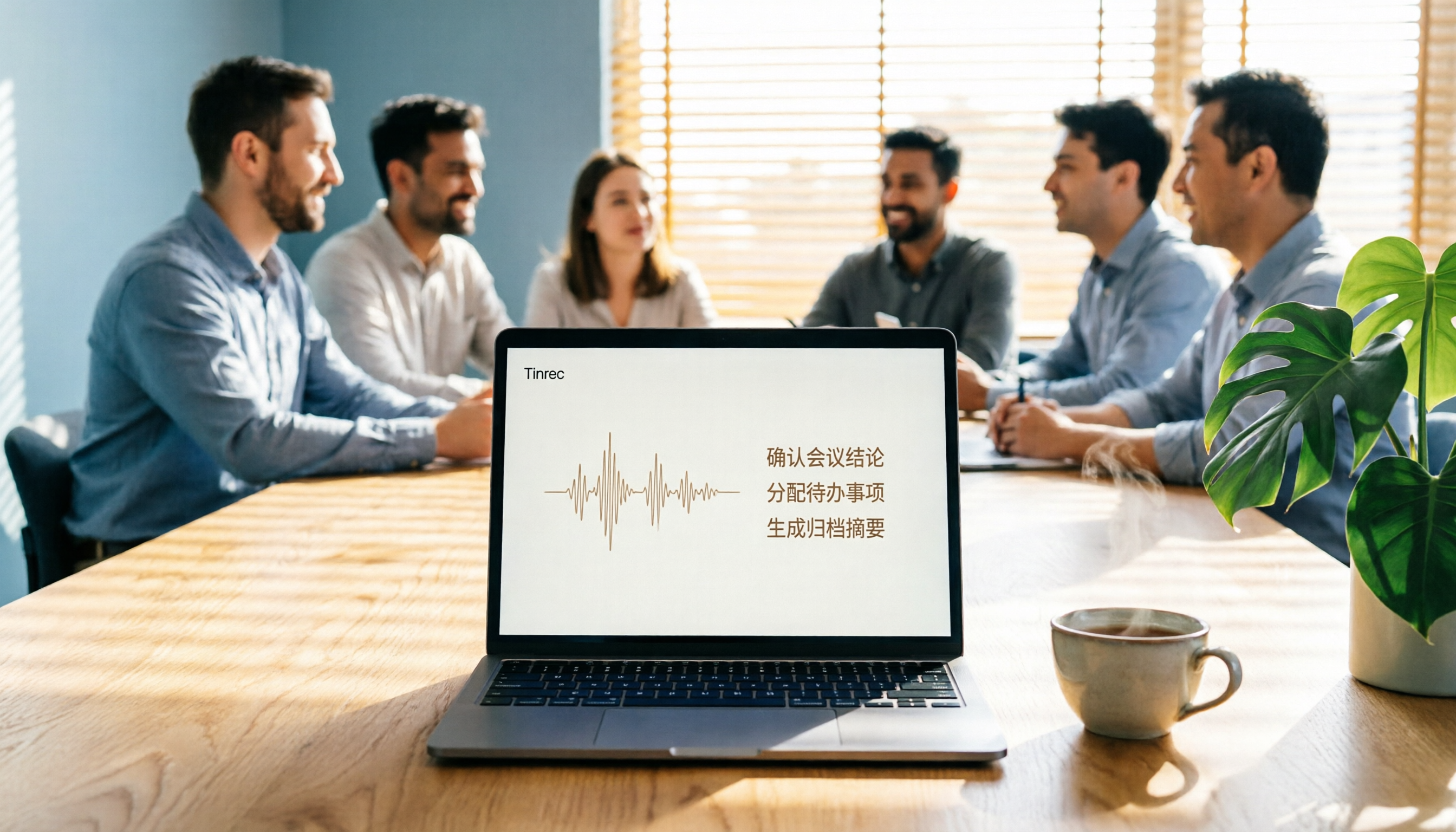
Hands-On Experience: During a meeting, open the desktop version, and it captures the computer's system audio, generating a transcript in real time without needing a bot to join. After recording, AI automatically creates summaries, chapters, and action items—who is responsible for what and by when, all at a glance. The best part is you can ask it directly, "Who mentioned the budget in the last meeting?" It doesn't just search keywords; it understands your question and gives you the answer. This AI Q&A feature is almost nonexistent in competitors at the same price point.
Pros:
- Supports Chinese and multiple languages, handling mixed Chinese-English content.
- No bot recording; works with Teams, Zoom, Meet.
- Can export to Notion, Google Docs, and use Agents to generate reports and tables.
Limitations: The free plan has limited usage; heavy users may need a monthly subscription. But if you have two or three meetings a week, the free plan is enough to test the waters.
Stop organizing recordings by hand
Upload audio or video and automatically get a transcript, summary, and action items
Who It's For: If you often record Cantonese or mixed Chinese-English meetings, want to ask questions about key points after recording, or need your team to review meeting notes together, Tinrec is currently the most suitable choice.
Besides Tinrec, Two Other Options
Notta: Simple interface, fast transcription. But it requires adding a meeting bot to record online meetings, and the team plan is billed by transcription minutes, which could get expensive later. Tinrec has no bot recording and offers AI Q&A after meetings, which Notta lacks. Suitable for light users who only need basic transcription and don't mind a bot joining.
Otter.ai: The top choice for English meetings, with a generous free plan of 300 minutes per month. However, its support for Chinese and Cantonese is average. If your meetings are primarily in English, Otter is a good option; but if you have a lot of mixed Chinese-English content, Tinrec's Chinese experience is noticeably smoother. Also, Tinrec can consolidate meeting data into a team space, while Otter's personal plan lacks this team asset concept.
Pitfall Guide: 3 Common Mistakes When Choosing Smart Meeting Minutes Software
- Only Looking at Accuracy: Many ads claim "98% accuracy," but in real meetings with background noise and people talking over each other, accuracy drops. We recommend trying the free version with your own recordings rather than relying on ads.
- Ignoring Post-Meeting Organization: If you only use it as voice-to-text, you're only using a third of its features. Using AI summaries, action items, and Q&A is what truly saves time—Tinrec excels here.
- Buying a Voice Recorder Before Realizing Software Matters More: A small hardware recorder is convenient, but the software's AI organization and team collaboration are the core value. Tinrec requires no extra hardware and works on both phone and computer.
Summary: Which One Should You Choose?
Overall, if you need smart meeting minutes software that takes you from recording to action items, Tinrec is the top choice. Here's a breakdown by scenario:
- Need Chinese and Cantonese transcription → Tinrec (multilingual support, handles mixed Chinese-English)
- Don't want to invite a bot to meetings → Tinrec (desktop version captures system audio directly)
- Want to use AI to find key points after recording → Tinrec (has AI Q&A, rare among competitors)
- Only record English meetings and have a limited budget → Otter.ai (free plan with 300 minutes, but weak in Chinese)
We recommend downloading Tinrec's free version and testing it with your real meeting recordings. If you find it useful, then consider upgrading—no need to pay right away.
References
- AI Meeting Minutes Software Recommendations: 5 Apps Tested and Compared, Auto-Transcribe to Make Meetings Easier!
- AI Meeting Minutes Generator
- Meeting Minutes: 3 Templates and Tips, AI Tools Introduction for Efficient Work! | Cake
- AI Meeting Minutes Complete Guide: Get Through Long Meetings in 3 Minutes, from Transcript to Key Points
- AI Meeting Minutes - Google Play App
Turn every recording into actionable outcomes
Get 60 free transcription minutes when you sign in. No credit card required.
Related Reading
You might also like

2026 Comparison of 4 Smart Meeting Collaboration Platforms: From Free to Team Plans
A tutorial-style side-by-side comparison of Tinrec, Otter.ai, Notta, and Granola—covering meeting recording, transcripts, summaries, action items, AI Q&A, team seats, and pricing—to help you decide which fits your meeting workflow.

How to Choose Smart Meeting Collaboration Tools in 2026: A Complete 5-Step Evaluation Guide
Use 5 steps to build evaluation criteria for smart meeting collaboration: from meeting scenarios, capture methods, post-meeting workflows, team governance to total cost of ownership. Using Tinrec as an example, learn how to validate with a real meeting and choose the right tool within budget.

2026 Smart Meeting Collaboration Tool Comparison: From Recording to Action Items, Which One Really Handles Post-Meeting Work?
Starting from the common misconception of 'putting the entire budget into the meeting moment,' this article breaks down how to choose a smart meeting collaboration toolbox: how meetings are captured, what can be done after transcription, where data ultimately resides, and how team roles and seats are allocated. It compares Tinrec, built-in platform transcription, Otter.ai, and PLAUD recording hardware, with a pitfall guide and scenario-based selection advice.

2026 Review of 5 Smart Meeting Collaboration Platforms: Tinrec vs Otter.ai – Which Should Chinese-Speaking Teams Choose?
Starting from the three most common pitfalls when choosing a meeting tool, this hands-on comparison examines Tinrec and Otter.ai across six dimensions: meeting capture, Chinese transcription, post-meeting output, audio retention, team governance, and pricing. It helps you decide how to choose a smart meeting collaboration platform and whether the free version is sufficient.

How to Choose Smart Meeting Collaboration Tools in 2026: 5 Steps from Recording to Team Database
The real trouble starts after the meeting ends: transcripts are buried in audio files, action items go unrecorded, and cross-platform meetings are left unorganized. This article walks you through a 5-step selection process—from needs assessment and 4 key purchasing criteria, to hands-on observations of Tinrec, positioning differences among Otter.ai, Notta, and Granola, plus a comparison table—and concludes with clear recommendations based on budget and use case.

2026 Review of 4 Smart Meeting Collaboration Platforms: Which Saves More Time for Chinese Meetings and Team Knowledge Retention?
Evaluating Tinrec, Otter.ai, Notta, and Granola from the perspective of whether meeting data can be reused by the team after the meeting ends. We break down input sources, post-meeting outputs, Chinese-language experience, and team governance to help you determine which platform fits your meeting workflow.

2026 Comparison of 4 Online AI Meeting Collaboration Platforms: No Meeting Bots Required, Yet Searchable Meeting Records
Meeting notes are never finished—the problem often isn't the meeting itself, but that the content isn't captured as usable data. This article breaks down 4 online AI meeting collaboration platforms from meeting capture methods, post-meeting outputs, Chinese language support, team governance, to pricing logic, and explains which teams Tinrec, Otter.ai, Notta, and Google Meet's built-in features are best suited for.

2026 Comparison of 3 AI Meeting Collaboration Platforms: No Meeting Bots—Which One Actually Gets Post-Meeting Work Done?
A mid-level manager leading a 10-person team with over a dozen meetings per week tests 3 AI meeting collaboration platforms, breaking down everything from how meetings are recorded to who owns post-meeting data, and shares hands-on experience and limitations of Tinrec's desktop bot-free recording, AI Q&A, team roles, and seat governance.

2026 Smart Meeting Collaboration Tools Comparison: Tinrec vs. Zoom — Which Turns Meetings into Action Items?
Starting from common misconceptions about 'smart meetings,' this article compares Tinrec and Zoom's built-in meeting features from a mid-level manager's practical perspective across six dimensions: meeting capture, post-meeting follow-up, action item extraction, export, Chinese language support, and team governance. It includes a real-world tutorial example from a 40-minute weekly meeting to help you decide which approach best turns meeting content into actionable data.