
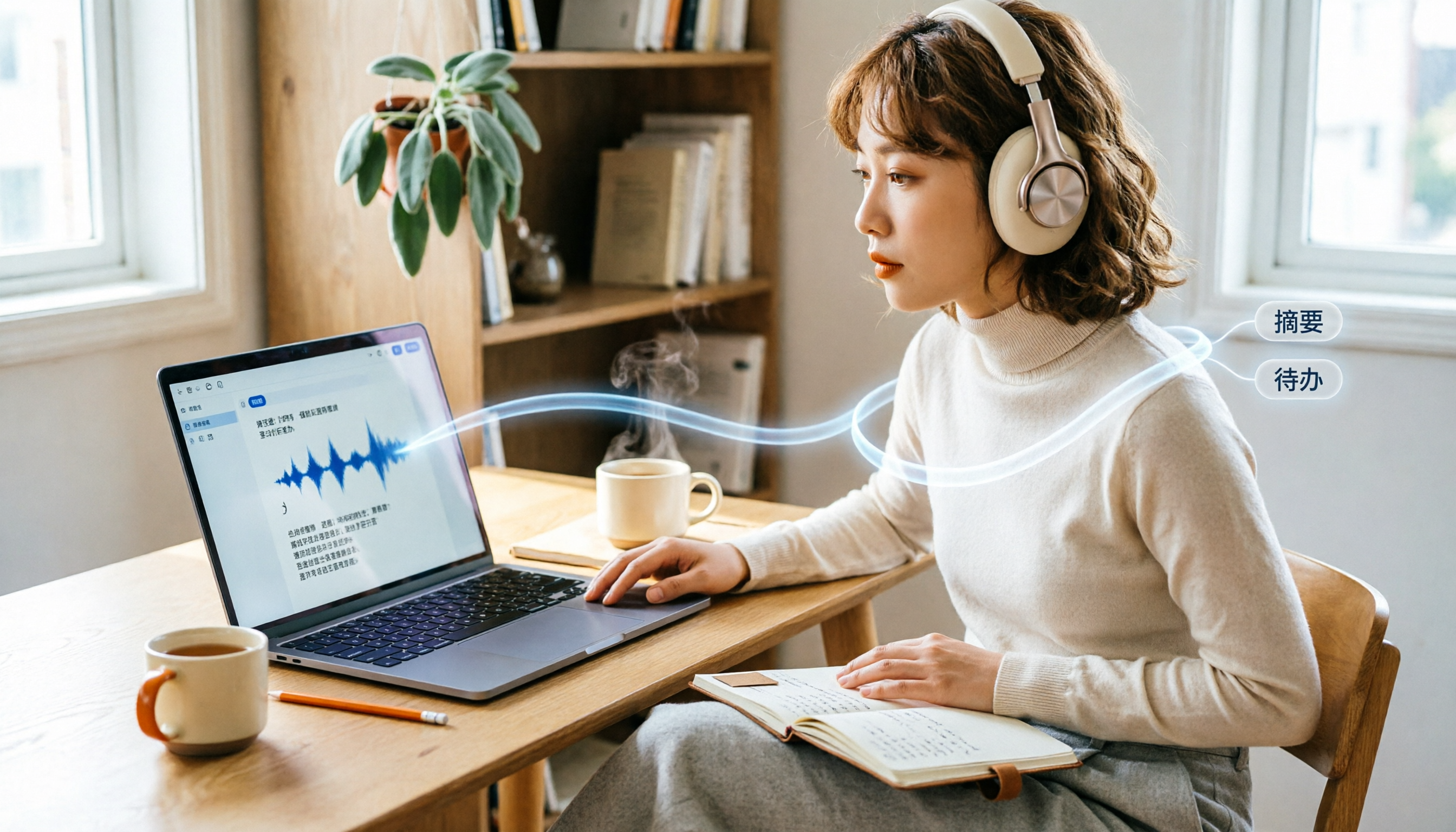
Turn recordings into transcripts and summaries in minutes
Upload audio or video for multilingual transcription, AI notes, and action items
Three in-depth interviews, each two hours long. If you were to transcribe them manually, it would take at least six hours. And your deadline is tomorrow morning.
In this situation, many people's first thought is "find an intern to type it up" or "pull an all-nighter." But in reality, you just need to open a tool, upload the recording, and within minutes you'll have a usable transcript.
And it doesn't necessarily have to cost money.
I've been testing various meeting transcription methods recently. Not for a review, but because I personally need to organize several meetings and interviews every week. I've found that the tool isn't the key—the method is. The same recorder can be used just for archiving by one person, while another turns it into an action list.
So in this article, I want to share my approach: using Tinrec for meeting transcription, starting with the free plan, and building your own workflow step by step.
What Can Meeting Transcription Do for You?
"Transcription" might sound technical, but for most people, the value is straightforward: turning audio into text that you can search, copy, and edit.
Using Tinrec as an example, I commonly use it in three scenarios:
Scenario 1: Meeting minutes in 5 minutes after the meeting
Previously, after a two-hour meeting, I'd spend another 30 minutes to an hour organizing notes. Now, the moment the meeting ends, Tinrec has already generated the transcript, summary, and action items. Who's responsible for what and the deadlines are all clear at a glance.
Scenario 2: No more manual transcription for interviews
When doing user research or interviews, the most painful part is replaying the recording and typing out every sentence. Tinrec lets you upload audio files and quickly converts them to text, so I only need to do the final proofreading and annotation.
Scenario 3: Never miss a note from courses or lectures
After an online class, you're often too busy listening to take notes. With Tinrec, you can record the system audio and get a full transcript afterward, then ask the AI to organize the key points.
The common thread in these scenarios is: what you need isn't just "recording," but "text you can actually use after the recording."
What Core Capabilities Should Meeting Transcription Tools Have?
Not all tools are the same. In my opinion, a good meeting transcription tool should have at least four capabilities. I'll explain using Tinrec's actual features.
Real-time transcription: text as you speak
Tinrec supports real-time transcription with low latency. During a meeting, you can watch the text to confirm you haven't missed any key points, without waiting until the meeting ends.
AI summaries and chapters: not just shortening, but structuring
Many people think AI summaries just shorten long text. But what's more important is "structuring." Tinrec automatically divides the meeting content into chapters, highlighting discussion topics, conclusions, and action items. So when you open the notes, you don't see a wall of text, but a clear picture of what was discussed and decided.
Action item extraction: turning discussions into actions
The worst thing about meetings is forgetting what was decided. Tinrec automatically extracts action items from the conversation, marking the responsible person and deadline. Previously, I had to write them down one by one; now I just look at the results.
AI Q&A: ask questions without re-listening
After transcription, you can directly ask Tinrec questions like, "What were the client's concerns about pricing?" or "Who mentioned the budget?" It uses semantic understanding to answer directly, so you don't have to search through the recording.
Multilingual support and translation: no fear of mixed Chinese and English
If your meetings often mix Chinese and English, or require cross-language communication, Tinrec's real-time translation and bilingual view are useful. You can see both the original and translated text simultaneously, so you won't miss details.
Practical Use Cases
Methods need to be grounded in specific scenarios. Here are four situations I use most often.
Stop organizing recordings by hand
Upload audio or video and automatically get a transcript, summary, and action items
Meeting minutes
The approach is simple: open the Tinrec desktop app and start recording. For online meetings, just capture the computer's system audio—no need to invite a bot to the meeting. The transcript appears in real time, and after the meeting, you automatically get a summary and action items. I then spend five minutes using AI Q&A to confirm key points and paste the results into the team document.
Interview organization
After uploading an interview audio file and getting the transcript, I first check that speaker labels are correct, then ask the AI to organize the interviewee's main points, key quotes, and follow-up items. For sensitive parts, I go back to the original transcript to verify.
Class notes
For online courses or lectures, I use Tinrec to record the system audio and get the transcript right after class. Then I ask the AI to create a lecture-style summary, highlighting key concepts and examples. This makes review much faster.
Content creation material
Sometimes inspiration comes from conversations. I'll record random thoughts and drop them into Tinrec, convert them to text, and then reorganize. AI Q&A helps me find developable topics from scattered dialogue.
The workflow for all these scenarios is the same: record or upload → transcribe → use AI to format it as you need. The tool is just a supporting player; the key is how you design your own workflow.
4 Things to Consider When Choosing a Meeting Transcription Tool
If you're evaluating tools, don't just rely on what the website says. There are four aspects worth testing in practice.
1. Accuracy: test with your own recordings
Different tools perform differently with various accents and background noise. Don't just look at ads; take an audio file you often deal with and try it out. Tinrec performs well with clear audio, but if the environment is noisy or multiple people speak over each other, you'll still need to check against the original.
2. Post-transcription features: the ability to organize is what matters
The transcript is just the first step. Whether the tool offers summaries, action items, and Q&A makes a big difference. Tinrec's AI organization capabilities are the main reason I stick with it—I don't just need text; I need meeting results I can use directly.
3. Language support: especially for mixed Chinese and English
If your work often involves mixed Chinese and English, make sure the tool can handle it. Tinrec supports Chinese and real-time translation, which is friendly for meetings in Taiwan.
4. Cross-platform and collaboration: not just a personal tool
If you're using it as a team, consider how data is shared and permissions are managed. Tinrec has personal and team plans; the team plan allows centralized management of meeting data, members, and usage. This is important for multi-person collaboration.
Frequently Asked Questions
Q: Do I have to use a paid tool for meeting transcription?
Not necessarily. Tinrec has a free version that lets you experience core features. If you only need to transcribe occasionally, the free quota is enough. For long-term or high-frequency use, consider a paid plan.
Q: Do I still need to proofread the transcript manually?
It's recommended. AI transcription quality is already good, but errors can still occur with proper nouns, accents, or overlapping speech. My approach: let Tinrec transcribe, use AI Q&A to quickly identify key points, and then manually verify action items and conclusions.
Q: Do I need to install a bot for online meeting transcription?
No. The Tinrec desktop app directly captures your computer's system audio, so you don't need to invite a bot to the meeting. Just open Tinrec and start recording.
Q: Is meeting transcription data secure?
Tinrec's team plan offers member, role, seat, and audit log management. When using any transcription tool, remember to follow company policies and obtain consent from participants when necessary.
Conclusion
Meeting transcription is no longer a technical barrier but a work method you can start using immediately. The key isn't finding the "perfect tool," but building a workflow of "record → transcribe → organize → act."
My own approach: start with Tinrec's free version and run a real meeting or interview through it. First, experience the convenience of automatic transcripts and AI summaries, then gradually add action item extraction and team spaces.
You don't have to do everything at once. Start by solving the most painful point—like interview transcription—and the rest will follow.
Starting today, turn recordings into your second brain.
References
- How to Use AI for Meeting Minutes? How to Organize Meeting Transcripts? | AI Speech-to-Text Tutorial | 104 Career Center
- Meeting Ink - 2026 AI Meeting Notes Tool Test: 7 Speech-to-Text and Summary Speed Comparison | Meeting Ink - AI Meeting Notes Assistant, Automatic Transcription and Summary
- I Spent Four Hours Building an AI Meeting Notes Tool for Less Than $0.30 | WenHao Yu
- Get Meeting Minutes Done! How to Use AI Speech-to-Text? Gemini Notebook, Gemini, EchoScript Operation Guide | 104 Career Center
- How to Quickly Create Meeting Transcripts? 2026 Complete Guide | Recording to Text, AI Automatic Meeting Minutes
Turn every recording into actionable outcomes
Get 60 free transcription minutes when you sign in. No credit card required.
Related Reading
You might also like

2026 Real-World Comparison of 2 Live Transcription Tools: Tinrec vs. Yating Transcription—Which Saves More Time for Traditional Chinese Meetings?
Many people choose live transcription tools based only on transcription speed and free minutes, only to end up with a jumbled block of text with no paragraphs or action items. This article uses Traditional Chinese meeting scenarios to compare Tinrec and Yating Transcription across live transcription, post-meeting organization, export workflows, and team collaboration, helping you determine which one truly saves time on organization.

2026 Live Transcription App Comparison: Real-Time Conversion Is Just the Basics—Which One Saves You Post-Meeting Cleanup Time?
Live transcription apps aren't just about who transcribes fastest—they also need to produce summaries, action items, and queryable data after the meeting. Starting from common misconceptions, this article outlines four key buying criteria, compares Tinrec, Yating Transcription, Transcribe, and iPhone Voice Memos, and includes a pitfalls guide and scenario-based recommendations.

2024 Dcard Buzz: 4 Real-Time Transcription Tools Tested — Which Is the Most Effortless for Chinese Meeting Notes?
Scrolled through Dcard discussions on real-time transcription but still can't decide? The problem is often mixing up three different needs. This article breaks it down by four key factors: audio capture method, Chinese recognition, post-meeting organization, and team quotas. We tested and compared Tinrec, Notta, Otter.ai, and PLAUD Note to help you figure out which one suits you best.

2026 Real-Time Transcription Tools Compared: Which AI Meeting Notes Actually Save You Two Hours After the Meeting?
Still spending two hours after every meeting writing up notes? This article tests four real-time transcription tools—Tinrec, Otter.ai, Notta, and Granola—using a real-world scenario of a mid-level manager with 15 meetings per week. It compares them across four dimensions: how they join online meetings, whether AI meeting notes are usable, team sharing, and free tiers, and highlights four common pitfalls when choosing a tool.

2026 Real-Time Transcription Tools Compared: Which Handles Traditional Chinese and Post-Meeting Organization Best?
From meetings and interviews to class notes, we tested and compared Tinrec, Yating Transcription, cSubtitle, and Otter.ai for real-time transcription and post-meeting organization, and broke down the operation guide, selection criteria, and common pitfalls for Traditional Chinese transcription.

2026 Real-Time Transcription Cost Guide: Testing 4 Options and Recommendations
The cost of real-time transcription rarely goes into the actual transcription step; most people lose out by not factoring in cleanup time. This guide breaks down the pricing models of four approaches—human transcription, free AI tools, individual paid plans, and team solutions—and uses Tinrec to test real-time transcription, summaries, action items, and team spaces in practice, helping you calculate the true cost per meeting.

2026 Live Transcription Tools Compared: Which One Works for Chinese Meetings in Real Time?
We tested Tinrec, Otter.ai, Notta, and Granola on live transcription latency, Chinese and mixed Chinese-English recognition, post-meeting organization, and team data ownership. Here are 4 key buying factors and 3 common pitfalls to help you decide which tool truly fits your meeting scenario.

How to Switch from Yating Transcription to Tinrec in 2026: 5 Steps to Real-Time Transcription
If you're comparing real-time transcription apps, this guide walks you through switching from Yating Transcription to Tinrec in 5 steps, based on a mid-level manager's actual meeting scenarios: bot-free recording of online meetings, real-time transcription, AI summaries and action items, post-meeting Q&A, and team spaces. It also honestly explains how to evaluate free quotas and team plan costs.

Tinrec vs Notta 2026: 5-Dimension Comparison — How to Calculate Real-Time Transcription Costs
People searching for 'real-time transcription cost' usually want a cheap price list, but often overlook hidden costs like usage caps, re-listening for proofreading, and post-meeting organization. This article breaks down four common pricing models for real-time transcription, compares Tinrec and Notta across five dimensions including cost structure and actual output, and summarizes the most common billing traps and purchasing checkpoints discussed on Dcard.