
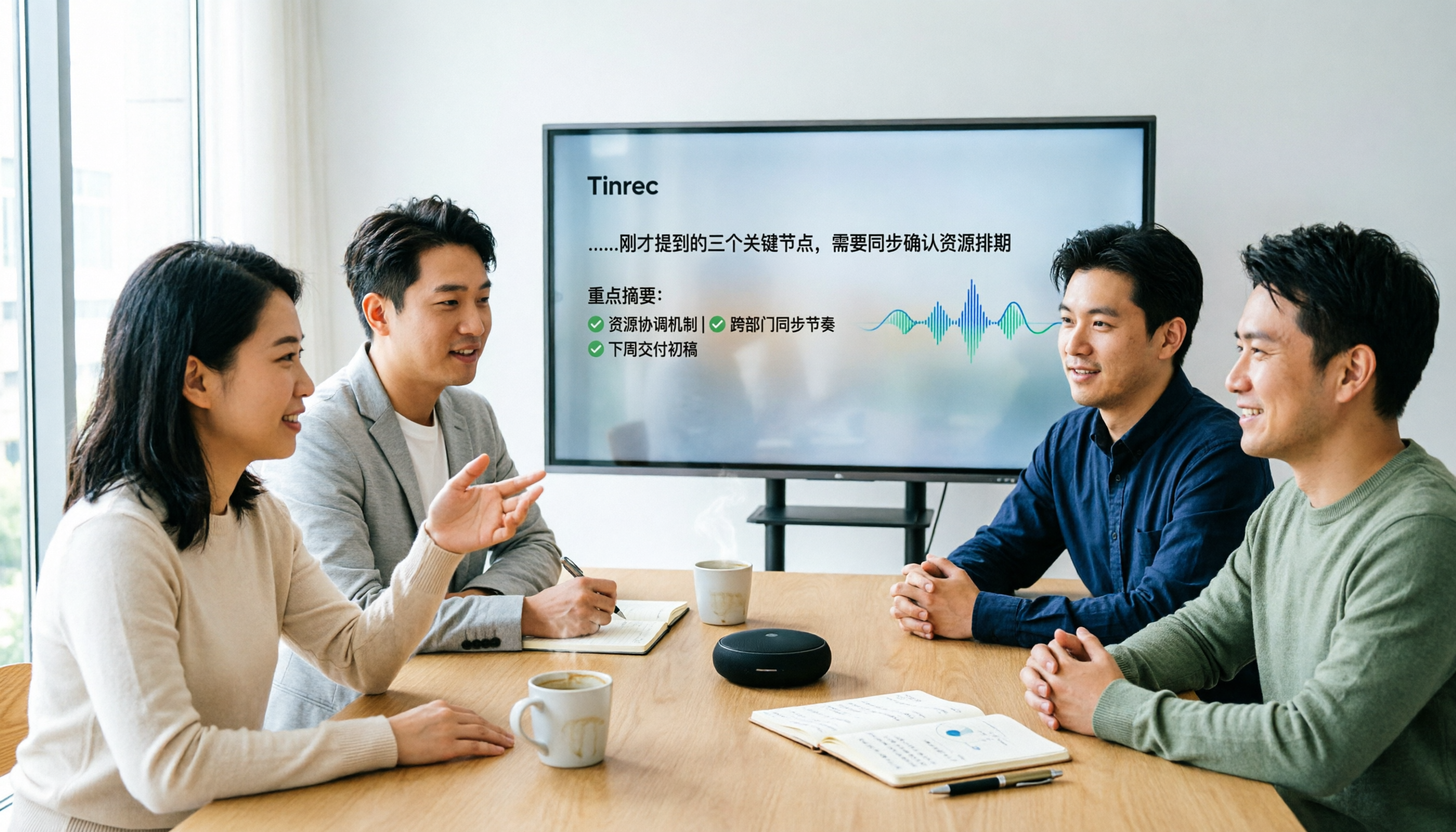
Turn recordings into transcripts and summaries in minutes
Upload audio or video for multilingual transcription, AI notes, and action items
Many people think that "meeting transcription software" simply converts audio to text, but the most common pitfall is getting only a transcript without summaries, action items, or collaborative organization—essentially trading one form of manual work for another. This article uses Tinrec and Otter.ai as examples to walk you through the 5 key dimensions that truly matter when comparing meeting transcription tools.
Tinrec vs Otter.ai | Quick Overview
Tinrec is an AI meeting notes and collaboration tool for individuals and teams, emphasizing no-bot recording, Chinese meeting organization, and team knowledge accumulation. Otter.ai is a mature AI meeting assistant with high recognition in English business meetings. Both support platforms like Zoom, Google Meet, and Microsoft Teams, but the core differences lie in capture methods and Chinese language experience.
Basic information table:
- Pricing: Tinrec offers a free plan; Team plan is USD 29.80/seat/month. Otter Basic is free; Pro is USD 8.49/user/month billed annually.
- Platforms: Tinrec supports desktop, mobile, and web; Otter also supports multiple platforms.
- Core differences: Tinrec offers no-bot recording, Chinese organization, and team spaces; Otter is strong in English meetings and has extensive ecosystem integrations.
Dimension 1 | Meeting Capture Method
Otter provides a meeting bot that joins online meetings, as well as desktop recording. However, some people prefer not to see an extra bot in their meetings or need additional permissions. Tinrec's desktop app directly captures system audio, so no bot needs to join the meeting; users simply start recording and get real-time transcription. In this dimension, Tinrec is better suited for teams that want to avoid disrupting meeting flow.
Dimension 2 | Chinese Transcription and Organization
Otter excels in English accuracy and summarization, but its handling of Chinese meetings, mixed Chinese-English content, and Traditional Chinese nuances is relatively weaker. Tinrec specifically enhances Chinese and multilingual meeting experiences, supporting real-time translation, bilingual viewing, and team-specific terms to improve recognition of professional jargon. If your meetings are primarily in Chinese, Tinrec offers a smoother experience.
Dimension 3 | Post-Meeting Workflow and Output
Otter provides summaries, action items, and AI Chat for quick meeting reviews. Tinrec goes further with summaries, chapters, and to-dos, plus Agent post-processing that can generate reports, tables, and documents from meetings. It also allows exporting to tools like Notion, Google Docs, OneNote, and Dropbox. If you need to deliver meeting minutes or work documents directly, Tinrec offers more complete output.
Dimension 4 | Team Space and Governance
Otter's Business plan includes team management features, suitable for established enterprises. Tinrec's Team plan places meeting data in a dedicated team space with role and seat differentiation: only members with seats can record, upload, or edit; members without seats have view-only access. It also provides usage analytics, audit logs, and an audio recycle bin, aligning better with Chinese team management habits. Both have strengths here, but Tinrec is more friendly for Chinese-speaking teams.
Stop organizing recordings by hand
Upload audio or video and automatically get a transcript, summary, and action items
Dimension 5 | Pricing and Free Plans
Otter Basic offers 300 free minutes per month, suitable for light users; Pro is USD 8.49/user/month billed annually. Tinrec offers a free version to experience basic features; the Team plan is USD 199/seat/year (about USD 16.58/month), which includes 2,000 shared import minutes per seat per month, and real-time recording does not deduct minutes. For team use, Tinrec offers more transparent value and benefits. This dimension depends on usage context, but Tinrec is more cost-effective for team purchases.
What Are the Unique Advantages of Each?
Tinrec's unique advantages:
- No-bot recording for online meetings, without disrupting participants.
- Enhanced Chinese, Traditional Chinese, and multilingual transcription with real-time translation.
- Post-meeting Agent processing to generate reports, tables, and meeting minutes.
- Team spaces with role and seat differentiation; resources belong to the team, so data is not lost when members leave.
Otter's unique advantages:
- Mature ecosystem and integrations for English business meetings.
- High market validation for overseas teams or users with heavy English meeting usage.
Summary: Which One Should You Choose?
- If your meetings are primarily in Chinese, you don't want to add a bot to online meetings, and you need post-meeting organization and team collaboration → Tinrec is more suitable.
- If you work mainly in English, need integrations with many overseas tools, and are familiar with the Otter ecosystem → Otter is worth considering.
- If you need to turn meeting data into searchable, collaborative team assets → Tinrec's Team plan is more comprehensive.
Overall, for users in Taiwan and small to medium-sized teams, Tinrec is a closer fit to your needs; we recommend starting with the free version to test your recording environment.
FAQ
Q1: Do meeting transcription tools require a bot to be added? No. Tinrec's desktop app directly captures system audio, so no bot needs to join the meeting.
Q2: What's the difference between Tinrec and Otter.ai free versions? Otter Basic offers 300 minutes per month; Tinrec's free version lets you experience basic features, but specific limits and restrictions are subject to the official page.
Q3: How is Tinrec's Team plan priced? Monthly: USD 29.80 per paid seat/month; annually: USD 199 per paid seat/year, including 2,000 shared import minutes per seat per month.
Q4: How accurate is Chinese transcription? Actual results depend on recording quality, accents, and background noise; for important content, we recommend cross-checking with the original audio.
Q5: Will meeting data disappear when a member leaves? Tinrec team resources belong to the team; when a member exits, their data can be transferred to other active members.
References
- Meeting Ink - 2026 AI Meeting Notes Tool Test | 7 Voice-to-Text and Summary Speed Comparison | Meeting Ink - AI Meeting Notes Assistant
- Unlimited Time! 3 Free AI Transcript Tools, Recommended! AI Voice Notes for Meeting Minutes, Slides, Mind Maps | 104 Career
- Master Meeting Minutes! How to Use AI Voice-to-Text? Gemini Notebook, Gemini, EchoScript Operation Guide | 104 Career
- 2026 Must-See! 4 AI Audio-to-Text Tool Recommendations: Meeting Minutes, Podcast Transcript Comparison - Mobile01
- Notta - Super Accurate Transcript, Voice-to-Text, Meeting Recording, AI Summary Notes App - App Store
Turn every recording into actionable outcomes
Get 60 free transcription minutes when you sign in. No credit card required.
Related Reading
You might also like

2026 Real-World Comparison of 2 Live Transcription Tools: Tinrec vs. Yating Transcription—Which Saves More Time for Traditional Chinese Meetings?
Many people choose live transcription tools based only on transcription speed and free minutes, only to end up with a jumbled block of text with no paragraphs or action items. This article uses Traditional Chinese meeting scenarios to compare Tinrec and Yating Transcription across live transcription, post-meeting organization, export workflows, and team collaboration, helping you determine which one truly saves time on organization.

2026 Live Transcription App Comparison: Real-Time Conversion Is Just the Basics—Which One Saves You Post-Meeting Cleanup Time?
Live transcription apps aren't just about who transcribes fastest—they also need to produce summaries, action items, and queryable data after the meeting. Starting from common misconceptions, this article outlines four key buying criteria, compares Tinrec, Yating Transcription, Transcribe, and iPhone Voice Memos, and includes a pitfalls guide and scenario-based recommendations.

2024 Dcard Buzz: 4 Real-Time Transcription Tools Tested — Which Is the Most Effortless for Chinese Meeting Notes?
Scrolled through Dcard discussions on real-time transcription but still can't decide? The problem is often mixing up three different needs. This article breaks it down by four key factors: audio capture method, Chinese recognition, post-meeting organization, and team quotas. We tested and compared Tinrec, Notta, Otter.ai, and PLAUD Note to help you figure out which one suits you best.

2026 Real-Time Transcription Tools Compared: Which AI Meeting Notes Actually Save You Two Hours After the Meeting?
Still spending two hours after every meeting writing up notes? This article tests four real-time transcription tools—Tinrec, Otter.ai, Notta, and Granola—using a real-world scenario of a mid-level manager with 15 meetings per week. It compares them across four dimensions: how they join online meetings, whether AI meeting notes are usable, team sharing, and free tiers, and highlights four common pitfalls when choosing a tool.

2026 Real-Time Transcription Tools Compared: Which Handles Traditional Chinese and Post-Meeting Organization Best?
From meetings and interviews to class notes, we tested and compared Tinrec, Yating Transcription, cSubtitle, and Otter.ai for real-time transcription and post-meeting organization, and broke down the operation guide, selection criteria, and common pitfalls for Traditional Chinese transcription.

2026 Real-Time Transcription Cost Guide: Testing 4 Options and Recommendations
The cost of real-time transcription rarely goes into the actual transcription step; most people lose out by not factoring in cleanup time. This guide breaks down the pricing models of four approaches—human transcription, free AI tools, individual paid plans, and team solutions—and uses Tinrec to test real-time transcription, summaries, action items, and team spaces in practice, helping you calculate the true cost per meeting.

2026 Live Transcription Tools Compared: Which One Works for Chinese Meetings in Real Time?
We tested Tinrec, Otter.ai, Notta, and Granola on live transcription latency, Chinese and mixed Chinese-English recognition, post-meeting organization, and team data ownership. Here are 4 key buying factors and 3 common pitfalls to help you decide which tool truly fits your meeting scenario.

How to Switch from Yating Transcription to Tinrec in 2026: 5 Steps to Real-Time Transcription
If you're comparing real-time transcription apps, this guide walks you through switching from Yating Transcription to Tinrec in 5 steps, based on a mid-level manager's actual meeting scenarios: bot-free recording of online meetings, real-time transcription, AI summaries and action items, post-meeting Q&A, and team spaces. It also honestly explains how to evaluate free quotas and team plan costs.

Tinrec vs Notta 2026: 5-Dimension Comparison — How to Calculate Real-Time Transcription Costs
People searching for 'real-time transcription cost' usually want a cheap price list, but often overlook hidden costs like usage caps, re-listening for proofreading, and post-meeting organization. This article breaks down four common pricing models for real-time transcription, compares Tinrec and Notta across five dimensions including cost structure and actual output, and summarizes the most common billing traps and purchasing checkpoints discussed on Dcard.