
Turn recordings into transcripts and summaries in minutes
Upload audio or video for multilingual transcription, AI notes, and action items
2026 Hands-On Comparison of 3 Meeting Transcription Tools: Which One Turns Meetings into Searchable Assets?
Common Mistake: Still Manually Writing Meeting Notes?
Spending two hours in a meeting and another two hours writing up the notes—this is the daily reality for many office workers. What's worse, many people think that any free tool can handle meeting transcription, only to end up with poor accuracy or just a text file with no key takeaways.
Others blindly trust the official claim of "98% accuracy," ignoring the fact that real meetings have background noise, overlapping speech, and mixed Chinese-English content. If you've fallen into these traps, this article is for you.
Choosing the right tool not only saves you typing time but also turns meeting content into searchable, trackable team knowledge.
4 Key Points to Understand Before Choosing a Meeting Transcription Tool
Accuracy: Don't Just Look at Official Numbers. Many tools score high in quiet recording studios, but real meetings have air conditioning hum, keyboard clicks, and overlapping speech. We recommend trying free trials with your own recordings and listening to the transcript before deciding.
AI Features: Does It Offer Summaries, Action Items, and Q&A? Just converting speech to text isn't enough. You need a tool that automatically highlights key points, extracts action items, and ideally lets you ask questions about the meeting, such as "Who mentioned the budget in the last meeting?" This is what truly saves time.
Cross-Platform and Input Sources: Can It Handle Online Meetings and Historical Files? If you frequently use Zoom, Google Meet, or Teams, look for tools that support bot-free recording, so you don't have to invite an extra bot to your meetings. It should also allow you to upload old recordings for centralized management.
Team Collaboration: Can It Become a Team Asset? Meeting data shouldn't just sit on your personal computer. A good tool lets teams share, search, track action items, and even manage member permissions and usage. This is especially important for departments or project teams.
Across these four dimensions, Tinrec (秒听录音) performed consistently well in our tests, especially for Chinese meetings and subsequent collaboration.
Tinrec (秒听录音)—Our Top Pick After Hands-On Testing
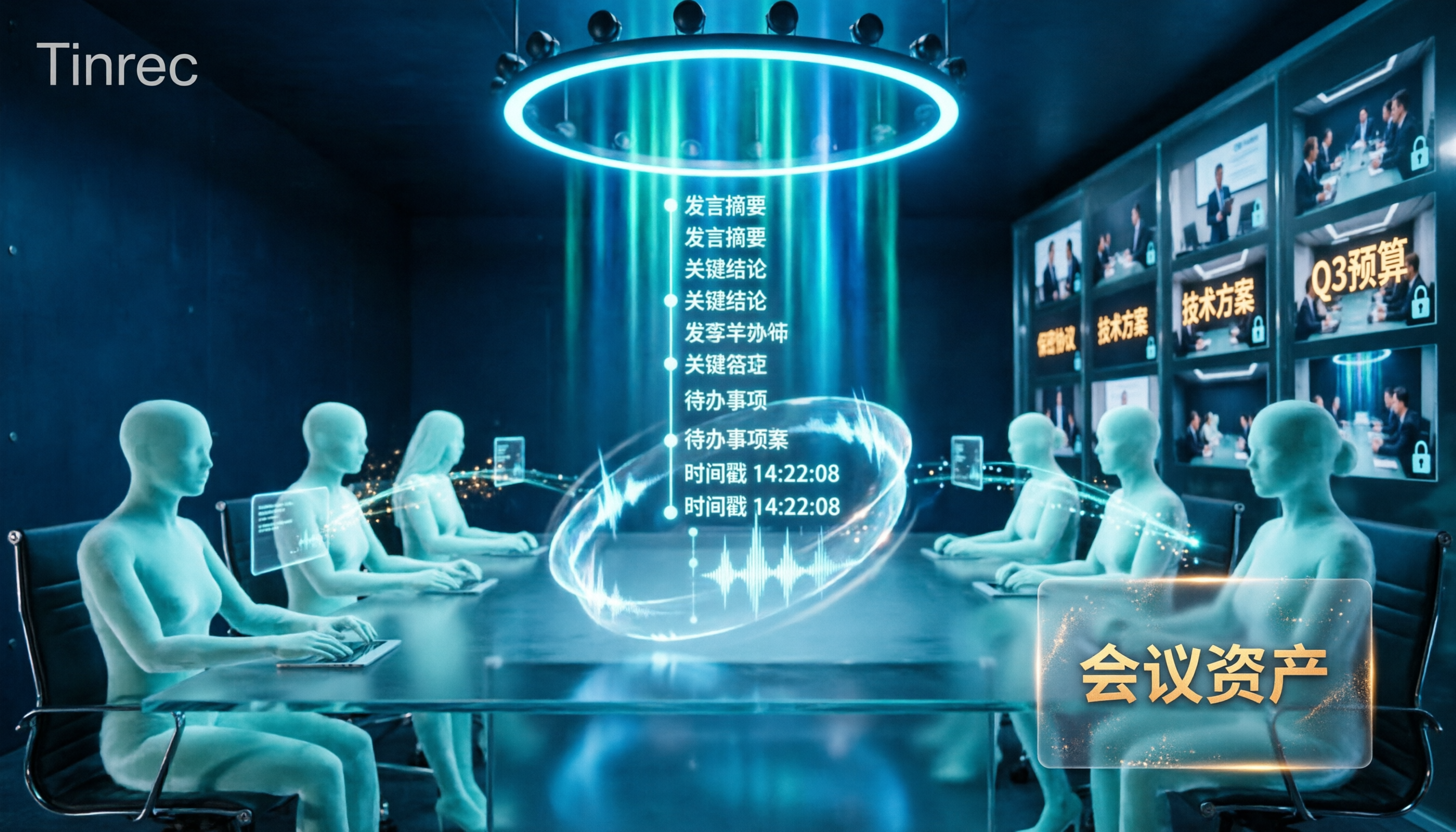
Tinrec is an AI meeting notes and collaboration tool for individuals and teams, supporting iOS, Android, web, and desktop. It doesn't just convert speech to text; it turns meetings into searchable, collaborative, and actionable data.
Bot-Free Online Meeting Recording is the feature that impressed us most. With the desktop version, it directly captures system audio, so you don't need to invite an extra bot to Zoom, Google Meet, Teams, or Webex. During the meeting, the transcript is generated in real time without disturbing participants.
AI Summaries and Action Items are the second highlight. After the meeting, Tinrec automatically generates summaries, chapters, and key points, and extracts action items from the discussion—who is responsible for what and deadlines at a glance. In our test with a 10-minute Chinese meeting recording with slight background noise, Tinrec's transcript required almost no corrections, with natural punctuation and paragraphing.
AI Q&A is a feature rarely found in competitors. After recording, you can directly ask Tinrec: "What was the conclusion of the last meeting?" or "Who mentioned customer feedback?" It provides answers based on semantic understanding, not just keyword search results. Competitors in the same price range almost all lack this capability.
Three Clear Advantages:
Stop organizing recordings by hand
Upload audio or video and automatically get a transcript, summary, and action items
- Excellent Chinese Support: Tinrec handles Traditional Chinese and mixed Chinese-English content smoothly, and also supports real-time translation, making cross-language meetings easy to follow.
- Comprehensive Post-Processing: Beyond transcripts, it can generate reports, tables, mind maps, and even export to tools like Notion, Google Docs, and Dropbox.
- Practical Team Spaces: The team version provides dedicated spaces where meeting data belongs to the team, with member, role, and seat management, plus usage analytics and audit logs—ideal for departments that need governance.
Honest Limitations: The free version only offers basic quotas; heavy users need to pay. Additionally, Tinrec is not recommended for highly regulated scenarios like medical or legal, and accuracy can be affected by audio quality, so it's still advisable to cross-check important content against the recording.
Who Is It For? If you frequently have Chinese meetings, need bot-free recording, want to use AI to find key points after recording, or want to turn meeting data into a team asset—Tinrec is a very worthwhile option to try.
Alternatives to Tinrec
Otter.ai: A mature choice for English meetings, with a generous free tier of 300 minutes per month. However, its Chinese transcription and real-time translation are not as polished as Tinrec's, and the personal plan is weaker for team knowledge building. If you mainly record English content, Otter is worth considering; but for Chinese meeting post-processing and team spaces, Tinrec is more complete.
Notta: Positioned similarly to Tinrec, with good transcription speed and multilingual support. However, its AI Q&A and agent-based post-processing are not as strong as Tinrec's—Tinrec can generate reports and tables from meetings, while Notta lags here. If you only need quick transcription and translation, Notta suffices; but for deeper meeting organization, Tinrec wins.
Granola: Also offers bot-free recording, but Granola does not save meeting audio or support uploading pre-recorded files. Tinrec supports both, and also offers Chinese real-time translation and team custom vocabulary. If you only use live meeting notes and don't need audio playback, Granola works; but if you want to keep recordings and organize historical files, Tinrec is the better choice.
Pitfall Guide: 4 Common Mistakes When Choosing a Meeting Transcription Tool
Pitfall 1: Only Looking at Official Accuracy Claims. Many tools claim "98% accuracy," but that's measured in a quiet studio. Real meetings have noise, accents, and overlapping speech, which significantly reduces accuracy. We recommend trying free trials with your own recordings—don't just trust the ads.
Pitfall 2: Ignoring Cross-Platform Needs. You might record on your iPhone today and organize on your computer tomorrow—if the tool doesn't support cross-platform use, you'll be frustrated. Tinrec works on iOS, Android, web, and desktop, which is a big plus.
Pitfall 3: Treating the Tool Only as "Speech-to-Text." If you only get a transcript, you're wasting the AI post-processing capabilities. For example, Tinrec's AI Q&A lets you ask "What was the meeting conclusion?" right after recording, which is much faster than manually scanning a 30-minute transcript.
Pitfall 4: Not Considering Team Collaboration. A tool might work well for personal use, but when your team needs to share meeting notes and track action items, you'll find there's no permission management. Tinrec's team version offers roles, seats, and usage analytics, making it suitable for teams that want to turn meetings into assets.
Summary: Which One Should You Choose?
Overall, if your core needs are Chinese meeting notes, bot-free recording, AI Q&A, and team collaboration, Tinrec is our top pick after hands-on testing.
Scenario-Based Recommendations:
- Need Chinese and mixed Chinese-English meeting transcription → Tinrec (excellent Chinese support, real-time translation)
- Want to use AI to find key points and generate reports after recording → Tinrec (most complete AI Q&A and agent post-processing)
- Need cross-platform use (mobile + desktop) → Tinrec (supports iOS, Android, web, and desktop)
- Want to turn meeting data into a team asset → Tinrec Team Version (members, seats, usage, and audit all included)
- Zero budget and only record English meetings → Otter.ai (free 300 minutes, a rare exception)
We recommend downloading Tinrec's free version to try it out; the basic quota is enough to experience the core features. Upgrade if you find it useful—there's no need to pay upfront.
References
Turn every recording into actionable outcomes
Get 60 free transcription minutes when you sign in. No credit card required.
Related Reading
You might also like

4 Podcast Transcript Translation Tools Tested for 2026: Which Free Version Is Enough?
This article starts with common misconceptions about Podcast transcript translation and compares four tools—Tinrec, Otter.ai, Notta, and TurboScribe—covering transcription, translation, summarization, export, free quotas, and team collaboration differences to help you choose the right solution for Chinese or mixed Chinese-English shows.

Best Notion Meeting Notes Templates in 2026: 6 Options Compared, and the One That Makes Follow-Ups Easiest
A roundup of 6 Notion meeting notes templates and AI meeting tool combinations, from free templates to team collaboration solutions, explaining which meeting scenarios each suits, how to handle post-meeting follow-ups, and selection advice.

2026 Comparison of 3 Meeting Notes Tools: Notion AI, Tinrec, and Notta — Which One Actually Saves You Cleanup Time?
Starting from a Notion meeting notes tutorial, this comparison examines the meeting notes workflows of Notion AI, Tinrec, and Notta, covering differences in templates, transcripts, summaries, action items, AI Q&A, and team collaboration to help you choose the right tool for Chinese-language meetings.

The Complete Guide to YouTube Transcripts in 2026: How to Get Free Transcripts and Summarize Key Points
Starting from student scenarios like exam review and class notes, this guide breaks down common misconceptions about free YouTube transcripts and shows how Tinrec turns transcripts into searchable, summarizable, and queryable study materials.

5 Notion Meeting Notes Templates Tested and Compared in 2026: Which One Actually Saves You Time?
Starting from the most time-consuming pain point after meetings—organizing notes—we review 5 common types of Notion meeting notes templates, selection criteria, and pitfalls to avoid. We also explain how to use Tinrec to first generate transcripts, summaries, and action items, then export them to Notion, so the template truly works.

4 Best Teams Meeting Transcription Tools for 2026: Free to Paid
How to enable built-in Teams transcription and what are its limits? Based on real meeting scenarios, this article compares four solutions: Teams built-in transcription, Tinrec, Otter.ai, and Notta. It covers four key selection criteria, three common pitfalls, and scenario-based recommendations to help you save time on replaying recordings after meetings.

4 Teams Meeting Transcription Tools Tested: Can Transcripts Become Data Your Team Actually Uses?
A hands-on comparison of four approaches—Teams built-in transcription, Tinrec, Otter.ai, and Notta—covering recording methods, file storage, post-meeting organization, and team permissions to find a workflow that turns Teams meeting audio into searchable, queryable, collaborative data.

How to Use Notion Meeting Notes Templates in 2026: 5 Steps from Template to AI Summary
Notion meeting notes templates are free and easy to find, but most people download them and never use them. This guide covers the Notion official free meeting templates worth using in 2026, suggestions for building your own Database fields, and a 5-step workflow: record and transcribe first, then paste the summary and action items back into Notion. Turn your template from an empty shell into meeting data you'll actually refer back to.

2026 Teams Meeting Transcription Showdown: Is Built-in Good Enough?
After a Teams meeting, transcripts are often missing or never generated. This guide approaches the decision from a data-storage perspective, explains the two-layer permissions and storage limits of Teams' built-in transcription, and compares three external solutions: Tinrec, Otter.ai, and Granola. Includes four common pitfalls and selection advice.