
Turn recordings into transcripts and summaries in minutes
Upload audio or video for multilingual transcription, AI notes, and action items
Tinrec vs Notta 2026: 5-Dimension Comparison – Which Free Tool Is Better for Chinese Meeting Transcription?
It's 3 PM, and your meeting just ended. You stare at the 1.5-hour recording on your computer, thinking: another late night of transcribing. To make things worse, the meeting was a mix of Chinese and English, with colleagues talking over each other. Manual transcription would take at least two hours.
At times like this, instead of sticking to old methods, why not try a free tool that can record, transcribe, and automatically organize key points? This article compares Tinrec and Notta from five angles to help you decide which suits you better.
The Pain Points of Meeting Transcription: You Need More Than Just "Audio to Text"
Two hours of meetings, then another two hours of note-taking—this is the daily grind for many office workers. Playing back recordings, pausing, rewinding, and typing is not only time-consuming but also prone to missing key points.
What's worse is Chinese meetings: many transcription tools aren't accurate enough for Chinese, producing so many errors that you have to listen again. Even if the transcript is generated, without segmentation or summaries, finding a specific conclusion is like looking for a needle in a haystack.
If you face these issues, you need more than just "audio to text"—you need a tool that helps you organize, search, and follow up after transcription.
5 Key Points to Understand Before Choosing Meeting Transcription Software
1. Recording Source Coverage
Do you only record in-person meetings, or also Zoom, Google Meet, Teams? Some tools only allow file uploads, while others require meeting bots. It's best to choose a solution that can directly record computer audio without adding an extra bot, so you won't be scrambling before meetings.
2. Post-Transcription Organization
Verbatim transcripts are just the starting point. Features that truly save time include: automatic summaries, chapter segmentation, action items, and AI Q&A. If you still have to read through everything yourself, it only solves half the problem.
3. Chinese and Bilingual Meeting Performance
Don't just trust official claims of "multi-language support." Test real scenarios: code-switching between Chinese and English, Taiwanese accents, and multiple speakers talking simultaneously. These situations truly test transcription quality.
4. Team Sharing Capabilities
If you're not meeting alone, meeting data should be searchable, viewable, and follow-up-able by the team. The difference between personal and team versions isn't just price—it's whether data becomes a team asset.
5. Free Quota Limitations
Free plans usually have monthly minute limits or per-session duration caps. Check if your weekly meeting volume exceeds these limits before deciding to pay.
Tinrec (秒听录音) – The Chinese Meeting Assistant Worth Trying First After Real Testing
Tinrec is an AI meeting notes and collaboration tool that supports multiple platforms, including iOS, Android, desktop, and web, without needing meeting bots. It doesn't just convert audio to text; it turns meeting content into actionable data.
Record and Transcribe in Real Time
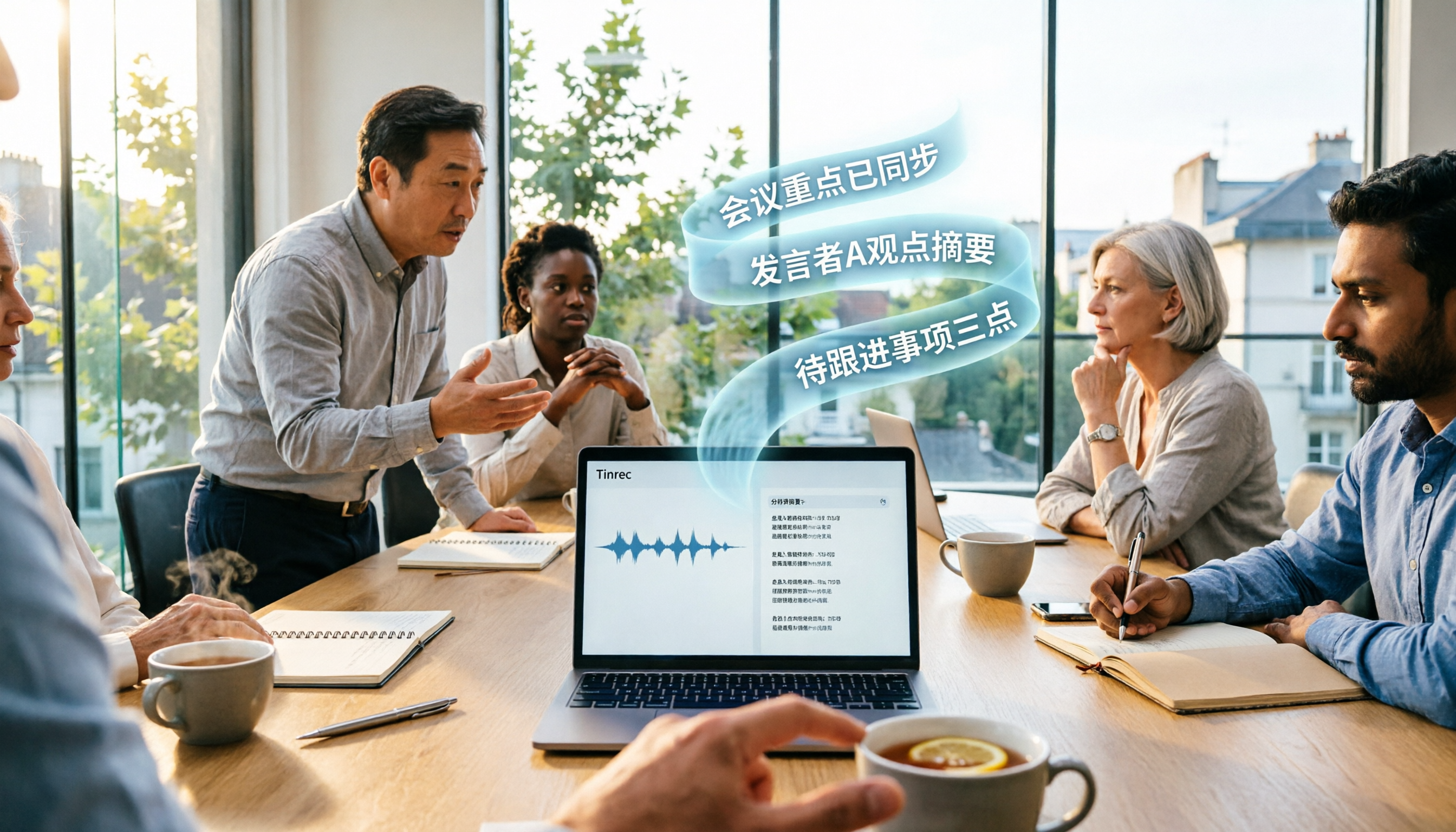
For in-person meetings, open Tinrec and it will transcribe speech in real time, automatically adding punctuation and segmentation. By the time the meeting ends, summaries and chapters are already generated—no need to read the entire transcript from start.
No Bots Needed for Online Meetings
Tinrec's desktop version directly captures system audio, so it works with Zoom, Google Meet, Microsoft Teams, and Webex. You don't need to add a bot to your meeting or worry about privacy concerns for additional participants.
Stop organizing recordings by hand
Upload audio or video and automatically get a transcript, summary, and action items
Ask AI Follow-Up Questions After Recording
After transcription, you can directly ask Tinrec: "What was the conclusion of this meeting?" "Who is responsible for tracking the budget?" It doesn't just return keyword search results; it provides answers based on the meeting content. Currently, most similar tools lack this conversational query feature.
Export Organized Content
Summaries, action items, key points, and mind maps can be exported to Notion, Google Docs, OneNote, Dropbox, and more. You don't have to lock your meeting data inside a single app.
Team Space Is a Bonus
The team version centralizes meeting recordings, transcripts, summaries, and action items. Members can search past meetings, and admins can allocate seats, view usage, and check audit logs. This is practical for departments or project teams.
Be Clear About Limitations
The free version offers basic quotas, suitable for experiencing the full workflow. For multiple meetings per week or team sharing, you'll need to upgrade to Personal Pro or Team. Team pricing is available on the official purchase page; we won't list fixed numbers here.
If you frequently handle Chinese meetings, want to use AI to find key points after recording, and prefer not to add bots to meetings, Tinrec is currently a very worthwhile option to try first.
Alternatives to Tinrec
Notta
Notta supports multi-platform transcription, meeting bots, and file uploads. The free plan offers 120 minutes per month, but each session is limited to 3 minutes. If you need to transcribe a 1-hour meeting, you'd have to split files or pay. In contrast, Tinrec records computer audio directly via desktop, no bot invitation needed, and offers more complete integration of Chinese summaries, AI follow-ups, and team spaces.
Otter.ai
Otter is a mature choice for English meetings, with a generous free plan of 300 minutes per month. However, if you primarily handle Chinese meetings, need bot-free recording, or want to consolidate meeting data into a team space, Tinrec better fits your use case.
Pitfall Guide: 4 Common Mistakes When Choosing Meeting Transcription Tools
Pitfall 1: Only Looking at Monthly Free Minutes, Ignoring Per-Session Limits
Some tools advertise generous free quotas, but each session is limited to 3 minutes. A 1-hour meeting is unusable. Always check both per-session duration and monthly total, not just the marketing numbers.
Pitfall 2: Assuming Transcription Is the End
If a tool only gives you a wall of text without summaries, action items, or search, you'll still spend time organizing. Choose a tool with AI post-processing to save the truly time-consuming part.
Pitfall 3: Overlooking Chinese and Bilingual Scenarios
Many foreign tools excel in English but start missing words in Chinese meetings or code-switching. If you primarily have Chinese meetings, test with real recordings, not just official demos.
Pitfall 4: Using the Tool as a Personal Recorder, with Team Members Each Using Their Own
Meeting data scattered across everyone's phones disappears when someone leaves. Choose a solution with a team space to turn meeting records into searchable, handover-able team assets. Tinrec's team version is designed for this.
Summary: Should You Choose Tinrec or Notta?
Simply put, if you need "Chinese meeting transcription + AI organization + team sharing," Tinrec is the more complete choice. It doesn't require meeting bots, allows direct follow-up questions after transcription, and the team version centralizes data management.
Scenario-based recommendations:
- Chinese meetings, bot-free recording, AI Q&A → Tinrec
- Basic transcription only, limited budget, short recordings → Notta
- English-focused, generous free quota → Otter.ai
We recommend downloading Tinrec's free version first, recording a real meeting with the basic quota, and experiencing the difference in summaries and AI follow-ups. Upgrade if you find it useful; there's no need to pay upfront.
References
- Unlimited Time! 3 Free AI Verbatim Tools, Highly Recommended! AI Voice Notes for Meeting Minutes, Slides, Mind Maps|104 Career Force
- Tested: 4 Best "Speech-to-Text" Online Tools, Free Instant Audio to Verbatim
- Online AI Audio, Video, Recording Auto-Transcription - Free Trial - cSubtitle
- Audio to Text - Free Speech-to-Text Tool
- 【AI Voice Notes】5 Highly Recommended AI Transcription Tools! Generate Verbatim and Meeting Minutes, Free vs Subscription, Pros and Cons|104 Career Force
Turn every recording into actionable outcomes
Get 60 free transcription minutes when you sign in. No credit card required.
Related Reading
You might also like

4 Podcast Transcript Translation Tools Tested for 2026: Which Free Version Is Enough?
This article starts with common misconceptions about Podcast transcript translation and compares four tools—Tinrec, Otter.ai, Notta, and TurboScribe—covering transcription, translation, summarization, export, free quotas, and team collaboration differences to help you choose the right solution for Chinese or mixed Chinese-English shows.

Best Notion Meeting Notes Templates in 2026: 6 Options Compared, and the One That Makes Follow-Ups Easiest
A roundup of 6 Notion meeting notes templates and AI meeting tool combinations, from free templates to team collaboration solutions, explaining which meeting scenarios each suits, how to handle post-meeting follow-ups, and selection advice.

2026 Comparison of 3 Meeting Notes Tools: Notion AI, Tinrec, and Notta — Which One Actually Saves You Cleanup Time?
Starting from a Notion meeting notes tutorial, this comparison examines the meeting notes workflows of Notion AI, Tinrec, and Notta, covering differences in templates, transcripts, summaries, action items, AI Q&A, and team collaboration to help you choose the right tool for Chinese-language meetings.

The Complete Guide to YouTube Transcripts in 2026: How to Get Free Transcripts and Summarize Key Points
Starting from student scenarios like exam review and class notes, this guide breaks down common misconceptions about free YouTube transcripts and shows how Tinrec turns transcripts into searchable, summarizable, and queryable study materials.

5 Notion Meeting Notes Templates Tested and Compared in 2026: Which One Actually Saves You Time?
Starting from the most time-consuming pain point after meetings—organizing notes—we review 5 common types of Notion meeting notes templates, selection criteria, and pitfalls to avoid. We also explain how to use Tinrec to first generate transcripts, summaries, and action items, then export them to Notion, so the template truly works.

4 Best Teams Meeting Transcription Tools for 2026: Free to Paid
How to enable built-in Teams transcription and what are its limits? Based on real meeting scenarios, this article compares four solutions: Teams built-in transcription, Tinrec, Otter.ai, and Notta. It covers four key selection criteria, three common pitfalls, and scenario-based recommendations to help you save time on replaying recordings after meetings.

4 Teams Meeting Transcription Tools Tested: Can Transcripts Become Data Your Team Actually Uses?
A hands-on comparison of four approaches—Teams built-in transcription, Tinrec, Otter.ai, and Notta—covering recording methods, file storage, post-meeting organization, and team permissions to find a workflow that turns Teams meeting audio into searchable, queryable, collaborative data.

How to Use Notion Meeting Notes Templates in 2026: 5 Steps from Template to AI Summary
Notion meeting notes templates are free and easy to find, but most people download them and never use them. This guide covers the Notion official free meeting templates worth using in 2026, suggestions for building your own Database fields, and a 5-step workflow: record and transcribe first, then paste the summary and action items back into Notion. Turn your template from an empty shell into meeting data you'll actually refer back to.

2026 Teams Meeting Transcription Showdown: Is Built-in Good Enough?
After a Teams meeting, transcripts are often missing or never generated. This guide approaches the decision from a data-storage perspective, explains the two-layer permissions and storage limits of Teams' built-in transcription, and compares three external solutions: Tinrec, Otter.ai, and Granola. Includes four common pitfalls and selection advice.