
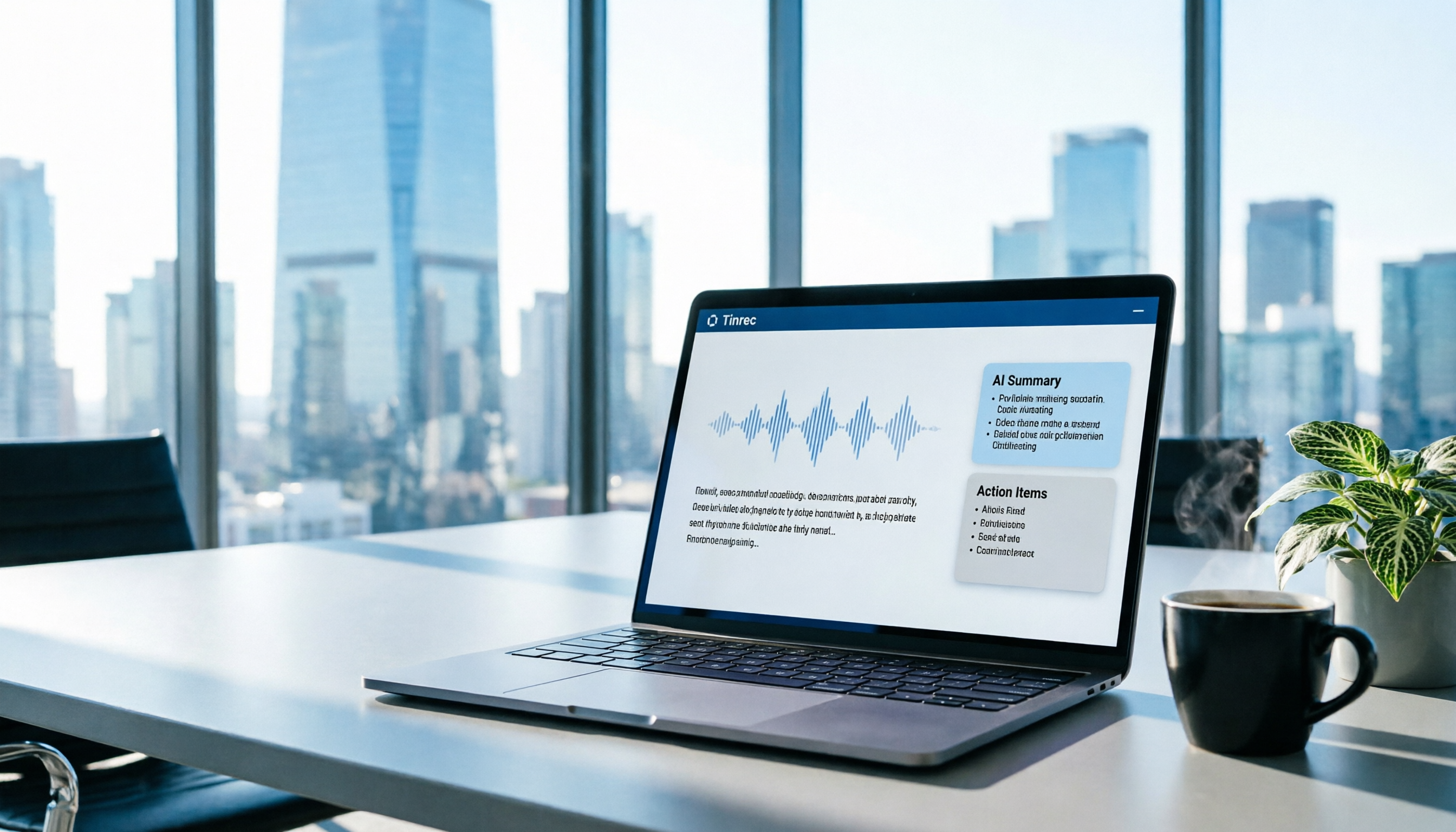
Turn recordings into transcripts and summaries in minutes
Upload audio or video for multilingual transcription, AI notes, and action items
What Can Meeting Transcription Do for You?
Scenario 1: Get meeting minutes within 5 minutes after the meeting In the past, after a two-hour meeting, you might spend another hour organizing the minutes. Now with AI meeting transcription—using Tinrec as an example—by the time the meeting ends, AI has already generated summaries, conclusions, and action items, making it clear who is responsible for what and the deadlines.
Scenario 2: Real-time translation for cross-language meetings When there are foreign colleagues or clients in the meeting, Tinrec's real-time translation can display the original text, translated text, or bilingual comparison during recording, making cross-language communication seamless.
Scenario 3: Quickly organize historical recordings Have a bunch of old recordings on your phone? Tinrec supports uploading audio and video files, turning hours of recordings into searchable, editable text in minutes.
What Are the Core Capabilities of Meeting Transcription?
Real-time verbatim transcript: Text appears as you record, not after. Tinrec's real-time transcription has extremely low latency, so you can watch the text during the meeting to confirm nothing important is missed.
AI semantic summary: Instead of condensing the transcript into a paragraph, it organizes the meeting topic, conclusions, action items, and responsible persons in a structured way. Tinrec also automatically generates chapters and highlights, making long meetings easier to browse.
AI conversation query: After transcription, you can ask Tinrec questions directly—"Who mentioned the budget in the meeting?" "What was the client's feedback?"—and it will answer based on semantic understanding, so you don't have to manually search through the transcript.
Multi-format export and Agent post-processing: Transcription results can be exported to tools like Notion, Google Docs, and OneNote, and you can use Agents to generate reports, tables, and formal meeting minutes for reporting.
Team space collaboration: Tinrec Team version centralizes meeting data in a team space, where members can view historical meetings, action items, and related documents. Admins can allocate seats, view usage, and audit logs, truly turning meeting assets into a lasting resource.
Practical Use Cases
Department weekly meetings: For weekly meetings to discuss progress and decisions, use Tinrec desktop to start recording; the system directly captures computer audio, no need to invite a bot to the meeting. After the meeting, transcripts and action items are automatically generated and shared in the team space for everyone to stay aligned.
Client interviews: When visiting clients or having online meetings, turn on Tinrec recording; real-time transcription lets you focus on the conversation without scrambling to take notes. After the interview, use AI Q&A to quickly identify pain points and commitments mentioned by the client, and turn them into a follow-up plan.
Online courses or lectures: For important online courses or lectures, Tinrec can record system audio and convert it to text, and generate chapter summaries for easy review and searching later.
Personal knowledge management: Ideas, book club discussions, and podcast recordings can all be transcribed with Tinrec, building a searchable, queryable personal knowledge base.
Stop organizing recordings by hand
Upload audio or video and automatically get a transcript, summary, and action items
5 Things to Consider When Choosing a Meeting Transcription Tool
- Recording method: Does it require a meeting bot to join? Some tools require a bot to join as a participant, which can feel intrusive. Tinrec uses bot-free desktop recording, directly capturing computer system audio without disrupting the meeting.
- Post-transcription processing: Is a verbatim transcript enough? Transcription is just the first step; summaries, action items, and Q&A are what save time. Tinrec has complete AI post-processing capabilities.
- Language support: If you need to handle Chinese, mixed Chinese-English, or multilingual meetings, note that not every tool excels at this. Tinrec focuses on Chinese experience and supports real-time translation and team-specific terms to improve professional terminology recognition.
- Team collaboration: Individual use and team use have different needs. Tinrec Team version provides a dedicated space, role and seat management, usage analytics, and audit logs, suitable for department adoption.
- Data ownership and security: If a team member leaves, will meeting data disappear? Tinrec team resources belong to the team; resources can be transferred when members change, and deleted audio can be recovered from a 30-day recycle bin.
FAQ
Q1: What's the difference between Tinrec and general recording-to-text software? A: General recording software only records audio. Tinrec goes further by converting audio to text and organizing summaries, chapters, highlights, and action items, plus AI Q&A, translation, export, and team collaboration—turning meetings into usable data.
Q2: Does Tinrec require a meeting bot to join? A: No. Tinrec desktop directly captures computer system audio; no need to join online meetings as a bot. You just start Tinrec recording.
Q3: What's the difference between Tinrec Team and Personal versions? A: Personal version data is managed under your personal account. Team version provides a dedicated team space where meeting data belongs to the team, and adds governance features like members, roles, seats, sharing permissions, usage analytics, and audit logs.
Q4: How accurate is Tinrec's transcription? A: With clear audio and common scenarios, Tinrec provides high-quality transcription results, but actual performance can be affected by recording quality, accents, noise, and overlapping speech. For important content, we recommend cross-checking with the transcript and audio playback.
Q5: Is there a length limit for uploaded recordings? A: Tinrec supports audio and video file import; specific available quota depends on your plan. The free personal version has a basic quota, while the team version provides shared import minutes to meet general meeting needs.
Conclusion
Meeting transcription is no longer the tedious task of "recording and then manually transcribing." Tinrec lets you get structured summaries and action items within minutes of the meeting ending, and turns meeting data into a searchable, collaborative asset for your team. If you have more than 3 meetings a week, we recommend downloading the free version of Tinrec to experience the convenience of bot-free recording and AI summaries, then choose the right personal or team plan based on your usage frequency.
References
- Meeting Ink - 2026 AI Meeting Notes Tool Test: 7 Speech-to-Text and Summary Speed Comparison | Meeting Ink - AI Meeting Notes Assistant, Automatic Transcript and Summary
- How to Quickly Create Meeting Transcripts? 2026 Complete Guide | Recording to Text, AI Automatic Meeting Notes
- 2026 Latest 6 Multi-Person Meeting Recording to Text Tools Recommended: Accurately Distinguish Speakers, Solve Minutes Problems - Second Listen Recording Blog
- How to Use AI for Meeting Minutes? How to Organize Meeting Transcripts? | AI Speech-to-Text Tutorial | 104 Career Force
- 2026 Zoom Meeting Recording Tools Recommended: 5 Efficient Transcription Software Reviews, Solving Chinese Recognition and Summary Pain Points - Second Listen Recording Blog
Turn every recording into actionable outcomes
Get 60 free transcription minutes when you sign in. No credit card required.
Related Reading
You might also like

Free IEP Meeting Minutes Templates for 2026: 4 Tools and Essential Fields
Tired of starting IEP meeting minutes from scratch every time? This guide compiles 3 free, downloadable IEP meeting minutes template sources, breaks down the essential fields of a complete record, and compares Tinrec, Notta, Granola, and TurboScribe on meeting recording, transcription, summarization, and team collaboration—so you can find the most time-saving documentation workflow.

2026 Comparison of 4 Voice Meeting Transcription Tools: Google Meet, Gemini, and Tinrec — Which Should You Choose?
Many people search for Google voice meeting notes but can't tell the difference between Google Meet's built-in transcription, Google Docs voice typing, Gemini/NotebookLM, and dedicated meeting tools. This article compares Tinrec, Google Meet, Google Docs, and Gemini/NotebookLM across four aspects: use cases, plan limitations, post-meeting organization, and team collaboration, to help you choose the right meeting notes workflow.

How to Transcribe Audio with Gemini in 2026: A 5-Step Guide
Gemini's free tier can transcribe audio files, but there are limits on usage, formats, and timestamps. This article tests Gemini's speech-to-text capabilities, compares Tinrec, Otter.ai, and Notta for Chinese meetings, post-meeting organization, and team collaboration, and provides a 5-step guide with pitfalls to avoid, helping you decide which tool to use.

Gemini Meeting Notes Review: 4 Tools Tested in 2026, Tinrec Shines for Chinese
Google Gemini's built-in meeting notes (Take notes for me) work for both Google Meet online and in-person meetings, automatically generating transcripts, summaries, and action items saved to Google Docs. This review tests 4 AI meeting note tools, explains Gemini's use cases and limitations, and offers better options for Chinese meetings, cross-platform use, and team collaboration.

6 Google Meet Chinese Meeting Transcription Solutions Tested for 2026: What to Do When Built-in Transcripts Don't Support Chinese
Google Meet's built-in transcripts and Gemini notes currently don't support Chinese, so how do you take notes in Chinese meetings? This article compiles 6 practical solutions, from Tinrec, Subanana, and Notta to a zero-cost approach using live captions plus NotebookLM, covering pricing, limitations, and use cases at a glance.

How to Take Meeting Notes on iPhone 16 in 2026: 5 Steps from Recording to AI Summary
Using iPhone 16 for meetings—the real pain isn't the meeting itself, it's the post-meeting cleanup. This article, from the perspective of a mid-level manager who holds 15 meetings a week, breaks down the practical approach to meeting notes on iPhone 16, tests tools like Tinrec and Apple's built-in Notes, and tells you which tool to use for which scenario and where the pitfalls are.

iPhone 17 Meeting Notes Showdown 2026: Built-in Voice Memos vs Tinrec — Which Is Enough?
The most common mistake iPhone 17 users make with meeting notes is thinking that 'record + paste into AI later' solves everything. This article compares iPhone 17's built-in Voice Memos and Tinrec across features and workflow—from recording capture, transcript post-processing, online meetings, Chinese-language experience, team collaboration, to pricing and quotas—to help you decide which fits your meeting style.

iPhone Meeting Notes in 2026: Built-in Notes vs. ChatGPT Workflow vs. Tinrec — Which Saves the Most Time?
Is the iPhone Notes voice transcription good enough for meeting minutes? Starting from the real pain points of a mid-level manager with 15 meetings a week, this article tests and compares three approaches: the built-in iPhone Notes recording, a manual Voice Memos + ChatGPT workflow, and Tinrec. It outlines 4 key buying criteria and 4 common pitfalls, and honestly explains each option's limitations and best-fit scenarios.

Google Transcript Tools vs Tinrec (2026): 5-Factor Comparison for Chinese Meeting Notes
Google's transcript tools are free and easy to use, but they are split across three workflows: voice typing in Google Docs, AI Studio, and Android Live Transcribe. In meeting scenarios, they often struggle with audio capture and post-meeting organization. This article compares Google and Tinrec (秒听录音) across five dimensions—online meeting audio capture, Chinese recognition, summarization and action items, AI Q&A and export, and team collaboration—to explain which tool suits which situation.