
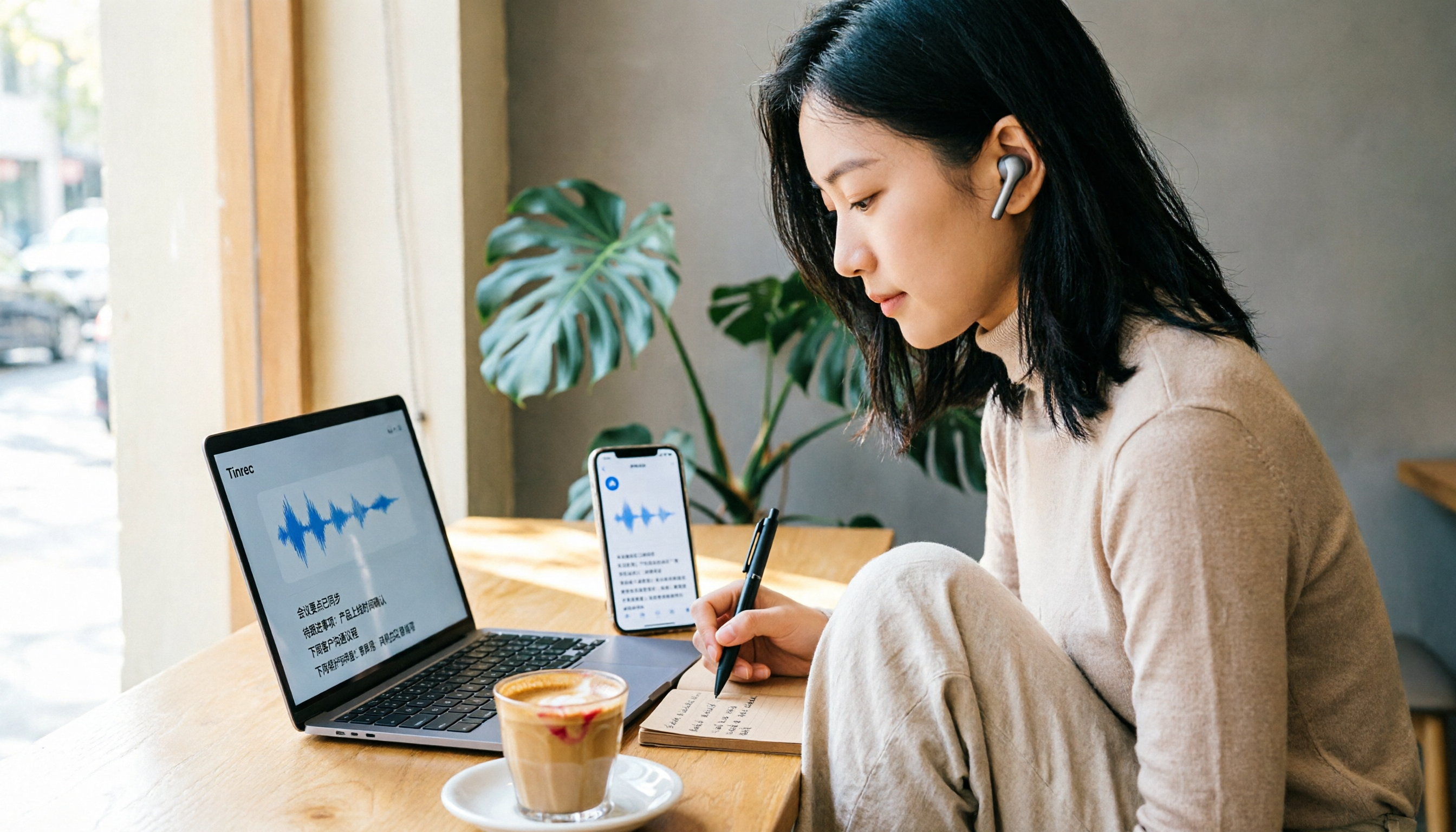
Turn recordings into transcripts and summaries in minutes
Upload audio or video for multilingual transcription, AI notes, and action items
How to Convert Audio to Text for Free in 2026: A 5-Step Guide
Have you ever counted: you attend 3 meetings a week, and after each one, you spend an hour replaying the recording and typing up the transcript, just to extract a few key points and action items? In fact, there are now free tools that can convert your recordings directly into text, and even automatically generate summaries and to-do lists. This article uses Tinrec as an example, walking you through the free plan, core features, and practical steps.
What Can Audio-to-Text Do for You?
Audio-to-text isn't just about turning speech into text; it's about saving you hours of replaying and manual typing.
Scenario 1: Meeting Minutes in 5 Minutes
Previously, after a two-hour meeting, you might spend another hour organizing the minutes. Now with Tinrec, you can get real-time transcription while the meeting is happening, and afterward, you can review the summary and action items at a glance—who is responsible for what and deadlines are clear.
Scenario 2: Never Miss Key Points in Class Notes
During lectures or talks, you often miss content while scribbling notes. Tinrec can transcribe as you record, so you can focus on listening. After class, use the AI Q&A feature to search for key points, like "What were the three exam points the teacher mentioned?"
Scenario 3: Quick Interview Transcripts
For user interviews or research records, you used to replay audio and type manually. Tinrec supports uploading audio files or direct recording, giving you a transcript in minutes, and you can highlight key sections for later reference.
What Are the Core Capabilities of Audio-to-Text Tools?
Audio-to-text tools aren't just about "can it transcribe" but also about whether it helps you organize afterward. Tinrec's free version offers several practical features:
Real-Time Transcription: Transcribe as You Record, Not After
Tinrec's real-time transcription has low latency, so during meetings, you can watch the text to confirm you haven't missed key points. No need to wait until the meeting ends to process.
AI Summaries and Chapters: Automatically Organize Long Meetings
It doesn't just give you a wall of text; it automatically breaks the meeting into chapters, summaries, and key points, so you can quickly grasp the discussion's main themes without reading everything.
Action Item Extraction: Find Tasks from Discussions
Tinrec automatically identifies "who should do what" from the meeting content, organizing it into a to-do list, preventing post-meeting confusion and lack of follow-up.
AI Q&A: Ask Directly, No Need to Search Yourself
After transcription, you can ask Tinrec: "Who mentioned the budget in the meeting?" "What were the main customer complaints?" It answers based on the content, like an assistant that reads your meeting notes.
Multi-Format Export: Bring Results into Your Workflow
Export transcripts, summaries, or to-dos in common formats, or bring them directly to tools like Notion or Google Docs for further editing. The free version supports basic export.
Practical Use Cases
Meeting Minutes: From Recording to To-Dos in One Go
Use Tinrec desktop to start real-time recording; the system captures computer audio directly, no need for a meeting bot. After the meeting, the transcript, summary, and action items are ready, and you can paste them into a group chat or export as a document.
Classes and Lectures: Turn Speech into Searchable Notes
Open Tinrec mobile during class to record, then use AI Q&A to search for key concepts or emphasized points. All recordings are saved, so you don't have to replay the entire session when reviewing.
Interviews and Research: Quickly Organize Transcripts and Quotes
Upload interview recordings to Tinrec, and it automatically transcribes and segments them. You can search for keywords mentioned by interviewees, quickly find the sections you need to quote, and export them as a document for your report.
Stop organizing recordings by hand
Upload audio or video and automatically get a transcript, summary, and action items
Personal Memos and Idea Capture
When you have a sudden idea or want to record a voice diary, use Tinrec to record it, then convert it to text and use AI summaries to organize it into structured notes for easy searching later.
How to Use Tinrec's Free Audio-to-Text: 5-Step Guide
Tinrec's free plan offers basic credits, perfect for first-timers. Here's a demo on desktop.
Step 1: Download and Install Tinrec Desktop
Go to Tinrec's official website, download the desktop version for your system, and install it. The free plan doesn't require a credit card; just sign up with your email.
Step 2: Choose Your Recording Source
After opening Tinrec, you can select "Record Now" or "Upload Audio." For online meetings, choose "System Audio" + "Microphone"; for in-person conversations, just use the microphone.
Step 3: Start Recording and Real-Time Transcription
Click the record button, and the transcription appears in real time on the right. You can listen and verify the text. If you need translation, switch to original/translated or bilingual mode.
Step 4: Stop Recording and Review AI-Organized Results
After stopping, Tinrec automatically generates the transcript, summary, chapters, and action items. Click into the meeting record page to see the full results.
Step 5: Export or Share
Choose your format (e.g., Word, PDF) to export, or copy the summary and paste it into a group chat. If you need to ask more questions, use the AI Q&A feature on this recording.
4 Things to Consider When Choosing an Audio-to-Text Tool
1. Is the Free Plan Truly Free or Just a Trial?
Some tools claim to be free but only allow a few minutes or require a credit card. Tinrec's free plan offers basic credits, suitable for occasional transcription, without forcing payment. However, if you have heavy meeting loads weekly, you might need a paid plan.
2. Is the Post-Transcription Organization Capability Sufficient?
Transcription is just the first step; if you only get a wall of text, you still have to find the key points yourself. Tinrec's free plan includes AI summaries, action item extraction, and Q&A, which is more practical than simple transcription tools.
3. Does It Support Chinese and Mixed Chinese-English?
Many foreign tools excel in English but struggle with Chinese meetings. Tinrec is specifically tuned for Chinese and mixed content, and supports real-time translation, making it more suitable for users in Taiwan.
4. Can It Handle Online Meetings?
If you frequently use Zoom, Google Meet, or Teams, ensure the tool can record system audio directly. Tinrec desktop captures computer audio without needing a bot, making it more natural.
FAQs
Does Tinrec's free plan have time limits?
The free plan provides basic credits without requiring a credit card. Once you use up the credits, you can consider upgrading or wait for the next cycle to reset. Specific credits are subject to the official page.
Is the transcription accuracy high?
In clear audio environments, Tinrec's transcription quality is stable, but it can be affected by background noise, accents, or multiple speakers. For important content, cross-check the transcript with the audio playback.
Can I use it on mobile?
Tinrec has iOS, Android, and web versions, with the desktop version being the most feature-complete. The mobile version is suitable for quick recordings, offline interviews, or class notes.
Can I export files with the free plan?
Yes, the free plan supports basic export formats. For more advanced export options or third-party integrations, consider a paid plan.
How long are recordings saved?
Personal recordings are saved under your account unless you delete them. Team plans have a recycle bin, so accidentally deleted files can be restored within the retention period.
Conclusion
Audio-to-text isn't new, but finding a free, Chinese-friendly tool that also helps you organize key points can save you tons of time. Tinrec's free plan is great for beginners—it doesn't just convert audio to text but also generates summaries, action items, and Q&A, making meeting minutes, class notes, and interview organization easier. If you haven't tried it, download Tinrec's free version and test it with a real meeting or recording. You'll see why more and more people are ditching manual transcription.
References
- Audio to Text - Free Speech-to-Text Tool
- Tested: 4 Best Speech-to-Text Online Tools Recommended, Free to Convert Audio Files to Transcripts
- Online AI Speech, Video, Audio File Auto-Transcription - Free Trial - cSubtitle
- Unlimited Time! 3 Free AI Transcription Tools, Recommended! AI Voice Notes for Meeting Minutes, Presentations, Mind Maps | 104 Career Force
- Complete Roundup of Free Transcription Platforms in 2026: Reviews and Recommendations of 15 Free Speech-to-Text Tools
Turn every recording into actionable outcomes
Get 60 free transcription minutes when you sign in. No credit card required.
Related Reading
You might also like

2026 Live Transcription Tools Compared: Which Saves the Most Time in Meetings?
Live transcription isn't just pressing record. This article breaks down four common misconceptions and compares Tinrec and Yating Transcription across six dimensions: setup process, online meeting audio capture, post-meeting organization, cross-language support, team collaboration, and file import. It includes practical steps and pricing details to help you choose the right tool before your next meeting.

How to Get Free Real-Time Transcription in 2026: 5 Steps to Transcripts, Summaries, and Action Items with Tinrec
Based on real needs from meetings, classes, and interviews, this guide rounds up practical free real-time transcription options for 2026, compares Tinrec with common free tools on real-time capability, quotas, post-meeting organization, and team collaboration, and walks you through 5 steps from live recording to transcripts, AI summaries, and action items.

How to Handle Live Transcription in 2026: A 5-Step Guide from Recording to Meeting Minutes
The real challenge with live transcription is the time spent organizing after the meeting ends. This guide walks through a complete 5-step process, starting with 4 key factors for choosing a tool, then breaks down how Tinrec actually works, and compares Otter.ai, Granola, and Notta to help you decide how to handle live transcription.

Tinrec vs Yating Transcription 2026: 5-Dimension Comparison — Which Real-Time Transcription Is More Cost-Effective?
Cost differences in real-time transcription software often come down to billing units: many assume free tiers are enough, but minutes, export features, and seats are priced separately. This article focuses on cost, comparing Tinrec and Yating Transcription across 5 dimensions: billing method, free quota, real-time vs file upload, post-meeting usability, and team governance, with Notta, TurboScribe, and human transcription rates as references.

6 Real-Time Transcription Software Compared (2026): Which Free Tier Is Enough?
Taking notes while listening in meetings still leaves gaps? We tested 6 real-time transcription tools, covering no-bot recording, AI summaries and Q&A, free tiers, and team pricing, to help you pick the right one.

Best Live Transcription Tools in 2026: 4 Tested, Tinrec Transcribes as You Speak
Can't keep up with notes in class? Group discussions with no clear conclusions? Need transcripts for interviews? This article tests 4 live transcription tools from a student's perspective, covering 4 key factors to consider and 3 common mistakes, plus how to write live transcripts so you don't have to re-listen to the entire recording.

How to Download Live Transcripts in 2026: Tinrec Review + Export Formats Explained
Many people search for "how to download live transcripts," but there are actually two different needs: downloading an app that transcribes speech in real time, and saving a completed transcript as a file. This article starts from that decision point, covering 4 key factors to consider when choosing a tool, the actual workflow from download to export in Tinrec, and team plan benefits. It also compares Yating Transcript, cSubtitle, and iPhone Notes, plus 4 common pitfalls.

2026 Live AI Transcription Guide: No-Bot Recording + AI Q&A to Find Key Points
Tired of re-listening to online meetings just to get a transcript? This buying guide breaks down 4 key criteria for live AI transcription tools, with hands-on testing of Tinrec's no-bot desktop recording, real-time transcription, AI summaries, and post-meeting Q&A. We also compare Otter.ai, Notta, and Granola for different use cases, plus 4 common pitfalls and selection advice.

5 Live Transcription Software Compared (2026): Chinese Meetings, Free Tiers, and Team Sharing
A practical comparison of 5 live transcription tools, covering Chinese recognition, free usage limits, online meeting recording methods, and team sharing permissions to help you choose the right fit for your meeting style.