
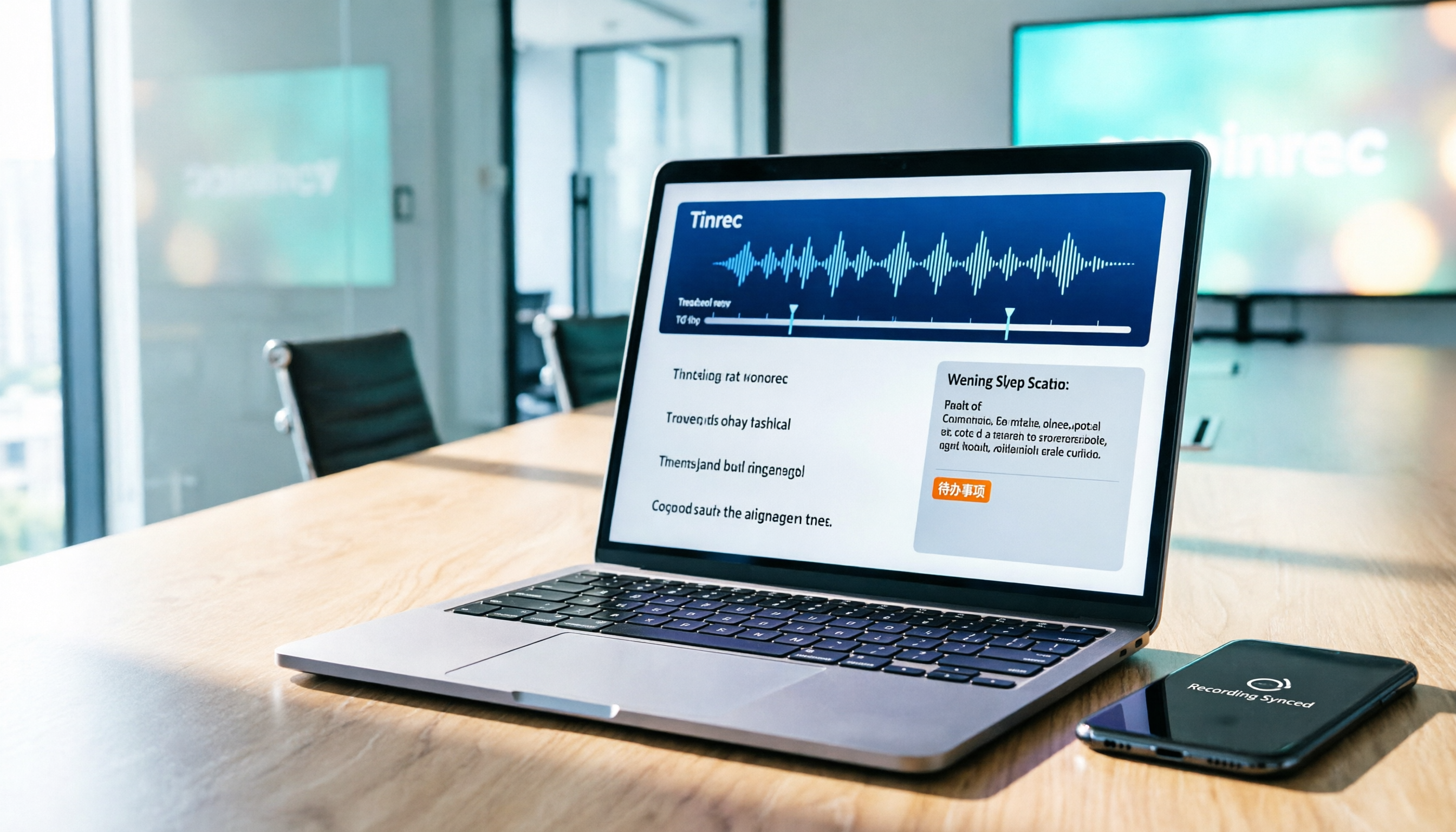
Turn recordings into transcripts and summaries in minutes
Upload audio or video for multilingual transcription, AI notes, and action items
Tinrec Recording-to-Text 2026 Tutorial: Bot-Free Online Meetings + Auto-Generated Meeting Minutes
Let me ask you a question: How many action items came out of last week's meeting? If you can't answer that—it's time to change how you take meeting notes.
I attend about 15 meetings a week. The most annoying part used to be not the meetings themselves, but the follow-up. I'd have audio files sitting on my phone, and I'd have to listen and type them out slowly at home. A 30-minute meeting often took an hour to transcribe, and I'd still miss the conclusions my boss pushed for. Then I switched to Tinrec for recording-to-text. Right after recording, I get a transcript, summary, and action items. My whole team uses this workflow now.
This article shares my hands-on experience, showing you how to convert audio to text, and compares Tinrec and PLAUD Note in terms of their actual recording-to-text capabilities.
Tinrec vs PLAUD Note: Quick Overview
Tinrec is an AI meeting notes and collaboration tool that doesn't require hardware—you can use it on your phone or computer. PLAUD Note, on the other hand, is an AI recording hardware device that you need to purchase separately. The process is simple: open Tinrec on desktop or mobile → record or upload an audio file → it automatically generates a transcript, summary, and action items → export as text or sync to Notion/Google Docs. I tested both with the same 5-minute Chinese meeting recording (in a quiet office, played on an iPhone 15). Tinrec's transcript had fewer errors and handled mixed Chinese-English segments more stably. In practice, both can convert speech to text, but Tinrec focuses more on "post-recording organization" and "team sharing."
| Comparison Item | Tinrec | PLAUD Note |
|---|---|---|
| Hardware Requirements | Phone/computer only | Requires hardware purchase (NotePin $159, Note Pro $189) |
| Online Meetings | Desktop app records Zoom/Meet/Teams without bots | Primarily records in-person via hardware or phone calls |
| Post-Transcription Processing | Summary, action items, AI Q&A, export | Summary, templates, Q&A |
| Team Space | Members, seats, audit logs | Team membership and device management |
If you need recording-to-text, Tinrec has a lower barrier to entry since you don't need to buy hardware first. Below is a dimension-by-dimension comparison.
Dimension 1: Recording Sources: Only In-Person, or Can Online Meetings Be Auto-Transcribed?
PLAUD Note's strength is portable recording—clip it to your clothes for in-person meetings or phone calls. But for online meetings, you still have to rely on your phone or computer speakers, which adds a layer of audio quality loss. Tinrec's desktop app directly captures system audio, so no meeting bot is needed. It works with Zoom, Google Meet, Teams, and Webex for real-time transcription.
→ Winner: Tinrec, because it captures online meeting audio more directly.
Stop organizing recordings by hand
Upload audio or video and automatically get a transcript, summary, and action items
Dimension 2: Post-Transcription Processing: Just a Transcript, or Summary and Action Items Too?
PLAUD Note generates transcripts and summaries and offers AI Q&A, but it's more geared toward managing hardware recordings. Tinrec, in addition to transcripts, automatically generates chapters, key points, and action items. You can also ask follow-up questions based on the meeting content and generate reports, tables, or meeting minutes.
→ Winner: Tinrec, for more efficient post-meeting organization.
Dimension 3: Cross-Platform and Devices: Do You Need to Buy Hardware? Can You Use Phone and Computer?
PLAUD Note is standalone hardware—if you lose it or forget it, you can't record. Subscription plans are billed separately. Tinrec has web, desktop, and mobile versions, so you don't need to spend extra on hardware, and it supports uploading existing audio and video files.
→ Winner: Tinrec, with a lower usage barrier.
Dimension 4: Chinese and Mixed Chinese-English Experience
My team often has meetings with mixed Chinese and English. PLAUD Note performs okay with clear Chinese, but error rates rise with language switching or background keyboard sounds. Tinrec handles Chinese and Traditional Chinese better, supports real-time translation and bilingual viewing, and in my tests, it recognized mixed Chinese-English segments more stably.
→ Winner: Tinrec, better suited for Taiwan's mixed-language business meetings.
Dimension 5: Team Collaboration and Knowledge Retention
PLAUD Note is primarily for personal recording, with team management focused on devices and members. Tinrec offers a team space: meeting data belongs to the team, and when members leave, data isn't taken with them. Admins can allocate seats, view usage and audit logs, and set team-specific terms to improve recognition of specialized vocabulary.
→ Winner: Tinrec, for managers who treat meeting notes as team assets.
What Are the Unique Advantages of Each?
Tinrec's Unique Advantages:
- Bot-free meeting recording: No need to invite a bot to your meeting; the desktop app directly records system audio.
- AI Q&A and action item extraction: After recording, you can ask "What are this week's action items?" without listening to the whole thing.
- Multi-device use: Record in-person on your phone, online on your computer, and upload old recordings for organization.
- Team space and governance: Ideal for department-wide management of meeting minutes.
PLAUD Note's Unique Advantages:
- Portable hardware recording: Great for on-the-go interviews and field notes without pulling out your phone.
- Long battery life and device integration: A standalone hardware experience, suitable for scenarios without a computer.
Summary: Which One Should You Choose?
- If you need online meeting recording-to-text with automatic summaries and action items → Tinrec (no hardware needed, bot-free desktop recording)
- If you need stable transcription for mixed Chinese-English meetings → Tinrec
- If you want to turn meeting notes into a searchable team database → Tinrec
- If you do lots of on-the-go interviews and need to clip a recorder to your clothes → PLAUD Note is more suitable
In a nutshell: For most professionals who want to convert audio to text, Tinrec is the more complete choice. I recommend starting with Tinrec's free version and testing it with an actual meeting recording to see the quality of the transcript and action items.
References
Turn every recording into actionable outcomes
Get 60 free transcription minutes when you sign in. No credit card required.
Related Reading
You might also like

Best Live Transcription Tools in 2026: 4 Tested, Tinrec Transcribes as You Speak
Can't keep up with notes in class? Group discussions with no clear conclusions? Need transcripts for interviews? This article tests 4 live transcription tools from a student's perspective, covering 4 key factors to consider and 3 common mistakes, plus how to write live transcripts so you don't have to re-listen to the entire recording.

How to Download Live Transcripts in 2026: Tinrec Review + Export Formats Explained
Many people search for "how to download live transcripts," but there are actually two different needs: downloading an app that transcribes speech in real time, and saving a completed transcript as a file. This article starts from that decision point, covering 4 key factors to consider when choosing a tool, the actual workflow from download to export in Tinrec, and team plan benefits. It also compares Yating Transcript, cSubtitle, and iPhone Notes, plus 4 common pitfalls.

2026 Live AI Transcription Guide: No-Bot Recording + AI Q&A to Find Key Points
Tired of re-listening to online meetings just to get a transcript? This buying guide breaks down 4 key criteria for live AI transcription tools, with hands-on testing of Tinrec's no-bot desktop recording, real-time transcription, AI summaries, and post-meeting Q&A. We also compare Otter.ai, Notta, and Granola for different use cases, plus 4 common pitfalls and selection advice.

5 Live Transcription Software Compared (2026): Chinese Meetings, Free Tiers, and Team Sharing
A practical comparison of 5 live transcription tools, covering Chinese recognition, free usage limits, online meeting recording methods, and team sharing permissions to help you choose the right fit for your meeting style.

4 Live Transcription Tools Tested in 2026: Which Workflow Saves the Most Time?
How do you create live transcripts? This article covers use cases, audio capture, tool selection, and post-meeting organization, outlining 5 production steps and 4 key selection criteria. It also compares Tinrec against Otter.ai, Notta, and TurboScribe to help you determine which workflow saves the most time.

2026 Real-Time Transcription & Summary Tools Compared: 4 Picks for Meeting Notes You Can Use as You Go
Real-time transcription plus AI summaries let you capture key points while meetings are still happening. Based on real-world use, this article covers 5 key factors for choosing a tool, hands-on testing of Tinrec's recording-to-transcript and post-meeting Q&A workflow, and compares the differences and limitations of Otter.ai, Notta, and Granola.

2026 Live Transcription Free Plans Compared: 2 Tools at a Glance
How to choose a free online live transcription tool? This article compares Tinrec and Yating Transcription across five dimensions: free quota, online meeting recording methods, post-meeting organization capabilities, team data retention, and cross-device workflows. It also honestly explains each tool's limitations to help you determine which one fits your meeting rhythm.

6 Live Transcription AI Tools Tested for 2026: Free Tiers, Chinese Recognition, and Post-Meeting Organization Compared
Are live transcription AI tools actually useful? This article starts with the most common judgment pitfalls, then reviews 6 practical live transcription tools, comparing free tiers, Chinese recognition, audio capture methods, and post-meeting organization capabilities, with buying advice and usage notes.

How to Use iPhone Recording Features in 2026: 5 Steps from Call Recording to AI Summaries
Since iOS 18.1, iPhone finally lets you record calls, and Voice Memos can turn speech into text. This guide walks you through 5 steps to check compatibility, set up one-tap recording, and then use Tinrec to turn recordings into transcripts, summaries, and action items—so your recordings become usable meeting notes.