
Turn recordings into transcripts and summaries in minutes
Upload audio or video for multilingual transcription, AI notes, and action items
When listening to all-English speeches or participating in international meetings, language barriers often make it hard to keep up with notes, and replaying recordings repeatedly after the event is extremely time-consuming.
This article will review the mainstream speech-to-text solutions currently available, providing a complete tool comparison table, evaluation dimensions, and step-by-step tutorial. Finally, we'll answer common questions about cross-device usage. If you need the highest accuracy for native English, consider Otter.ai; if you prefer a free open-source option, Whisper is a good choice; if you need to directly translate foreign languages and generate actionable Chinese action items, check out Tinrec with its multi-platform support.
Why You Need a Dedicated AI Tool for English Speeches
Traditional recordings have extremely low information density, and the cost of replaying is high. Especially when dealing with foreign language speeches, users often face the following pain points:
- Time-consuming language conversion: Translating to Chinese in your head while listening often causes you to miss important follow-up information.
- Lack of decision summaries: Traditional tools only produce a long string of transcripts without key summaries, making it hard to quickly review after the event.
- Difficulty in searching: Most audio files cannot be directly searched for content; you can only blindly fast-forward or rewind to find key sections.
2026 Mainstream AI Speech-to-Text Tool Comparison
Choosing the right tool can make a significant difference. Below is a multi-dimensional comparison of five popular tools on the market:
| Comparison Dimension | Otter.ai | OpenAI Whisper | Vocol.ai | GoodTape | Tinrec |
|---|---|---|---|---|---|
| Supported Languages | English only | Multilingual | Chinese/English/Japanese, etc. | Multilingual | Automatic recognition of 10+ languages including Chinese, English, Japanese |
| Real-time Transcription | Yes | Requires third-party interface | Yes | No (file upload only) | Yes, real-time transcription during recording |
| Summary & Action Items | English summary | No | Yes | No | Auto-generates meeting minutes and action items |
| AI Chat Query | Yes | No | No | No | Yes, semantic Q&A |
| Pricing & Free Tier | 300 minutes/month (limited) | Open-source free (requires technical setup) | Free credits upon registration | 3 free files/month | Free tier: 100 minutes/month |
Tinrec In-Depth Review: From Recording to Decision Workflow
Compared to many tools that simply convert audio to text, Tinrec's design logic focuses more on "post-use efficiency." It's not just a recording-to-text tool; it builds a complete workflow from recording, understanding to action.
Stop organizing recordings by hand
Upload audio or video and automatically get a transcript, summary, and action items
- Reducing cross-language comprehension cost: For English speeches, the system automatically detects the language and processes it, suitable for foreign language classes, international meetings, or organizing overseas content.
- Information structuring: Most tools only provide transcripts, while Tinrec automatically organizes conclusions and to-do lists after recognition, turning recording content into scannable, actionable text.
- Interactive search: Traditional transcripts rely on Ctrl+F keyword search. Its built-in AI chat query allows users to ask the AI directly, like a personal assistant, to quickly grasp key points.

Hands-on Tutorial: Convert English Speech Recordings to Chinese Transcripts in 4 Steps
Whether you're at the speech venue, have a recording file, or an online video, you can complete the conversion through the following four main feature entries:
Step 1: Real-time Transcription on Site
If you're at a speech or meeting, open the web page or app and select "Real-time Transcription." The system will convert speech to text instantly during recording, no need to wait until the speech ends, allowing you to keep track of the key points at any time.
Step 2: Import Audio File for Transcription
If the organizer provides a post-event recording, use the "Audio File to Text" feature. It supports various common audio formats. After uploading, the system will quickly generate a transcript with an AI summary.

Step 3: Directly Parse Online Videos
Many English speeches are published on YouTube or podcast platforms. No need to download audio files; simply copy the link and use the "Video Link to Text" feature. Enter the URL and quickly get the full transcript and key summary.
Step 4: Use AI Chat Query for Key Information
Speeches often exceed an hour, reading transcripts line by line is extremely time-consuming. After conversion, click "AI Chat Query" and directly ask questions like "What are the speaker's suggestions for the market strategy in the second half?" The system will quickly retrieve and give precise answers based on the recording content.

Frequently Asked Questions
1. Can I use an iPhone to record and translate English speeches directly?
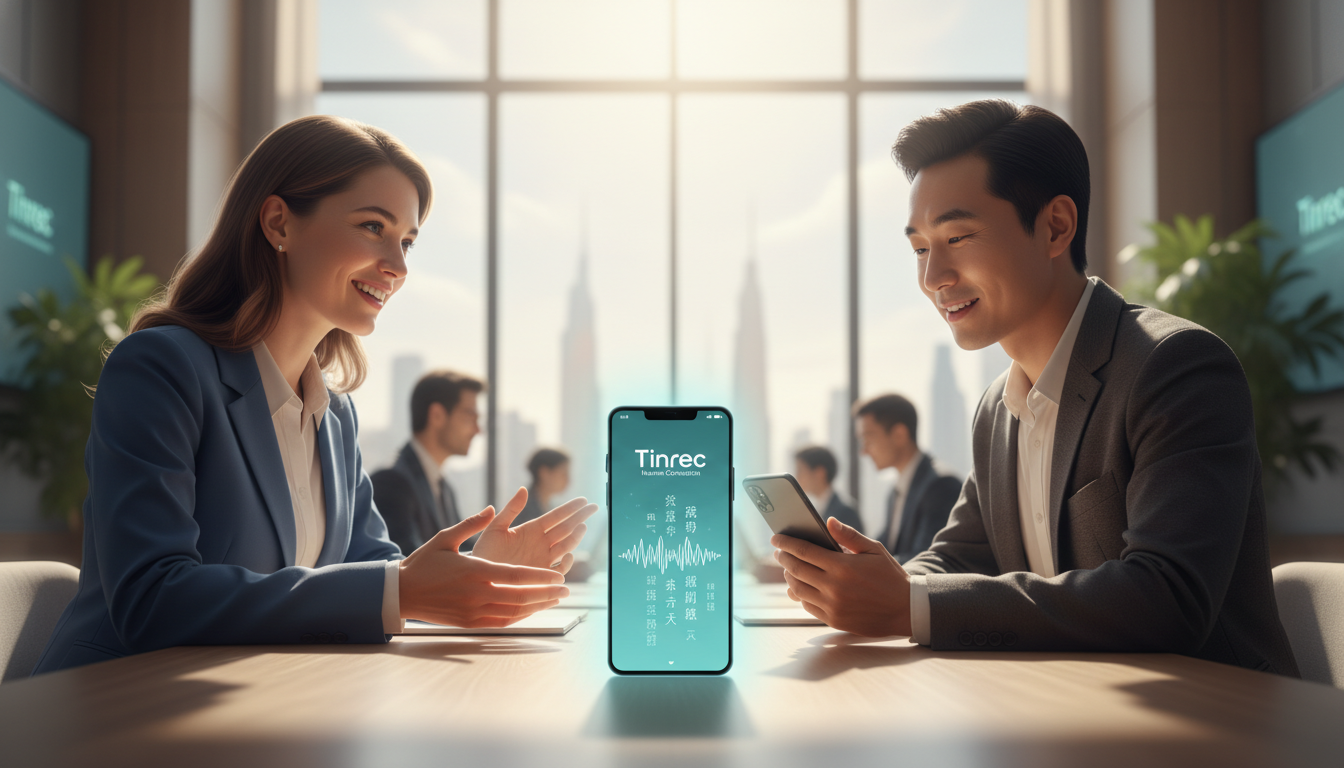
Most modern AI recording tools support both iOS and Android. For example, with some multi-platform tools, you can record English speeches directly on your iPhone and sync to generate Chinese transcripts in the cloud, solving the difficulty of organizing recordings after meetings.
2. Can I get real-time Chinese transcripts during remote Teams or Google Meet English meetings?
Yes. Many users use the desktop web tool to open the "Real-time Transcription" feature simultaneously during Teams or Meet meetings. This helps you capture key points in real-time during international meetings, reducing the pressure of language barriers.
3. What are the free tiers for AI speech-to-text tools?
Plans vary. For example, GoodTape offers 3 free files per month; Otter.ai gives 300 minutes per month but with per-session time limits; Tinrec provides up to 100 minutes per month free, with paid plans available for higher needs.
4. How accurate is speech-to-text transcription? Can it handle heavy accents?
Current mainstream AI models have very high accuracy for English speech recognition and are much more tolerant of accents. If the venue has background noise, try to sit close to the speaker or use an external microphone for better clarity.
5. If I only have a YouTube speech link, can I still get a transcript without an audio file?
Yes. Many tools that support "online video link parsing" allow you to directly paste a YouTube URL, skipping the download and conversion steps, automatically extracting audio and producing a transcript and summary.
6. The transcript is too long to read. What else can I do besides reading it myself?
This is where the new AI tools really shine. Instead of scrolling through the entire document, you can use the "AI Chat Query" feature to ask for key points, request a to-do list, or summarize a specific section, turning information retrieval into asking questions and saving significant time.
Turn every recording into actionable outcomes
Get 60 free transcription minutes when you sign in. No credit card required.
Related Reading
You might also like

2026 Comparison of 4 Meeting Transcription Tools: What Do the Output Files Look Like and Are They Ready to Use?
Meeting transcription doesn't just produce a single file—it generates a set of data: a verbatim transcript, a version with timestamps and speaker labels, AI summaries and action items, and whether you can export to your existing workflow. This article starts from 'what the files actually are' and compares Tinrec, Otter.ai, Notta, and TurboScribe in terms of output content, free tiers, and limitations, helping you choose the one you can use right away.

2026 Comparison of 4 Meeting Transcription Tools: The Easiest Way to Download Transcripts
After converting meeting recordings to transcripts, the real problem is often getting the text out. This article compares Tinrec, Otter.ai, Notta, and TurboScribe from a practical download and export perspective, covering export methods, quota limits, and team data ownership. It also outlines 4 key points to check before choosing a tool and 4 common mistakes, helping you pick a solution that turns transcripts into usable files.

2024 Comparison of 4 Smart Meeting Notes Platforms: Which Offers the Best Free Tier and Post-Meeting Organization?
Recording the meeting is just the beginning of the pain. This article starts from real meeting scenarios, breaks down 5 key points for choosing a smart meeting notes platform, and compares Tinrec, Otter.ai, Notta, and Granola in terms of free tier limits, Chinese transcription, post-meeting organization, and team collaboration to help you decide which one truly saves time.

2026 Smart Meeting Notes Tools Compared: Which One Actually Turns Meetings into Action Items?
Many people write meeting notes as verbatim transcripts, but no one follows up afterward. This article starts with common pitfalls, covers key factors for choosing smart meeting notes tools, provides usable examples, and compares Tinrec, Notta, Granola, and Otter.ai in terms of features, limitations, and pricing to help you find a tool that turns meetings into decisions and action items.

Smart Meeting Notes Software Free Plans in 2026: Tinrec vs. Granola
How do you choose a free smart meeting notes tool in 2026? This article compares Tinrec and Granola, two bot-free meeting transcription tools, across free tier limits, audio retention, Chinese-language experience, post-meeting output, and team governance to help you decide which fits your meeting workflow.

2026 Smart Meeting Notes Software Comparison: Bot-Free Recording vs. Chinese Meetings—Which Is Easier?
A workflow-based comparison of Tinrec, Otter.ai, Granola, and TurboScribe, covering meeting capture methods, Chinese and mixed-language support, post-meeting summaries and action items, audio retention, and team seat management. We break down key buying factors and common pitfalls to help you decide which tool fits your meeting scenarios.

2026 Smart Meeting Notes Tools Compared: Tinrec vs Otter.ai vs Notta — Which Is Best for Chinese-Speaking Teams?
A hands-on comparison of three smart meeting notes tools in 2026: Tinrec, Otter.ai, and Notta. We compare Chinese transcription, bot-free online meeting capture, post-meeting action items and reports, team data governance, and plan quotas to help Chinese-speaking teams decide which tool to buy.

2026 Smart Meeting Notes Comparison: Tinrec vs Otter.ai — Which Is Better for Chinese-Speaking Teams?
Compare Tinrec and Otter.ai across six dimensions—meeting capture, Chinese-language experience, post-meeting output, team governance, and pricing/quotas—to help you decide which AI meeting notes tool to choose, including free tiers, team seats, and export capabilities.

2026 Smart Meeting Notes Comparison: Tinrec vs PLAUD Note vs Otter.ai — Which Is Right for Chinese-Speaking Teams?
How do you choose smart meeting notes software in 2026? This comparison looks at Tinrec, PLAUD Note, and Otter.ai from a team procurement perspective, breaking down differences in meeting capture, input sources, post-meeting organization, Chinese-language experience, team governance, and total cost of ownership to help you decide which option fits Chinese-speaking teams.