
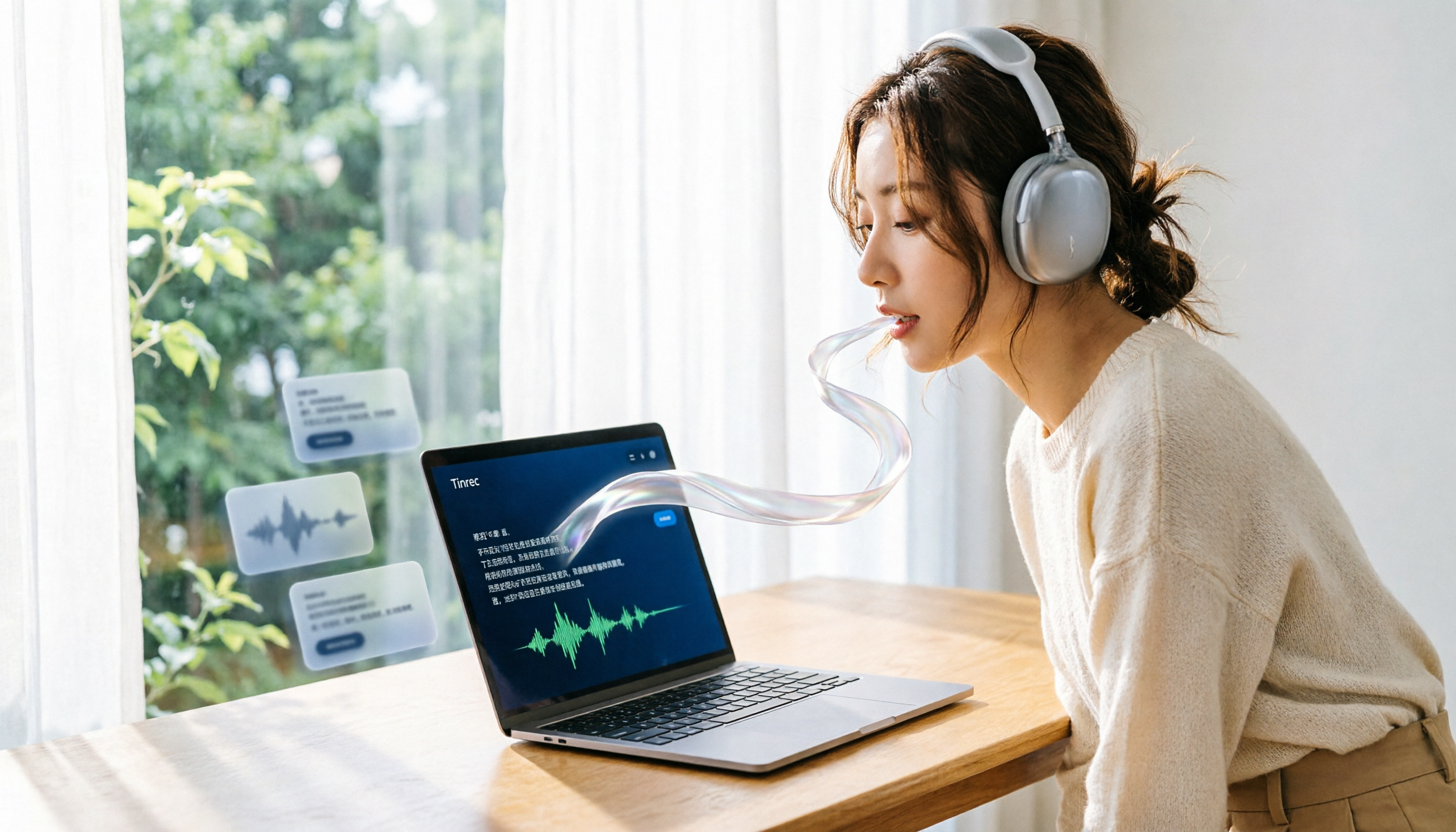
Turn recordings into transcripts and summaries in minutes
Upload audio or video for multilingual transcription, AI notes, and action items
How to Choose an Online Speech-to-Text Tool? Start with These 4 Decision Points
If you're looking for a "free, online, no-install" speech-to-text tool, the first decision isn't "which one is the best," but rather "what's the length, language, and intended use of your recording?" Because most free plans on the market have limits on minutes or file size, choosing the wrong tool can leave you stuck mid-transcription, forcing you to manually transcribe.
This guide approaches the selection from 4 procurement decision angles: free quota, Chinese recognition, editing and export, and team scenarios. We compare 4 online tools: MyEdit, cSubtitle, Monica, and Vidnoz, and provide clear recommendations at the end.
MyEdit vs cSubtitle vs Monica vs Vidnoz | Quick Overview
| Tool | Free Plan | Supported Languages | Best For |
|---|---|---|---|
| MyEdit | 3-minute free trial per day | 9 languages: Chinese, English, Japanese, Korean, German, French, Spanish, Portuguese, Italian | Those who want to quickly convert short recordings into editable transcripts |
| cSubtitle | Free version: quick 3 minutes | Focused on Mandarin Chinese, with extensive training data for Chinese recognition | Chinese interviews, meeting minutes, and those needing timestamps and subtitle files |
| Monica | 30-minute free trial for new users | Multiple languages including Chinese, English, Spanish, and more | Those who need AI chat and mind mapping to organize transcribed content |
| Vidnoz | 30 free credits per day | Multi-language support | Those with both video and audio transcription needs |
This article compares the tools across 4 dimensions: free quota, Chinese recognition, editing and export, and downstream applications.
Dimension 1 | Free Quota: Who Actually Lets You "Transcribe a Full Meeting for Free"
The difference in free plans often comes down to whether you can finish transcribing a complete recording. MyEdit offers a 3-minute free trial per day, suitable for quick feature testing, but if your meeting recording is over 30 minutes, the free quota is clearly insufficient. cSubtitle's free version also offers a quick 3 minutes, but its advantage lies in more lenient upload format and size limits, supporting files up to 4GB and 5 hours.
Monica provides a 30-minute free trial for new users, the longest single free experience among the 4, ideal for those who want to fully transcribe an interview or lecture. Vidnoz uses a daily 30-credit system, and the actual transcribable minutes depend on the official credit rules.
→ Conclusion for this dimension: If you just want to test the features, MyEdit and cSubtitle are sufficient; if you want to transcribe longer content for free, Monica's 30-minute trial is the most straightforward.
Dimension 2 | Chinese Recognition: Who Handles Accents and Code-Switching Better
Chinese speech-to-text often struggles with accents, code-switching between Chinese and English, and background noise. cSubtitle has a clear focus: Mandarin Chinese, trained on extensive Chinese data, with an official claim of over 90% accuracy, and it automatically adds punctuation and paragraph breaks. This is a practical advantage for those needing Chinese transcripts.
MyEdit supports 9 languages including Chinese, English, and Japanese, with fast conversion, but the official sources do not promise a fixed accuracy rate; actual results depend on recording quality. Monica uses Google's audio-to-text technology, providing a solid foundation for multilingual recognition, suitable for mixed Chinese-English content.
Stop organizing recordings by hand
Upload audio or video and automatically get a transcript, summary, and action items
→ Conclusion for this dimension: For pure Chinese interviews and meeting minutes, cSubtitle's Chinese focus is worth trying first; for mixed Chinese-English content, consider Monica.
Dimension 3 | Editing and Export: Can You Use the Output Directly?
Getting a transcript is just the first step; the ability to edit, add timestamps, and export in usable formats is key. MyEdit allows free editing of transcribed content and the option to add timestamps, enabling basic cleanup before export. cSubtitle automatically generates a Word file with timestamps and provides .srt and .vtt subtitle files, ideal for adding subtitles to videos.
Monica supports online editing and export, and integrates AI chat and mind mapping to organize the logical structure of transcribed content in real time. Vidnoz focuses on high-accuracy transcription for both video and audio, catering to content creators.
→ Conclusion for this dimension: If you need subtitle files for direct use, cSubtitle is the most convenient; if you want to organize structure while transcribing, Monica offers a more complete editing experience.
Dimension 4 | Downstream Applications: Do You Just Need a Transcript, or Meeting Action Items?
Most free online tools can turn speech into text, but the applications after transcription vary greatly. MyEdit is suitable for notes, transcripts, subtitles, or meeting minutes, but its core remains transcription and editing. cSubtitle excels in Chinese transcripts and subtitle generation. Monica goes further by integrating AI chat and mind mapping to extract key points from transcribed content.
If you need "a summary, to-dos, and trackable action items directly after a meeting," these 4 tools lean toward transcription and editing rather than being complete post-meeting processing platforms. Such needs typically require additional AI meeting note tools to turn transcripts into actionable team data.
→ Conclusion for this dimension: If you only need transcripts and subtitles, all 4 are sufficient; for meeting summaries, to-dos, and team collaboration, consider evaluating AI meeting note tools separately.
What Are Their Unique Strengths?
MyEdit's Unique Strengths
- Supports 9 languages: Chinese, English, Japanese, Korean, German, French, Spanish, Portuguese, and Italian.
- Allows online editing of transcribed content and adding timestamps, enabling cleanup before export.
- Offers daily free credits, suitable for those with regular short transcription needs.
cSubtitle's Unique Strengths
- Focused on Mandarin Chinese, with extensive training data for stable accuracy.
- Automatically generates Word files with timestamps, .srt, and .vtt subtitle files, ready for video subtitles.
- Supports files up to 4GB and 5 hours, handling long meeting recordings.
Monica's Unique Strengths
- 30-minute free trial for new users, allowing full transcription of an interview or lecture.
- Integrates AI chat and mind mapping for organizing the logical structure of transcribed content.
- Uses Google's audio-to-text technology, providing a solid multilingual recognition foundation.
Vidnoz's Unique Strengths
- 30 free credits per day, suitable for frequent testing.
- Supports both video and audio transcription, convenient for multimedia content processing.
Summary: Who Should You Choose?
- If you want quick testing and multilingual support → MyEdit (3-minute free trial per day, 9 languages)
- If you need Chinese transcripts with timestamps in Word or subtitle files → cSubtitle (Chinese-focused, automatic punctuation and segmentation)
- If you want to transcribe longer content for free and use AI to organize structure → Monica (30-minute free trial, mind mapping)
- If you have both video and audio transcription needs → Vidnoz (30 free credits per day)
In a nutshell: There's no absolute "best" free online speech-to-text tool; only the one that best fits your recording length and purpose. We recommend using the free quotas to test the type of recordings you plan to transcribe, and once you confirm the Chinese recognition and export formats meet your needs, decide whether to upgrade to a paid plan.
Final reminder: When recording and transcribing, please comply with local laws and obtain consent from participants when necessary.
References
- Tested 4 Best "Speech-to-Text" Online Tools Recommended, Free Instant Audio-to-Transcript
- Online AI Speech, Video, Audio Auto-Transcription - Free Trial - cSubtitle
- Audio to Text - Free Speech-to-Text Tool
- Online AI Speech-to-Text Tool, Free MP3 or Audio-to-Text Transcript - MyEdit
- AI Speech-to-Text | Free Easy Online Speech-to-Text Tool
Turn every recording into actionable outcomes
Get 60 free transcription minutes when you sign in. No credit card required.
Related Reading
You might also like

Tinrec vs PLAUD Note in 2026: 5 Criteria for AI Meeting Notes, Which Is Better for Chinese-Speaking Teams?
Most people evaluate AI meeting note tools based only on free minutes and transcription accuracy, then end up with a tool they stop using. This comparison uses 5 criteria that truly affect long-term usability—meeting capture, post-transcription organization, Chinese and cross-language support, team knowledge retention and governance, and cost structure—to compare Tinrec and PLAUD Note/NotePin, with an FAQ to help you decide which fits your meeting style.

Best AI Meeting Notes Tools in 2026: Hands-On Test of Tinrec vs. Notta for Chinese Transcripts and Post-Meeting Workflows
Meeting over at 5:30 PM, recording is 1 hour 42 minutes, and minutes are due at 9 AM tomorrow: who decided what, which three action items to track, and who owns them. This article breaks AI meeting notes and transcript organization into an actionable workflow, comparing Tinrec and Notta across five dimensions—transcription accuracy, meeting recording methods, post-meeting organization, team governance, and pricing structure—to help you choose the tool that best fits your meeting style.

2026 AI Meeting Notes Free Plan Comparison: Chinese Transcription + Post-Meeting AI Q&A
How to choose a free AI meeting notes tool in 2026? We break down 5 key points—free quota, recording method, post-meeting organization, and team collaboration—and compare the free plans, pricing, and limitations of Tinrec, Otter.ai, Notta, and PLAUD to help you find the one that truly fits your needs.

How to Use AI for Meeting Notes in 2026: A 5-Step Recording Tutorial
Juggling a dozen meetings a week is one thing—organizing the aftermath is the real nightmare. This guide starts with the critical decision of which recording entry point to use, then walks through 5 steps to turn meeting recordings into transcripts, summaries, action items, and queryable team data. It also honestly covers tool limitations and how to choose the right plan.

Which AI Meeting Notes Tool Is Best? 2026 Hands-On Test of 5 Tools—This One Excels for Chinese Meetings
Dragging through a recording timeline after a meeting is a daily routine for most office workers. This article tests 5 AI meeting notes tools through actual workflows, covering how meeting audio is captured, whether transcripts are usable, post-meeting summaries and action items, and how team data is retained. It outlines selection criteria and pitfalls, and explains Tinrec's real-world performance in Chinese meetings, bot-free recording, and team collaboration.

6 AI Meeting Transcription Tools Tested for 2026: Which One Actually Saves You Post-Meeting Cleanup Time?
The real difference between AI meeting tools isn't transcription speed—it's whether you can use the output right after the meeting. This article tackles three common misconceptions and compares six tools—Tinrec, Notta, Meeting Ink, PLAUD, Granola, and TurboScribe—on positioning, standout features, pricing, and best-fit scenarios. It also includes a copy-paste follow-up prompt template and a getting-started checklist.

2024 AI Meeting Notes Tools Compared: Which Handles Chinese Meeting Minutes Best?
How to choose a meeting notes tool without pitfalls? This article examines four key aspects—meeting capture methods, post-meeting output, Chinese recognition, and team data governance—and compares Tinrec, Otter.ai, Notta, and PLAUD through hands-on testing. It also includes three must-know tips before purchasing and scenario-based selection advice.

2026 AI Meeting Notes Tools Tested: Which Summaries Actually Save Time?
Tired of spending hours after meetings organizing transcripts and summaries? This article starts from the real need for post-meeting organization, breaks down 4 key criteria for choosing an AI meeting notes tool, and then tests and compares Tinrec, Otter.ai, Notta, and Granola on transcription, summarization, AI Q&A, and team collaboration. It includes a 3-step practical workflow and 4 common pitfalls to help you choose the right tool and save valuable time.

2026 AI Meeting Notes Comparison: Which Tool Best Handles Chinese Summaries and Action Items?
Tired of transcripts that look like gibberish after your meeting? This hands-on guide covers four key factors for choosing an AI meeting notes tool and compares Tinrec, Otter.ai, Notta, and Granola on Chinese meetings, mixed Chinese-English, post-meeting AI Q&A, and team collaboration—plus four common pitfalls and selection advice.