
Turn recordings into transcripts and summaries in minutes
Upload audio or video for multilingual transcription, AI notes, and action items
Will the Other Party Know If You Record an iPhone Call? Here's the Bottom Line
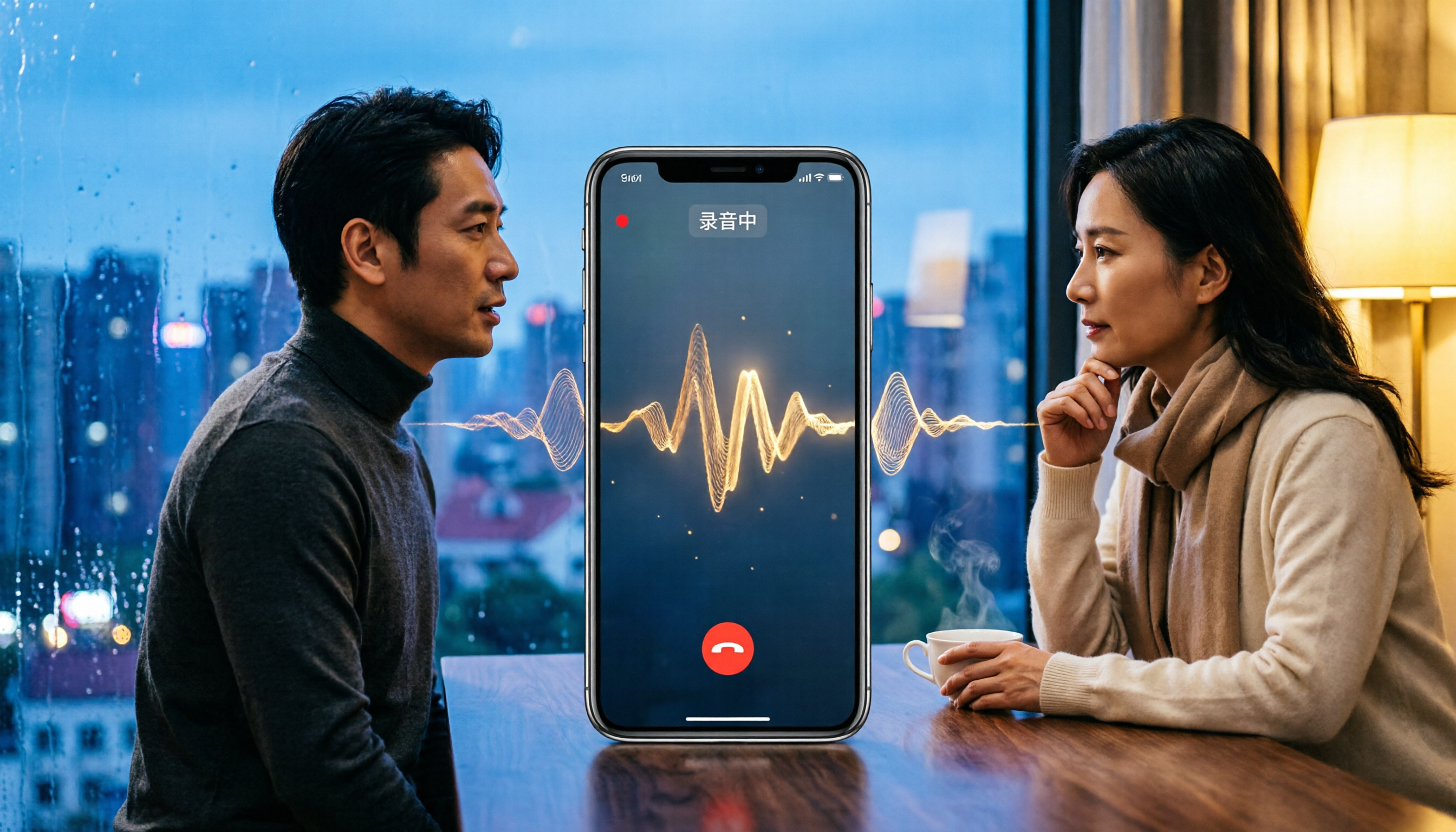
If you use the iPhone's built-in call recording feature, the other party will know.
Apple's design logic is clear: protect the privacy of both parties. When you press the call recording button, the system counts down for 3 seconds, and then both parties hear a voice prompt saying "This call will be recorded." Unless the other party is in a very noisy environment, they will definitely hear this alert.
So, if you want to secretly record using the built-in feature, the answer is: it's not possible.
But what many people really want to know is: "Are there other ways to record without the other party knowing?" This question is not about technology but about the law. Below, I'll break down iOS built-in recording, screen recording, shortcut-based recording, and external recording devices, and explain which methods carry risks.
Method 1: iPhone Built-in Call Recording—Most Transparent, the Other Party Will Definitely Know
This feature was officially added in iOS 18.1, and supported models need to be able to upgrade to iOS 18.1 or later.
Here's how it works:
- During a call, tap the "Call Recording" button in the top-left corner of the screen.
- The system displays a 3-second countdown.
- Both parties hear the "This call will be recorded" prompt.
- After recording ends, the file is automatically saved to the "Voice Memos" app in the "Call Recordings" folder.
- If your iPhone supports Apple Intelligence, it can automatically generate call summaries; you can also view transcripts in Voice Memos.
There are three key points to note:
First, the other party will definitely know. There's no option to turn off the alert—this is Apple's privacy design.
Second, third-party calling apps are not supported. LINE, Messenger, and WhatsApp calls cannot use the built-in recording feature. This significantly impacts users in Taiwan, where many people use LINE for daily communication.
Third, the recording management capabilities are limited. Built-in recordings are saved to Voice Memos, allowing basic playback and transcript viewing. However, if you need to quickly generate summaries, extract action items, or search past call history, the built-in iOS features fall short.
From my own workflow perspective, the iPhone's built-in recording is suitable for those who "occasionally record a call and just want to know it's saved." If you frequently need to replay calls, organize key points, or turn conversations into trackable action items, relying solely on Voice Memos transcripts will be time-consuming.
Method 2: Screen Recording—Many Think It Captures Audio, but It Doesn't
This is a common misconception. Many people think that enabling screen recording during a call will also capture both parties' voices.
Based on testing, using screen recording during a call or FaceTime video, even with microphone recording enabled, will not capture any audio. Apple has implemented system-level restrictions, and call audio cannot be captured by screen recording.
So, you can skip this method—it can't record the other party's voice, and it's not a legal alternative.
Method 3: Shortcuts with Back Tap—Technically Possible to Record Secretly, but Consider the Risks
Online tutorials suggest using the "Shortcuts" app to create a quick recording command, paired with iOS's "Back Tap" feature, allowing you to trigger recording by tapping the back of your phone twice or three times.
This method records ambient sound picked up by the phone's microphone, not the call's system audio. If you use speakerphone during the call, the microphone will pick up both parties' voices, theoretically allowing you to record the conversation without any system prompt.
However, there are several issues:
- Unstable audio quality. This depends on call volume, background noise, and phone placement.
- Not suitable for normal handset calls. Without speakerphone, the other party's voice won't reach the microphone.
- Legal risks. This is the most critical issue.
Regarding the law, Taiwan's "Communications Protection and Surveillance Act" Article 29 stipulates that as long as you are a party to the conversation and the recording is not for illegal purposes, you are generally not required to inform the other party. This means in certain cases, recording without disclosure may not be illegal.
Stop organizing recordings by hand
Upload audio or video and automatically get a transcript, summary, and action items
But "not illegal" and "no risk" are different. If the recording is used for improper purposes or involves others' privacy, subsequent legal disputes can be troublesome. My advice: Treat recording as a tool to protect yourself, not as a weapon against others. For important business negotiations, client commitments, or supervisor instructions, recording can prevent he-said-she-said disputes. However, if the intent is surveillance or manipulation, it's best to abandon the idea.
Method 4: External Recording Devices—Least Restricted, but Verify Compliance First
If you need to record LINE or Messenger calls, or want to avoid system prompts, external recording devices are a common solution.
Devices like the PLAUD Note, an AI recording hardware, can attach directly to the back of your phone and capture calls via vibration sensing or ambient audio, without needing speakerphone. After recording, the app automatically generates transcripts and summaries.
The advantages of such devices include:
- They don't rely on iPhone system features, so LINE calls can also be recorded.
- The recording process is independent, so no prompts are played during calls.
- Some devices support AI summaries and transcript generation.
But the limitations are also clear:
- You need to spend extra money on hardware.
- Audio quality depends on the device and call environment.
- Recording still must comply with local laws; hardware doesn't exempt you from compliance responsibilities.
For example, the PLAUD Note is priced at USD 159 for the NotePin and USD 189 for the Note Pro on the US official website, with membership plans billed separately. Those with a hardware budget and frequent LINE call recording needs can consider it.
Method 5: Use Recording-to-Text Tools—Recording Is Just the Starting Point
Whether using iPhone's built-in recording, an external recorder, or other methods, the real time sink after recording is organizing.
In my experience, a 30-minute client call takes at least another 30 minutes to replay and organize key points. If you have three such calls daily, that's an extra 1.5 hours of pure organizational work per day.
This is where recording-to-text tools come in. Tools like Tinrec (秒聽錄音), an AI meeting notes app, can convert audio files into transcripts and automatically generate summaries, chapters, and action items. More practically, the AI Q&A feature lets you ask questions like "What specific requirements did the client mention in this call?" or "What were the payment terms discussed with the supplier last time?" The system finds answers from the recording, saving you from manually searching through transcripts.
The difference from iPhone's built-in Voice Memos is: Voice Memos only converts audio to text, while tools like Tinrec help you understand and use that text. If you frequently need to turn call content into action items, meeting notes, or client follow-ups, relying solely on built-in features will be challenging.
4 Things to Know Before Recording iPhone Calls
1. Built-in Recording Always Notifies the Other Party
Apple doesn't offer an option to turn off the prompt. If you need recording with the other party's knowledge, this is the best method; if you want to record secretly, the built-in feature won't work.
2. LINE Calls Are Not Supported by Built-in Recording
iOS built-in recording only supports regular phone calls and FaceTime. LINE, Messenger, and WhatsApp require alternative methods.
3. "Not Illegal" Doesn't Mean "No Risk"
Taiwan law allows a party to a conversation to record under certain conditions, but if the recording is used for improper purposes or involves others' privacy, subsequent disputes can be troublesome. The key principle in the workplace is: Recording is for preserving facts, not for creating leverage.
4. Post-Recording Organization Is the Real Time Cost
Recording is just the first step. Transcripts, key summaries, action items, and follow-ups—these are what call recording truly aims to solve. If you record and just leave it on your phone, only to spend half an hour replaying it when needed, the value of recording is halved.
Conclusion
Back to the original question: Will the other party know if you record an iPhone call?
The answer is: with the built-in feature, yes, they will definitely know; with shortcuts or external devices, it's technically possible to record without the other party knowing, but you must bear the legal and compliance risks.
From a practical standpoint, instead of obsessing over "can I record secretly," focus on "how to use the recording afterward." If you only occasionally need to preserve call evidence, the iPhone's built-in feature is sufficient. If you frequently need to organize call highlights, track client commitments, and turn verbal discussions into actionable items, pairing with recording-to-text tools like Tinrec is more practical—it transforms recording from "archiving" into "searchable, queryable, trackable work data," which is the true value of recording.
References
- 【Phone Tips】2026 iPhone Built-in "Call Recording" Feature Tutorial! iOS Call Recording/Key Points Guide | Jyes Communication~Challenging the Lowest Phone Prices
- How to Know If Someone Is Recording You on iPhone – AirDroid
- How to Record iPhone Calls? Can It Be Done Without Being Detected? 5 Recording Tutorials - Applealmond - Tech Media for iPhone/iOS/Product Recommendations
- How to Record iPhone Calls Without Being Detected? Use Shortcuts with Back Tap for Secret Recording - Mr. Mad
- How to Record iPhone Calls? Is It Legal? Generate Transcripts with Plaud Note
Turn every recording into actionable outcomes
Get 60 free transcription minutes when you sign in. No credit card required.
Related Reading
You might also like

3 Ways to Remove Someone from a Teams Meeting in 2026: Don't Confuse Kicking with Canceling
There are three common scenarios for removing members from Teams meetings: kicking someone out during a meeting, removing them from the invite list, and canceling the meeting. This article covers the steps, common pitfalls, and how to use Tinrec to keep post-meeting transcripts and summaries.

2026 AI Meeting Notes Showdown: Tinrec vs Otter.ai for Chinese Meetings
Tired of replaying an hour-long recording after a meeting? This hands-on comparison of Tinrec and Otter.ai tests five dimensions: bot-free recording, Chinese and mixed Chinese-English transcription, post-meeting summaries and AI Q&A, team knowledge retention, and historical meeting organization. It also outlines a ready-to-use AI meeting summary workflow and buying advice to help you decide which tool fits your meeting scenarios.

5 AI Meeting Notes Tools Compared for 2026: Examples & Prompt Templates
Tired of endless meeting notes? This article breaks down AI meeting notes with real examples: a three-part summary, action items, and prompt templates. It also compares five common tool approaches and explains how Tinrec uses bot-free desktop recording, AI Q&A, and team spaces to turn a meeting into searchable, trackable team knowledge.

2026 AI Meeting Notes Tools Compared: How to Calculate Costs Without Getting Burned
AI meeting notes tools don't use the same pricing unit: some charge monthly, some per minute, some per hour. This article converts 5 mainstream options to a "cost per meeting hour," breaks down hidden costs like free plan ceilings, overage charges, and manual cleanup time, and uses Tinrec's team plan as a real example to help you bring numbers to your procurement meeting.

2026 AI Meeting Notes Tools Compared: Which One Produces a Ready-to-Use Meeting Minutes Table?
A meeting minutes table is not a copy-paste of the transcript. Starting from 'what the table should look like and how to choose a tool,' this article tests and compares Tinrec, Notta, Otter.ai, and Granola on Chinese meetings, bot-free recording, post-meeting organization, and team collaboration. It also includes ready-to-use minutes table fields and AI prompts to help you pick the one that truly produces a usable minutes table.

4 AI Meeting Transcription Tools Compared for 2026: From Transcripts to Summaries, Which Saves You the Most Time After Work?
A mid-level manager who attends over a dozen meetings per week tested 4 AI meeting transcription tools, covering bot-free recording, Chinese and mixed Chinese-English recognition, summary and action item extraction, team spaces, seats, and auditing. The article explains 5 key points to consider before purchasing, 4 common pitfalls, and the suitable scenarios and limitations of Tinrec, Otter.ai, Notta, and PLAUD.

4 AI Meeting Note Tools Tested for 2026: Which Saves the Most Time After Applying Templates?
Meeting notes often go unfinished not because of slow typing, but because there's no template from the start. This article compiles two ready-to-copy meeting note templates for corporate meetings and team weekly meetings, explains how to apply AI tools and connect post-meeting outputs, and compares Tinrec, Otter.ai, Granola, and Notta in real tests on Chinese meetings and template workflows.

2026 AI Meeting Notes Tools Compared: Free Tiers and Chinese Recognition Are Key
Starting from three questions—where your meetings happen, what language they're in, and who needs the notes—this hands-on comparison of Tinrec, Otter.ai, Notta, and PLAUD covers the meeting notes workflow, plus four buying criteria, four common mistakes, and a six-step post-meeting workflow you can copy directly.

2026 AI Meeting Transcription Tools Compared: Tinrec vs Otter.ai vs Notta vs TurboScribe
Many people struggle to organize meeting transcripts after recording. This article starts with common inefficient practices and compares the meeting documentation workflows of Tinrec, Otter.ai, Notta, and TurboScribe. It breaks down the steps from recording to transcript, summary and action items, AI Q&A, and team knowledge retention, and provides buying criteria and pitfalls to avoid.