
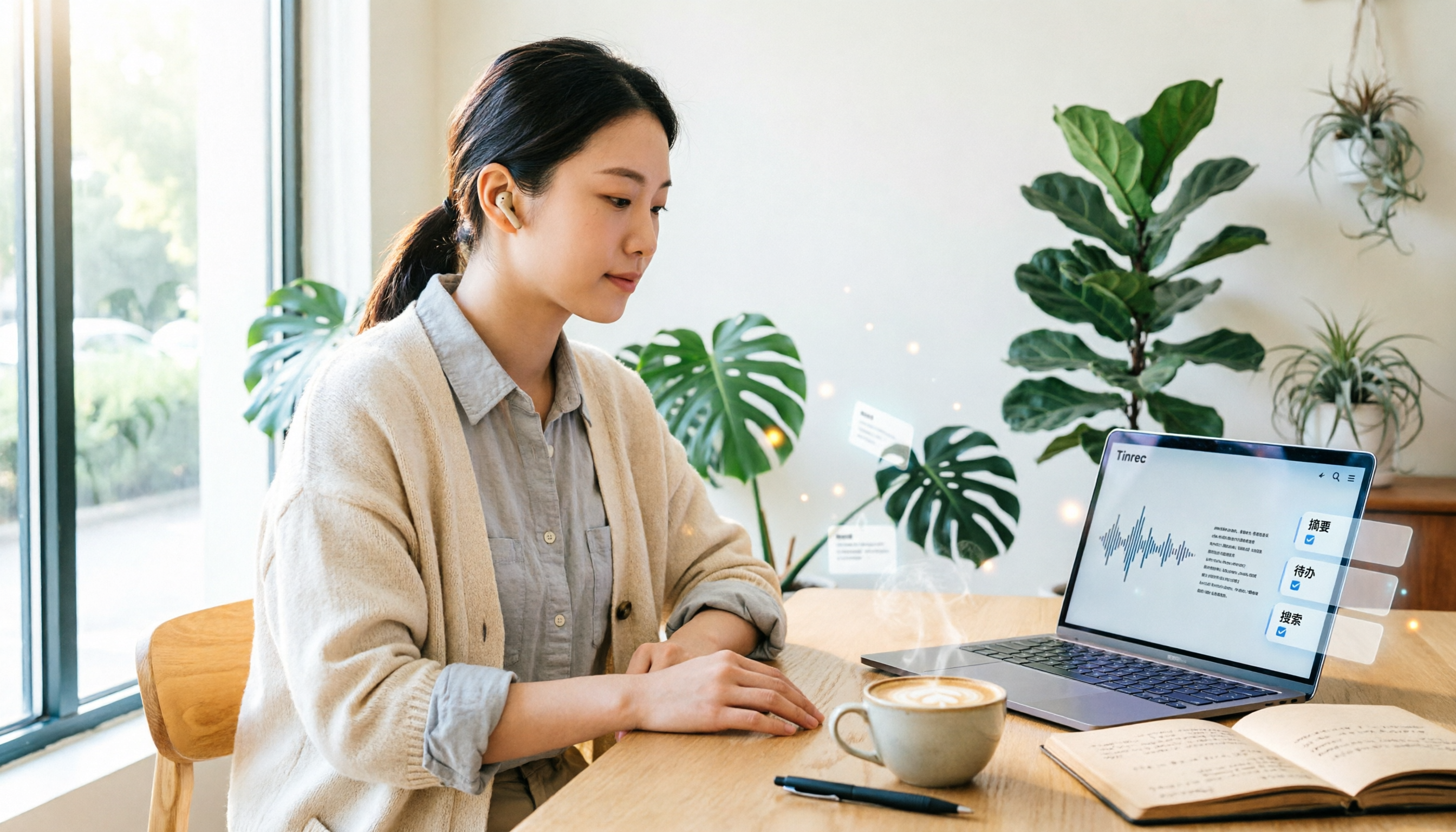
Turn recordings into transcripts and summaries in minutes
Upload audio or video for multilingual transcription, AI notes, and action items
Verbatim Transcripts Aren't the Finish Line—Missing the Key Points Is What Wastes Time
I recently processed a batch of interview recordings.
Several conversations, each over an hour long.
If I just convert audio to text, I still have to manually sift through everything to find what the interviewee actually said and which parts are usable.
That's essentially no different from manual transcription.
So when friends ask me, "Are there any free speech-to-text tools?" I usually counter with: Do you want a verbatim transcript, or do you want actionable insights you can use right away?
Most people actually want the latter.
What they really need is a tool that turns recordings into summaries, to-do lists, and even lets them ask follow-up questions about the content.
Before Choosing a Speech-to-Text Tool, Consider These 3 Things
First, is the free tier sufficient for your needs?
Many free plans appear generous, but they often cap single recording length or monthly minutes. If one meeting exceeds the limit, the free version becomes useless.
Second, what can you do after transcription?
Tools that only provide verbatim transcripts trap you in another form of manual organization. Ideally, the tool should automatically generate summaries, key points, and to-dos, so you don't have to read everything from start to finish.
Third, do you need cross-platform support?
You might record on your phone today and want to organize on your computer tomorrow. If the tool is locked to a single device or makes file export cumbersome, you'll quickly lose motivation to use it.
Tinrec: My Go-To for Interview Organization
Tinrec is an AI meeting notes and collaboration tool designed for individuals and teams.
Here's how I use it: I open Tinrec before an interview starts, and it transcribes in real time. After the interview, I don't need to listen to the entire recording; instead, I start with the AI-generated summary and chapters.
It breaks long interviews into segments, so I can quickly identify which part covers the core questions.
Then I use the AI Q&A feature to ask Tinrec directly: "What is the interviewee's attitude toward the budget?" It answers based on the meeting content, rather than just returning keyword search results.
This solves my biggest pain point: having lots of recordings but struggling to find the key points.
Tinrec also supports online meetings. The desktop version can capture system audio, so you don't need to add a bot to Zoom, Google Meet, or Microsoft Teams.
For people who don't like having an extra participant in meetings, this is a practical design.
Stop organizing recordings by hand
Upload audio or video and automatically get a transcript, summary, and action items
The team plan goes further by centralizing meeting data in a team space. Members can view historical meetings, and admins can manage seats and usage. Team data doesn't disappear just because someone leaves the company.
Beyond Tinrec: What Other Options Are There?
Otter.ai
It's mature for English meetings, and the free plan offers 300 minutes per month. However, if you primarily record in Chinese or mixed Chinese-English content, Otter's strengths are harder to leverage. Tinrec is more aligned with the daily workflow of users in the U.S. for Chinese meetings, bot-free desktop recording, and post-meeting data organization.
Notta
Its features overlap significantly with Tinrec. The free plan offers 120 minutes per month, but each session is capped at 3 minutes. This is very easy to exceed for meetings or interviews. Tinrec emphasizes post-transcription summaries, AI Q&A, and to-do extraction, rather than just stopping at transcription.
PLAUD Note
This is a hardware recording device, suitable for those who need to record on the go without pulling out their phone. However, you need to invest in the device first, and then consider a subscription. Tinrec requires no extra hardware—it works on phones, computers, and web browsers, making the entry barrier much lower.
Pitfall Guide: 3 Common Mistakes When Choosing a Tool
Pitfall 1: Downloading just because it's "free."
You might hit the per-session time limit mid-recording, or the free quota only covers a few minutes of testing. First, check the average length of your meetings and interviews, then see if the free plan can cover it.
Pitfall 2: Assuming a verbatim transcript equals done.
A transcript is just the starting point. The real time sink is identifying conclusions, action items, and to-dos. If the tool doesn't support summaries or AI Q&A, you're just swapping transcription work for reading work.
Pitfall 3: Ignoring team data ownership.
Personal tools are convenient, but meeting data tends to scatter across different people's accounts. If someone leaves or changes devices, records vanish. If meeting content needs long-term retention, a team space is a more stable choice.
Summary: Which One Should You Choose?
If you need Chinese meeting transcription, interview organization, and want to quickly find key points after recording, Tinrec is currently the most complete option.
If you need English meeting notes and don't mind cross-platform limitations, consider Otter.ai.
If you only handle short clips and have no long-meeting needs, Notta's free plan can suffice.
If you need portable hardware recording, then consider PLAUD Note.
My advice is to start with the free version. Test it with a real recording from your work to confirm transcription quality and the organization workflow meets your expectations. You'll know if a tool works after just one recording.
References
- Tested: 4 Best Online Speech-to-Text Tools Recommended—Free Instant Audio to Transcript
- AI Speech to Text | Free Easy Online Speech-to-Text Tool
- 【AI Voice Notes】5 Highly Recommended AI Transcription Tools! Generate Transcripts and Meeting Notes, Free vs. Subscription, Pros and Cons | 104 Career
- Unlimited Time! 3 Free AI Transcript Tools, Highly Recommended! AI Voice Notes Generate Meeting Minutes, Slides, Mind Maps | 104 Career
- Free Speech to Text Converter Online
Turn every recording into actionable outcomes
Get 60 free transcription minutes when you sign in. No credit card required.
Related Reading
You might also like

3 Ways to Remove Someone from a Teams Meeting in 2026: Don't Confuse Kicking with Canceling
There are three common scenarios for removing members from Teams meetings: kicking someone out during a meeting, removing them from the invite list, and canceling the meeting. This article covers the steps, common pitfalls, and how to use Tinrec to keep post-meeting transcripts and summaries.

2026 AI Meeting Notes Showdown: Tinrec vs Otter.ai for Chinese Meetings
Tired of replaying an hour-long recording after a meeting? This hands-on comparison of Tinrec and Otter.ai tests five dimensions: bot-free recording, Chinese and mixed Chinese-English transcription, post-meeting summaries and AI Q&A, team knowledge retention, and historical meeting organization. It also outlines a ready-to-use AI meeting summary workflow and buying advice to help you decide which tool fits your meeting scenarios.

5 AI Meeting Notes Tools Compared for 2026: Examples & Prompt Templates
Tired of endless meeting notes? This article breaks down AI meeting notes with real examples: a three-part summary, action items, and prompt templates. It also compares five common tool approaches and explains how Tinrec uses bot-free desktop recording, AI Q&A, and team spaces to turn a meeting into searchable, trackable team knowledge.

2026 AI Meeting Notes Tools Compared: How to Calculate Costs Without Getting Burned
AI meeting notes tools don't use the same pricing unit: some charge monthly, some per minute, some per hour. This article converts 5 mainstream options to a "cost per meeting hour," breaks down hidden costs like free plan ceilings, overage charges, and manual cleanup time, and uses Tinrec's team plan as a real example to help you bring numbers to your procurement meeting.

2026 AI Meeting Notes Tools Compared: Which One Produces a Ready-to-Use Meeting Minutes Table?
A meeting minutes table is not a copy-paste of the transcript. Starting from 'what the table should look like and how to choose a tool,' this article tests and compares Tinrec, Notta, Otter.ai, and Granola on Chinese meetings, bot-free recording, post-meeting organization, and team collaboration. It also includes ready-to-use minutes table fields and AI prompts to help you pick the one that truly produces a usable minutes table.

4 AI Meeting Transcription Tools Compared for 2026: From Transcripts to Summaries, Which Saves You the Most Time After Work?
A mid-level manager who attends over a dozen meetings per week tested 4 AI meeting transcription tools, covering bot-free recording, Chinese and mixed Chinese-English recognition, summary and action item extraction, team spaces, seats, and auditing. The article explains 5 key points to consider before purchasing, 4 common pitfalls, and the suitable scenarios and limitations of Tinrec, Otter.ai, Notta, and PLAUD.

4 AI Meeting Note Tools Tested for 2026: Which Saves the Most Time After Applying Templates?
Meeting notes often go unfinished not because of slow typing, but because there's no template from the start. This article compiles two ready-to-copy meeting note templates for corporate meetings and team weekly meetings, explains how to apply AI tools and connect post-meeting outputs, and compares Tinrec, Otter.ai, Granola, and Notta in real tests on Chinese meetings and template workflows.

2026 AI Meeting Notes Tools Compared: Free Tiers and Chinese Recognition Are Key
Starting from three questions—where your meetings happen, what language they're in, and who needs the notes—this hands-on comparison of Tinrec, Otter.ai, Notta, and PLAUD covers the meeting notes workflow, plus four buying criteria, four common mistakes, and a six-step post-meeting workflow you can copy directly.

2026 AI Meeting Transcription Tools Compared: Tinrec vs Otter.ai vs Notta vs TurboScribe
Many people struggle to organize meeting transcripts after recording. This article starts with common inefficient practices and compares the meeting documentation workflows of Tinrec, Otter.ai, Notta, and TurboScribe. It breaks down the steps from recording to transcript, summary and action items, AI Q&A, and team knowledge retention, and provides buying criteria and pitfalls to avoid.