
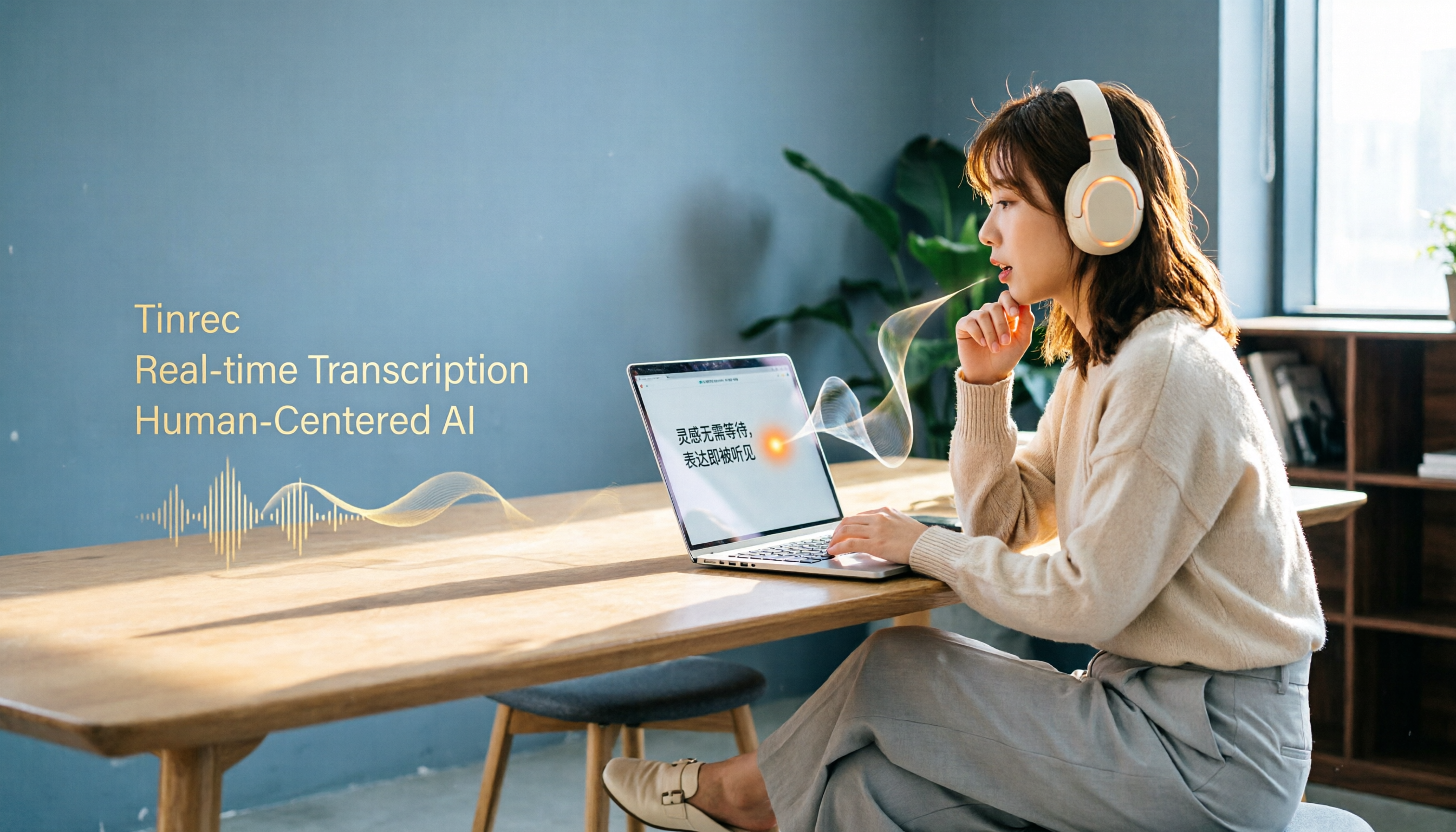
Turn recordings into transcripts and summaries in minutes
Upload audio or video for multilingual transcription, AI notes, and action items
Do You Really Need 'Speech-to-Text,' or Do You Need 'Organized Meeting Notes'?
This is the most overlooked decision point when people ask about AI speech-to-text tools on Dcard.
Some say, "I just want to turn my lecture recordings into transcripts." Others say, "A two-hour meeting takes another two hours to organize—I'm going crazy." And some say, "My boss asked about last week's meeting conclusions, and I had to dig through 30 minutes of transcript to find them."
These three needs all look like "speech-to-text," but the right tools for each are actually different.
If you only need to convert clear audio files into text, many free tools can do that. But if you want "immediate highlights, action items, and the ability to find what was discussed last time," you're not looking for a transcription tool—you need an AI meeting assistant.
This article uses 5 decision points to help you narrow down your options.
Before Choosing a Tool, Answer These 5 Key Questions
1. Are Your Meetings Online or In-Person?
Online meetings and in-person interviews have completely different requirements for tools.
For online meetings, consider: Does the tool require a bot to join the meeting? Will it feel awkward for colleagues? Does it support Zoom, Google Meet, or Teams?
For in-person meetings or interviews, consider: Is mobile recording convenient? Will background noise affect recognition?
2. Do You Only Need Transcripts, or Do You Need Summaries and Action Items?
This is the biggest dividing line.
Tools that only output transcripts leave you to read and organize the content yourself. Tools with AI post-processing automatically generate summaries, chapters, and highlights, and can even extract action items from the discussion.
If you have more than 3 meetings a week, the time difference with the latter becomes very noticeable.
3. Is Your Content Primarily in Chinese or English?
There are many mature tools for English business meetings, but for Chinese meetings or mixed Chinese-English discussions, many international tools underperform.
A common pain point among Dcard users is: English tools are strong, but they start making errors with Chinese, Taiwanese, or technical terms.
4. Are You Using It Solo, or Will the Whole Team Share It?
For personal use, free quotas and transcription quality are enough.
For team use, consider: Who owns the meeting data? What happens to the data if a member leaves? Can admins see usage? Can you set who can edit and who can only view?
5. How Much Are You Willing to Spend?
Free versions usually have minute limits. Paid plans range from a few dollars to over a hundred dollars per month.
The key isn't finding the cheapest option, but finding one where "the free version is sufficient, and the paid version is worth it."
Tinrec (Miao Ting Lu Yin): Our Top Pick After Testing
Tinrec is an AI meeting notes and collaboration tool designed for individuals and teams. It supports iOS, Android, web, and desktop, and its performance with Chinese content was among the most stable we tested.
No Bot Needed for Meetings—This Is Key
Tinrec's desktop version directly captures system audio, so you don't need to add a meeting bot to Zoom, Google Meet, Teams, or Webex.
This lowers the psychological barrier for people who don't like "having an AI in the meeting." Just open Tinrec, have your meeting normally, and it records in the background.
Transcripts Are Just the Starting Point, Not the End
Tinrec's real value comes after transcription.
When the meeting ends, it automatically generates summaries, chapters, and highlights. If the discussion includes "who is responsible for what and when it's due," it extracts those into action items.
Even better is the AI Q&A feature. You can ask, "Who mentioned the budget in the last meeting?" and it gives you an answer based on semantic understanding, rather than making you manually search keywords.
Performance with Chinese and Mixed Chinese-English Content
We tested it with a 5-minute Chinese meeting recording that included background keyboard sounds and brief overlapping speech. Tinrec's transcript handled technical terms and filler words more naturally than most English tools, without an obvious machine-translation feel.
Stop organizing recordings by hand
Upload audio or video and automatically get a transcript, summary, and action items
Actual results will still vary based on recording quality, accents, and noise, but for real meeting scenarios, it's practical enough.
Team Version Turns Meetings into Team Assets
If you're using it with a team, Tinrec's team spaces centrally store all meeting data. When a member leaves, the data doesn't disappear with their personal account—it stays in the team space and can be handed off to others.
Admins can set roles and seats: who can manage the team, who can record and edit, and who can only view. Usage analytics and audit logs also let admins monitor activity.
Pricing and Limitations
The personal version has a free plan to experience basic features. Regular users can consider the Pro monthly or annual plan, and there's also a weekly plan for short-term intensive meeting needs.
The team version uses a paid seat model; official pricing is available on the purchase page.
Note that the free plan has limited quotas, so heavy users will need to pay. But if you just want to test transcription and AI summaries, the free plan is enough for a few meetings.
Who It's Best For
If any of the following apply to you, Tinrec is a solid option worth trying:
- Your meetings are primarily in Chinese or mixed Chinese-English, and you want natural transcription and summaries
- You don't want to add a bot to your online meetings
- You need quick access to highlights and action items after meetings, without re-listening
- Your team needs centralized meeting data management, not scattered across individual devices
Beyond Tinrec: What Other Options Are There?
Otter.ai
A mature choice for English meetings, with a generous free plan of 300 minutes per month. If your content is primarily English, Otter.ai's performance and ecosystem are solid. However, its Chinese experience isn't as tailored to local usage habits as Tinrec, and some advanced features require higher-tier paid plans.
Notta
Positioned similarly to Tinrec, covering multi-device transcription and team plans. Notta's free plan offers 120 minutes per month, with a 3-minute limit per session, which is relatively restrictive. If you need bot-free recording for online meetings or want AI Q&A and action item extraction after transcription, Tinrec offers a more complete package.
MyEdit
An online AI tool shared on Dcard, suitable for occasional audio-to-text or subtitle conversion. It's more of a one-off transcription tool, not a full meeting assistant. If you just need to convert a couple of audio files to SRT subtitles, this type of tool works; but if you're organizing meeting notes weekly, you'll need more robust post-processing capabilities.
Pitfall Guide: 3 Common Mistakes When Choosing AI Speech-to-Text Tools
Pitfall 1: Only Looking at Official Accuracy Claims
Many tools claim high accuracy, but that's usually measured in a quiet recording studio.
Real meetings have air conditioning noise, keyboard sounds, and people talking over each other, so accuracy will be lower than advertised. We recommend testing with your own audio files using free trials, rather than relying on ads.
Pitfall 2: Confusing 'Transcription Tools' with 'Meeting Organization Tools'
If you only need transcripts, a cheap or free transcription tool is enough.
But if you want "to know conclusions and action items within 5 minutes of a meeting ending," transcription is just the first step. Without AI summaries, Q&A, and action item extraction, you'll still spend time organizing the content yourself.
Pitfall 3: Ignoring Data Ownership Issues in Team Use
Personal tools work fine, but problems arise when a team shares them: Whose account holds the meeting data? What happens if that person leaves?
If your team needs to share, choose a tool with team spaces, member management, and data handover mechanisms to save yourself headaches later.
Summary: Which One Should You Choose?
Going back to the initial decision point: Do you need 'transcription' or 'organized meeting notes'?
- Only need to occasionally convert audio files to text or subtitles → A free transcription tool is sufficient
- Primarily English meetings and need a mature ecosystem → Otter.ai is worth considering
- Chinese meetings, no bots, and need quick access to highlights and action items → Tinrec is currently the most suitable choice
- Team needs shared meeting data and admins need usage and permission control → Tinrec Team version
We recommend downloading Tinrec's free version to try it out. Testing with your own meeting recordings is more accurate than any review. If you like it, then consider paying—there's no need to spend money upfront.
References
- AI PC Applications - Comparison of Three Quick Speech-to-Text Methods - 3C Forum | Dcard
- Share 'AI Speech-to-Text' Tools - National Cheng Kung University Forum | Dcard
- [Dcard Hot Topic] Recording-to-Text Tool Roundup: From Manual Methods to AI Automation Efficiency Revolution - Miao Ting Lu Yin Blog
- Expert-Reviewed Top 10 Audio-to-Text Recommendations | mybest
- 2026 Voice Recorder Recommendations: Dcard Top Picks! 7 AI Speech-to-Text and Meeting Notes Tools to Save - You You (@u_u_blue) | Dcard
Turn every recording into actionable outcomes
Get 60 free transcription minutes when you sign in. No credit card required.
Related Reading
You might also like

2026 AI Meeting Recorder Comparison: 5 Tools Tested for Chinese Transcription, Free Tiers, and Post-Meeting Organization
Starting from real student use cases, this comparison focuses on what AI meeting recorders often get wrong: it's not about who transcribes fastest, but who can turn transcripts into summaries, action items, and searchable data. The main tool tested is Tinrec, breaking down what it can do, five core capabilities, campus and team scenarios, five must-check points before buying, and whether the free tier is enough for students.

Tinrec vs Notta 2026: 5-Factor Comparison — Which Is Better for Chinese Meeting Notes?
Most people install an AI meeting notes app only to get a raw transcript. This article breaks down 5 buying factors, tests Tinrec's bot-free recording, AI Q&A, and team knowledge retention workflow, and briefly reviews Notta, Otter.ai, and PLAUD for their best-fit scenarios.

5 Free AI Meeting Notes Apps Tested in 2026: Which Free Tier Actually Works?
Is a free AI meeting notes app enough? This article starts from the decision point of 'how many meetings do you have per month' and compares the free plan limits of Tinrec, Notta, Otter.ai, TurboScribe, and PLAUD. It breaks down four key criteria: per-recording limit, online meeting support, post-meeting output, and team data ownership, helping you choose the right tool without spending money.

2026 AI Meeting Notes Showdown: Tinrec vs Plaud Note — Which Saves More Time?
The meeting ends, but the pain begins. We tested Tinrec and Plaud Note across five dimensions — audio capture, post-meeting organization, Chinese recognition, team collaboration, and pricing — to help you decide which tool truly saves time on replaying recordings and typing notes.

Tinrec vs Notta 2026: 5-Dimension Comparison — Which Free AI Meeting Notes Tool Is Right for You?
How to choose free AI meeting notes software? This article starts with common pitfalls and compares Tinrec and Notta across 5 dimensions: free quota structure, audio capture methods, post-meeting output, Chinese recognition, and data ownership. It also covers free options like Otter.ai and Granola, plus 4 tips to avoid common mistakes.

5 AI Meeting Note Platforms Tested in 2026: How to Calculate Costs Without Wasting Money
The cost gap between AI meeting note platforms often isn't about the monthly fee, but about billing units, free allowances, and seat rules. This article starts from the actual billing logic of five options, breaks down the difference between real-time recording and file import, the gap between annual and monthly payments, and explains why Tinrec's team plan is suitable for teams that want to retain meeting data.

2026 AI Meeting Notes App Comparison: Free Tiers and Post-Meeting Workflows Tested
Struggling with meeting notes isn't about writing skills—it's about lacking time to re-listen to recordings. This hands-on comparison of AI meeting note apps covers free tiers, summary quality, post-meeting organization, and team collaboration, using Tinrec as the primary example to show whether free versions are sufficient and when to upgrade.

4 AI Meeting Note Tools Tested for 2026: Which Free Version Is Actually Enough?
There are plenty of free AI meeting note tools, but their free tiers vary widely. This article tests Tinrec, Notta, Otter.ai, and PLAUD from the perspective of whether the free version can last a month, comparing recording methods, post-meeting outputs, and limitations to help you find the one that truly works for you.

4 AI Meeting Note Methods Compared in 2026: Which Saves More Time—Online Transcripts or Summaries?
Still re-listening to recordings and typing meeting notes after meetings? This article compares four common AI meeting note methods—transcripts, summaries, action items, and AI Q&A—and explains why viewing online saves the most time. It also demonstrates Tinrec's actual workflow, team plan permissions, seats, and pricing.