
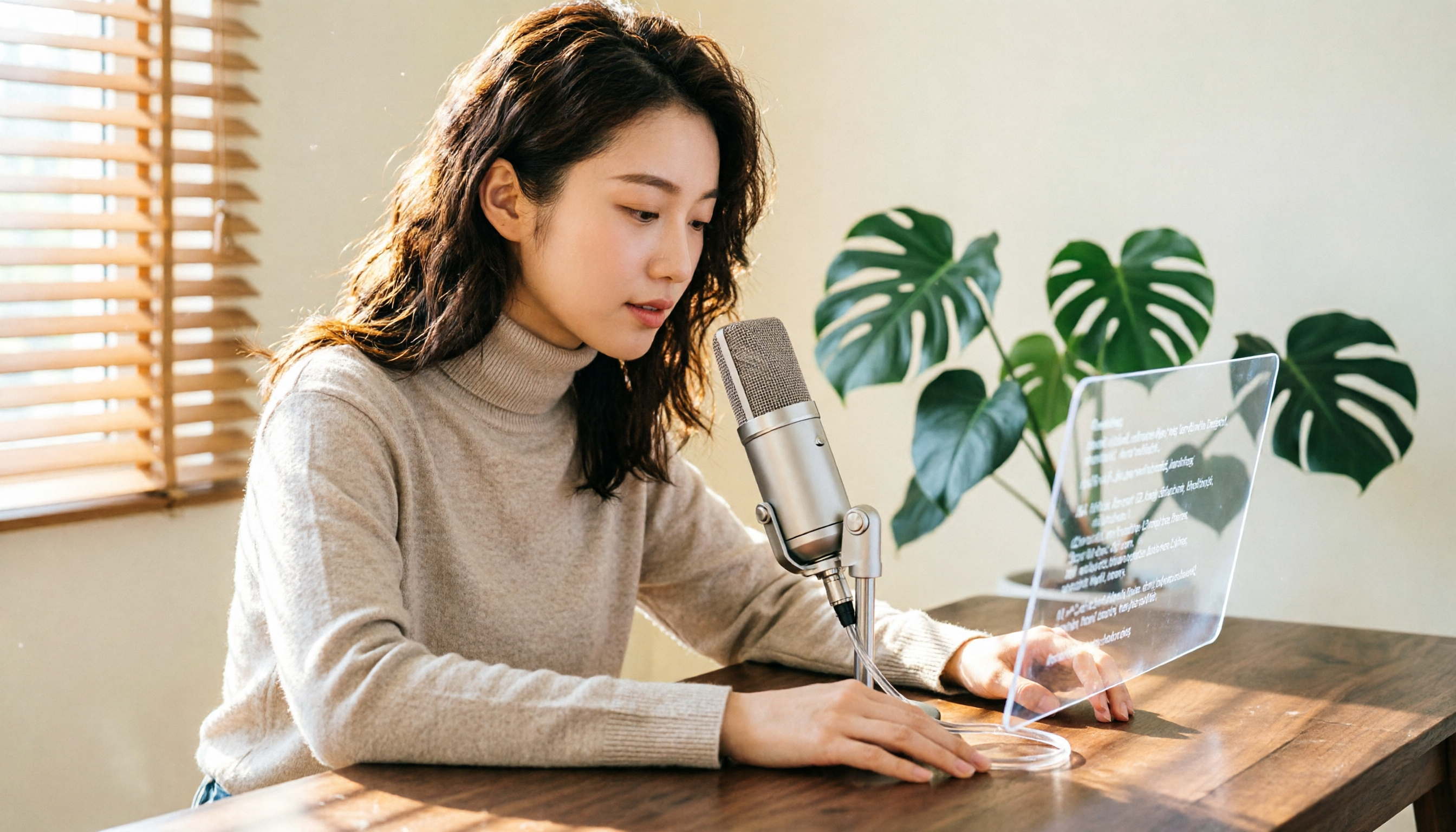
Turn recordings into transcripts and summaries in minutes
Upload audio or video for multilingual transcription, AI notes, and action items
Audio-to-Text: What You Need Isn't Just Another 'Converter'
Have you ever been in this situation: a 1-hour interview took 3 hours just to transcribe? Or after a meeting, everyone's waiting for a searchable, quotable text record, but the recording just sits in your phone.
There have been many audio-to-text tools in recent years, but honestly, most people don't really care about 'whether it can transcribe'—they care about 'whether it's useful after transcription.'
If you're looking for an online transcription tool that requires no installation and works right in your browser, Notta is one of the options I'd recommend trying first at this stage.
Before Choosing an Online Transcription Tool, Understand These 4 Key Points
1. Accuracy: Don't Just Look at Official Numbers
Notta officially claims up to 98.86% accuracy on clear audio. That's not a low number, but in practice, it still depends on your recording environment.
Generally, I'd suggest testing with your own recordings—especially those with background noise, multiple speakers, or mixed Chinese-English content, as that's the most realistic way to judge performance.
2. Format Support: Can You Directly Upload Your Files?
Notta supports audio formats like MP3, WAV, M4A, CAF, and AIFF, as well as video formats like MP4, AVI, MOV, and FLV.
If you have meeting recordings, podcast files, or phone recordings, you usually don't need to convert them first—that's a big plus.
3. Language Coverage: Chinese Users Should Pay Extra Attention
Notta supports 58 languages, including English, Chinese, Japanese, Spanish, French, German, and more.
For users in Taiwan, the transcription quality for mixed Chinese-English content is especially important. We recommend testing with a recording that mixes Chinese and English to see the actual performance.
4. Free Quota: Determines Whether You're 'Trying' or 'Using Long-Term'
The Notta free plan offers 120 minutes of transcription per month, with a maximum of 3 minutes per upload.
If you only occasionally handle short recordings, the free plan can suffice. But if you need to transcribe a 1-hour interview or meeting, the 3-minute limit per upload will be a bottleneck—this is something to keep in mind.
Notta Online Audio-to-Text: Hands-On Experience
Notta is an AI-powered audio-to-text tool that works in your browser—no software installation needed. Just go to the website, upload your file, select the language, and the system will automatically generate a transcript.
How It Works: 3 Steps to Complete Transcription
First, go to Notta's audio-to-text tool page and click 'Select File' to choose or drag and drop your audio file.
Second, select the language of your audio. If you're unsure, start with the primary language and adjust later.
Third, click confirm, and Notta will start transcribing. Once done, you can view the transcript directly on the page, edit it, and export it.
It's worth noting that Notta's interface is thoughtfully designed—after transcription, you're not just given a wall of text; there's a timeline that syncs with the audio, making it easy to review and verify.
Beyond Transcription: Summaries, Translation, and Post-Processing
Notta also offers AI summaries in addition to transcripts. After transcribing a long meeting or interview, you can quickly scan the summary to grasp the key points, then decide which sections to dive into.
Stop organizing recordings by hand
Upload audio or video and automatically get a transcript, summary, and action items
Additionally, transcripts can be exported in multiple formats, which is convenient for integrating into other workflows.
Free Plan Limitations: Honest Notes on What to Watch Out For
The free plan's 120 minutes per month and 3-minute per-upload limit are fine for light users, but if you're handling long meetings or multiple interviews in a row, you'll hit the cap quickly.
In my own usage, the free plan is more like a 'taste test' of transcription quality. For consistent, reliable use, you'll need to consider a paid plan.
Notta's paid plans start at approximately USD 8.17/month when billed annually, offering 1,800 minutes of transcription per month; the Business plan is approximately USD 16.67/seat/month when billed annually, adding role permissions and usage reports for teams.
Beyond Notta: Other Online Transcription Options
TurboScribe
TurboScribe focuses on high value for money. The free plan allows 3 files per day, with a maximum of 30 minutes per file; the paid plan supports up to 10 hours or 5GB per file.
If you need to process long files in bulk, TurboScribe's free daily quota is more generous than Notta's. However, Notta offers broader language coverage, AI summaries, and team collaboration features, whereas TurboScribe is relatively simpler in those areas.
Otter.ai
Otter.ai is a mature choice for English meeting scenarios, with a free plan offering 300 minutes per month—more generous than Notta.
But Otter's strength is in English content; Chinese transcription isn't its core focus. If you primarily handle Chinese or mixed Chinese-English content, Notta would be a smoother choice.
Pitfall Guide: 3 Common Mistakes When Using Online Transcription Tools
Pitfall 1: Buying Based Only on Official Accuracy Rates
Many tools tout 98% or 99% accuracy, but that's usually measured in quiet environments with a single speaker. Your actual recordings may have air conditioning noise, keyboard clicks, or overlapping speech, which will naturally lower accuracy.
The right approach: test the free version with your own recordings to gauge real-world performance.
Pitfall 2: Ignoring Per-Upload Time Limits
The 'monthly minutes' and 'per-upload maximum' are two different things. Notta's free plan caps each upload at 3 minutes, meaning even if you have remaining monthly quota, you can't transcribe a 1-hour meeting recording in one go.
When choosing a tool, first check the length of your recordings, then look at the quotas.
Pitfall 3: Stopping After Transcription
If you only treat transcription tools as 'transcript generators,' you're using only half their value. Notta's AI summaries, timeline sync, and export features can save you a lot of post-processing time.
After transcription, review the summary, locate key sections, and then export to your note-taking tool—that's the complete workflow.
Conclusion: Which One Should You Choose?
If you need an online audio-to-text tool that requires no installation, supports multiple formats, and handles Chinese well, Notta is a solid choice to start with on the free plan.
Scenario-based recommendations:
- Occasional short recordings, want to test quality → Notta free plan
- Monthly, consistent handling of meetings or interviews → Notta Pro or Business
- Need to process long files in bulk, budget-conscious → TurboScribe free plan
- Primarily English meeting content → Otter.ai
Overall, Notta's strengths lie in its intuitive interface, broad language support, and post-transcription features like summaries and exports. We recommend starting with the free plan and uploading one of your own recordings to see if the transcription quality meets your needs before deciding to pay.
References
Turn every recording into actionable outcomes
Get 60 free transcription minutes when you sign in. No credit card required.
Related Reading
You might also like

2026 Complete Guide to AI Meeting Notes: Transcript Comparison and Tinrec Alternatives
Many people think AI meeting notes just mean turning recordings into transcripts, but the real time sink is turning all that text into actionable conclusions and to-dos. Based on a student's real project experience, this article compares transcripts and meeting notes, and explains how Tinrec handles bot-free recording, post-meeting organization, AI Q&A, and team spaces—helping you decide if the free version is enough.

2026 AI Meeting Recorder Comparison: 5 Tools Tested — Which One Actually Turns Meetings into Actionable To-Dos?
Most people choose an AI meeting recorder based only on transcription accuracy, then end up never using it after a year of recordings. This article uses five practical criteria to compare Tinrec, Otter.ai, Granola, Notta, and others on meeting capture methods, post-meeting outputs, Chinese language handling, and team governance—helping you pick the right solution within your budget.

2026 AI Meeting Recorder Comparison: No-Bot Online Meeting Transcription and the Fastest Meeting Minutes
Many people think AI meeting notes just means adding a bot and waiting for a transcript, but the real problems start after transcription. This article addresses common misconceptions, outlines four key factors for choosing an AI meeting recorder, and compares Tinrec, Notta, Otter.ai, and Granola on capture methods, post-meeting organization, and team collaboration, with a buying guide and recommendations.

AI Meeting Notes in 2026: How to Choose — 5-Step Hands-On Comparison to Find Your Best Fit
If you can't keep up with meeting notes, the problem is often not the meeting itself but choosing the wrong tool. This article compares Tinrec and PLAUD Note step by step across five dimensions — recording sources, online meetings, post-meeting output, Chinese-language experience, and team governance — to help you decide which one better fits your work style.

2026 AI Meeting Notes Software Comparison: Are Free Versions Enough, and Which Really Saves You Time?
We tested and compared AI meeting notes tools like Tinrec, Otter.ai, Notta, and PLAUD from three angles: how meeting audio gets in, what you can do after transcription, and who controls team data. We also break down free version limits, team seat and billing differences to help you pick the one that truly saves time.

2026 AI Meeting Notes Software Comparison: Which One Actually Saves You Time After the Meeting?
Most people approach choosing AI meeting notes software the wrong way from the start: they mistake transcription for meeting notes and assume a bot must join the meeting. This article tackles common misconceptions, breaks down the selection logic using five key points, and compares Tinrec, Notta, Otter.ai, and PLAUD with hands-on testing, plus a guide to avoiding pitfalls and specific recommendations.

2026 AI Meeting Recorder Comparison: Tinrec vs Otter.ai vs Notta vs PLAUD for Chinese Meetings
The pain starts after the meeting ends. We compare Tinrec, Otter.ai, Notta, and PLAUD on recording methods, Chinese recognition, post-meeting organization, and team collaboration, with free tiers, pricing, and pitfalls to help you pick the one that truly saves time.

Tinrec vs Notta 2026: 5-Dimension Comparison for Chinese Online Meeting Notes
After an online meeting, do you still need to spend extra time organizing meeting notes? Starting from the real needs of 'online viewing,' this article compares Tinrec and Notta across 5 dimensions, and summarizes key purchasing considerations, practical use cases, and FAQs for AI meeting notes tools, helping you find the right way to organize Chinese meetings.

4 AI Meeting Transcription Tools Tested for 2026: Which Free Version Is Actually Enough?
People searching for 'free AI meeting transcription online' really need to decide three things: whether the free quota can last through a meeting, whether the meeting requires inviting a bot, and whether there's AI to organize the transcript afterward. This article uses these three criteria to test and compare the free plans and post-meeting workflows of Tinrec, Notta, Otter.ai, and PLAUD NotePin, and provides practical tips and selection advice for office workers in Hong Kong.