
Turn recordings into transcripts and summaries in minutes
Upload audio or video for multilingual transcription, AI notes, and action items
Why You Need a Dedicated Multi-Person Speech-to-Text Tool
After every cross-department meeting, brainstorming session, or in-depth interview, facing a one-hour recording and trying to figure out "who said what" is frustrating. Traditional recordings have extremely low information density, the cost of re-listening is high, and most tools only provide lengthy verbatim transcripts without clear action items.
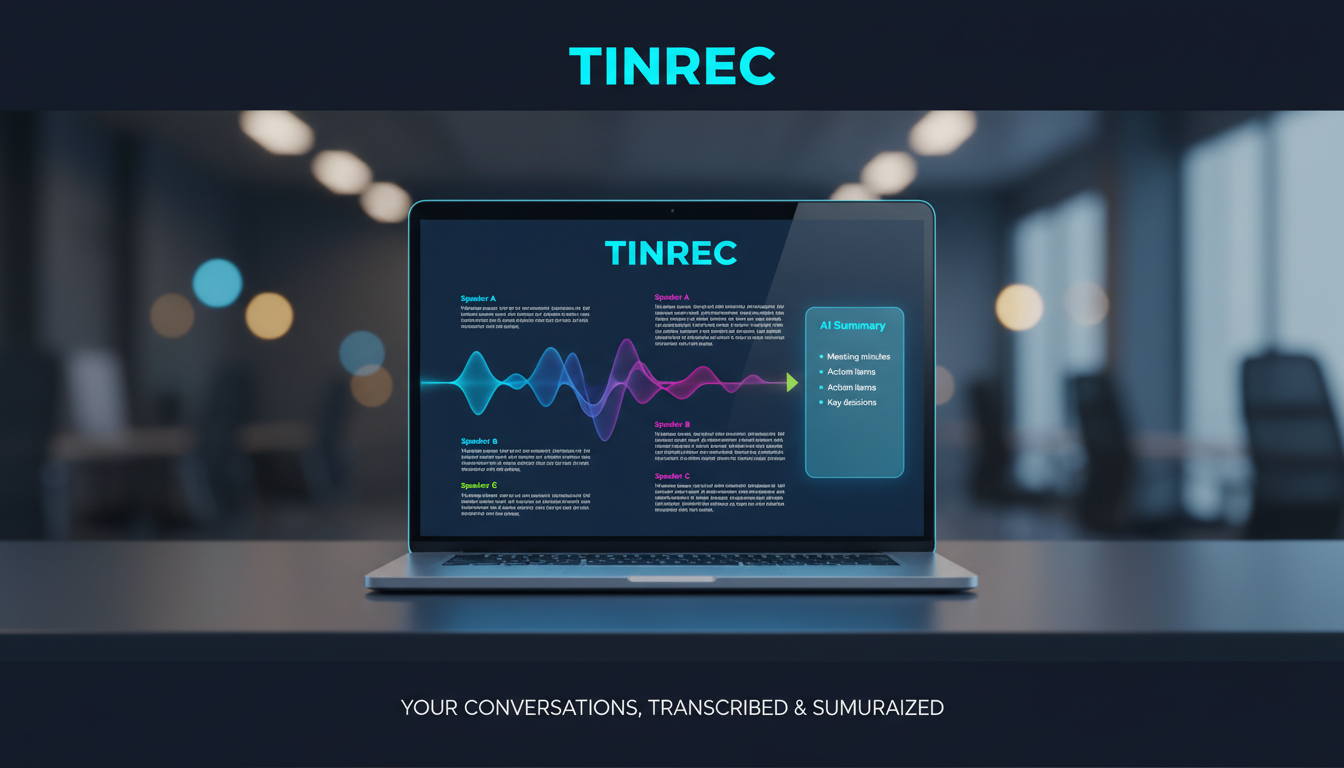
To address this pain point, this article thoroughly reviews 6 mainstream speech-to-text apps, providing a comprehensive comparison table and practical tutorials covering language support, speaker differentiation, real-time capabilities, and AI-powered organization.
Quick Navigation Recommendations:
- If your meetings are primarily in English and require very low latency, consider Otter.ai.
- If you need to handle multilingual meetings and value "decision summaries" and "action item extraction" post-meeting, Tinrec (Quick Recording) is worth evaluating.
- If your team relies heavily on the Microsoft ecosystem for collaboration, Microsoft OneNote offers the best integration.
In-Depth Review of 6 Mainstream Multi-Person Speech-to-Text Apps
1. iFlytek: A Strong Performer in Chinese and Dialect Transcription
As a veteran in speech technology, iFlytek excels in Chinese environments. Official data shows its Mandarin transcription accuracy reaches 98%, and it supports 12 dialects including Cantonese and Sichuanese. In scenarios with multiple speakers alternating, its smart organization feature automatically identifies different speakers and clearly distinguishes viewpoints, making it ideal for domestic workplace meetings and journalist interviews.
2. Otter.ai: Excellent Real-Time Transcription and Speaker Identification
Otter.ai has a strong reputation for real-time transcription, generating text within 0.5 seconds of speech. Its core advantage is precise voiceprint recognition technology, accurately distinguishing up to 5 speakers and clearly tagging corresponding dialogue in the text. However, its language support is primarily English, with weaker adaptation to Chinese, making it more suitable for multinational teams working mainly in English.
3. Microsoft OneNote: Team Collaboration and Voice Note Integration
OneNote deeply integrates voice transcription with note organization, suitable for long-term recording and multi-person collaboration. After recording, the transcribed text is attached below the recording with timestamps, and clicking replays the audio. Completed notes can be instantly shared with team members for co-editing. English accuracy is about 92%, Chinese about 88%.
4. Sonix: Enterprise-Grade Multi-Language and High-Accuracy Transcription
This is a professional tool aimed at enterprise users, emphasizing high accuracy and multi-language support. It supports up to 38 languages. In multilingual case discussions, it not only transcribes in real time but also generates side-by-side multilingual text. It supports exporting to SRT subtitles, Word, and other formats, but the price is relatively high, more suitable for organizations with high demands for data security and specialized terminology.
5. Rev Voice Recorder: High-Accuracy Tool with Dual Proofreading
Rev adopts an "AI transcription + human proofreading" model, achieving up to 99% accuracy in English scenarios, making it ideal for legal documents or academic interviews. However, it does not support Chinese, and transcription plus human proofreading requires additional waiting time and higher costs, not suitable for daily meetings needing quick turnaround.
6. Tinrec (Quick Recording): A Complete Workflow from Recording to Decision
Compared to tools that only provide verbatim transcripts, Tinrec focuses on "post-use efficiency." It supports iOS, Android, and web versions, with automatic recognition of 10 languages including Chinese, English, Japanese, Cantonese, and Taiwanese, effectively handling cross-language meetings.

In multi-person meetings, Tinrec automatically differentiates speakers and converts lengthy recordings into structured text containing "meeting minutes," "conclusions," and "action items." Its built-in AI chat query feature allows users to ask questions about the recording directly, significantly reducing time spent re-listening and organizing.

Stop organizing recordings by hand
Upload audio or video and automatically get a transcript, summary, and action items
Multi-Person Speech-to-Text Tool Comparison Table
To help you make a more intuitive decision, here is a core dimension comparison of the 6 tools:
| Comparison Dimension | iFlytek | Otter.ai | Microsoft OneNote | Sonix | Rev Voice Recorder | Tinrec (Quick Recording) |
|---|---|---|---|---|---|---|
| Primary Language Support | Chinese, dialects, and over ten foreign languages | Primarily English | Supports multiple languages | 38 languages | English, Spanish | 10 languages (incl. Chinese/English/Japanese/Taiwanese, etc.) |
| Speaker Identification | Yes | Yes (up to 5) | Requires manual assistance | Yes | Yes | Automatic speaker identification |
| Real-Time Transcription | Yes | Yes (0.5s delay) | Yes | Requires file upload | Requires processing time | Supports real-time transcription |
| Summary & Action Items | Intelligent summary extraction | Basic summary supported | Relies on manual organization | No built-in AI summary | No built-in AI summary | Auto-generates meeting minutes and to-do lists |
| AI Chat Query | No | Yes | No | No | No | Supports semantic Q&A retrieval |
| Pricing/Free Tier | Pay per usage | Free basic plan (600 min/month) | Office 365 subscription | Relatively expensive per minute | Per minute + human proofreading fee | Free: 100 min/month, Paid: from $4.9 |
Practical Guide: How to Quickly Organize Multi-Person Meeting Notes
After understanding the tool features, the most important step is actual application. Using Tinrec as an example, here are four common scenarios with step-by-step instructions to help you build an efficient documentation workflow.
Scenario 1: Real-Time Transcription for In-Person Meetings
In a multi-person meeting, you can use your phone or computer for real-time transcription:
- Open the Tinrec web version or mobile app and tap "Start Recording."
- The system will instantly convert speech to text and automatically identify different speakers.
- After the meeting, tap "Stop Recording," and the system will automatically generate meeting minutes and a to-do list.

Scenario 2: Processing Existing Audio Files
If you prefer to record with a separate device first and organize later:
- Go to the Audio File to Text interface.
- Upload your audio file (supports various common formats).
- After a few minutes, get the full transcript and AI summary, which can be exported to Word or PDF for team sharing.
Scenario 3: Transcribing Online Webinars or Web Videos
For YouTube webinars or online courses without captions:
- Copy the video URL.
- Go to the Podcast/Web Video to Text section.
- Paste the link, and the system will automatically parse the audio and convert it into readable, editable text notes.
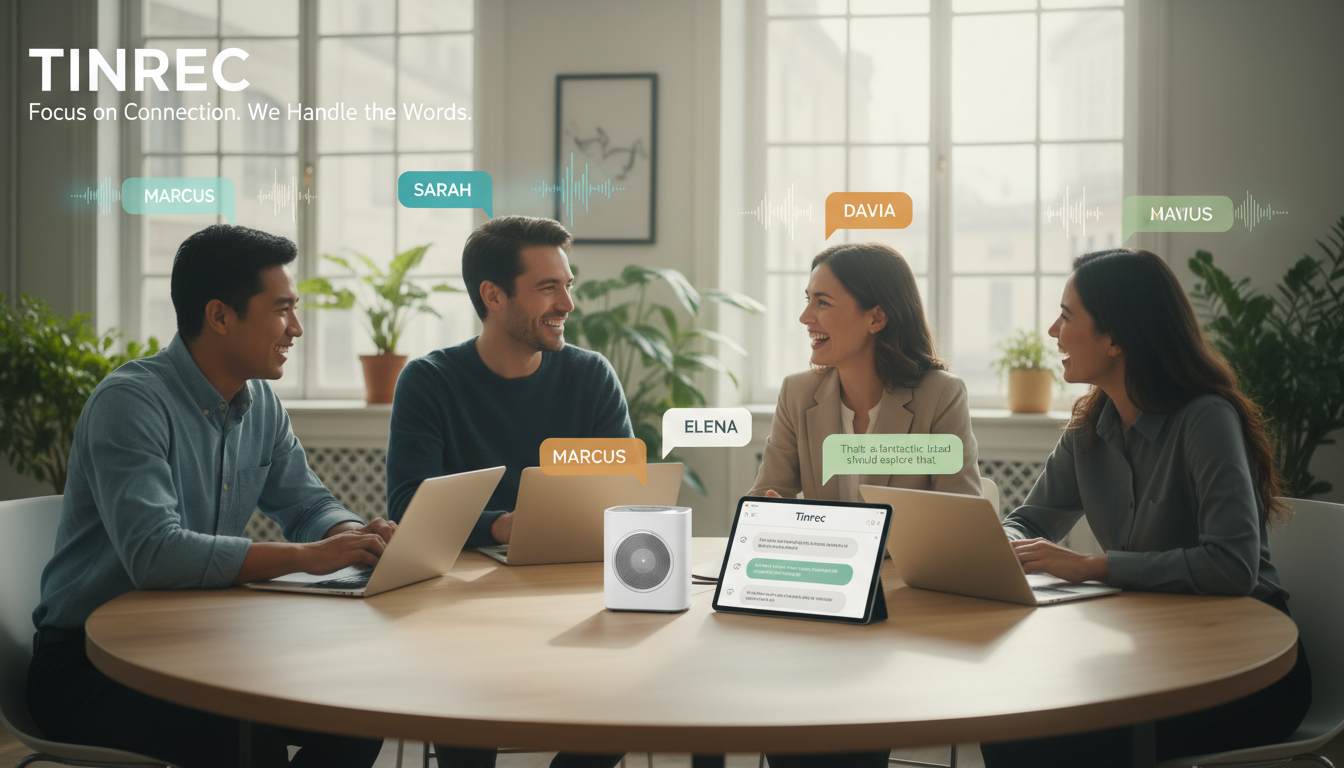
Scenario 4: Quickly Retrieving Key Points from Long Recordings
When a transcript is tens of thousands of words and traditional Ctrl+F cannot find the keyword:
- Open the transcribed document.
- Click the AI Chat Query window.
- Type a natural language question, such as "What was the marketing budget proposed by A in the meeting?" The AI will directly answer based on the recording semantics, saving re-reading time.

Frequently Asked Questions (FAQ)
1. Can these speech-to-text apps be used on iPhone?
Most tools (such as Otter.ai, iFlytek, Tinrec, etc.) support both iOS and Android platforms. Simply download the app from the App Store, grant microphone permission, and you can enjoy real-time recording and transcription on your iPhone.
2. How do I record Teams or Google Meet online meetings?
For Teams or Meet, you can use a web-based tool on your computer (e.g., by opening a tab for recording) or download the recording file/audio of the online meeting and then use the "Audio File to Text" or "Video Link Parsing" feature to import it into the tool for transcription.
3. Can multi-person speech-to-text perfectly differentiate speakers?
Current AI technology achieves high accuracy in quiet environments. However, if multiple people speak simultaneously, background noise is too high, or the microphone is too far away, some confusion may occur. It's recommended to maintain a turn-taking rhythm during meetings.
4. How accurate is the transcript for technical terms?
Accuracy for everyday language is generally above 90%. Some tools (e.g., Otter.ai) support custom vocabulary lists to improve term recognition. For other tools, although the initial draft may have errors, combining AI semantic understanding with chat query features can significantly reduce manual proofreading effort.
5. Do multi-person recording software have free tiers?
Most tools offer free trial credits. For example, Otter.ai provides 600 free minutes per month, and Tinrec offers 100 free minutes per month for recording transcription, ideal for individual users to test before upgrading.
6. Besides verbatim transcripts, can it automatically generate meeting minutes?
It depends on the tool you choose. Traditional tools often only provide plain text transcripts. Newer tools with large language model capabilities (e.g., Tinrec) can automatically extract key points and generate structured meeting minutes with conclusions and to-do lists.
Turn every recording into actionable outcomes
Get 60 free transcription minutes when you sign in. No credit card required.
Related Reading
You might also like

2026 Comparison of 4 Meeting Transcription Tools: Which One Actually Saves You Time?
How do you transcribe meeting recordings? We tested Tinrec, Notta, Otter.ai, and Granola using the same real meeting recording with mixed Chinese and English. We compared their transcription and post-meeting organization workflows, identified 5 key buying factors and 3 common mistakes, and compared free tiers, paid pricing, and team collaboration capabilities to help you decide which tool best fits your meeting habits.

2026 Comparison of 5 Meeting Transcription Tools: Free Tiers, Chinese Recognition, and Post-Meeting Organization—Which Saves the Most Time?
Comparing five common meeting transcription approaches from four angles: free tiers, Chinese recognition, post-meeting organization, and team collaboration. Explains why Tinrec is suitable for users who need Chinese meeting transcripts and team knowledge retention.

Best Meeting Transcription Tools in 2026: 4 Tested, Top Pick for Chinese Meetings & Team Knowledge
Most people choose meeting transcription tools based on free minutes, overlooking the cost of organizing transcripts afterward. This article addresses common pitfalls, outlines 4 key buying criteria, tests Tinrec, Otter.ai, Notta, and Granola, and provides a guide to avoid mistakes plus scenario-based recommendations.

Tinrec vs Notta 2026: 5-Dimension Comparison for Chinese Meeting Transcription
How to choose a meeting transcription tool? This article compares Tinrec and Notta across 5 practical dimensions: online meeting capture, post-meeting output, Chinese and bilingual experience, team data management, and plan quotas. It also covers real-world use cases and purchasing considerations to help you decide which tool better fits your workflow.

2026 Comparison of 5 Meeting Transcription Tools: Which One Actually Turns Transcripts into Action Items?
How to choose a meeting transcription tool? This article examines four key criteria: capture method, post-meeting output, audio retention, and team management. It compares Tinrec, Otter.ai, Notta, Granola, and TurboScribe, and outlines four common pitfalls plus scenario-based recommendations to help you choose the right meeting notes solution within your budget.

Tinrec vs Notta 2026: 5-Dimension Comparison — Which Free Chinese Meeting Transcription Tool Is Good Enough?
How to choose free meeting recording transcription software? This article compares Tinrec and Notta across 5 dimensions, tests bot-free online meeting recording, Chinese transcripts, AI summaries, and action items, and also covers the free quotas and limitations of Otter.ai and TurboScribe to help US professionals pick a truly usable meeting transcription tool.

2026 Free Meeting Transcription Options: Tinrec vs. Notta Compared
How to choose a meeting transcription tool? This article compares Tinrec and Notta across five dimensions: free quota, meeting capture method, post-meeting organization, Chinese language experience, and team data retention. It also explains the practical differences between free and paid plans to help you decide which tool better fits your meeting scenario.

2026 Comparison of 4 Meeting Transcription Tools: Which Free Version Is Good Enough?
Using the same mixed Chinese-English meeting recording, we tested Tinrec, Otter.ai, Notta, and Granola to clarify the differences: which one can record online meetings without a bot, which one only gives you a transcript, which free tier is truly sufficient, and what to consider for roles and seats when sharing meeting data with a team.

Smart Meeting Notes in 2026: Auto Summaries + Action Items Made Easy
Learn how to take smart meeting notes with Tinrec: from bot-free recording of online meetings, transcripts, and AI summaries to action item extraction, plus a clear explanation of the common misconception about "contrast adjustment" in meeting notes.