
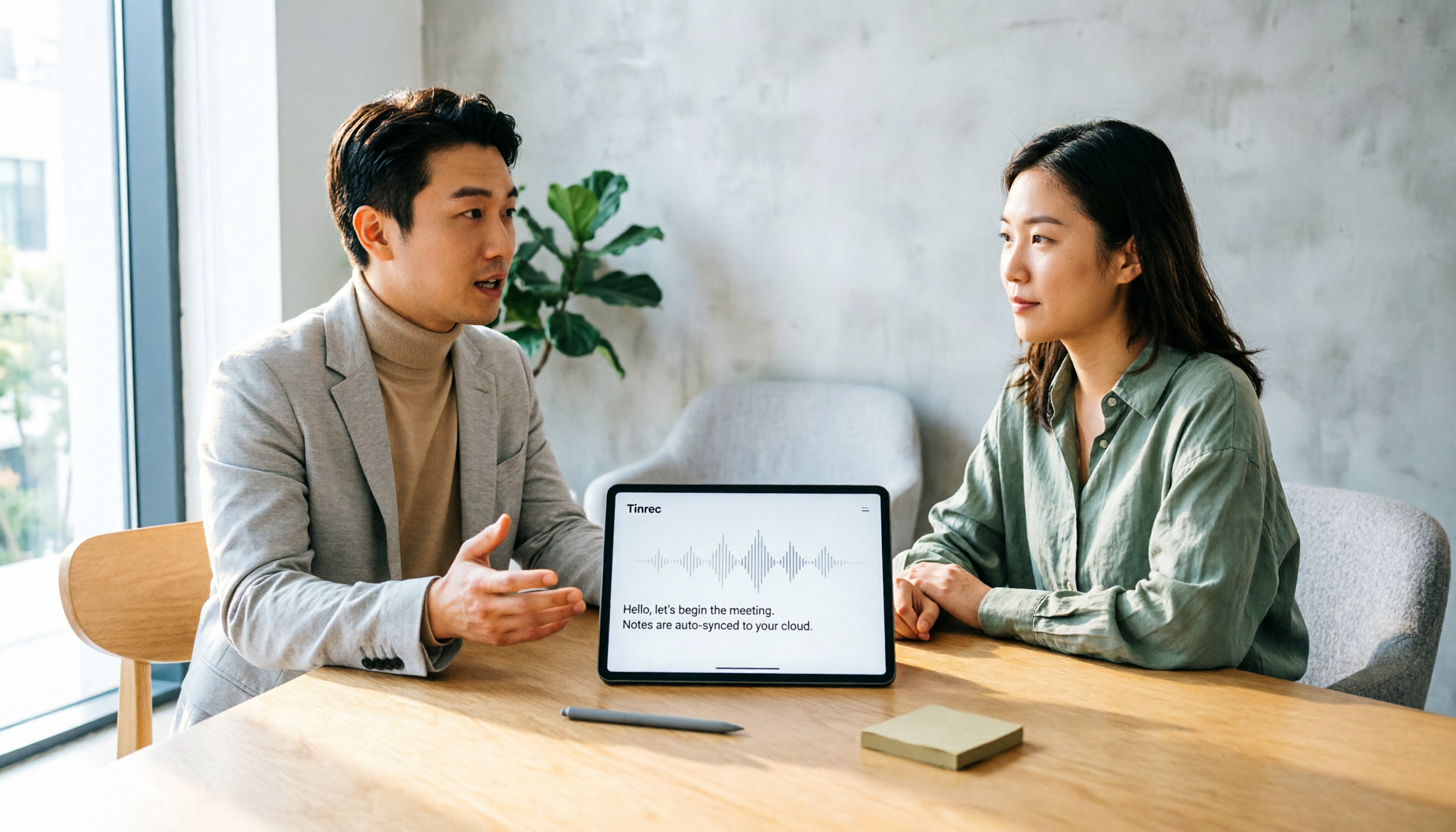
Turn recordings into transcripts and summaries in minutes
Upload audio or video for multilingual transcription, AI notes, and action items
What You Need Isn't Another Transcription Tool—It's a Choice That Actually Saves You Time
After every meeting, do you ever feel like you might as well not have shown up?
The transcript is long, and you can't find the key points. Action items are scattered throughout the conversation, and no one remembers who's responsible for what. When you need to track down a decision later, you have to re-listen to the entire recording.
AI transcription tools like Notta are designed to solve the "what do I do after I hit record" problem. But before you open your wallet, you need to figure out: does it actually fit how you work?
This article won't just tell you if Notta is good or bad. Instead, it walks you through 5 steps to decide if it deserves a spot in your daily workflow.
Before You Pick an AI Transcription Tool, Get These 5 Key Points Straight
1. Accuracy: Don't Just Trust the Official Numbers
Notta claims transcription accuracy of up to 98%, but that figure is usually measured under ideal conditions.
In real meetings, background noise, overlapping speech, accents, and industry jargon can drag accuracy down noticeably. Some users have noted in reviews that Portuguese transcription, for example, produced quite a few errors.
So instead of relying on spec sheets, test it with your own recordings. Any tool needs to be validated against your actual meeting scenarios before you can tell if it's good enough.
2. How It Records Meetings: Bot Joins or You Record Yourself
Notta can record online meetings on Zoom, Google Meet, Microsoft Teams, and Webex, and it can also handle in-person meetings.
But different tools take very different approaches to recording. Some join as a bot participant, while others capture system audio directly on your computer. The latter has a clear advantage: you don't have to invite an extra "attendee" into the meeting, and there's no bot avatar cluttering up the screen.
3. Post-Meeting Organization: The Transcript Is Just the Starting Point
Plenty of tools can turn audio into text, but what actually saves you time is what happens after the transcription.
A good tool should automatically generate summaries, highlight key points, and extract action items, so you don't have to scan through the entire transcript line by line. If you still spend half an hour manually organizing after every meeting, the tool has only solved half the problem.
4. Team Collaboration: Is the Data Tied to Individuals or the Team?
If you're using it solo, this doesn't matter much. But as soon as a team is involved, ownership of meeting data becomes critical.
When a team member leaves, do the meeting notes disappear with them? Can new members see historical data? Who gets edit rights, and who can only view? These are questions you need to answer before making a team purchase.
5. Free Tier and Pricing: Calculate the Real Cost First
Notta's free plan gives you 120 minutes per month, with a 3-minute cap per recording—which is nowhere near enough for even a slightly longer meeting.
As for paid plans, it depends on how often you actually use it. If you have more than three meetings a week, the free allowance will run out fast. Instead of letting the pricing page dictate your choice, start by estimating how many transcription minutes you actually need per month.
Tinrec—Another Option Worth Considering
If you're looking for an alternative to Notta, Tinrec is a solid contender to compare side by side.
Tinrec is an AI meeting notes and collaboration tool designed for both individuals and teams. It doesn't position itself as just a voice-to-text app; it puts more emphasis on what happens after the meeting—organizing, searching, and building a shared team knowledge base.
Stop organizing recordings by hand
Upload audio or video and automatically get a transcript, summary, and action items
Record Online Meetings Without Inviting a Bot
The Tinrec desktop app captures your computer's system audio directly, so there's no need to invite a meeting bot. Just open Tinrec, hit record, and you can handle meetings on Zoom, Google Meet, Microsoft Teams, and Webex.
This is a different approach from Notta's meeting bot. If you'd rather not have a bot avatar sitting in your meeting room, this feels more natural.
After Transcription, Just Ask Questions About the Meeting
Tinrec doesn't just output a transcript—it automatically generates summaries, chapters, key points, and action items.
What's even more useful is the AI Q&A feature. You can ask Tinrec directly: "Who mentioned the budget in the last meeting?" It will answer based on semantic understanding, not just throw a bunch of keyword search results at you. This is especially handy for anyone who frequently digs through past meetings.
Meeting Data Can Live in a Shared Team Space
Tinrec's team plan includes a dedicated team space where meeting data belongs to the team, not tied to an individual account.
When a member leaves or is removed, their team resources can be transferred to other active members, so historical meeting notes don't disappear. Admins can also view usage trends, member rankings, and audit logs—a big plus for teams that need governance.
Try It Free First
Tinrec offers a free plan with basic credits so you can try recording, importing, summaries, and transcription. If you just want to test bot-free meeting recording and AI Q&A, you don't need to pay upfront.
Beyond Notta and Tinrec: What Else Is Out There?
Otter.ai: A mature choice for English meetings, with 300 free minutes per month. But if you mainly handle Chinese or mixed Chinese-English meetings, Tinrec's Chinese experience and bot-free desktop recording may fit better.
TurboScribe: Focuses on long files and batch transcription, with up to 10 hours per file on paid plans. But its strength is document processing, not post-meeting summaries, action items, or team collaboration like Tinrec.
Granola: Another bot-free AI meeting notes tool that emphasizes user notes with AI enhancement. However, it doesn't store meeting audio or support uploading pre-recorded files. If you need to keep original recordings or organize historical audio, Tinrec is a better fit.
Pitfall Guide: 4 Common Mistakes When Choosing an AI Transcription Tool
Pitfall 1: Trusting Official Accuracy Rates Blindly
98% sounds impressive, but it's rarely achievable in real meeting conditions. Test with your own recordings, especially in the languages and scenarios you deal with most.
Pitfall 2: Overlooking Per-Recording Time Limits
Notta's free plan caps each recording at 3 minutes, which is nowhere near enough for a typical meeting. Before choosing a tool, check both the per-recording limit and the monthly total on the free plan—don't just look at the word "free."
Pitfall 3: Treating a Transcription Tool as Just a Transcriber
If you still have to manually organize key points and action items after transcription, you're only getting half the value. Tools like Tinrec's AI summaries and Q&A can save you hours of re-reading transcripts.
Pitfall 4: Ignoring Data Ownership When Sharing with a Team
Using a personal tool in a team setting often leads to "meeting notes leaving with the departing employee." If your team needs to share, make sure data is stored in a team space, not tied to an individual account.
Bottom Line: Which One Should You Choose?
In short, Notta is a fully featured AI transcription tool. But if you need more comprehensive meeting organization and team collaboration, Tinrec is the better fit.
Here's a quick breakdown by scenario:
- Need bot-free online meeting recording → Tinrec (desktop app captures system audio, no bot invite needed)
- Want to ask questions about meeting content right after transcription → Tinrec (supports AI Q&A and action item extraction)
- Chinese or mixed Chinese-English meetings → Tinrec (Chinese experience and team-specific terms fit better)
- Team needs centralized meeting data management → Tinrec (team space, roles, seats, and audit logs)
- Just want quick transcription of long files or subtitles → Notta or TurboScribe are worth considering
Start with a free plan. Tinrec's free version includes basic credits, so you can record a real meeting and see if bot-free recording, AI summaries, and Q&A match your workflow. If it feels right, then consider upgrading—no need to pay from day one.
References
Turn every recording into actionable outcomes
Get 60 free transcription minutes when you sign in. No credit card required.
Related Reading
You might also like

2026 AI Meeting Notes Comparison: Vocol Contrast Settings and Post-Meeting Workflow
Vocol's public information does not list a standalone contrast setting; display adjustments are typically made through browser and system settings. This buying guide compares Vocol, Tinrec, Otter.ai, and Notta on Chinese meeting support, post-meeting organization, and team collaboration to help you decide whether to adjust display settings or switch workflows.

2026 Comparison of 3 Audio-to-Text Tools: Why Tinrec Is the Team Collaboration Alternative to Vocol.ai
A roundup of PTT discussions about Vocol.ai, comparing Vocol.ai and Tinrec across meeting capture, post-meeting organization, team seats, and export workflows, to help readers who need Chinese meeting notes and team collaboration evaluate alternatives.

2026 Voice Collaboration Platform Comparison: Vocol.ai vs. Tinrec and More
People on Dcard often discuss Vocol.ai, and some even resell vouchers. This article compiles public information about Vocol.ai and compares it with Tinrec from five angles: meeting capture, post-meeting organization, AI Q&A, team collaboration, and pricing, to help you decide which voice collaboration platform fits your workflow.

2026 AI Speech-to-Text Comparison: Vocol Per-Minute Pricing vs. Tinrec Team Quotas
Tired of piling up meeting recordings you never transcribe? This guide digs into Vocol.ai's free tier, subscription pricing, and third-party test results, then compares Tinrec, Otter.ai, and Notta on billing and post-meeting workflows. Includes per-minute cost calculations and 3 common billing traps to help you pick the most cost-effective tool for your needs.

2026 AI Meeting Notes Tools Compared: Vocol AI vs Tinrec and How to Choose
Dcard has plenty of discussion about Vocol AI, but what really determines usability is the workflow after transcription. This article starts with the most common pitfalls and compares Vocol AI, Notta, Otter.ai, and Tinrec in terms of meeting recording methods, AI summaries and follow-up questions, team collaboration, and actual pricing to help you pick the right AI meeting notes tool for your team.

2026 AI Meeting Notes Tools Compared: How to Go from Transcript to Minutes with Minimal Time
Tired of spending as much time organizing meeting notes as attending the meeting? This article breaks down the 4 key factors for choosing an AI meeting notes tool and 5 practical steps, based on real workflows. It also compares Tinrec, Granola, Notta, and Otter.ai, with tips to avoid pitfalls and selection advice.

Vocol.ai Review and Tinrec Comparison Test 2026: How to Choose a Chinese Meeting Notes Tool in 3 Key Areas
In 2026, many people compare meeting notes tools by transcription accuracy alone, overlooking that post-meeting organization is where the real time is spent. This article starts with common misconceptions, explains Vocol.ai's positioning in 2025, and uses Tinrec as an example to break down bot-free recording, AI summaries, action item extraction, team spaces, and key purchase considerations.

Tinrec vs Notta 2026: 5-Dimension Comparison — Which AI Meeting Notes Tool Saves More Effort?
Most people get stuck writing AI meeting notes not because of the tool, but because they treat transcripts as notes. This article starts with common pitfalls, outlines 5 key dimensions for AI meeting notes, provides a ready-to-use three-part summary and What/Who/When action item framework, and compares Tinrec with Notta, Otter.ai, and Granola on Chinese meetings, bot-free recording, and post-meeting organization.

2026 AI Meeting Recorder Comparison: Vocol vs. Tinrec and How to Adjust Comparison Weights
People searching for "Vocol contrast adjustment" usually aren't looking to tweak screen brightness—they want to know how AI meeting recorder tools differ. This article compares Vocol and Tinrec in real meeting scenarios, explains how to adjust comparison weights, and breaks down Tinrec's bot-free recording, real-time translation, AI summaries, and team workspace features.