
Turn recordings into transcripts and summaries in minutes
Upload audio or video for multilingual transcription, AI notes, and action items
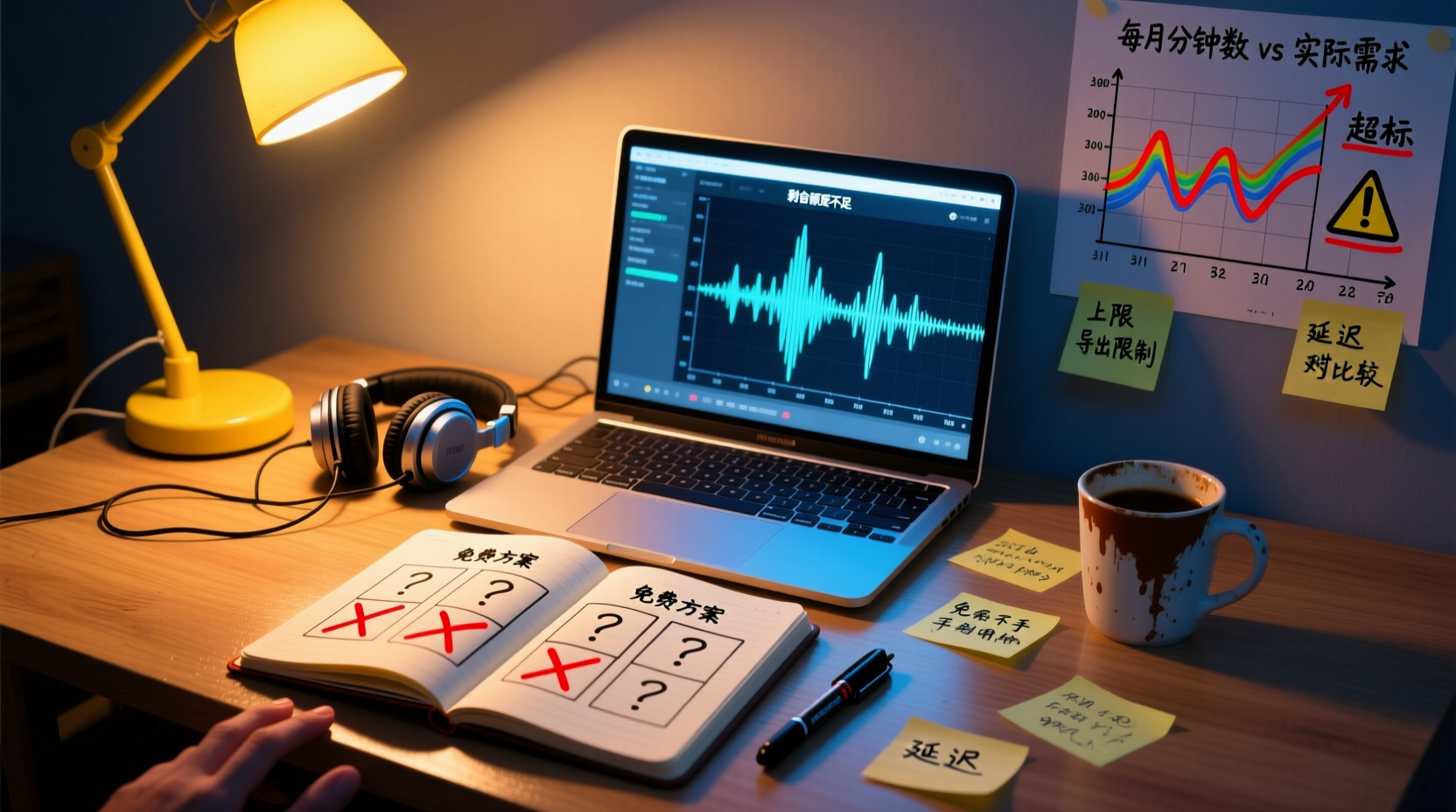
People searching for "free recording app" usually aren't just looking for a button that records; they want to try it for free first, confirm the tool can really help, and then decide whether to pay. But behind the word "free," there are often many limitations: only a few minutes of recording per month, a maximum duration per recording, transcription features that require an in-app purchase, or even the most important features locked in the free version.
This article will list the free plans and limitations of several common recording apps and, based on your usage frequency, honestly tell you whether the free version is sufficient.
Are Free Recording Apps Really Free? Understanding Free Plan Limits
"Free" can mean different things, so it's best to check before downloading:
- Completely free: The recording feature itself is free, but advanced features like transcription and editing may not be included.
- Free allowance: A certain number of minutes for transcription or recording is provided monthly or daily, with charges beyond that.
- Feature lock: The free version only allows basic recording; AI summaries, to-do extraction, translation, and other features require a subscription.
Take common recording apps as an example: some advertise "unlimited free recordings," but if you want voice-to-text, you have to pay within the app. In other words, the "free" you thought of may only cover the recording step; the most time-consuming part—organizing the content—still has to be done by you.
5 Free Recording App Plans: From Completely Free to Free Allowance
Below are several common recording apps and their free plans and limitations. Please note that these plans may change at any time, so it's recommended to check the official pages for the latest information before downloading.
| App Name | Free Plan | Main Limitations | Best For |
|---|---|---|---|
| Voice Memos (Apple) | Completely free | No transcription feature (supported on some models), basic editing tools | iPhone and iPad users for quick notes |
| Easy Voice Recorder | Completely free | Free version may limit recording format or length; transcription requires in-app purchase | Those who need simple recording and don't mind manual organization |
| Voice Recorder (popular on Google Play) | Free download | May contain ads; advanced features require in-app purchases | Those who need basic recording functionality |
| Voice Recorder App (retro radio design) | Free version with unlimited recordings | Transcription feature requires in-app purchase | Those who want a nostalgic recording experience and record occasionally |
| Tinrec | Free version with basic allowance | Monthly transcription minutes are limited; advanced features require subscription | Office workers who need recording-to-text and AI meeting summaries |
> Note: The above information is compiled from public sources; actual plans are subject to each app's official page.
Is the Free Version Enough? How to Choose Based on Usage Frequency
Whether the free version is sufficient depends on how often you use it. Here are three scenarios:
Stop organizing recordings by hand
Upload audio or video and automatically get a transcript, summary, and action items
Occasional Use (Less Than 3 Times a Month)
If you only occasionally record a meeting, interview, or idea, the free version is usually enough. For example, Apple's Voice Memos is completely free and offers decent recording quality, but lacks transcription. If you need transcription, you can choose a tool that offers a free allowance, such as Tinrec's free version, whose monthly basic allowance is sufficient for sporadic needs.
Regular Weekly Use (1-3 Times a Week)
If you have meetings or interviews to record every week, you may quickly hit the allowance limit with the free version. For instance, with a monthly free allowance of 300 minutes, that's only 10 minutes per day; a 60-minute meeting would consume two days' worth. In this case, you might need to consider a paid plan or choose the "completely free but manual organization" route.
High-Frequency Daily Use (More Than One Meeting a Day)
If you're an office worker with meetings every day, the free version is almost certainly insufficient. One hour of meetings per day adds up to 20 hours (1,200 minutes) per month, far exceeding most free plan allowances. Rather than searching for a "free and unlimited" tool, it's better to evaluate whether a paid subscription is more cost-effective—when you convert the time saved on manual organization into an hourly rate, you'll often find that the tool's cost is far lower than your time cost.
What to Watch for Regarding Security and Privacy in Free Plans
When using free recording apps, in addition to feature limitations, you should also pay attention to privacy and security issues:
- Uploading recordings to the cloud: Most transcription features require uploading audio files to servers for processing, and free plans may not clearly explain data retention policies. It's advisable to read the privacy policy to confirm whether recordings may be used to train models.
- Ads and third-party tracking: Some free apps rely on advertising for revenue and may embed third-party tracking SDKs to collect your usage behavior.
- Data deletion mechanisms: Free plans may not provide clear data deletion channels; if your recordings contain confidential information, you need to be extra cautious.
Practical advice: If your recordings involve personal privacy or trade secrets, prioritize tools with a good reputation and transparent privacy policies, and obtain consent from participants before recording.
Summary: Which Free Plan Fits Your Needs
Back to the original question: Are free recording apps really enough? The answer depends on your needs:
- Only need recording, not transcription: Completely free tools like Apple Voice Memos or Easy Voice Recorder are sufficient.
- Occasionally need transcription: You can try the free allowance of tools like Tinrec to see if the transcription quality meets your expectations.
- High-frequency use weekly or daily: The free version is often insufficient; it's recommended to directly evaluate paid plans or choose a combination of "free recording + manual organization" to spend money where it matters.
Finally, remember that free plan allowances and features may change at any time. Be sure to check the official pages for the latest information before downloading, so you don't discover after downloading that the free version isn't what you expected.
References
- Free Recording App Recommendations: Editing and Noise Reduction Made Easy, Voice-to-Text Saves Time and Effort! | Lifelong Learning | Orange Generation
- Simple Recorder - Apps on Google Play
- Voice Recorder - Apps on Google Play
- Voice Memos App - App Store
- Recording App Recommendations: 5 Useful and Multi-functional Free Recording Apps - Tech Girl
Turn every recording into actionable outcomes
Get 60 free transcription minutes when you sign in. No credit card required.
Related Reading
You might also like

Tinrec vs Plaud Note in 2026: 5-Dimension Comparison — Should Your AI Meeting Notes Be Software or Hardware?
What are AI meeting notes? They're more than just audio recordings — they turn meeting conversations into transcripts, summaries, decisions, and action items. This article compares Tinrec and Plaud Note across 5 dimensions — online meeting capture, Chinese transcription, post-meeting output, team governance, and cost structure — to help you decide between a cross-device software workflow and a portable recording device.

2026 AI Meeting Notes Guide: Bot-Free Recording + Auto Summaries & Action Items
Just finished a meeting and realized the note-taking is only beginning? This guide tackles real pain points, breaks down 5 key factors for choosing an AI meeting notes tool, and takes a deep dive into how Tinrec achieves bot-free recording, real-time transcription, AI summaries, and action item extraction. It also compares Otter.ai, Granola, and Notta, with 4 common pitfalls to avoid and scenario-based recommendations.

2026 AI Meeting Notes Tools Compared: Which Is Best for Chinese Meetings?
AI meeting notes tools are multiplying, but most people make the wrong choice from the start. This article tackles common misconceptions, outlines 4 key buying criteria, and compares Tinrec, Otter.ai, Notta, PLAUD Note, and Granola—plus a pitfalls guide and scenario-based recommendations to help you find a free tool that works or a paid one that's worth it.

2026 Voice Collaboration Tools Comparison: Is the Vocol.AI 888 v-point Voucher from PTT Still Worth Buying?
Vocol.AI 888 v-point vouchers once appeared on PTT's e-coupon board for NT$40–50, despite a face value of NT$1,200—a huge price gap. But these vouchers expired on June 30, 2024, so they're no longer valid. This article explains the actual voucher rules, the pitfalls of buying serial-number products, and compares 5 voice collaboration tools including Tinrec, Otter.ai, and Notta to help you decide whether to buy a voucher or choose a tool directly.

2026 Comparison of 3 Voice Collaboration Options: How to Get the Most Value from the vocol.ai 888 v-point Voucher
If you have a vocol.ai 888 v-point voucher, or see it priced at NT$75–300 on secondhand boards, should you buy it? This article compares the voucher route with Tinrec Personal and Team plans across five dimensions: acquisition cost, redemption process, quota calculation, post-meeting workflow, and team management, to help you decide whether to redeem, buy, or skip it.

2026 AI Meeting Notes Comparison: Vocol Contrast Settings and Post-Meeting Workflow
Vocol's public information does not list a standalone contrast setting; display adjustments are typically made through browser and system settings. This buying guide compares Vocol, Tinrec, Otter.ai, and Notta on Chinese meeting support, post-meeting organization, and team collaboration to help you decide whether to adjust display settings or switch workflows.

2026 Comparison of 3 Audio-to-Text Tools: Why Tinrec Is the Team Collaboration Alternative to Vocol.ai
A roundup of PTT discussions about Vocol.ai, comparing Vocol.ai and Tinrec across meeting capture, post-meeting organization, team seats, and export workflows, to help readers who need Chinese meeting notes and team collaboration evaluate alternatives.

2026 Voice Collaboration Platform Comparison: Vocol.ai vs. Tinrec and More
People on Dcard often discuss Vocol.ai, and some even resell vouchers. This article compiles public information about Vocol.ai and compares it with Tinrec from five angles: meeting capture, post-meeting organization, AI Q&A, team collaboration, and pricing, to help you decide which voice collaboration platform fits your workflow.

2026 AI Speech-to-Text Comparison: Vocol Per-Minute Pricing vs. Tinrec Team Quotas
Tired of piling up meeting recordings you never transcribe? This guide digs into Vocol.ai's free tier, subscription pricing, and third-party test results, then compares Tinrec, Otter.ai, and Notta on billing and post-meeting workflows. Includes per-minute cost calculations and 3 common billing traps to help you pick the most cost-effective tool for your needs.