
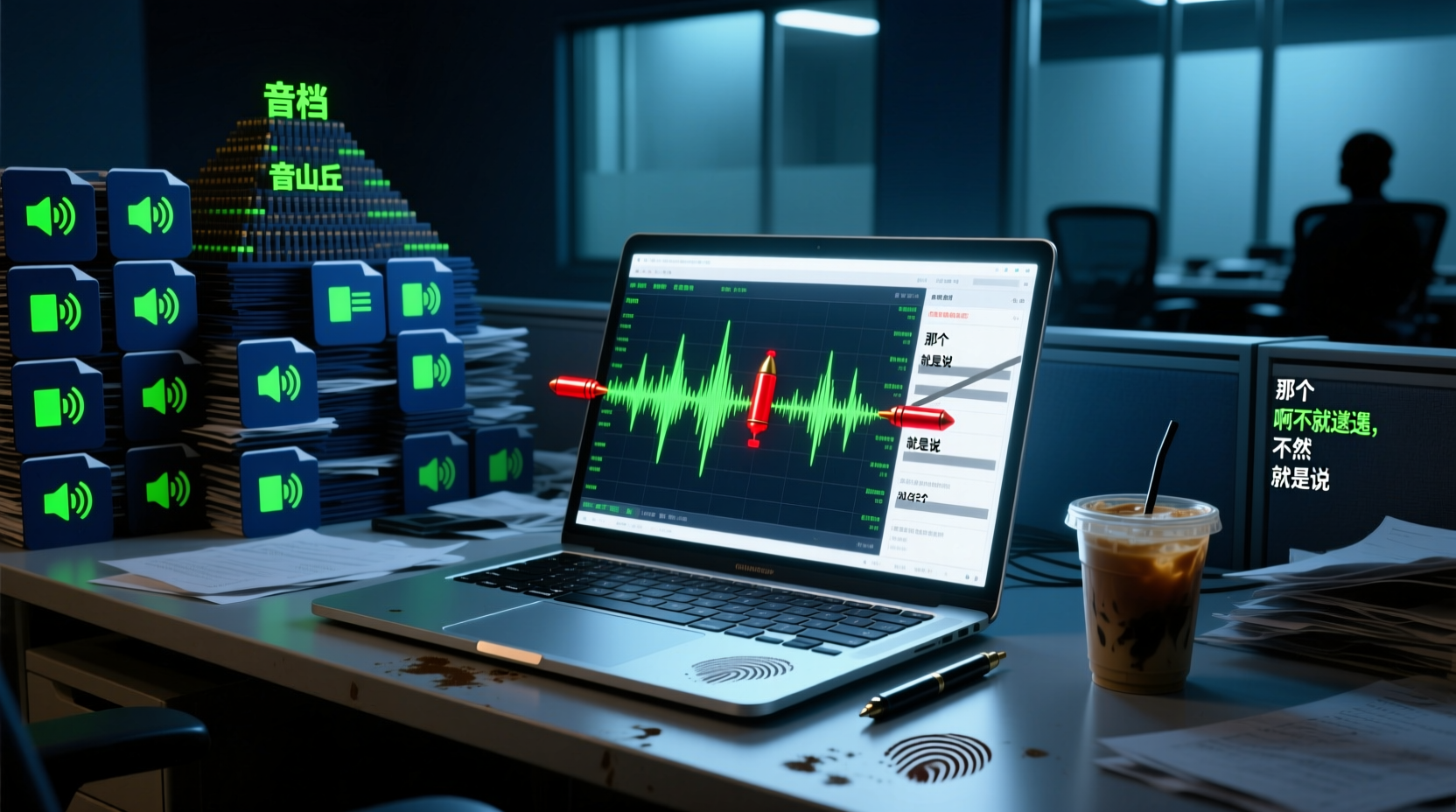
Turn recordings into transcripts and summaries in minutes
Upload audio or video for multilingual transcription, AI notes, and action items
Recording App Comparison: First Understand What You're Comparing
People who search for "recording app comparison" usually aren't looking for a "device that can record." Instead, they're tired of post-meeting cleanup: after a 60-minute meeting, you still have to listen again, manually highlight key points, list action items, and even transcribe the content. What you really want to compare is "which tool can help me spend less time on cleanup."
Recording apps on the market generally fall into three categories:
- Pure recording tools: Only record audio, such as built-in phone recorders and Easy Voice Recorder.
- Transcription tools: Convert recordings into transcripts, such as Notta and TurboScribe.
- AI meeting assistants: In addition to transcription, they help you organize summaries, action items, and even generate reports, such as Tinrec, Otter, Fireflies, and Granola.
If you just want to jot down an idea, a pure recording tool is enough. But if you need to handle meetings and interviews and are still using the first type of tool, what you really should compare is the "post-meeting cleanup capability" of the latter two types.
This article won't beat around the bush. It directly compares Tinrec with several mainstream tools across five dimensions: accuracy, AI features, price, platform support, and team collaboration, and finally gives clear conclusions based on your usage scenarios.
Tinrec vs. Other Recording Apps: Quick Comparison Across 5 Dimensions
Let's get to the point: There is no "best" recording app; only the tool that "best fits your workflow." The table below lets you grasp the differences in 30 seconds:
| Dimension | Tinrec | Otter | Fireflies | Notta | TurboScribe | Granola | PLAUD |
|---|---|---|---|---|---|---|---|
| Core positioning | AI meeting notes and team collaboration | AI meeting assistant | Meeting automation and sales analysis | Transcription and translation | High-value file transcription | Bot-free AI meeting notes | AI recording hardware |
| Meeting capture | Bot-free desktop recording | Bot + desktop | Primarily meeting bots | Bot/upload | File upload | Bot-free desktop | Hardware recording |
| Audio file retention | Supported | Depends on plan | Depends on plan | Usually supported | Supported | Does not retain audio | Supported |
| Chinese language experience | Traditional Chinese and multilingual | Primarily English | Primarily English | Stronger multilingual | Multilingual | Primarily English | Depends on app |
| Post-meeting organization | Summary, action items, AI Q&A, Agent-generated documents | Summary, action items | Summary, AskFred | Summary, subtitles | Subtitles, translation | Note enhancement | Summary, templates |
| Team capabilities | Team space, members, usage, audit | Mature team plans | Mature team plans | Business plan | Limited | Shared folders | Team device management |
After looking at the table, you might ask: What do these differences actually mean? Next, we'll break down the two most critical dimensions.
Accuracy and AI Features: Whose Transcription Is More Reliable?
Accuracy Is Not a Fixed Number
Let's start with a reality check: No tool should be marketed with a "fixed accuracy rate." Transcription quality is affected by recording distance, background noise, accents, and overlapping speech. Instead of trusting an official claim of 98%, test it with your own 10-minute meeting recording.
For Chinese scenarios, Tinrec and Notta offer more complete support for Traditional Chinese; Otter, Fireflies, and Granola excel in English business meetings. If you primarily hold meetings in Chinese but choose an English-first tool, transcription quality will naturally suffer.
AI Features: From "Transcription" to "Actionable Output"
This is where recording apps differentiate. Most tools can produce transcripts, but what you need after a meeting is often more than just text:
Stop organizing recordings by hand
Upload audio or video and automatically get a transcript, summary, and action items
- Summary and chapters: Quickly grasp the structure of long meetings.
- Action item extraction: Clearly list "who needs to do what by when."
- AI Q&A: Ask follow-up questions about meeting content later.
- Document generation: Turn action items into action plans, reports, or tables.
Take Tinrec as an example: it doesn't stop at summaries and action items. Instead, it lets an AI assistant (Agent) use meeting context to help you further process action items into deliverable outputs. For instance:
> Illustrative example: After a project meeting, Tinrec first generates a transcript and action item list. Then you tell the AI assistant: "Expand the action item 'Complete API integration testing by next Friday' into an action plan that includes the owner, timeline, and acceptance criteria." The AI assistant will generate a draft based on the technical details discussed in the meeting, which you can review and send after manual confirmation.
This isn't meant to replace your judgment; it turns "starting from scratch" into "editing a draft." For important decisions and external documents, manual review is still recommended.
Price and Platform: Which Plan Offers Better Value?
Price is a major concern for many, but comparing only prices can be misleading—free plans often have limitations on minutes or features.
| Tool | Free Plan | Paid Starting Price (Annual Equivalent) | Best For |
|---|---|---|---|
| Tinrec | Basic quota available | Varies by plan; weekly/monthly/annual cards also available | Those who need Chinese meeting summaries and team collaboration |
| Otter | 300 minutes per month | Approx. USD 8.49/month | Those focused on English meetings and needing mature team solutions |
| Fireflies | Free plan available | Approx. USD 10/seat/month | Those needing meeting automation and sales analysis |
| Notta | 120 minutes per month | Approx. USD 8.17/month | Those needing multilingual transcription and translation |
| TurboScribe | 3 files per day (30 minutes each) | Approx. USD 10/month | Those needing bulk file transcription |
| Granola | Free plan available | Approx. USD 14/month | Those who prefer no bot and enhanced note-taking |
| PLAUD | Hardware sold separately | Membership extra | Those needing portable hardware recording |
Platform support should also be considered:
- Online meetings: If you frequently use Zoom, Meet, or Teams, Tinrec's desktop version can directly record system audio without inviting a bot; Otter and Fireflies often require bots.
- File upload: Notta and TurboScribe are more friendly to file uploads; Granola does not support uploading pre-recorded audio.
- Mobile: If you often record on the go, Tinrec and Notta both have mobile apps; PLAUD requires purchasing additional hardware.
Summary: Which One Should You Choose?
Here's the bottom line:
- If you primarily hold Chinese meetings and want usable outputs right after: Tinrec is worth prioritizing. It supports bot-free online meeting recording, Traditional Chinese transcription, and can turn to-dos into action plans or reports.
- If you focus on English business meetings and your team is used to meeting bots: Otter or Fireflies are more mature.
- If you only need to convert large volumes of audio to text: TurboScribe offers better value.
- If you prefer no bot and value personal notes combined with AI: Granola is worth trying, but note it doesn't retain audio files or support uploads.
- If you need portable hardware recording: PLAUD is another option, but requires additional equipment purchase.
A final reminder: Comparison results are affected by recording quality. We recommend testing Tinrec, Otter, or Notta with an actual 10-minute meeting recording to compare transcription accuracy and summary quality before committing long-term.
When Meeting Materials Need to Be Shared with Your Team
If you don't work alone, you often need to distribute minutes and to-dos to colleagues after meetings. The traditional approach is: after organizing files, send them one by one via messaging apps, leaving them scattered across devices and chat histories. Later, finding a specific decision from a past meeting requires digging through everything.
Tinrec's team edition consolidates this process into a team space: meeting recordings, transcripts, summaries, and to-dos are stored centrally, and members can view, search, and track them anytime. For example, after a project meeting, you can place the materials in the team space, and colleagues responsible for follow-up development can directly view decisions and to-dos without waiting for you to forward files. New members can also browse historical meetings to quickly grasp project context.
If you frequently share meeting materials with colleagues and need to-dos to be continuously tracked, consider evaluating Tinrec's team edition and experience how the team space prevents meeting materials from being scattered.
References
- High-Accuracy Mobile Recording App Recommendations: 7 Tools to Generate Meeting Transcripts and Summaries with One Click - Seconds Recording Blog
- Expert-Reviewed Top 10 Recording App Rankings | mybest
- 14 Practical Free Recording Software Recommendations [2026 Latest Comprehensive Review]
- 2023精选5款免费手机录音app推荐,侧录、铃声、配音一次满足!
- TOP 8 iPhone Recording Apps (2026): Tinrec and Competitor Review, Essential for Meeting and Course Transcripts - Seconds Recording Blog
Turn every recording into actionable outcomes
Get 60 free transcription minutes when you sign in. No credit card required.
Related Reading
You might also like

2026 AI Meeting Notes Comparison: Vocol Contrast Settings and Post-Meeting Workflow
Vocol's public information does not list a standalone contrast setting; display adjustments are typically made through browser and system settings. This buying guide compares Vocol, Tinrec, Otter.ai, and Notta on Chinese meeting support, post-meeting organization, and team collaboration to help you decide whether to adjust display settings or switch workflows.

2026 Comparison of 3 Audio-to-Text Tools: Why Tinrec Is the Team Collaboration Alternative to Vocol.ai
A roundup of PTT discussions about Vocol.ai, comparing Vocol.ai and Tinrec across meeting capture, post-meeting organization, team seats, and export workflows, to help readers who need Chinese meeting notes and team collaboration evaluate alternatives.

2026 Voice Collaboration Platform Comparison: Vocol.ai vs. Tinrec and More
People on Dcard often discuss Vocol.ai, and some even resell vouchers. This article compiles public information about Vocol.ai and compares it with Tinrec from five angles: meeting capture, post-meeting organization, AI Q&A, team collaboration, and pricing, to help you decide which voice collaboration platform fits your workflow.

2026 AI Speech-to-Text Comparison: Vocol Per-Minute Pricing vs. Tinrec Team Quotas
Tired of piling up meeting recordings you never transcribe? This guide digs into Vocol.ai's free tier, subscription pricing, and third-party test results, then compares Tinrec, Otter.ai, and Notta on billing and post-meeting workflows. Includes per-minute cost calculations and 3 common billing traps to help you pick the most cost-effective tool for your needs.

2026 AI Meeting Notes Tools Compared: Vocol AI vs Tinrec and How to Choose
Dcard has plenty of discussion about Vocol AI, but what really determines usability is the workflow after transcription. This article starts with the most common pitfalls and compares Vocol AI, Notta, Otter.ai, and Tinrec in terms of meeting recording methods, AI summaries and follow-up questions, team collaboration, and actual pricing to help you pick the right AI meeting notes tool for your team.

2026 AI Meeting Notes Tools Compared: How to Go from Transcript to Minutes with Minimal Time
Tired of spending as much time organizing meeting notes as attending the meeting? This article breaks down the 4 key factors for choosing an AI meeting notes tool and 5 practical steps, based on real workflows. It also compares Tinrec, Granola, Notta, and Otter.ai, with tips to avoid pitfalls and selection advice.

Vocol.ai Review and Tinrec Comparison Test 2026: How to Choose a Chinese Meeting Notes Tool in 3 Key Areas
In 2026, many people compare meeting notes tools by transcription accuracy alone, overlooking that post-meeting organization is where the real time is spent. This article starts with common misconceptions, explains Vocol.ai's positioning in 2025, and uses Tinrec as an example to break down bot-free recording, AI summaries, action item extraction, team spaces, and key purchase considerations.

Tinrec vs Notta 2026: 5-Dimension Comparison — Which AI Meeting Notes Tool Saves More Effort?
Most people get stuck writing AI meeting notes not because of the tool, but because they treat transcripts as notes. This article starts with common pitfalls, outlines 5 key dimensions for AI meeting notes, provides a ready-to-use three-part summary and What/Who/When action item framework, and compares Tinrec with Notta, Otter.ai, and Granola on Chinese meetings, bot-free recording, and post-meeting organization.

2026 AI Meeting Recorder Comparison: Vocol vs. Tinrec and How to Adjust Comparison Weights
People searching for "Vocol contrast adjustment" usually aren't looking to tweak screen brightness—they want to know how AI meeting recorder tools differ. This article compares Vocol and Tinrec in real meeting scenarios, explains how to adjust comparison weights, and breaks down Tinrec's bot-free recording, real-time translation, AI summaries, and team workspace features.