
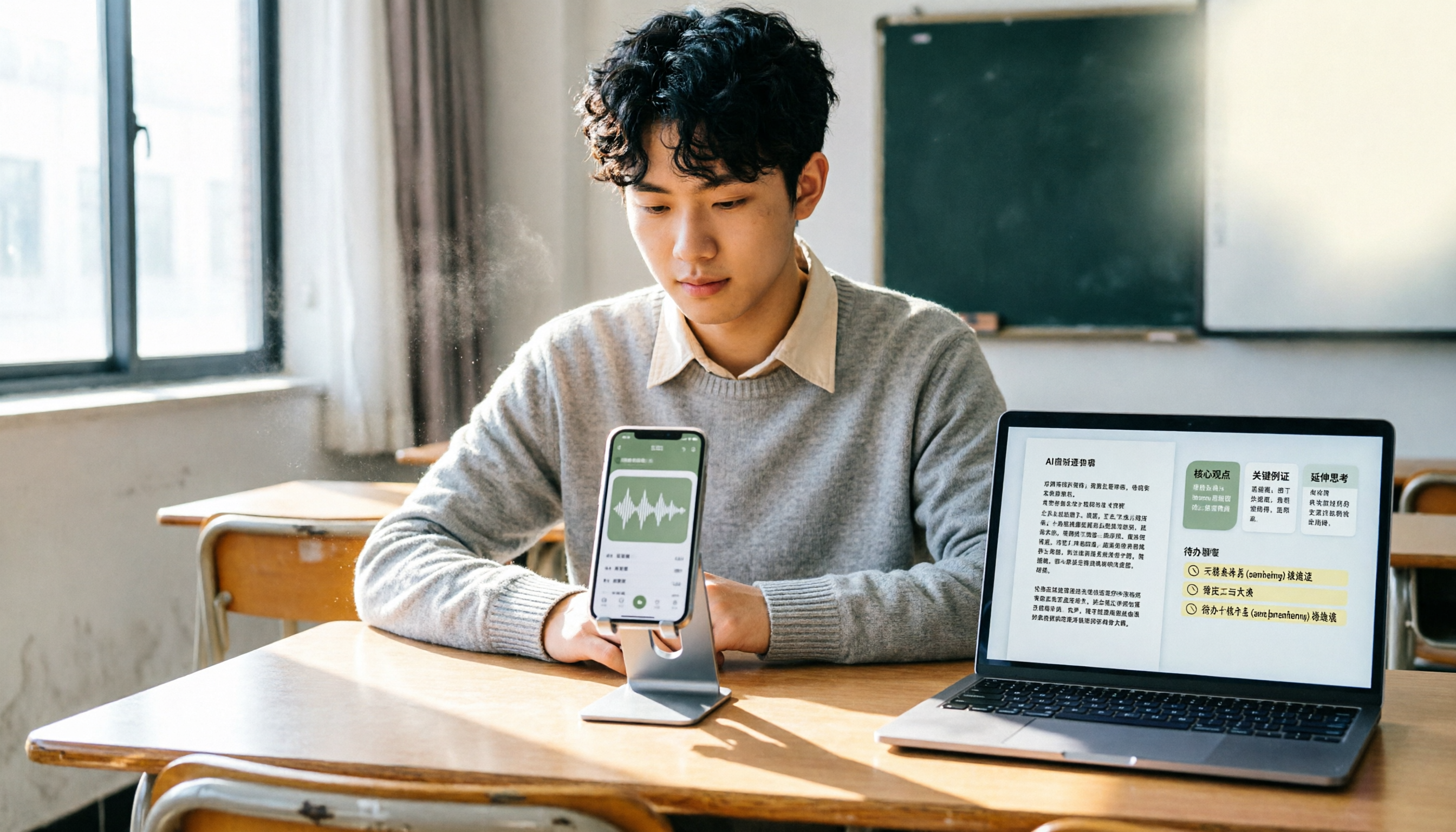
Turn recordings into transcripts and summaries in minutes
Upload audio or video for multilingual transcription, AI notes, and action items
Which Lecture Recording App Is Best? First, Think About Where Your Recordings Will End Up
Every time I walk into a classroom, I see the same scene: someone holding a phone up to record the lecture, someone using a dedicated voice recorder, and someone opening recording software on their laptop.
But most people let those recordings sit in their phones afterward.
When midterms and finals roll around, they realize they have no idea where the key points are in those recordings.
So the real question isn't "Which recording app is best?"—it's "What do you want those recordings to become after you capture them?"
If you just want to preserve the audio, any recording tool will do.
But if you want to turn classroom content into searchable, organizable, reusable study material, your criteria for choosing an app will be completely different.
This article isn't about spec sheets. I want to walk through my actual workflow for organizing lecture recordings and share how I think about recording lectures.
What Can a Lecture Recording App Do for You?
Scenario 1: Generate a Transcript While Recording
The biggest fear in class is the professor talking too fast for you to keep up with handwritten notes.
With Tinrec, for example, when you start live recording, it transcribes the audio into text in real time. While you're jotting down notes, the transcript of what was just said appears on your screen.
After class, you don't need to listen to the entire recording again—just read the text to find the key points the professor covered.
Scenario 2: Turn a Two-Hour Recording into a Ten-Minute Summary
A single lecture often includes a lot of buildup, examples, and off-topic chatter.
If you have to listen to the full recording every time you review, the time cost is too high. Tinrec can automatically generate summaries and chapters, breaking the long lecture into sections so you can see at a glance what the class was mainly about.
Scenario 3: Organize Assignments and Deadlines from the Professor
In the last ten minutes of class, professors usually mention what's due next time and what to read.
This information is scattered throughout the recording and easy to miss. Tinrec's to-do extraction feature can pull action items from the discussion, listing things like "submit the report next time" or "remember to read Chapter 3" separately.
Scenario 4: Turn Recordings into a Searchable Study Database
My own approach is to keep the recording and transcript for each class in one place.
Later, when I need to find a specific theory, scholar, or term, I don't have to dig through files from memory—I can just search for a keyword and jump back to that section.
What Capabilities Do I Look for in a Lecture Recording App?
1. Post-Recording Organization Features
Recording is just the first step.
What really determines whether a tool is useful is whether it can turn audio into readable, searchable, organizable material. Tinrec doesn't just provide transcripts—it also automatically generates summaries, chapters, and key points, so you don't have to listen from start to finish when reviewing.
2. Real-Time Transcription Speed
Some tools only start transcribing after the recording ends and uploads.
But in class, you often need to see the text immediately. Tinrec's live transcription generates the transcript in real time as you record, so the text follows along as the professor speaks.
3. Support for Chinese and Mixed Chinese-English Content
Classes in Taiwan often mix Chinese and English, especially at the university and graduate levels.
If a tool only excels at English, it will struggle with Chinese terms or mixed-language sentences. Tinrec is particularly well-suited for people who need Chinese meeting and course records, and it also supports organizing mixed Chinese-English content.
4. Ability to Ask Follow-Up Questions About the Recording
After reviewing the transcript, you might want to ask, "Did the professor mention the midterm scope in the third class?" or "What was the conclusion of this lecture?"
Stop organizing recordings by hand
Upload audio or video and automatically get a transcript, summary, and action items
Tinrec's AI Q&A feature lets you ask follow-up questions about a single recording or multiple recordings, so you don't have to manually search through the transcript.
5. Ease of Saving and Exporting Recording Files
Some tools keep your data locked inside the app, making it hard to export documents or move them to other note-taking tools.
Tinrec supports multiple export formats and lets you bring results into tools like Notion and Google Docs for further organization, so you're not tied to a single platform.
My Workflow for Organizing Lecture Recordings
My approach is simple and breaks down into five steps.
Step one: Before entering the classroom, I take out my phone, open Tinrec, and start live recording.
Step two: During class, if I hear something particularly important, I mentally note the approximate timestamp. I don't rush to take full notes because the transcript is being generated in real time.
Step three: After class, I open Tinrec, check the AI summary first, and confirm the main content of the lecture.
Step four: If anything is unclear, I use the AI Q&A to ask follow-up questions, like "Did the professor mention how to submit the assignment?"
Step five: I export the key points and to-dos to my note-taking software and store them with the rest of the course materials.
The key to this entire workflow isn't the recording itself—it's the organization that happens after.
Things to Keep in Mind When Using a Lecture Recording App
First, make sure the professor is okay with being recorded.
Some professors don't like being recorded, and some courses involve personal experiences or sensitive content. Getting consent before you start recording is basic respect.
Second, recording quality affects transcription accuracy.
If you're sitting in the back of the classroom, your phone's microphone probably won't pick up audio well. If possible, sit closer to the front or use an external microphone.
Third, don't rely solely on AI organization.
AI summaries and to-dos can help you quickly grasp the key points, but for important formulas, definitions, and details, it's still best to check the original transcript.
Fourth, build the habit of organizing right after class.
The longer a recording sits, the less likely you are to organize it. Spending five minutes after class to review the summary and to-dos is far more effective than dealing with it a month later.
Frequently Asked Questions
What's the difference between a lecture recording app and a regular phone recorder?
A regular phone recorder just saves the audio. A lecture recording app goes further by transcribing the audio into text and organizing it into summaries, key points, and to-dos, making the content searchable and reviewable.
Is the free version enough?
If you only record a class occasionally, you can start with the free version to try the basic recording, transcription, and summary features. But if you have classes to organize every week, you might want to consider whether you need more quota.
Does transcribing a lecture recording take a lot of time?
With Tinrec, for example, the transcript is generated in real time during recording, so you don't have to wait until the recording ends to start transcribing. After class, you can read and organize the text right away.
Can I fully trust the AI-generated summary?
AI summaries are great for quickly grasping the main points of a lecture, but for important details, it's best to cross-check with the original transcript. Especially for formulas, definitions, or exam scopes the professor emphasized, going back to the original text is the safest approach.
Can I export recordings to other tools?
Tinrec supports multiple export formats and lets you bring the organized results into tools like Notion and Google Docs for further editing and archiving, making it easy to build your own course database.
Conclusion
The point of recording lectures isn't about "capturing everything perfectly"—it's about "what you do with the recording afterward."
Instead of letting recordings pile up in your phone, try turning each lecture into searchable, organizable study material. Once you start reviewing with transcripts, summaries, and to-dos, you'll see the real value of recording come to life.
My advice is to start with one class. Record, transcribe, organize, and export—run through the process once, and you'll gradually get the hang of it.
References
- NotebookLM App: Use Camera and Recording to Quickly Capture Reading, Lecture, and Meeting Ideas and Process Notes
- iOS Recorder App Recommendations! Use as a Portable Voice Recorder for Lectures and Speeches
- Apps for Recording Lectures - Mobile01
- Essential Free Recording Apps for Lectures and Meetings: Editing and Transcription Included
- "Recording Notes - Recording Software and AI Voice Memo to Text Expert" App - App Store
Turn every recording into actionable outcomes
Get 60 free transcription minutes when you sign in. No credit card required.
Related Reading
You might also like

2026 Comparison of 2 Free Audio-to-Text Tools: How to Choose Between Plaud and Tinrec Free Tiers?
People searching for "free Plaud recording files" fall into two groups: those who already own a Plaud device and want to know how the 300 minutes are calculated, and those who haven't bought hardware and just want to turn recordings into free transcripts. This article first breaks down the actual scope and limitations of Plaud's free plan, then explains what Tinrec's free version can do without buying a device, along with buying checkpoints and FAQs.

2026 Comparison of 3 Free AI Transcription Solutions: Quotas, Summaries, and Team Collaboration Explained
Is free audio transcription enough? Based on real experience from a mid-level manager with 15 meetings per week, this article compares three free approaches: AI recording hardware, pure transcription services, and meeting note tools like Tinrec. It breaks down differences in free quotas, summary capabilities, action item extraction, and team data retention, and provides 5 purchase decision points and FAQs to help you decide where to spend your free quota.

2026 AI Voice Recorder Comparison: PLAUD vs Tinrec — Which One Should You Choose?
PLAUD is a hardware-based portable AI voice recorder, while Tinrec is a software-based AI meeting notes tool that requires no extra device. This comparison covers hardware needs, online meeting capture, post-meeting organization, legacy audio files, team collaboration, and pricing structure to help you decide which approach fits your workflow.

2026 Recording-to-Text Tools Compared: PLAUD Online, Otter, and Tinrec — Which Should You Choose?
Can you use PLAUD's online recording version? This article starts from real-world pain points and compares PLAUD, Otter.ai, Notta, and Tinrec on online meeting recording, Chinese transcription, post-meeting organization, and team collaboration. It also highlights key buying factors and common pitfalls to help you choose a tool you'll actually use long-term.

Which Recording Tool Is Better? 2026 Hands-On Comparison of PLAUD and Tinrec 2 Options, Conclusion First
Should you buy PLAUD Note Pro/NotePin? This article compares PLAUD recording hardware and Tinrec instant listening recording across 5 dimensions: hardware cost, online meeting audio capture, post-meeting organization, team collaboration, and quota fees. It concludes directly with 'who should buy which one.'

The Complete 2026 iPhone Recording Guide: 3 Accessibility Settings That Turn Recordings into Searchable Meeting Notes
Start with three iPhone accessibility settings—Shortcuts, Back Tap, and the Action button—to reduce 'start recording' to a single action. Then tackle the real pain point: how to turn recorded audio into meeting notes that are searchable, queryable, and easy to hand off. We break down the differences between built-in Voice Memos, PLAUD, Notta, and Tinrec, with buying advice.

2026 Comparison of 4 iPhone Transcription Apps: Built-in Transcripts vs. AI Tools—Which Saves More Time?
Many people think iPhone transcription requires third-party apps or that the built-in Voice Memos is sufficient. This article debunks common myths, compares iPhone's built-in transcription, Granola, PLAUD Note, and Tinrec, and provides buying criteria, pitfalls to avoid, and practical workflows to help you decide which solution fits meetings, interviews, and team collaboration.

Voice Recorder vs iPhone: 5 Key Comparisons for Meeting Notes in 2026
Voice recorder or iPhone? This guide compares them across 5 dimensions—audio quality, long-recording stability, transcription efficiency, post-meeting workflow, and cost—and explains how AI tools like Tinrec fill the gaps, helping you choose the right setup for your meeting style.

2026 Recording Solutions Compared: Voice Recorder vs iPhone — The Real Difference Isn't Hardware, It's Post-Meeting Organization
Should you buy a voice recorder? Is iPhone recording good enough? Based on my own hands-on testing, this article breaks down 4 key buying factors and compares iPhone Voice Memos, dedicated voice recorders, PLAUD Note, Notta, and Tinrec (秒聽錄音) in terms of audio capture, transcription, post-meeting organization, and team collaboration. It also includes a pitfalls guide and a ready-to-use starter checklist.